
A charming and practical theme for Zed.
Zoegi Theme
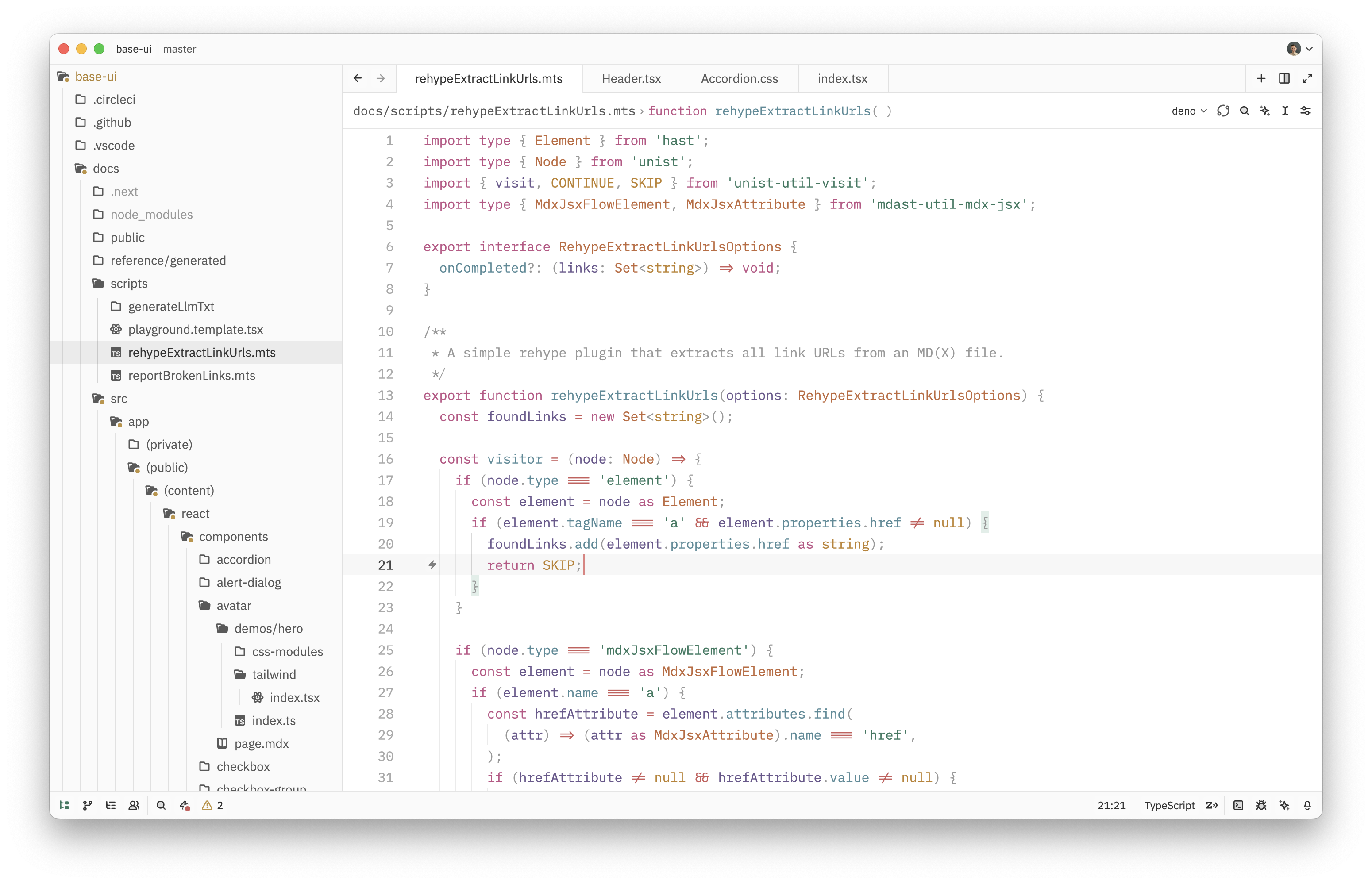
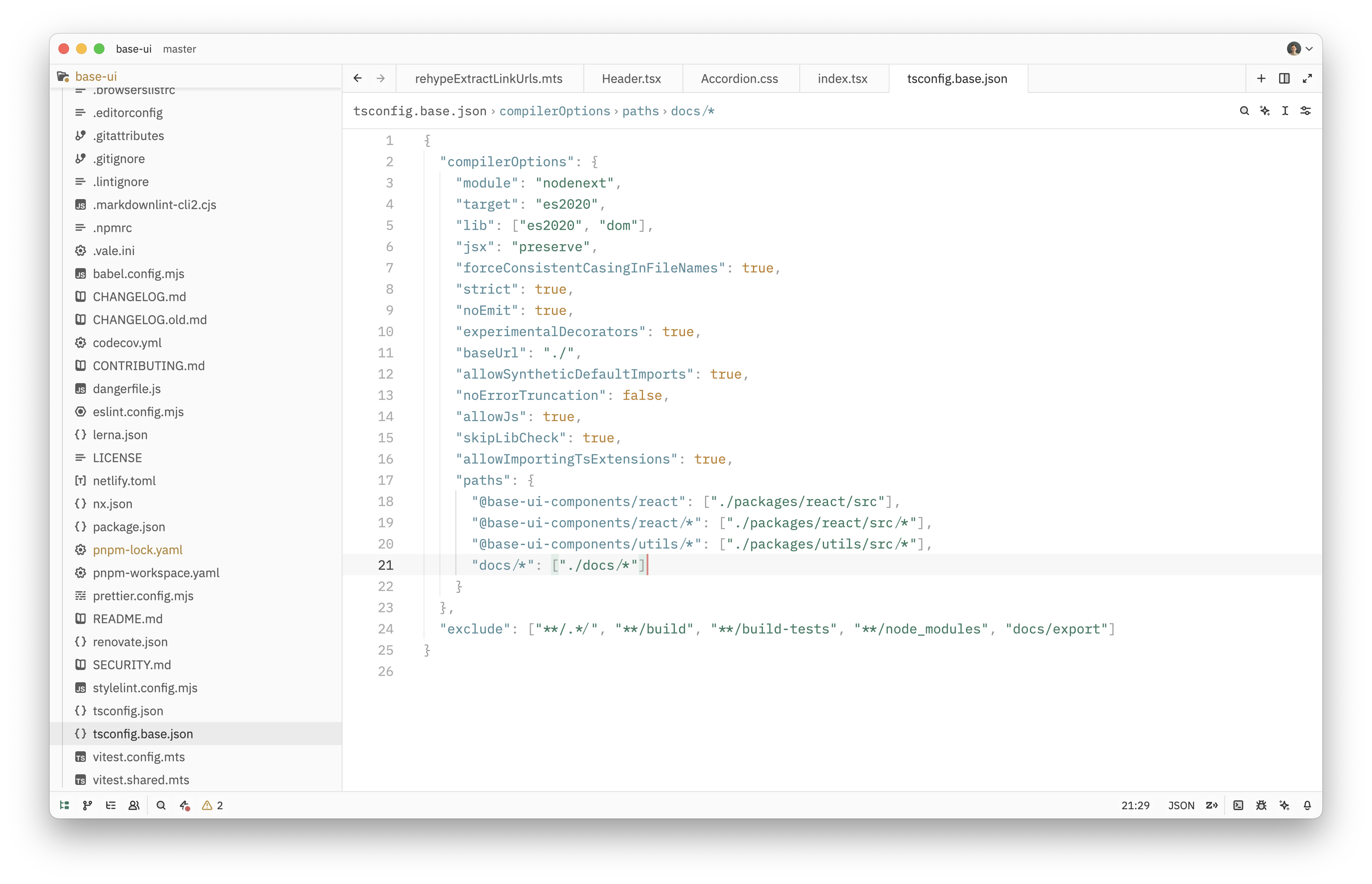
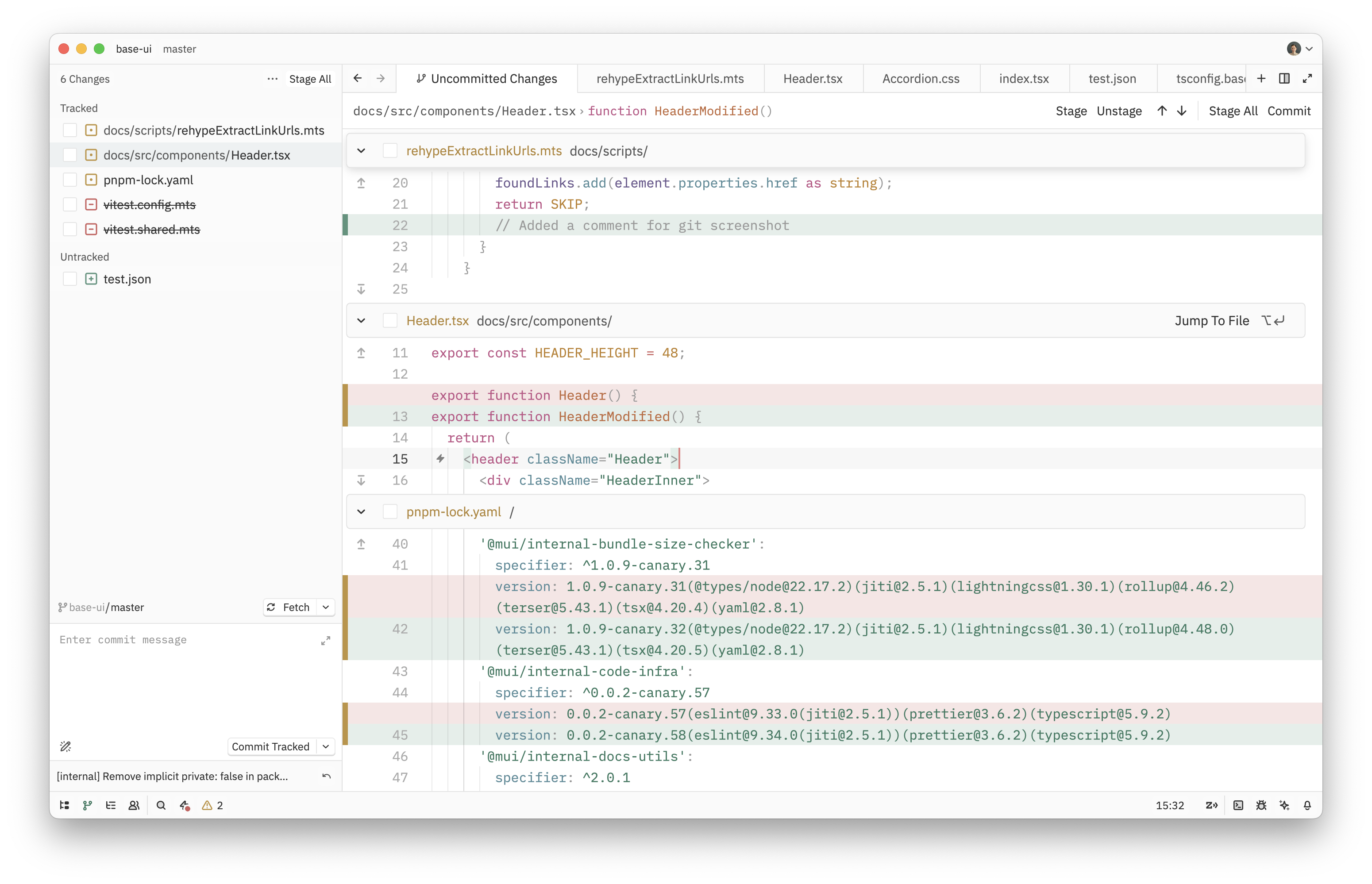
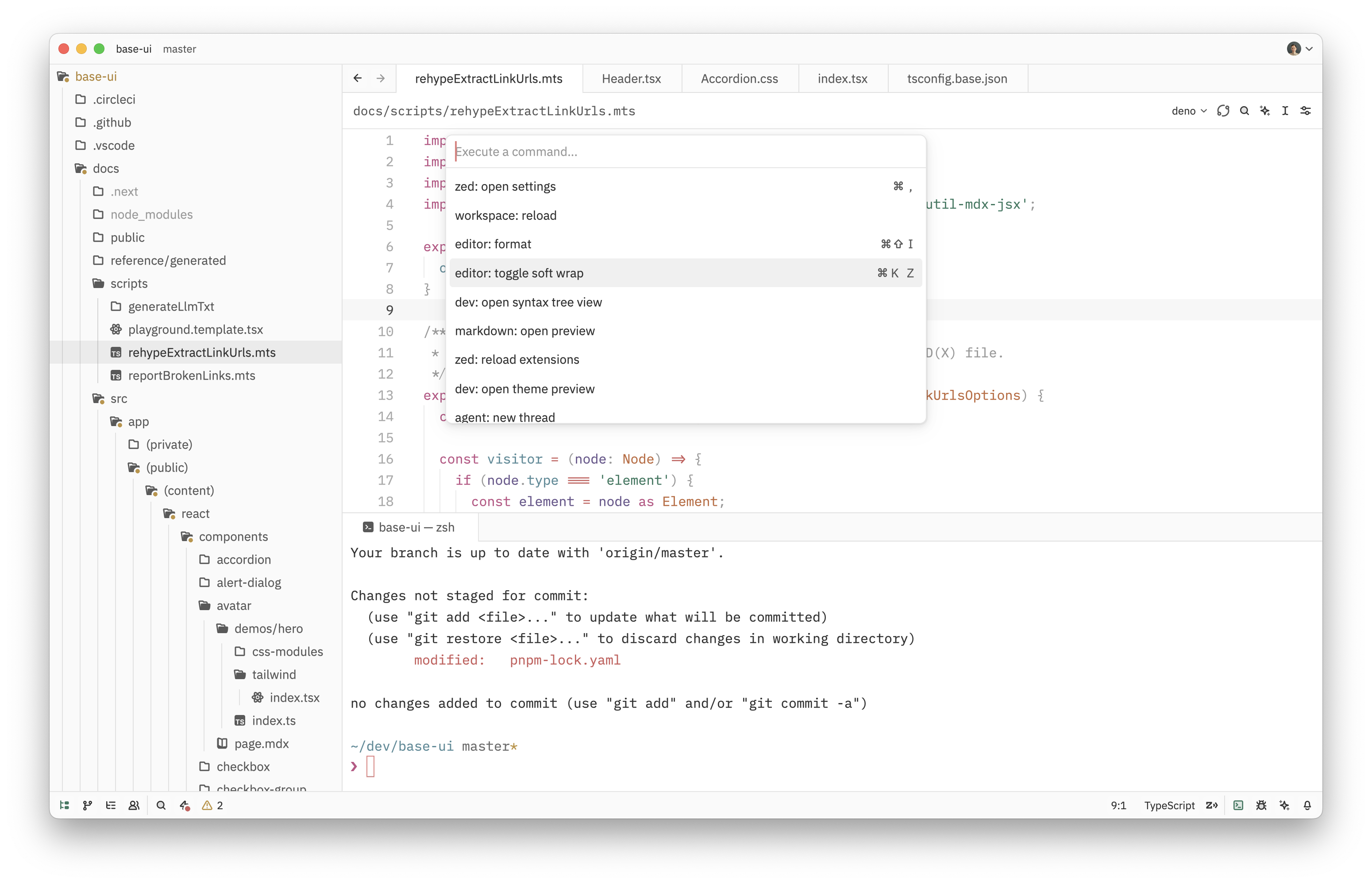
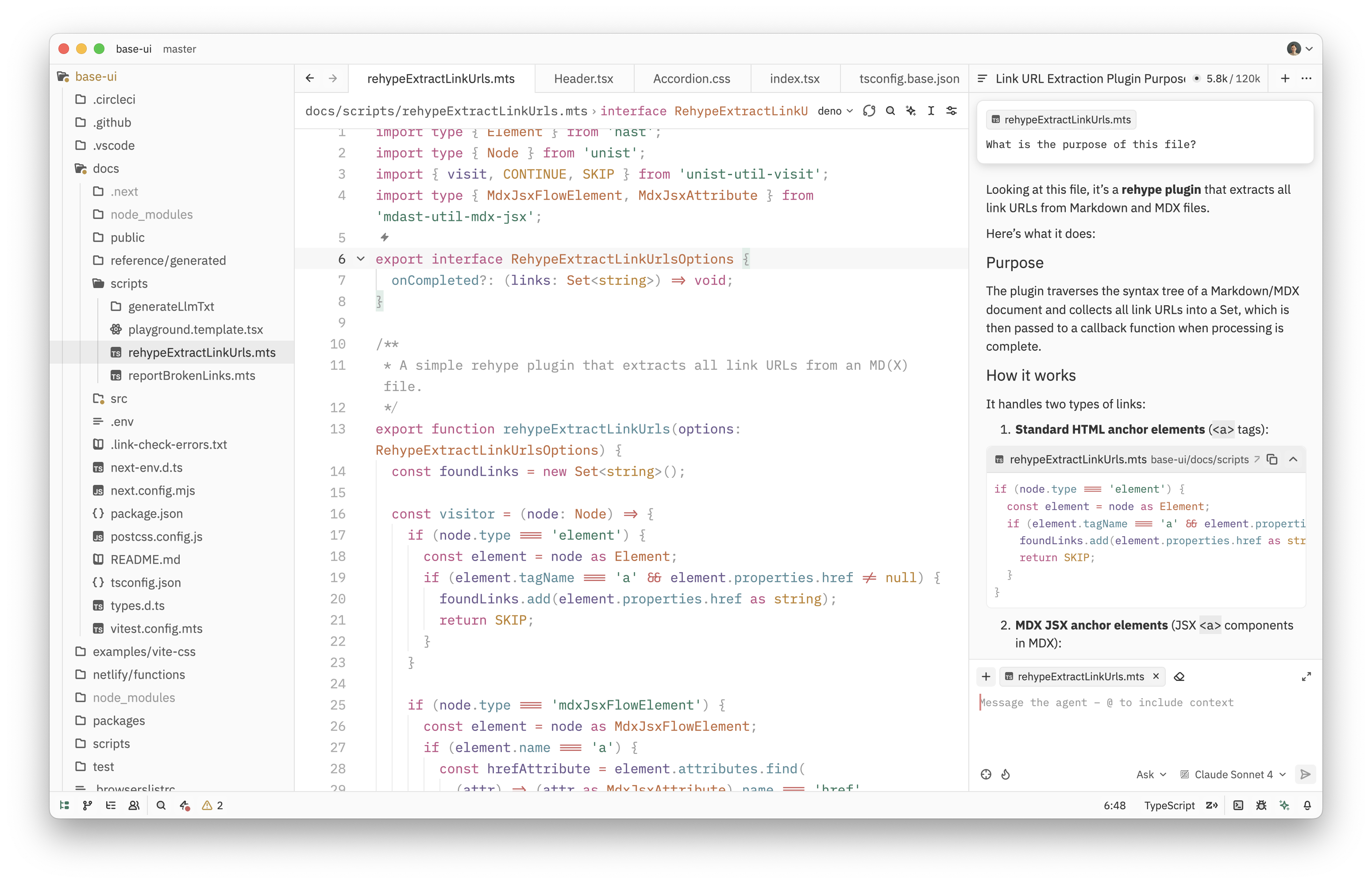
Zoegi is a visually pleasing and polished theme for Zed. It's based on the beautiful Moegi theme for VS Code created by Diu.
Preview
Zoegi currently includes light and dark variants.
Zoegi Light
TypeScript
React
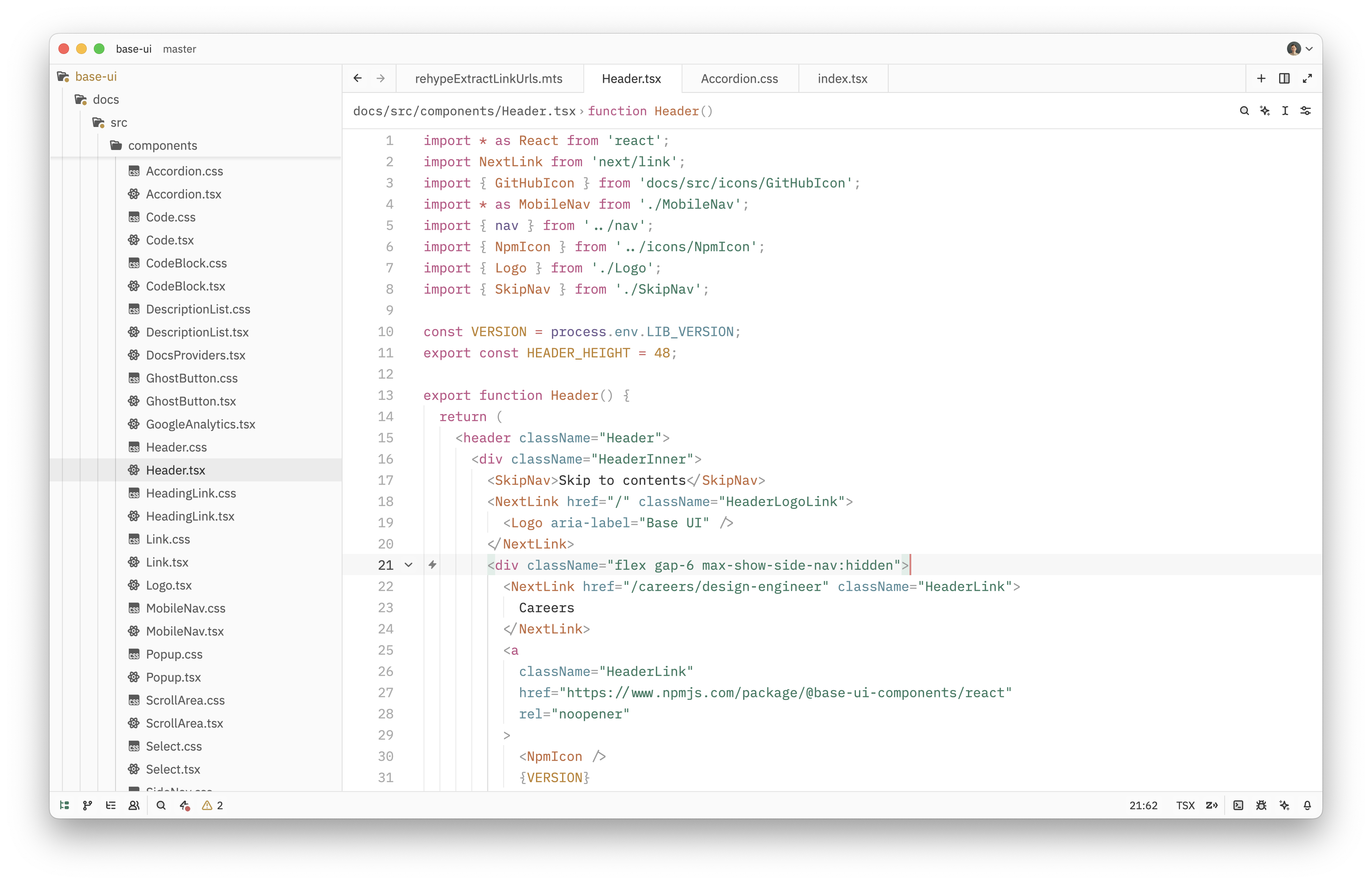
CSS
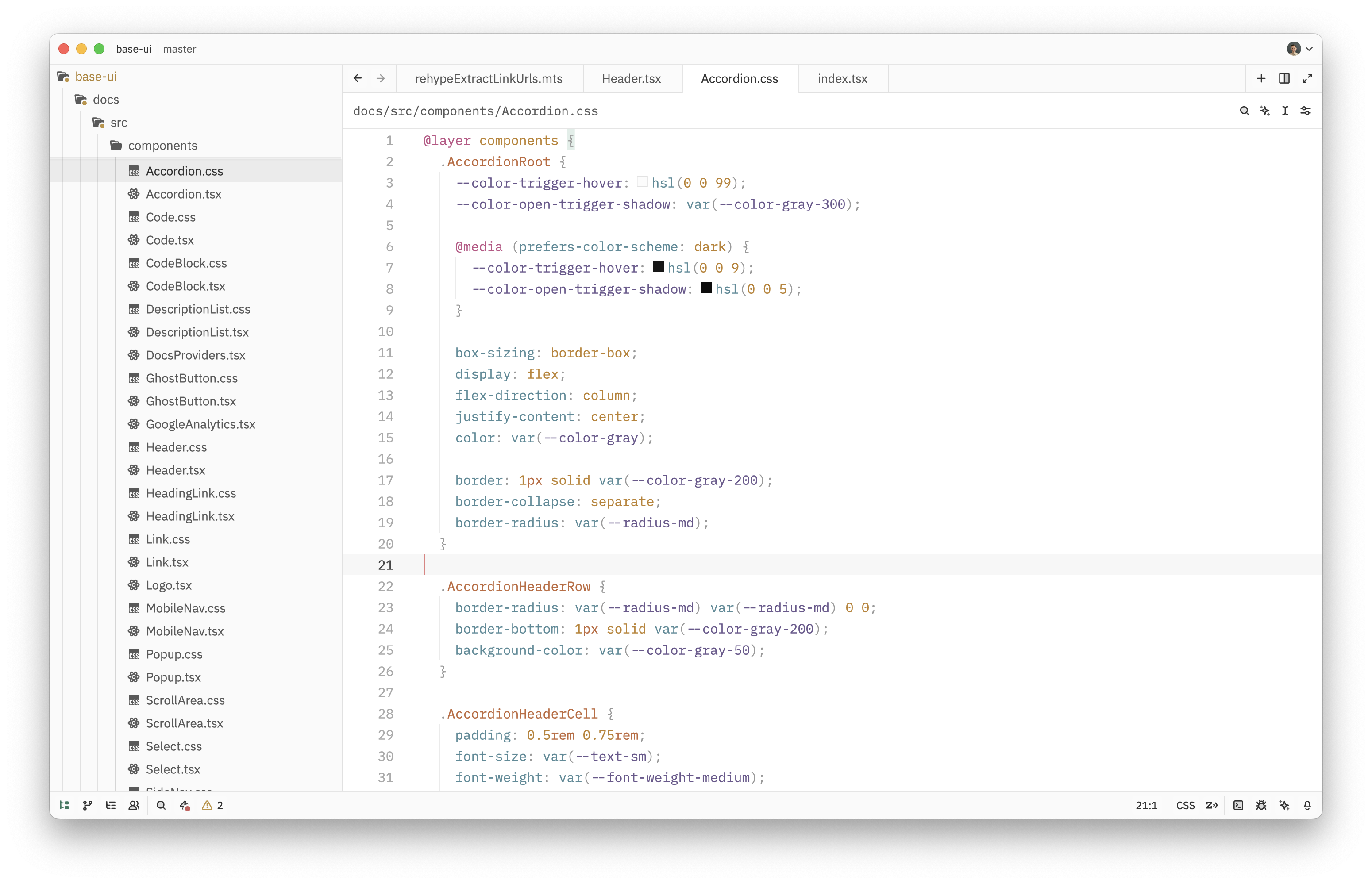
React + Tailwind CSS
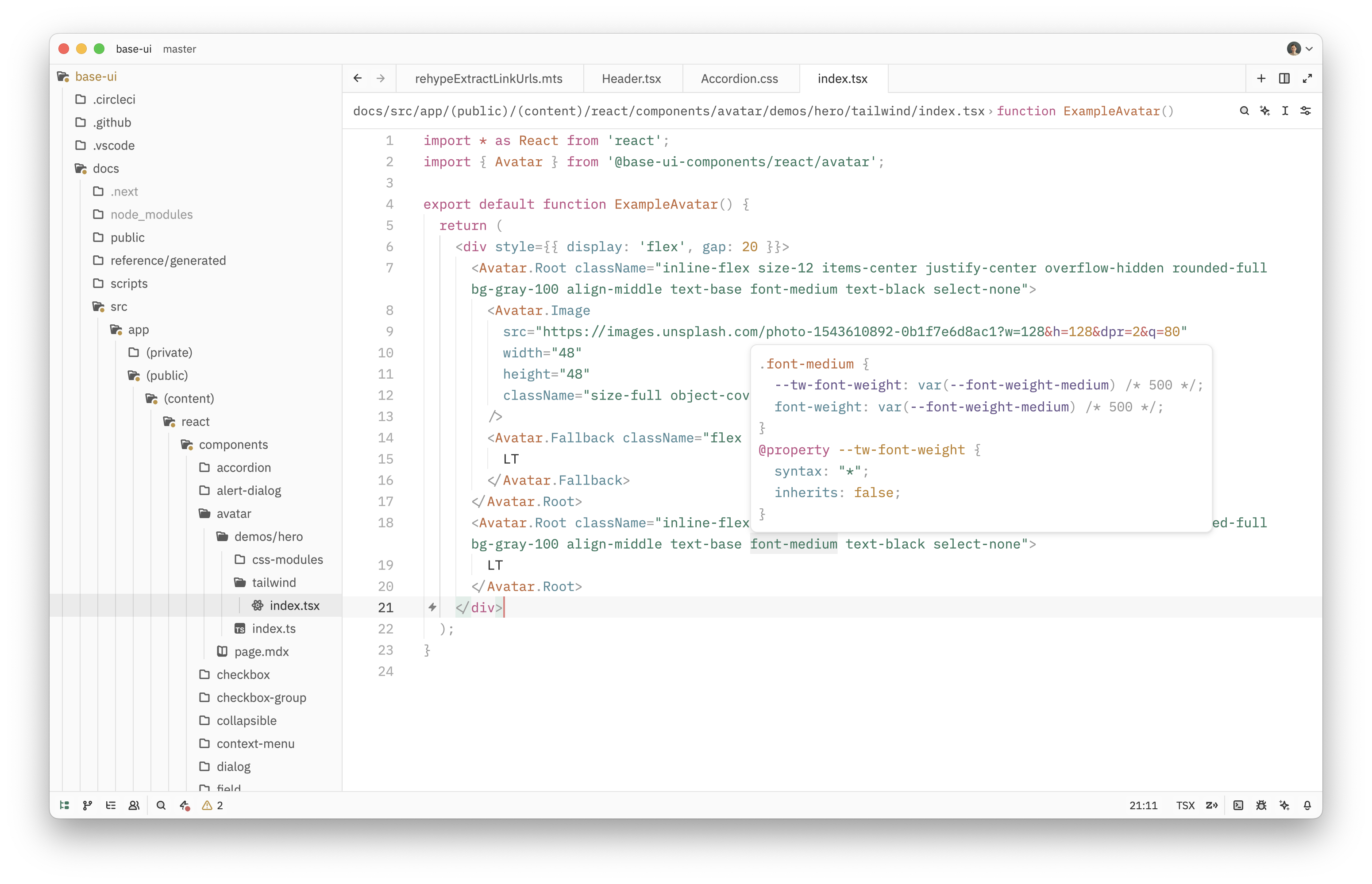
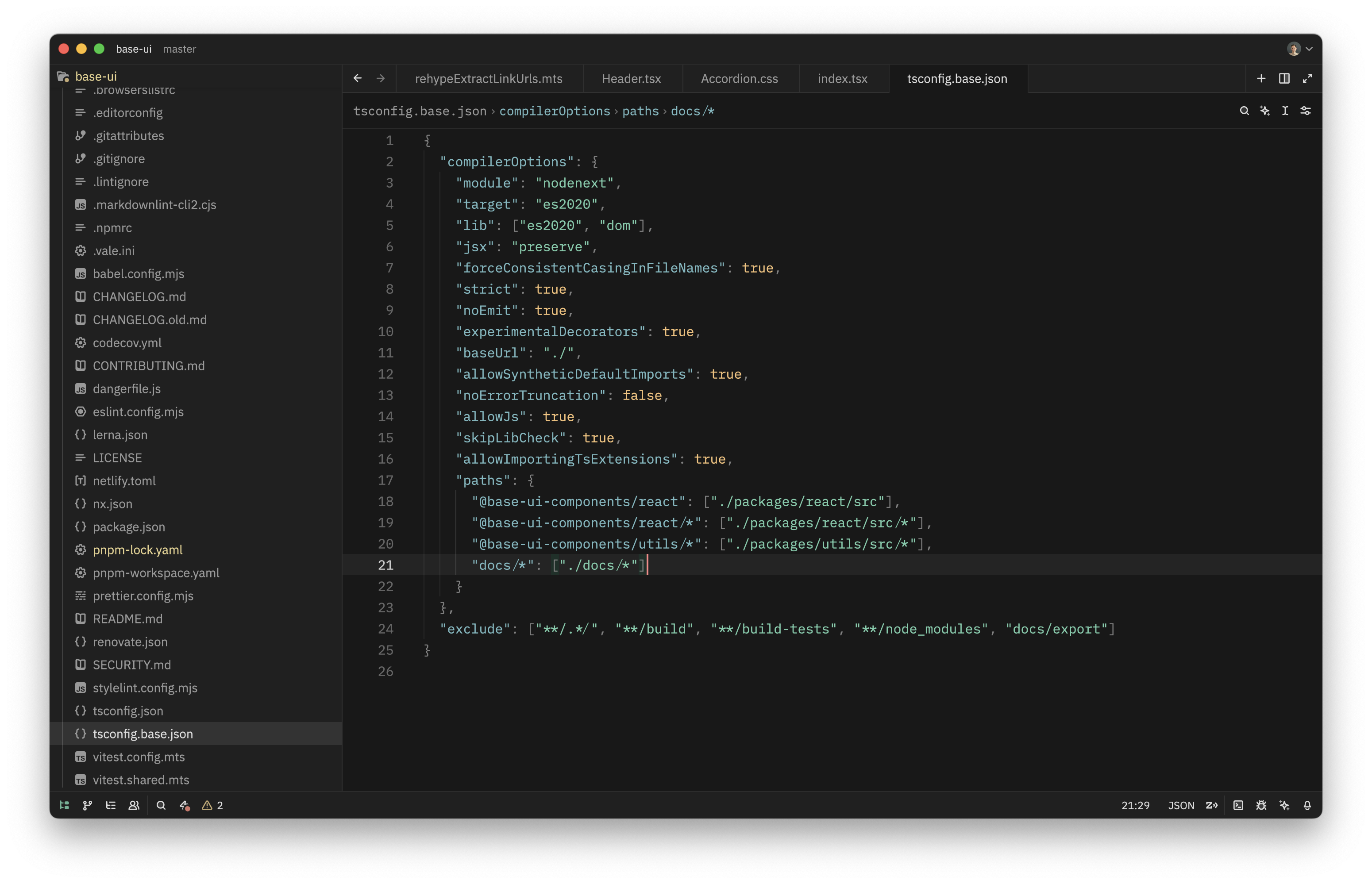
JSON
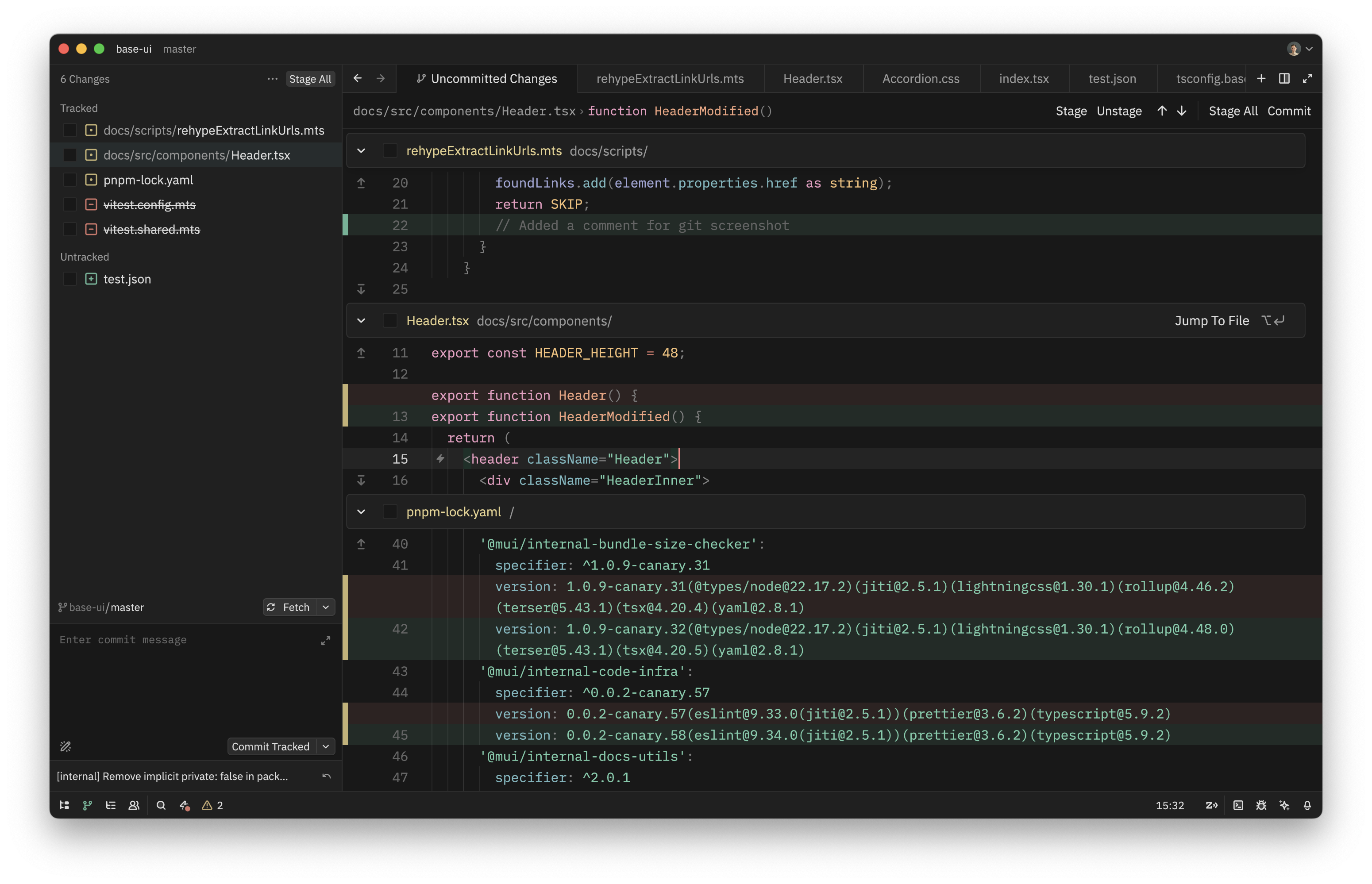
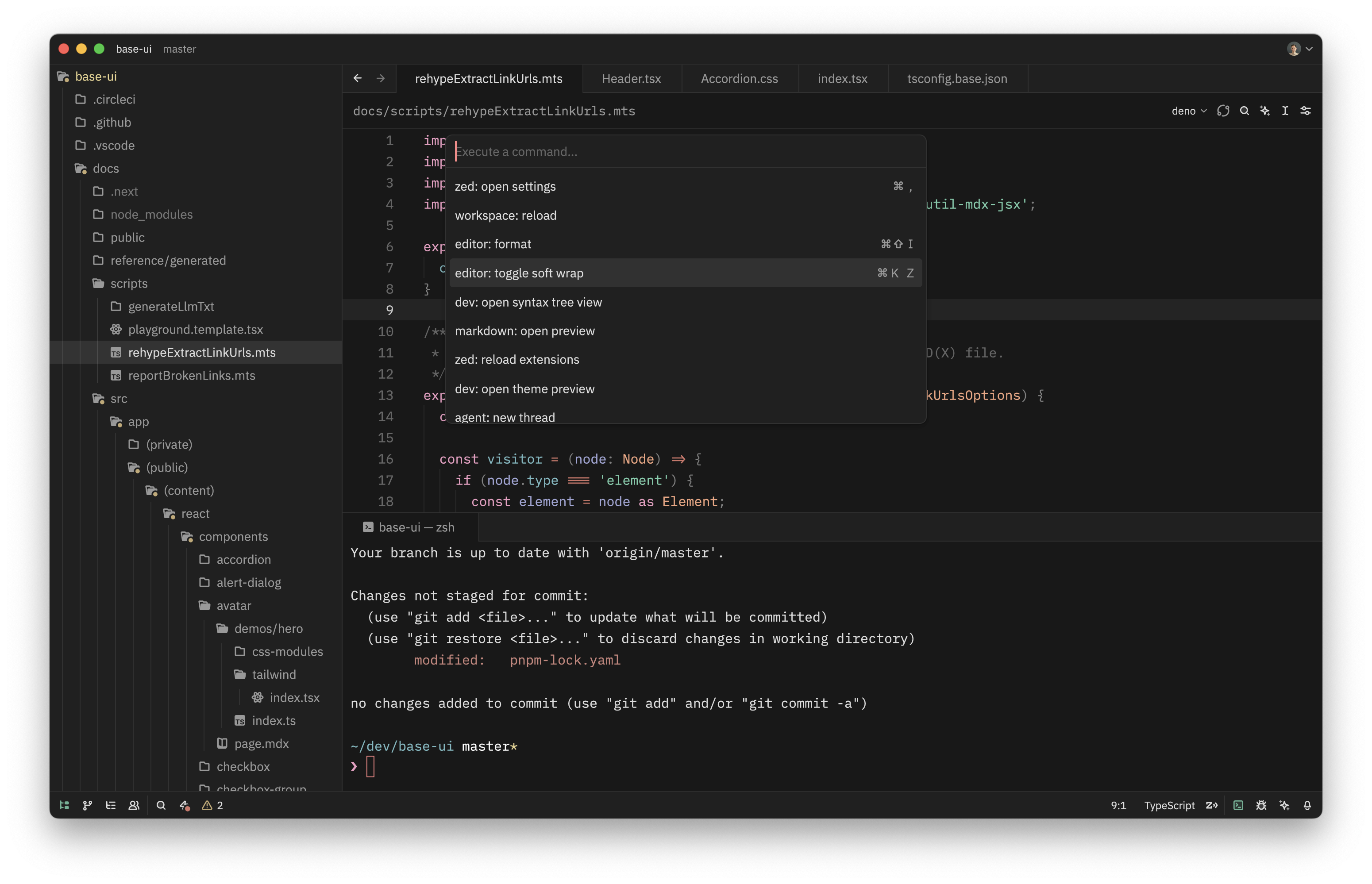
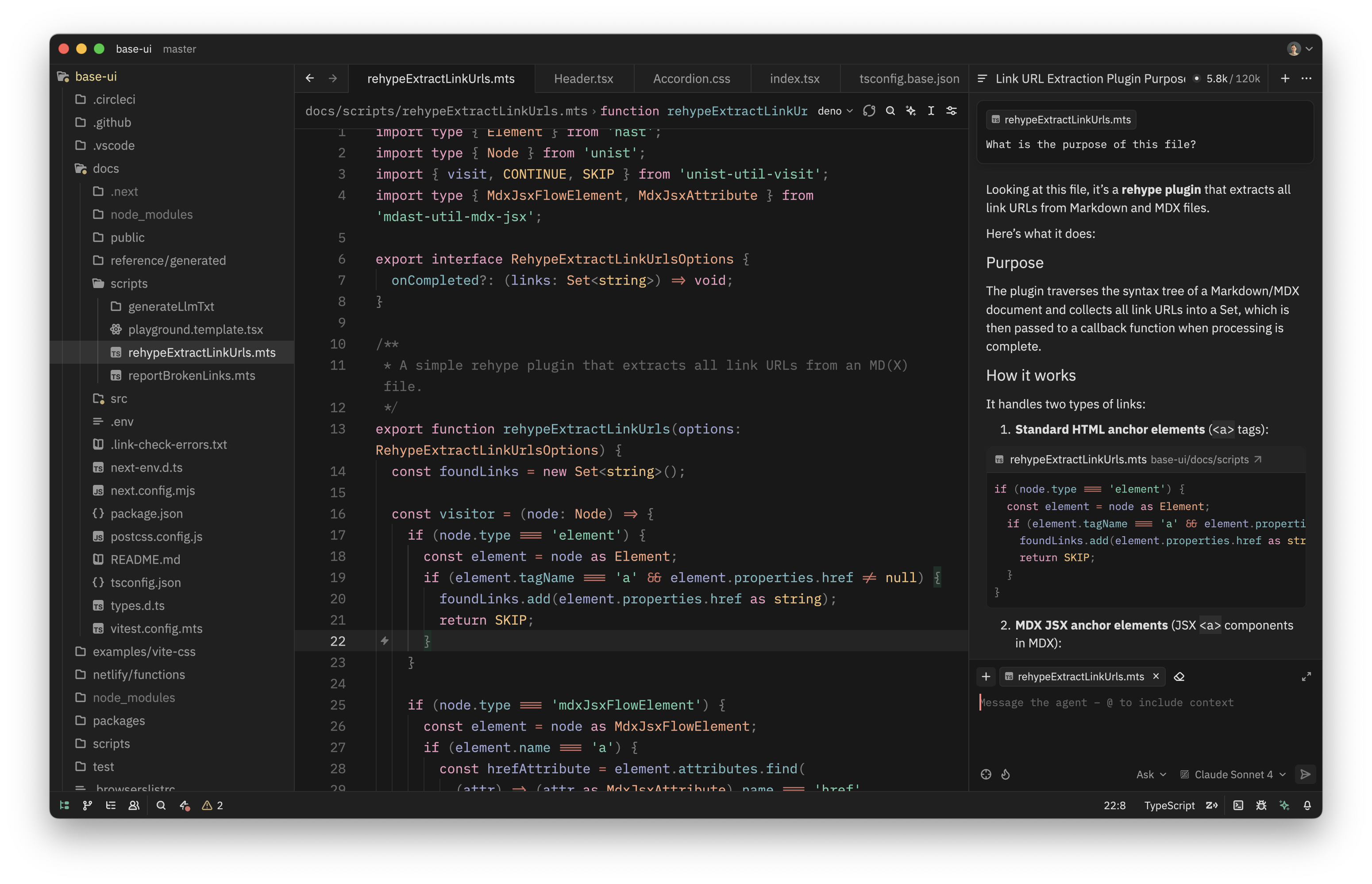
Git, Command Palette, Agent Panel
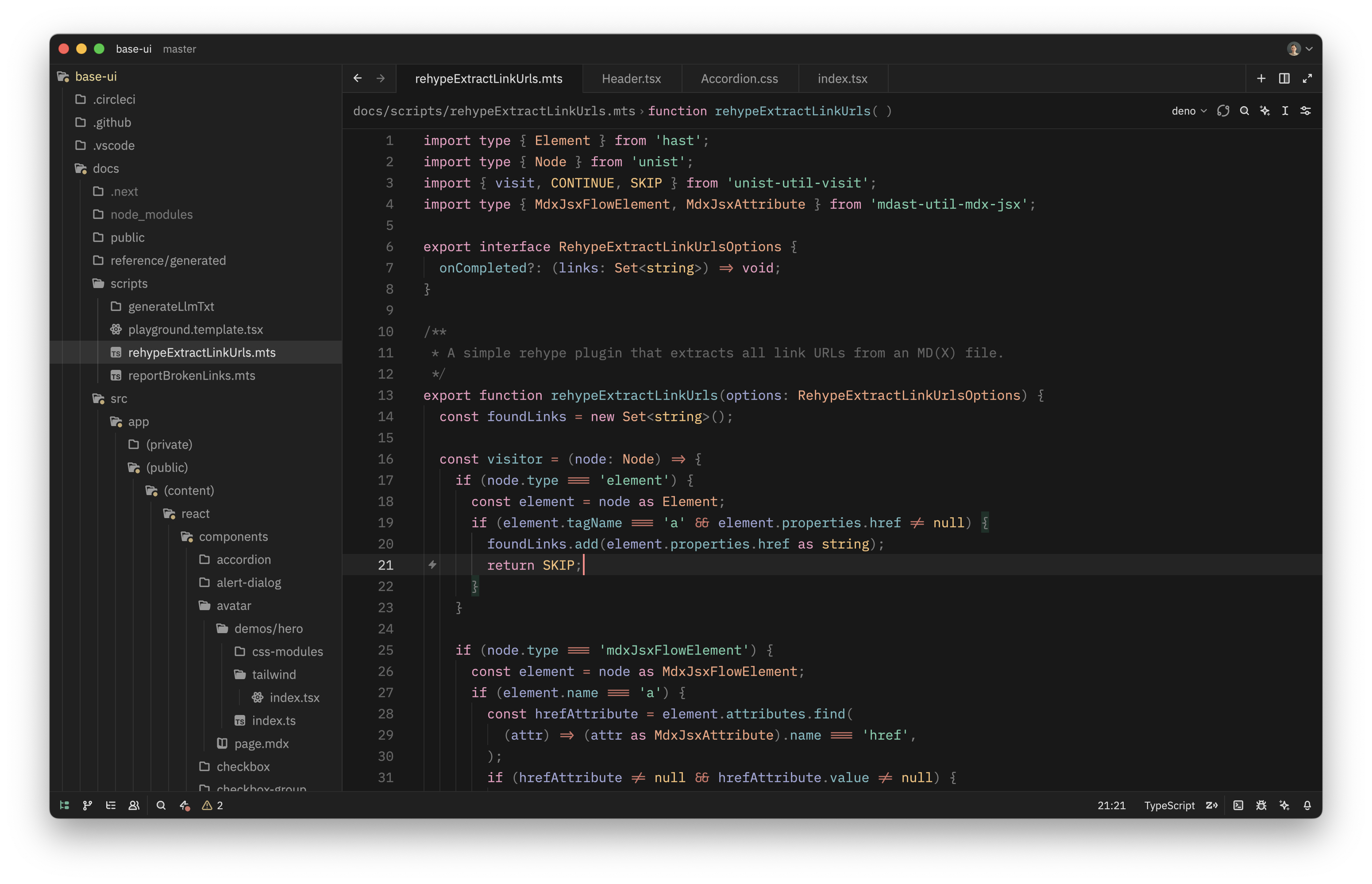
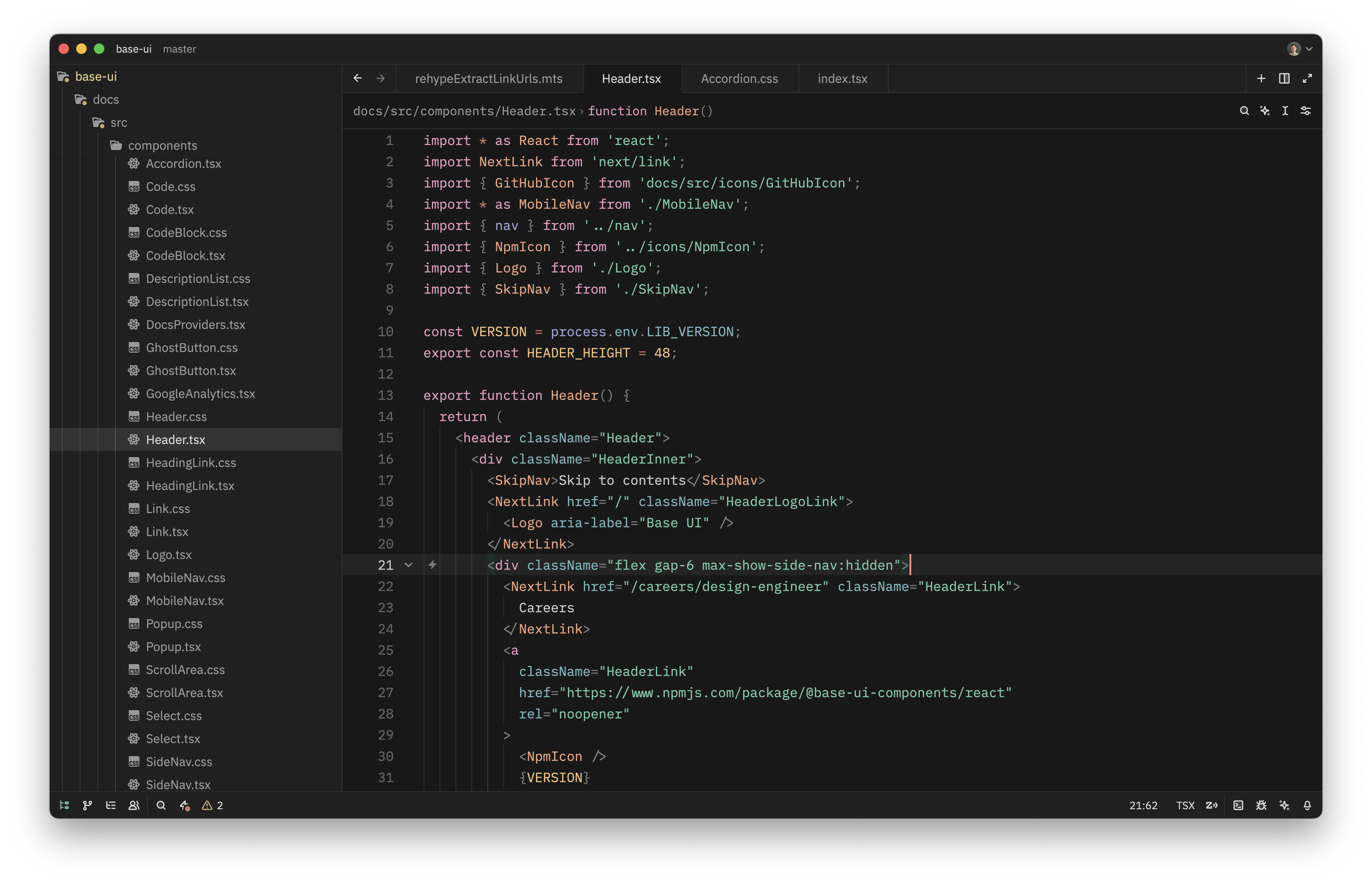
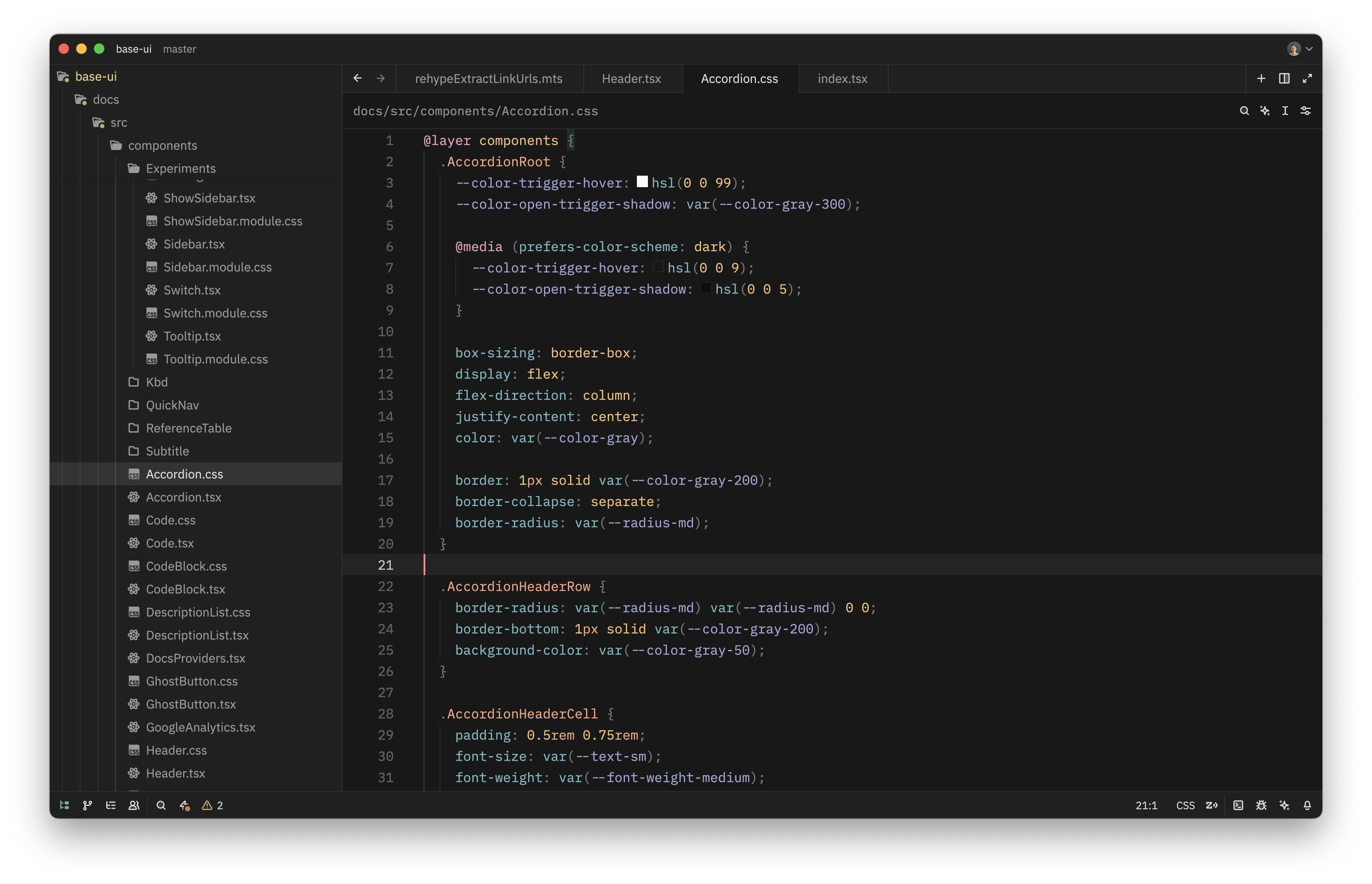
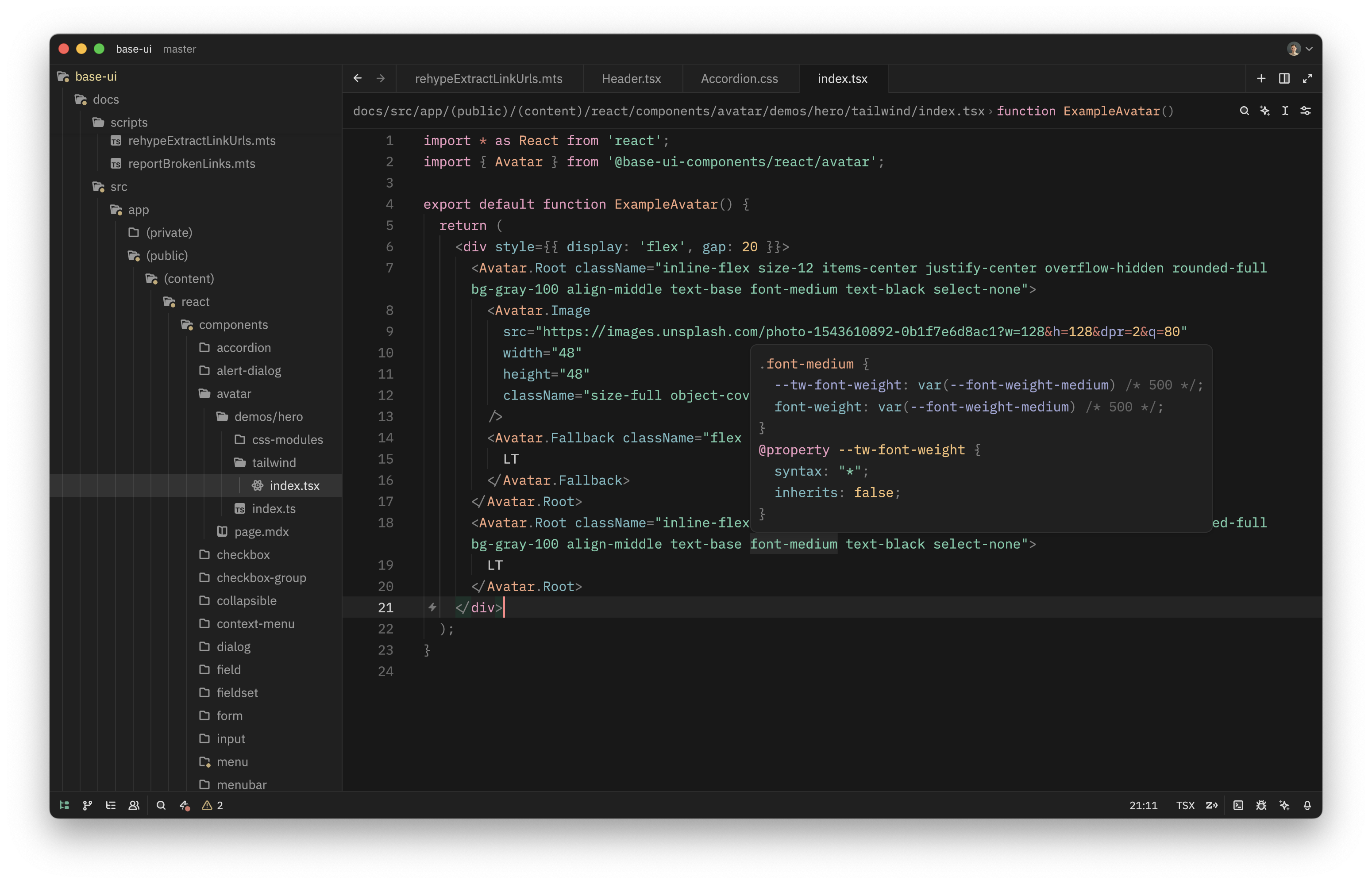
Zoegi Dark
TypeScript
React
CSS
React + Tailwind CSS
JSON
Git, Command Palette, Agent Panel
How to install
Extension Gallery
- Launch the Zed Extension Gallery by pressing ⌘⇧X, opening the command palette and selecting
zed: extensionsor by selecting "Zed > Extensions" from the menu bar. - Search for "Zoegi Theme" and click "Install"
Manual installation
Drop zoegi.json into the themes/ subdirectory inside the Zed config:
~/.config/zed/themes/Credits
- Based on the Moegi theme for VS Code by Diu.
- Font used in wordmark is Space Grotesk.
