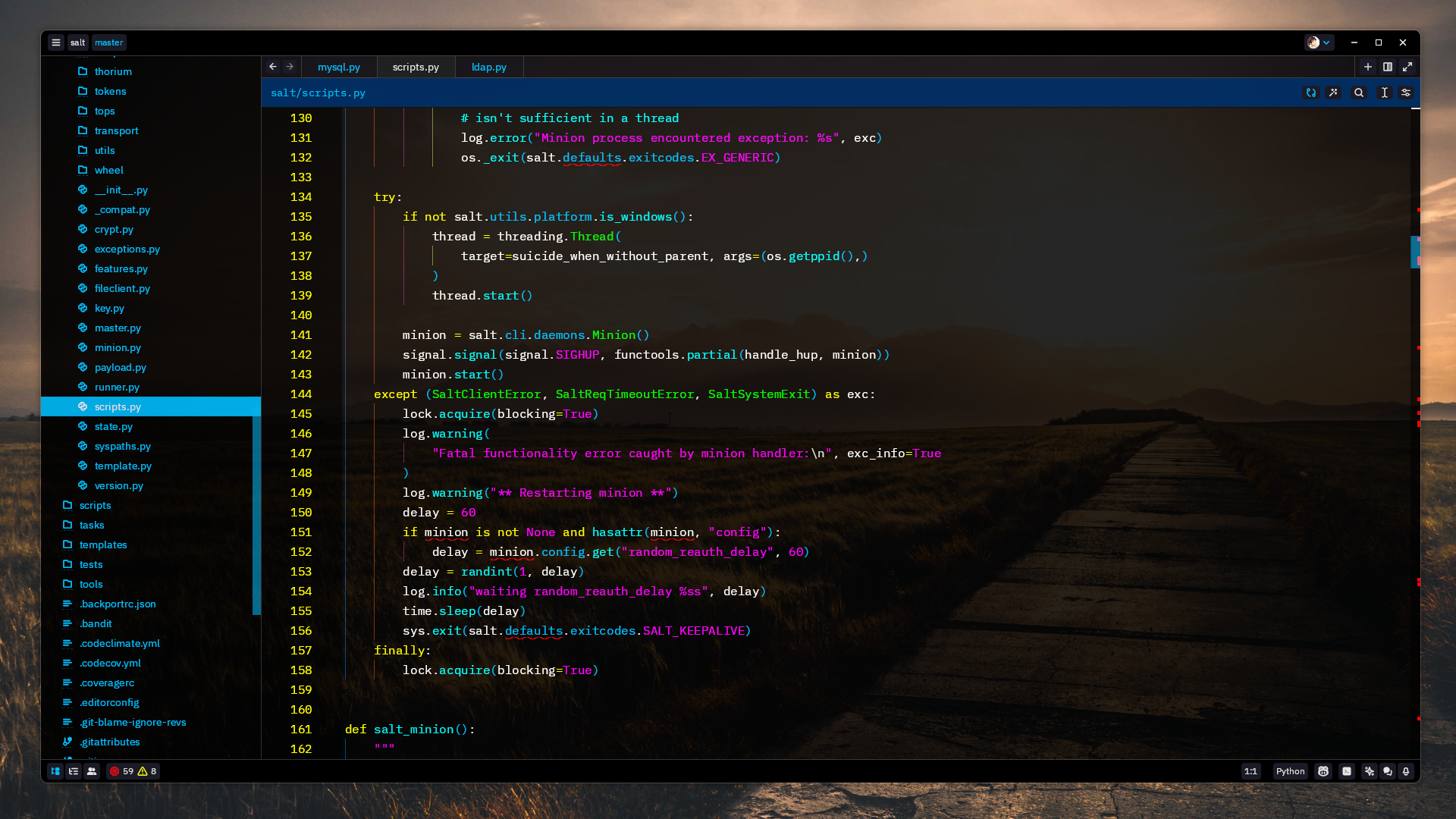


Zedrack Theme
Usage
Zedrack is a Vim-insipred strong-contrast transparent theme, for the zed.dev editor.
Install via Zed Extensions
- Open Zed.
- cmd+shift+p and select zed: extensions
- Select "Zedrack Theme" and Install
- Search Zedrack theme in the dropdown shown after hitting cmd+k, cmd+t
Development
Publishing to Zed Extensions Marketplace
Zed organizes all extensions using git submodules in the zed/extensions repo.
Pull the currently published
extensions/zedrack-theme/submodulegit submodule update --init --force extensions/zedrack-themeBump the submodule
cd extensions/zedrack-theme/ && git pull origin mainModify the extensions/
extensions.tomlversion to match value in zedrack-theme/extension.tomlSubmit a PR to merge back to
zed/extensions