WebStorm Darker Theme
A darker WebStorm-inspired theme for the Zed editor.
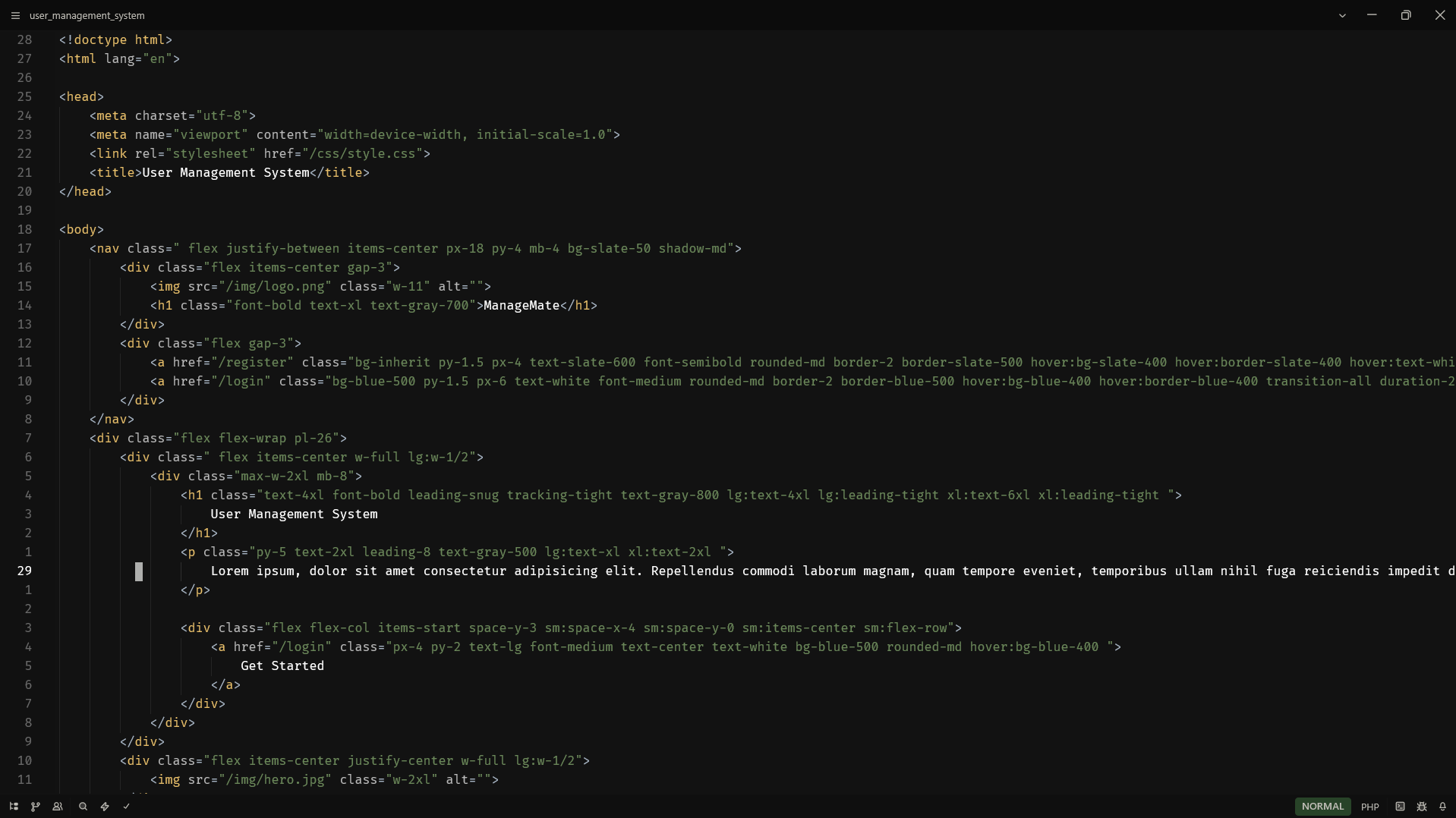
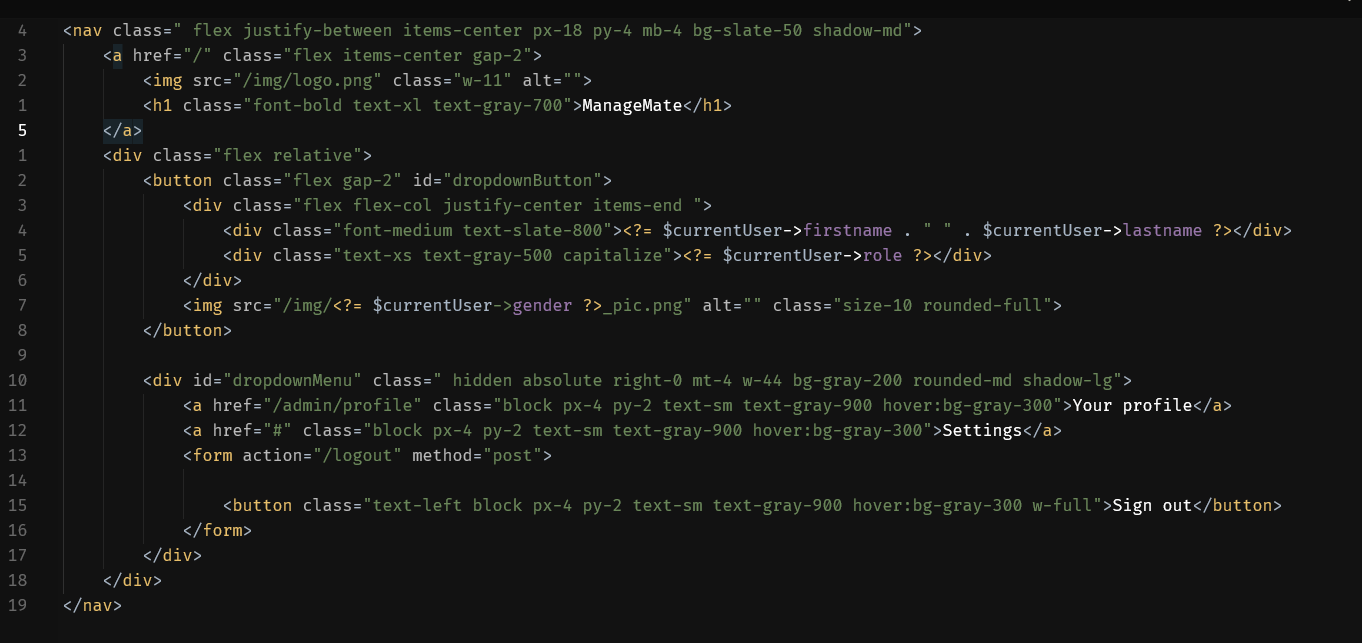
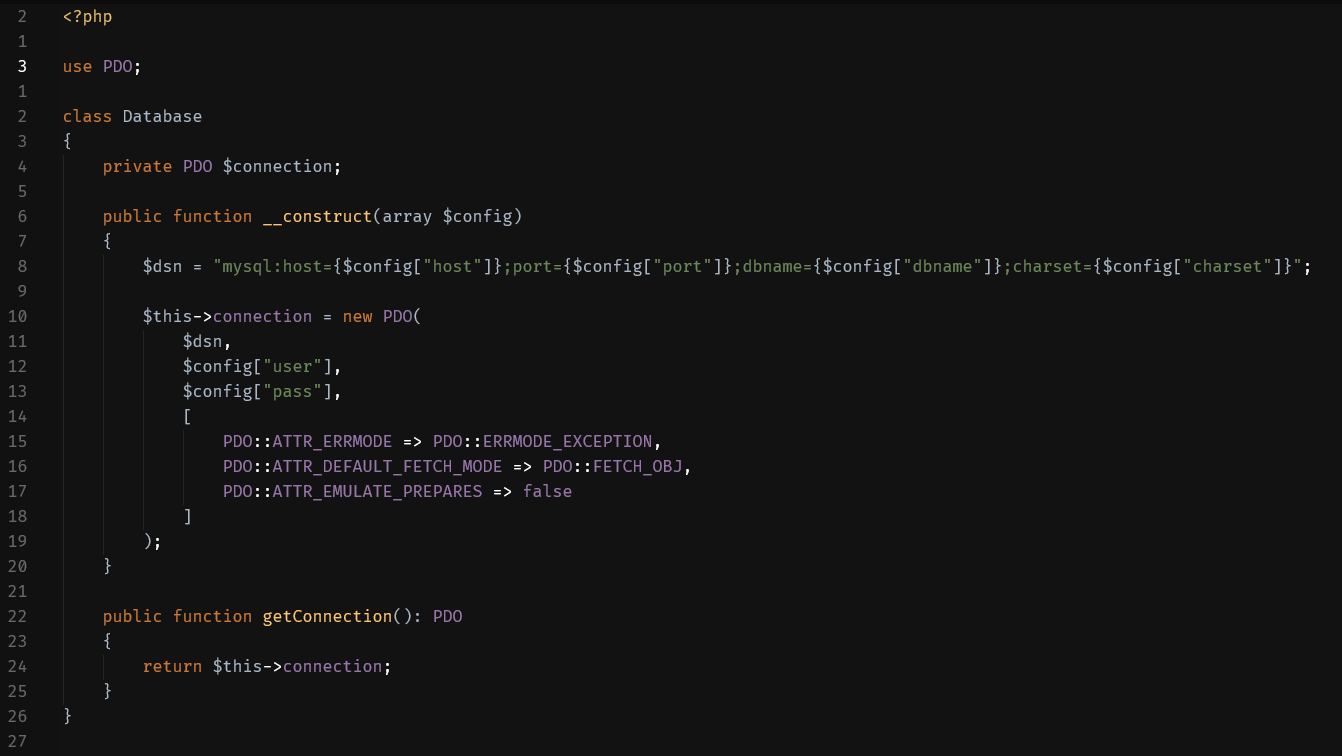
This theme recreates the familiar JetBrains / WebStorm Darcula syntax palette while using a deeper, darker UI background to reduce eye strain during long coding sessions.
Features
- JetBrains Darcula-style syntax colors
- Darker editor and UI surfaces
- Consistent colors accross:
- editor
- terminal
- UI elements
- git changes
- syntax highlighting
Color Pallette Highlights
| Element | Color |
|---|---|
| Keywords | #CC7832 |
| Strings | #6A8759 |
| Numbers | #6897BB |
| Functions | #FFC66D |
| Constants | #9876AA |
| Tags/Selector | #E8BF6A |
| Comments | #808080 |
Installation
You can install it by cloning the repository.
- Clone this repository to your local machine.
- Open the Extensions panel in Zed, click "Install Dev Extension" and select the cloned repository folder.
Previews
Sample Syntax Color
License
See the LICENSE file in this repository for details.