VSCode Dark Siri Custom theme for Zed
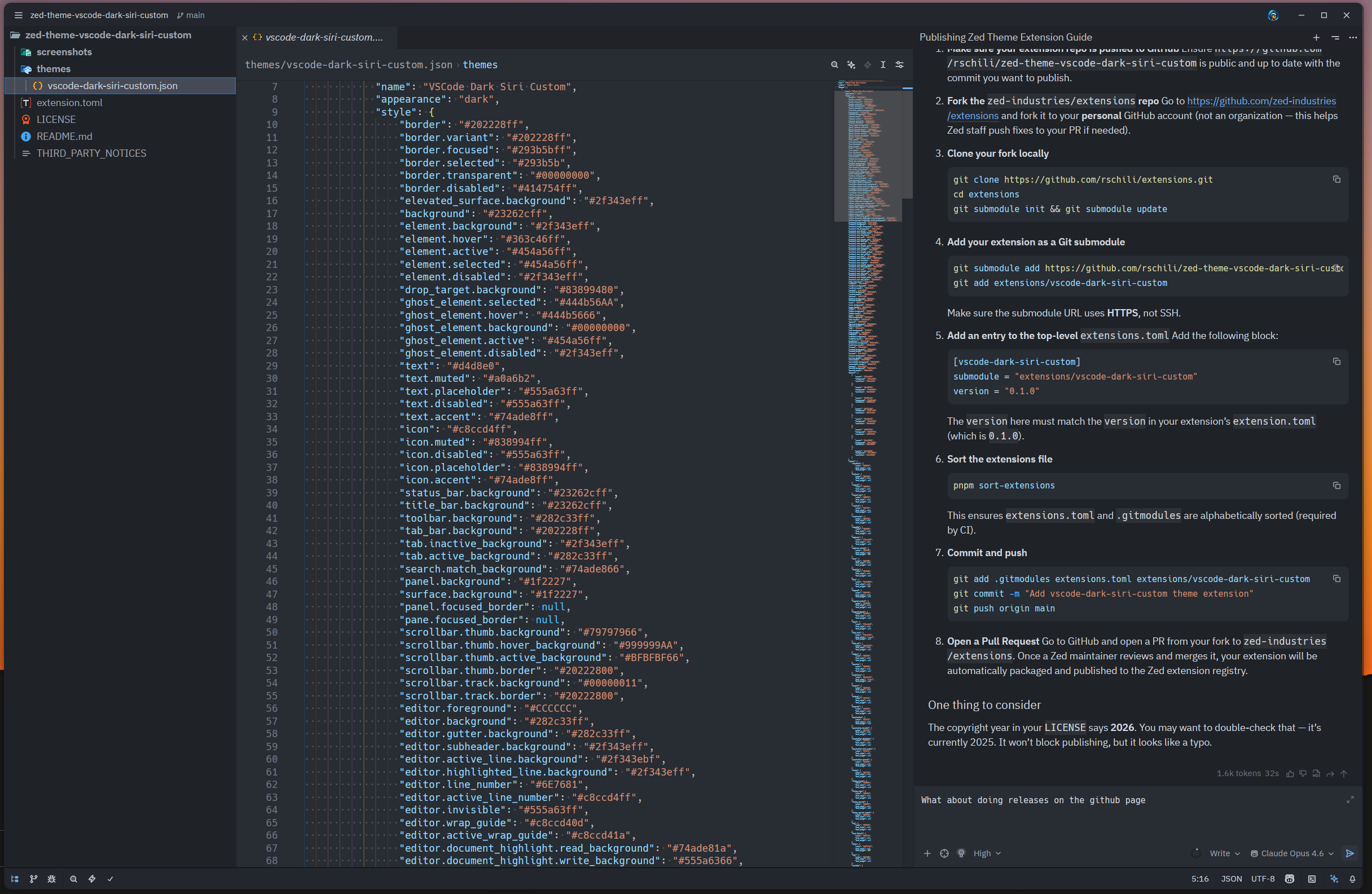
This is a combination of my two favorite themes for zed right now. The window layout uses Siri Code with little customizations The inner syntax uses VSCode Dark Modern I'm very used to VSCodes dark+ theme so this just feels right The combination of those two themes with some customizations is what I use on my personal Zed setup.
Installation
You can install the theme from the official Zed extension repository: open the command palette (Cmd+Shift+P) and run zed: extensions. Search for VSCode Dark Siri Custom and install it.