VSCode Dark High Contrast Theme for Zed
A clone of the Dark High Contrast theme available on VSCode
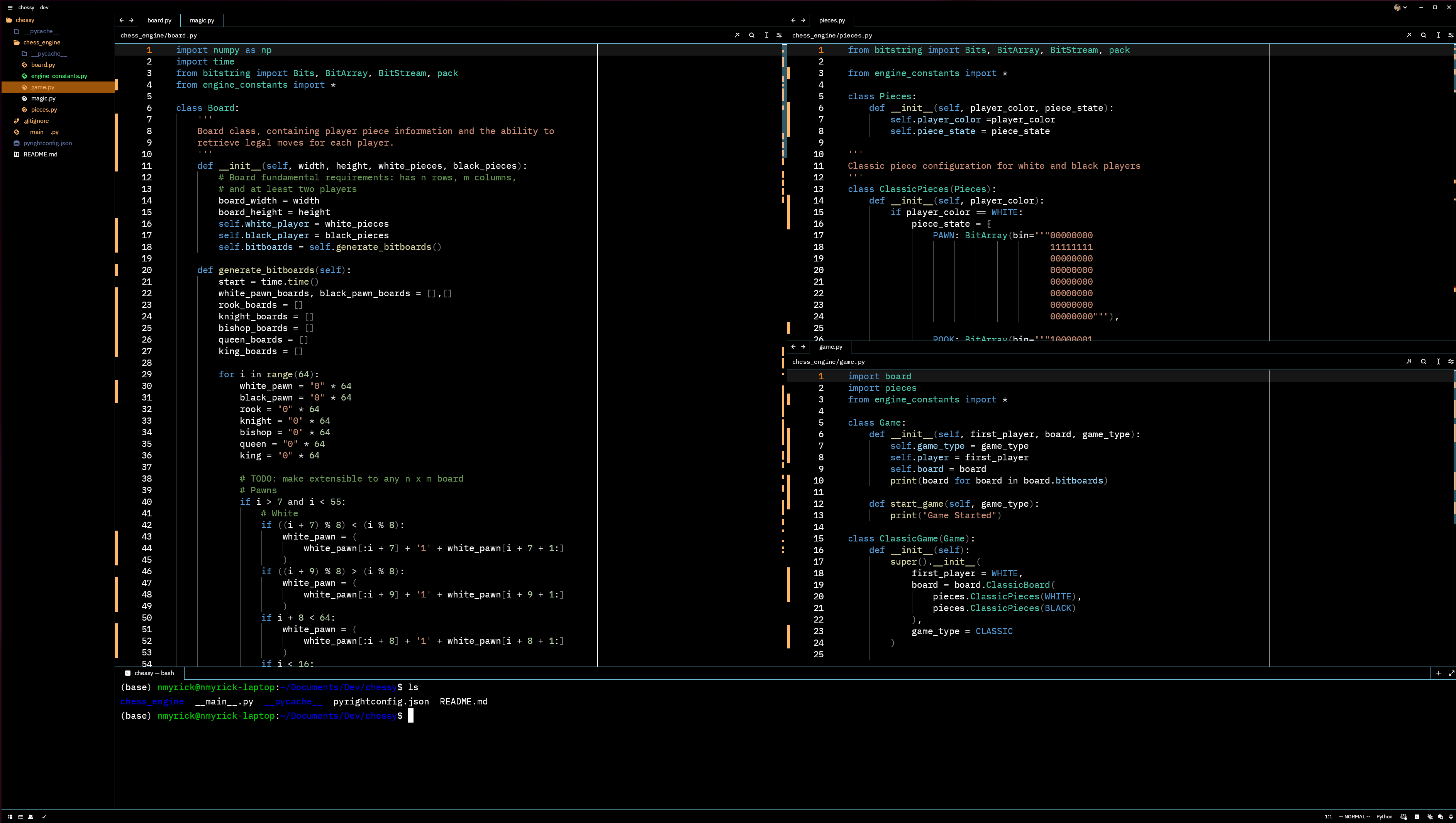
Preview
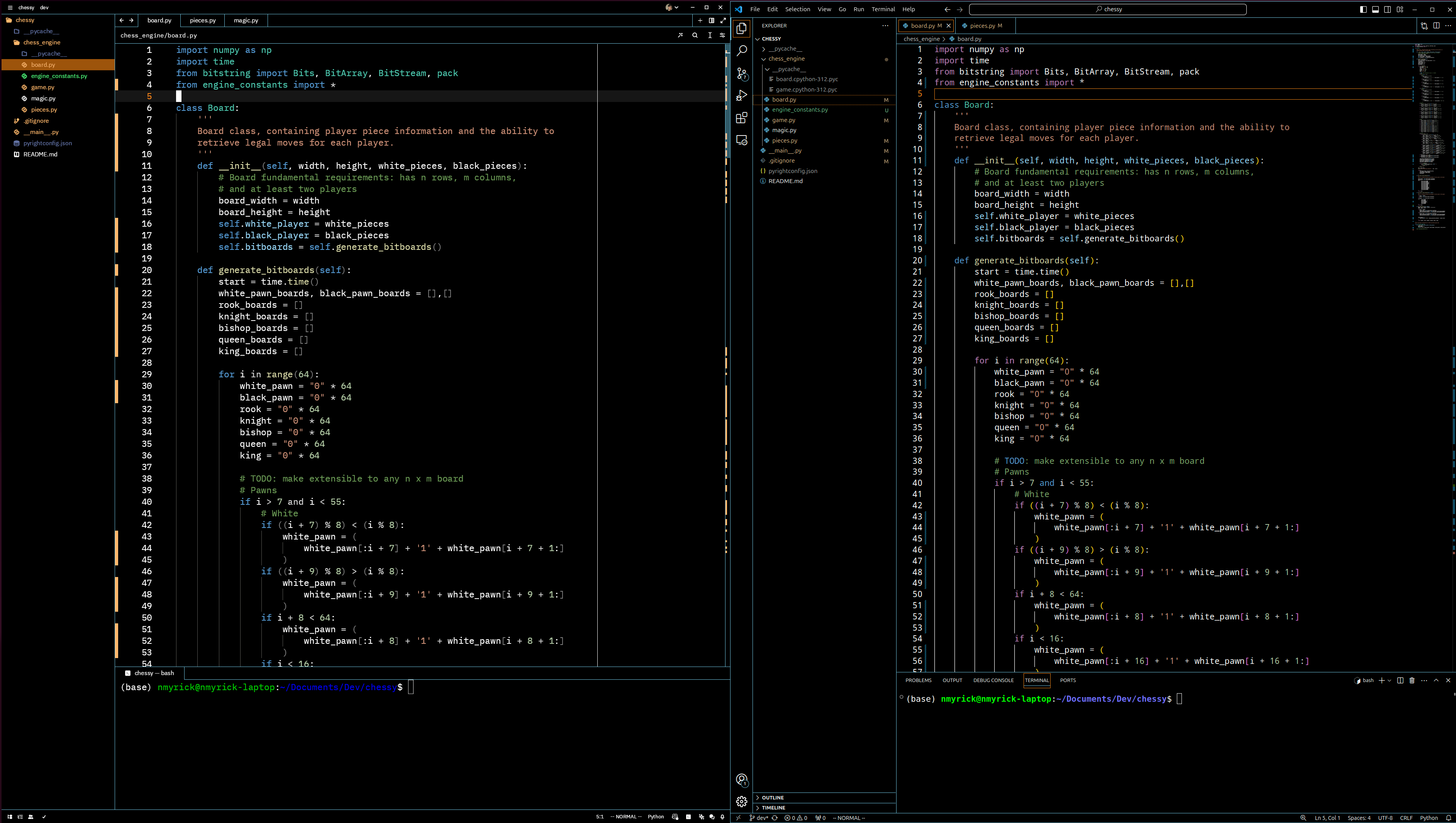
Comparison to VSCode
How to Install Through Zed:
- Open Zed
- Press
cmd+shift+pand open zed: extensions - Search for VSCode Dark High Contrast and install the extension.
- Press enter or find in 'cmd+shift+p' $\rightarrow$ theme selector: toggle.
How to Install Manually (includes the latest fixes and updates):
- Download vscodehighcontrast.json.
- Place into the
~/.config/zed/themes/directory.