Skip to content

Type to search extensions

V Theme

v0.0.1

Simple dark & high contrast theme

Updated 1 year ago
38 downloads 2 stars Repository ↗
zedext main
// Load settings, retrying a few times
fn load_config(path: &str) -> Result<Config, Error> {
let retries = 3;
let text = fs::read_to_string(path)?;
let name = "settings.json";
Ok(Config { text, retries, name })
}

V Theme

Simple dark & high contrast theme for Zed

Installation

Manual

  1. Download the theme file from the JSON file.
  2. Extract the contents of the downloaded file.
  3. Copy the v-zed-theme folder to your Zed themes directory (~/.zed/themes on Linux/macOS, %APPDATA%\zed\themes on Windows).
  4. Restart Zed to apply the theme.

Preview
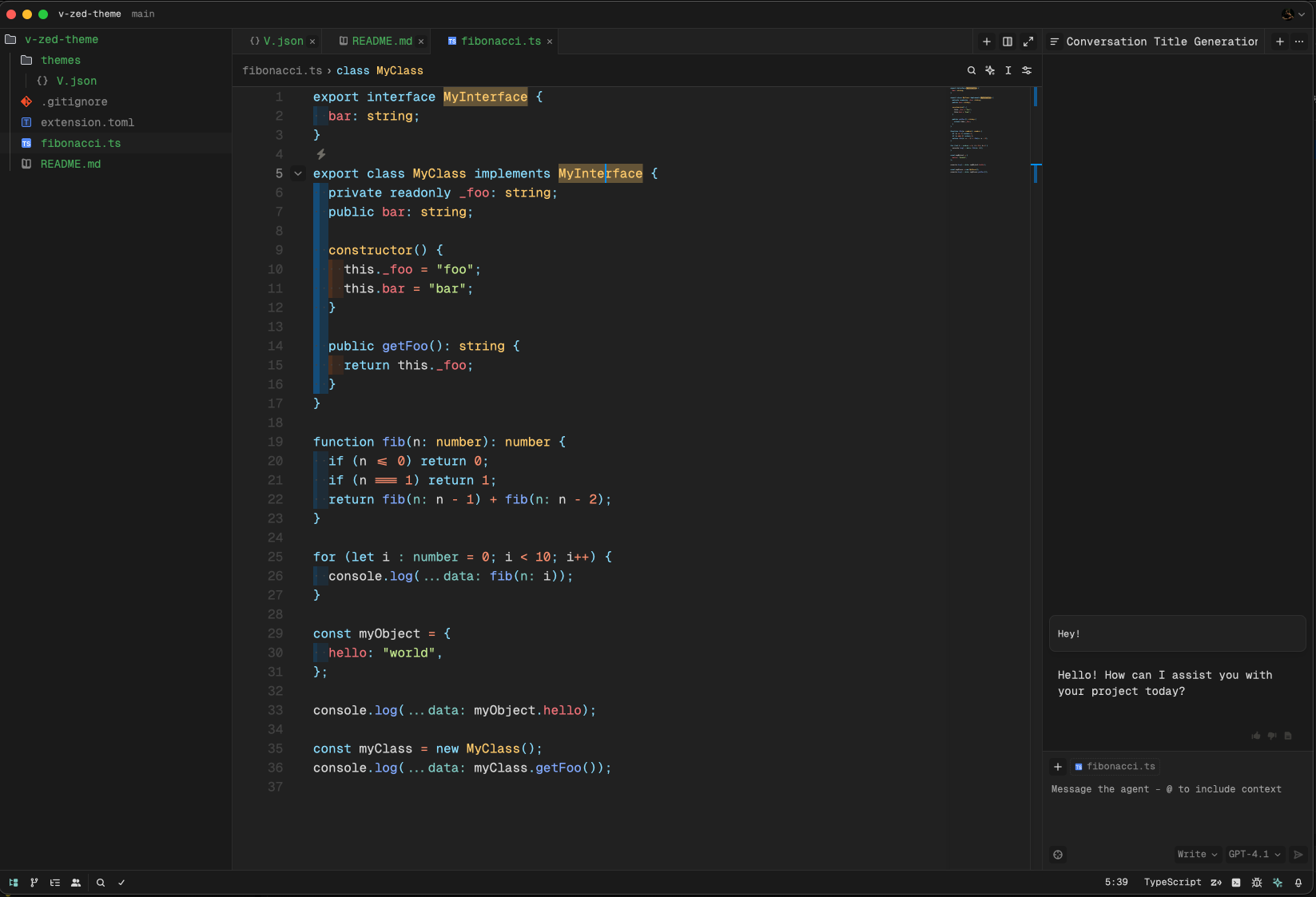
Screenshot

ZedExt An unofficial community project. Not affiliated with Zed Industries.

Data from Zed’s extension registry and GitHub · updated