uLatte
A theme family for Zed, with unified backgrounds for a seamless interface: a light variant based on Catppuccin Latte and a dark variant with neutral charcoal surfaces and a custom syntax palette.
The editor, panels, title bar, and status bar share the same background color, giving the workspace a consistent look, with color reserved for code and interactive elements.
| Light | Dark |
|---|---|
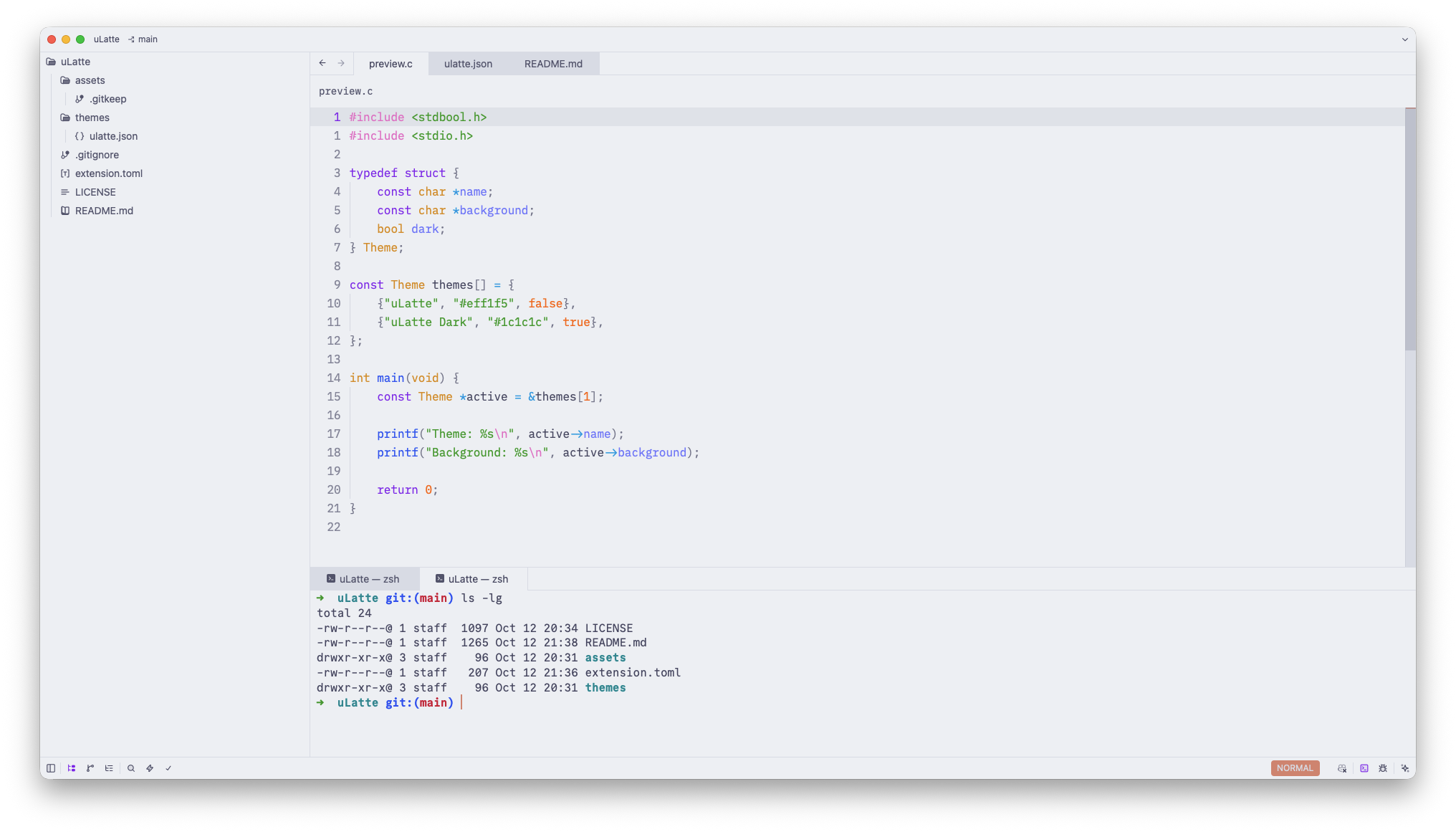 |
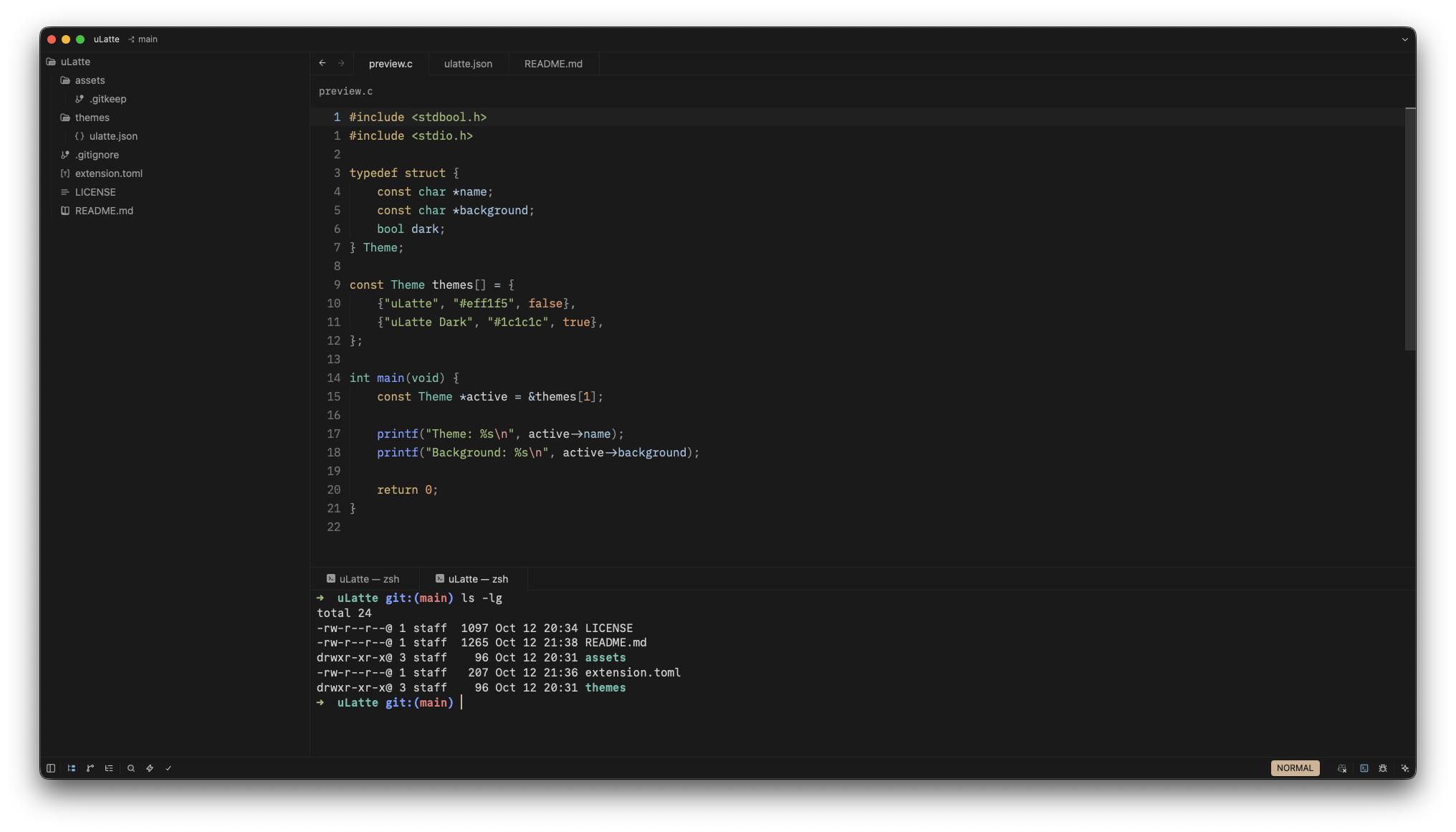 |
Installation
- Download or clone this repository.
- Open the command palette in Zed and run
zed: install dev extension. - Select the repository root (the directory containing
extension.toml). - Run
theme selector: toggleand select uLatte or uLatte Dark.
Credits and license
The light variant is based on Catppuccin for Zed, specifically Latte. The dark variant started from Mocha and now uses a custom neutral palette. uLatte is an independent customization and is not an official Catppuccin theme.
Distributed under the MIT License, with the original Catppuccin copyright notice preserved.