Skip to content

Type to search extensions

Sunrise Bloom

v0.0.1

A cheerful sunrise-inspired theme with warm sunlight yellows, oranges, and balanced cool tones for a fresh, morning coding experience.

Updated 6 months ago
270 downloads 0 stars Repository ↗
zedext main
// Load settings, retrying a few times
fn load_config(path: &str) -> Result<Config, Error> {
let retries = 3;
let text = fs::read_to_string(path)?;
let name = "settings.json";
Ok(Config { text, retries, name })
}

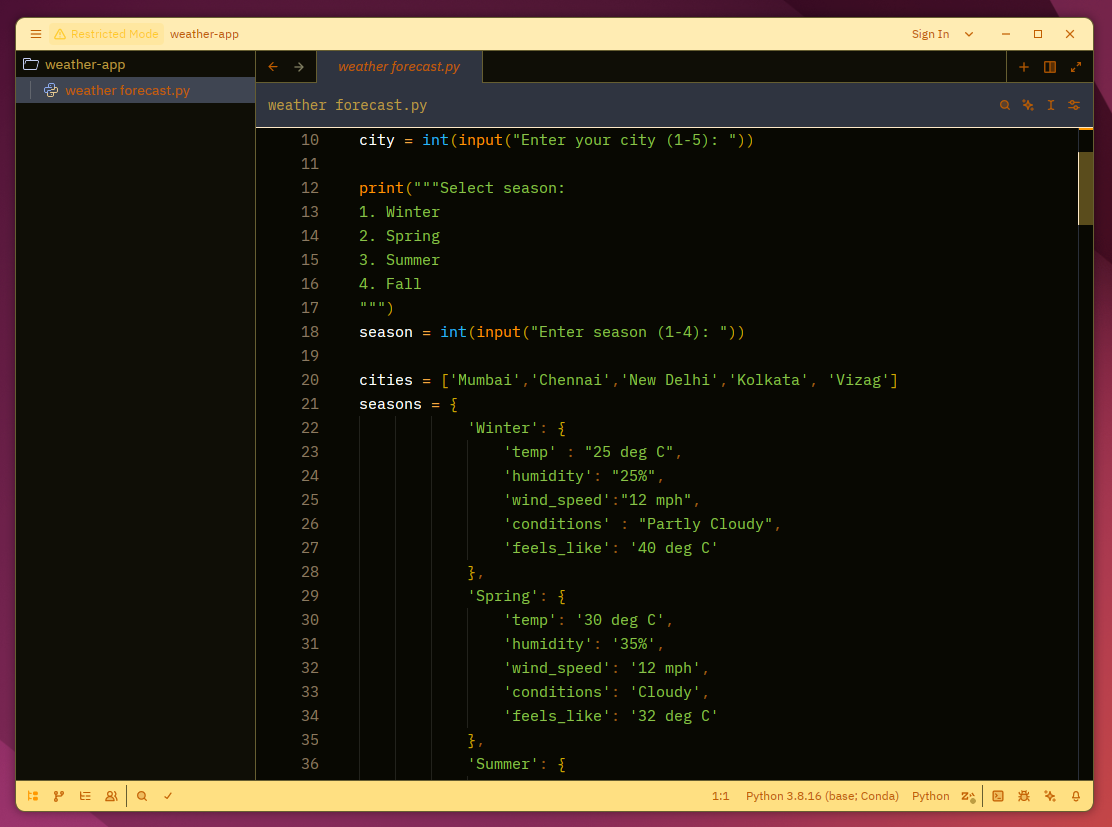
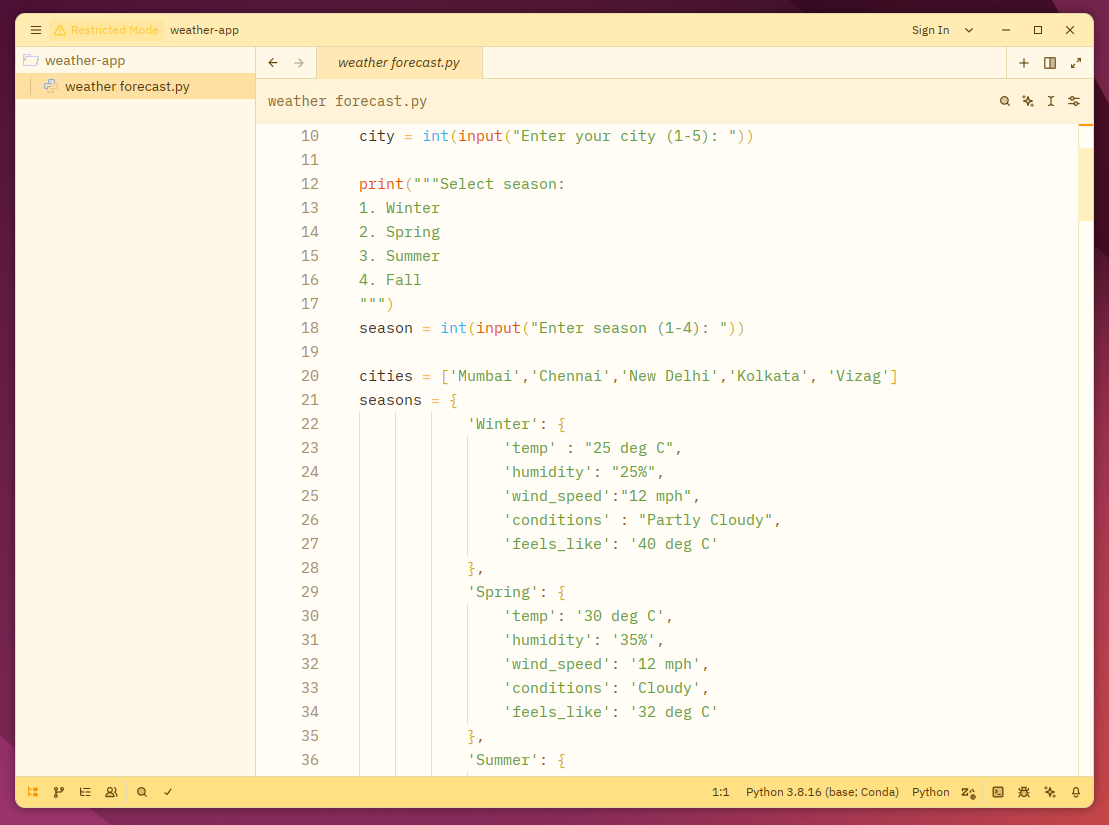
Sunrise Bloom theme for Zed IDE

Sunrise Bloom brings the warmth of a cheerful sunrise to Zed. With golden yellows, soft oranges, and balanced cool tones, it creates a fresh, uplifting coding environment that feels like starting your day with the perfect morning light. Bring the energy of a sunrise to your code.
Light
Sunrise Bloom Light
Dark
Sunrise Bloom Dark

Install via Zed Extensions

  1. Open Zed IDE
  2. Cmd+Shift+P and select zed: extensions
  3. Search and select Sunrise Bloom Theme and click Install

Install Manually

  1. Download sunrise-bloom.json
  2. Put into ~/.config/zed/themes/
ZedExt An unofficial community project. Not affiliated with Zed Industries.

Data from Zed’s extension registry and GitHub · updated