
Sublime Mariana theme for Zed editor
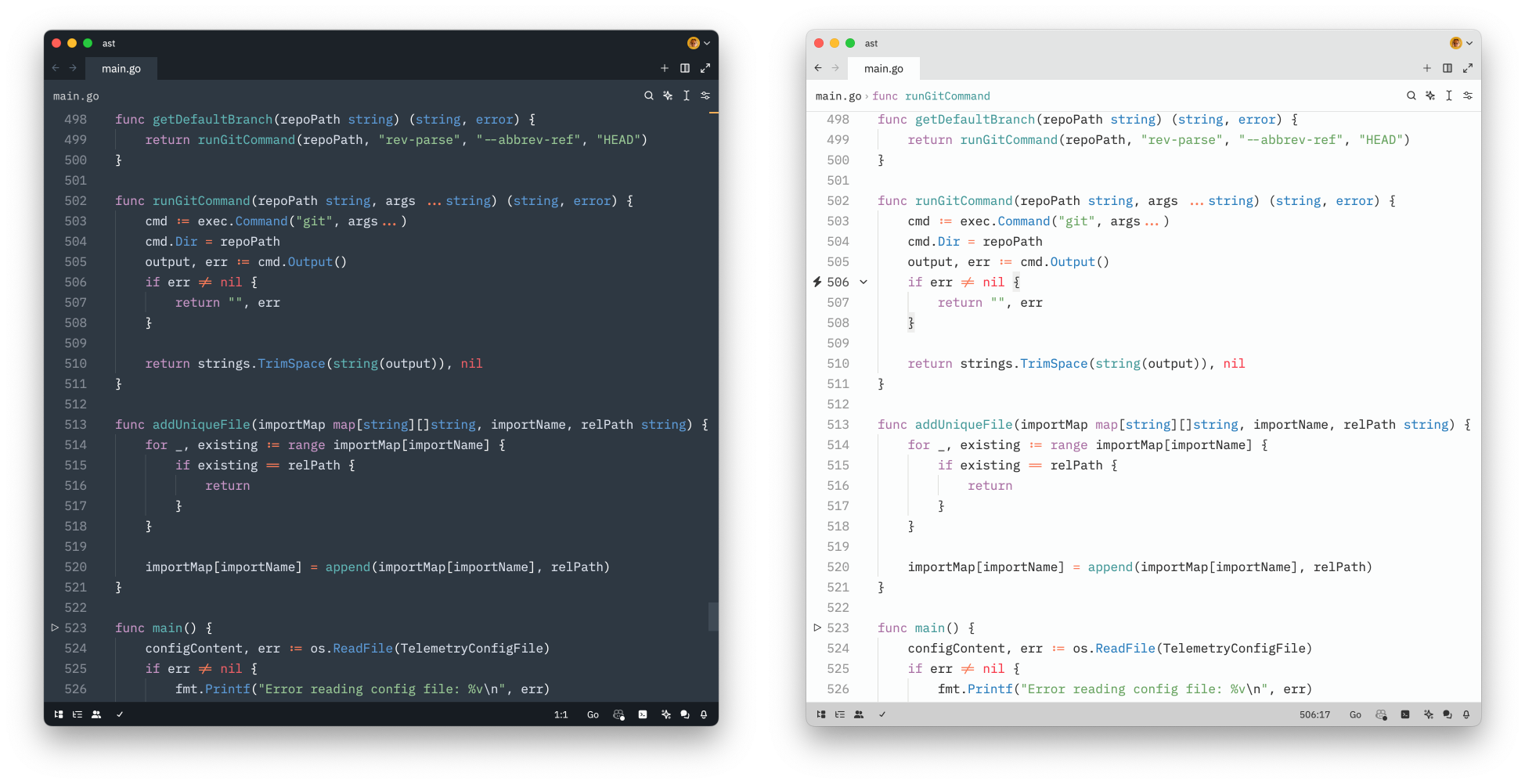
Sublime Text 4's Mariana theme to Zed Editor. Skips cursive and italic fonts entirely.
Installation and usage
First, install Sublime Mariana via extenstion's manager:
Go→Command Palette...(⌘⇧P) → zed:extensions (or use hotkeys⌘⇧X)- Select
Sublime Mariana Themeand pressInstall.
To enable:
Go→Command Palette...(⌘⇧P) → theme selector:toggle (or use hotkeys⌘K ⌘T)- Select
Sublime Mariana(dark) orSublime Breakers(light)
Variations
Comes in two versions: Mariana and Mariana Breakers, close to the original Sublime Text version.
Inspiration
License
Made by a human being, not LLM.
Copyright © 2024 Roman Hnatiuk
Licensed under MIT.