Spiceflow Zed Themes
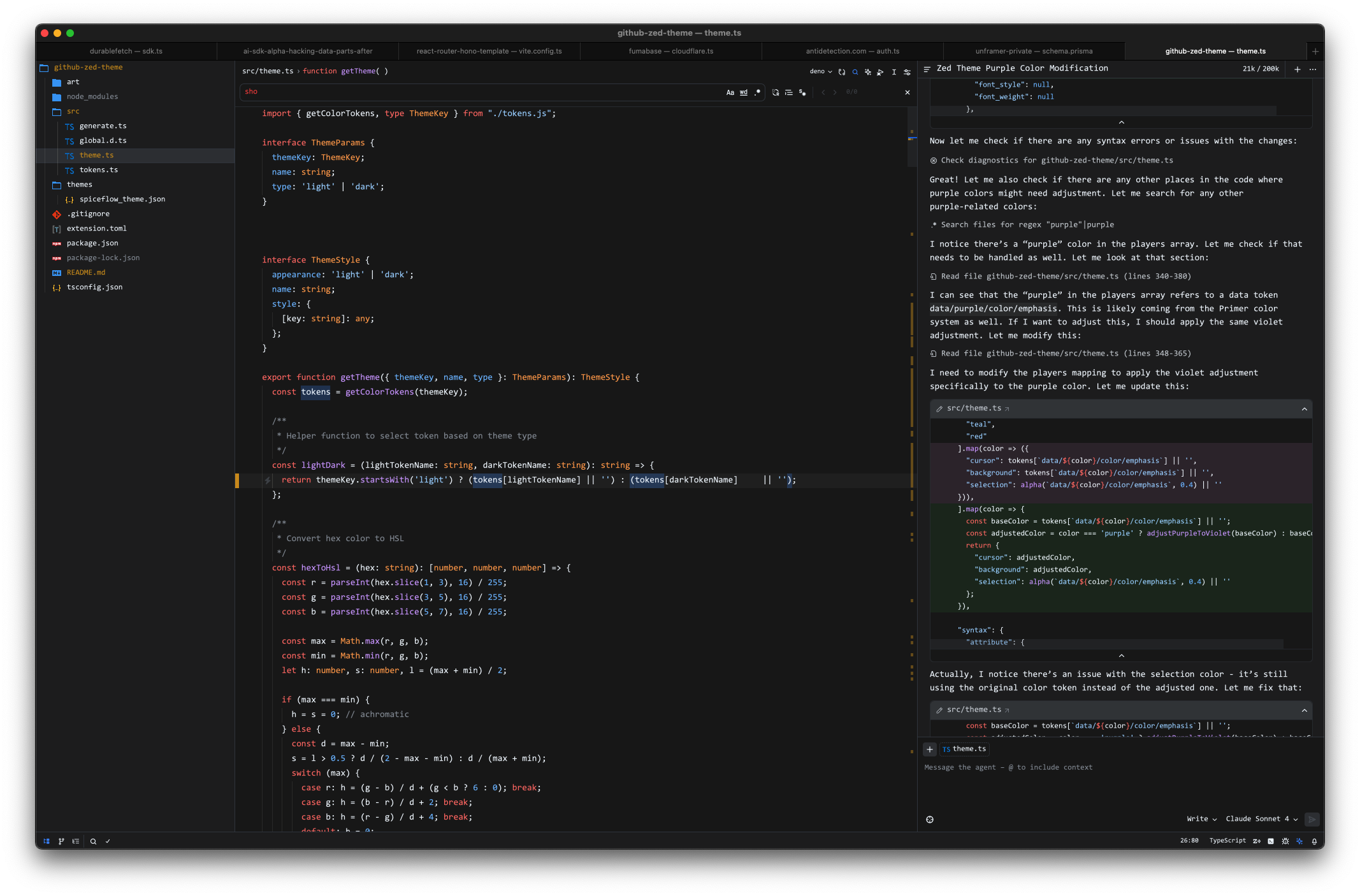
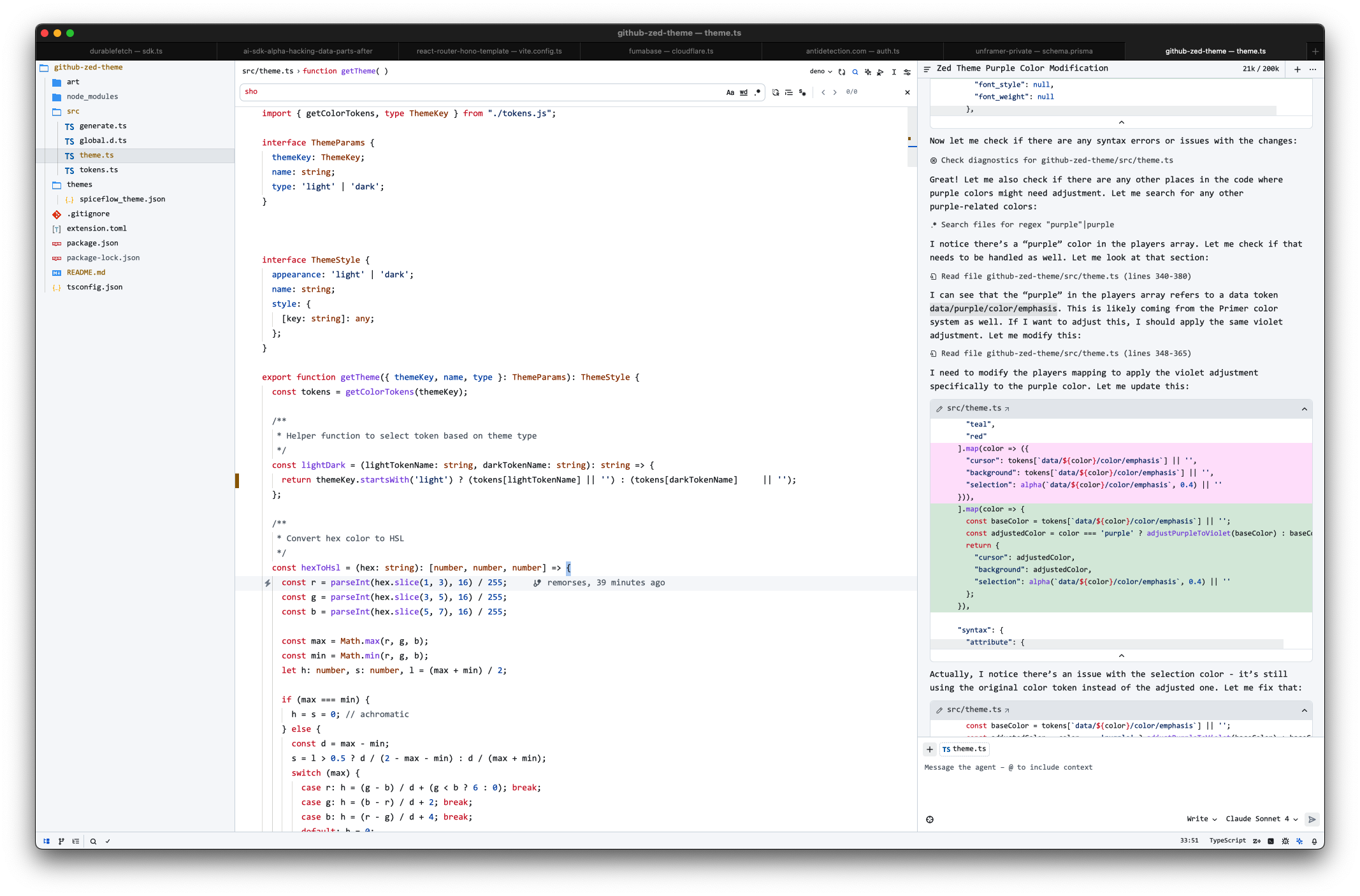
Project inspired on GitHub's VS Code theme. Generated from Primer's Primitives with modifications.
Git deletions have been colored purple so you can distinguish errors from deletions in the scrollbar gutters.
Dark
Light
Installation
- Open
Command Palette - Select
zed: extensions - Search
Spiceflow Theme
Activate Theme
- Open
Command Palette - Select
theme selector: toggle - Search
Spiceflow LightorSpiceflow Dark
Contributing
Feel free to fork, make changes, and submit a pull request.
Development
npm install
npm run dev
Real world usage
I use this theme daily to develop projects like Notaku, Gesserit, Unframer and Akarso.