Slate Zed Theme
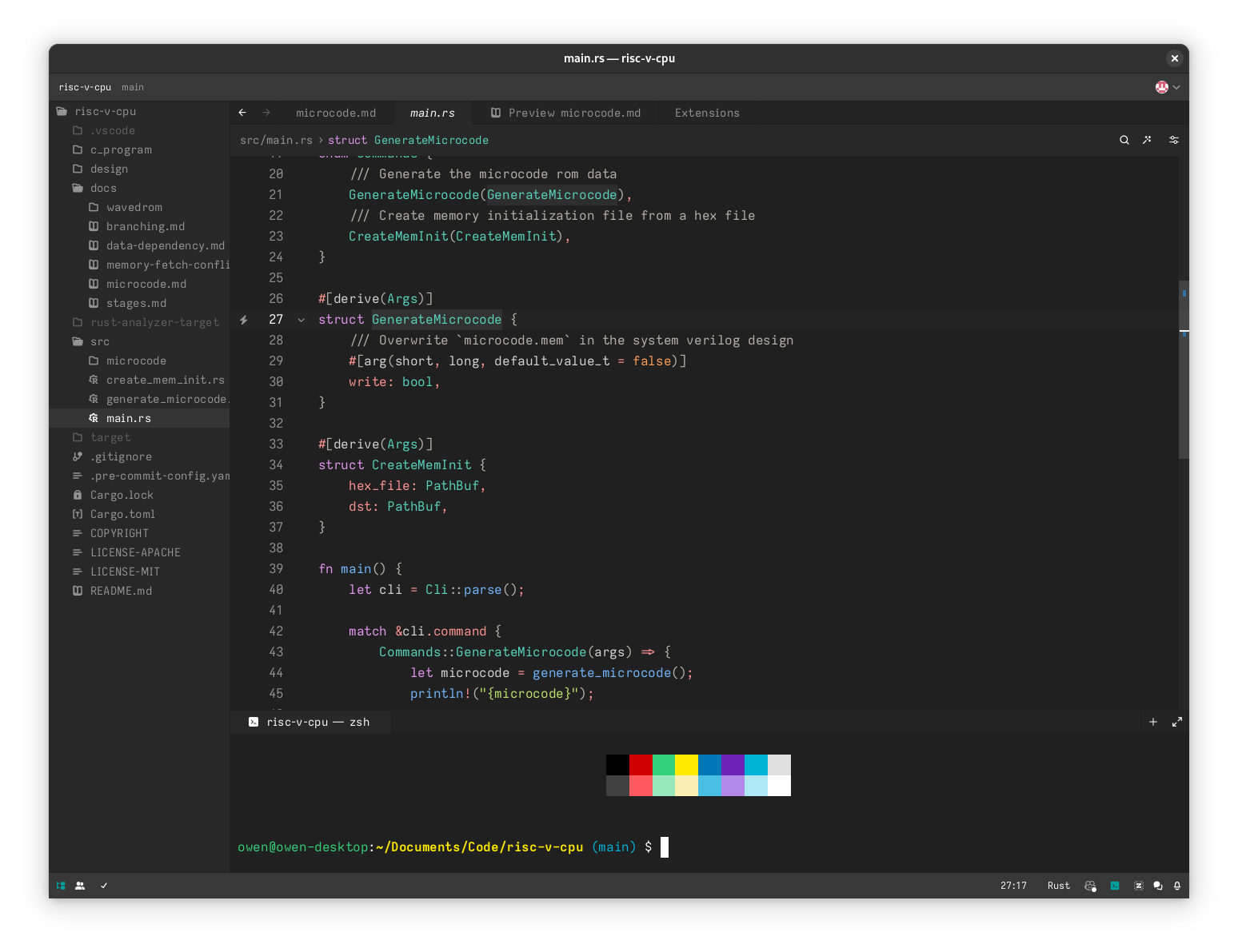
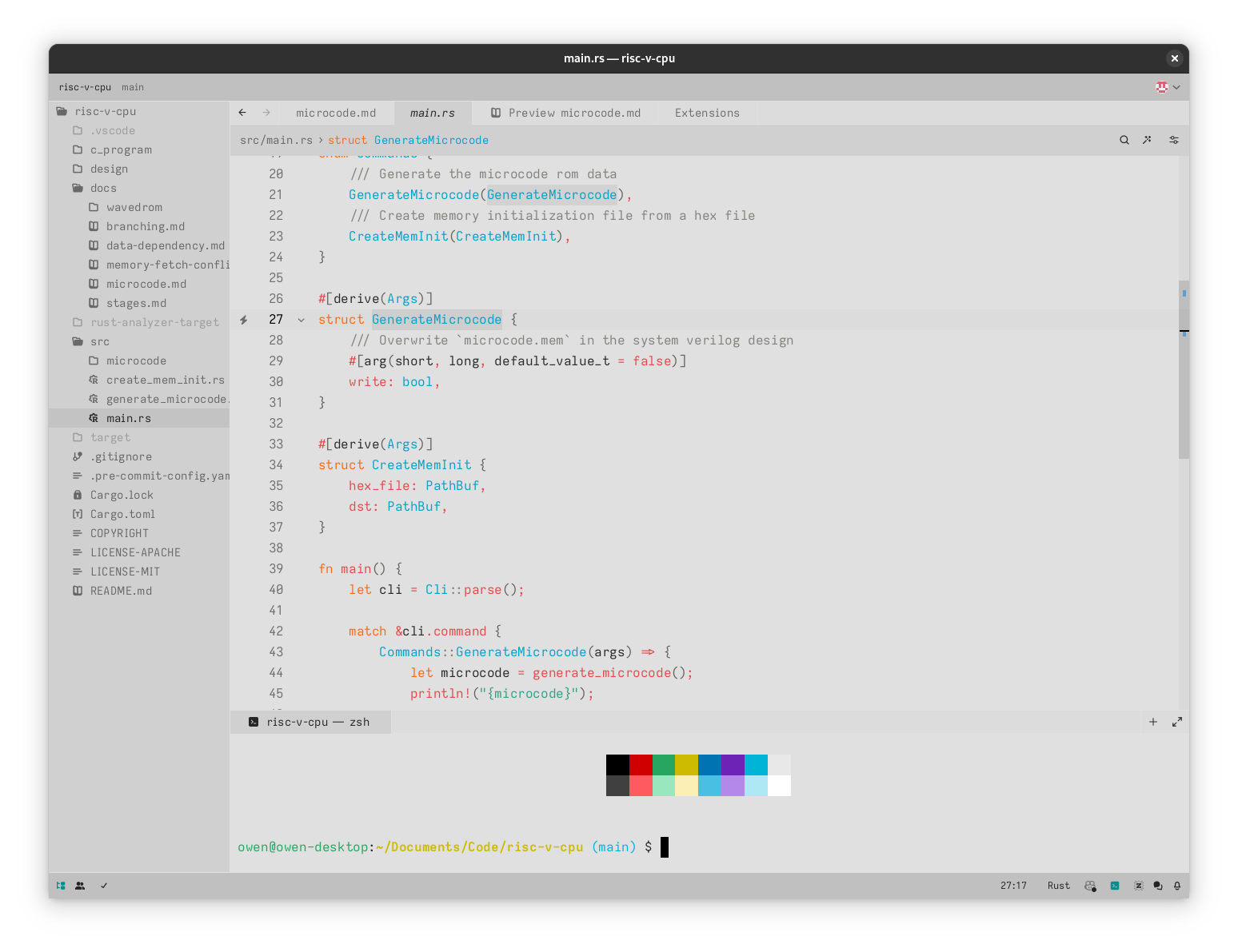
Clean, borderless, light and dark theme Zed.
Screenshots
Installation
- Open Zed.
- Press
ctrl+shift+pand select zed: extensions. - Select Slate and press Install.
- Press (
ctrl+k,ctrl+t) to open the theme selector and select Slate Dark or Slate Light.
License
This theme/extension is licensed under MIT.