sl4y Theme for Zed
A vomit-like high contrast theme for the Zed editor.
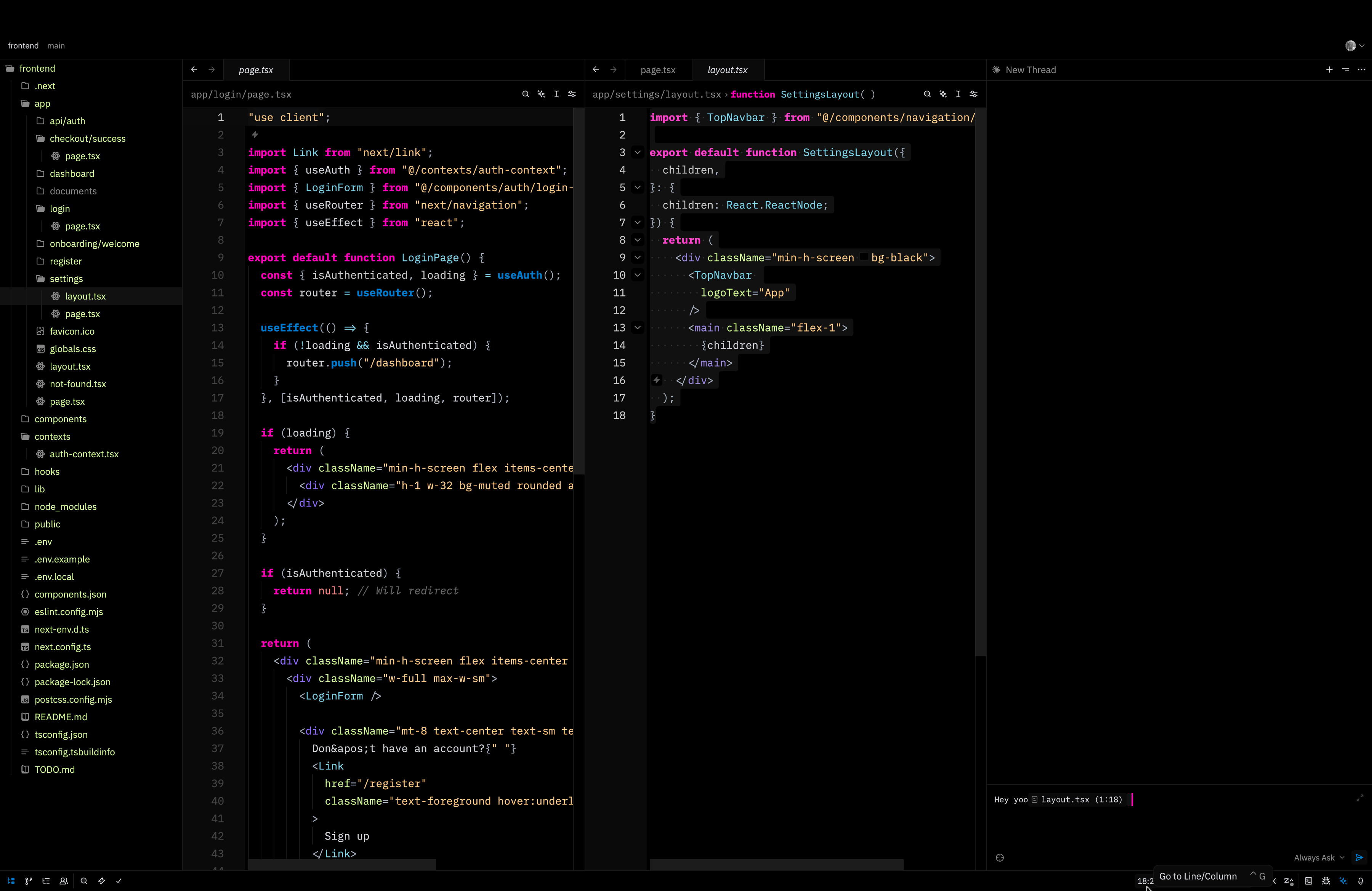
Screenshot
Installation
Install from Zed Extensions
- Open Zed
- Press
cmd-shift-p(macOS) orctrl-shift-p(Linux/Windows) to open the command palette - Type "Extensions" and select "zed: extensions"
- Search for "sl4y" in the extensions marketplace
- Click Install
Manual Installation
Clone this repository:
git clone https://github.com/berkantay/zed-theme-sl4y.gitOpen Zed and go to Extensions
Click on "Install Dev Extension" and select the cloned directory
Activation
After installation:
- Open Zed settings (
cmd-,on macOS orctrl-,on Linux/Windows) - Click on "Select Theme" or search for "theme" in settings
- Choose "Sl4y Theme" from the list