Sharp Solarized Theme for Zed
A sepia-toned, high-contrast light theme family for Zed.




Variants
Sharp Solarized
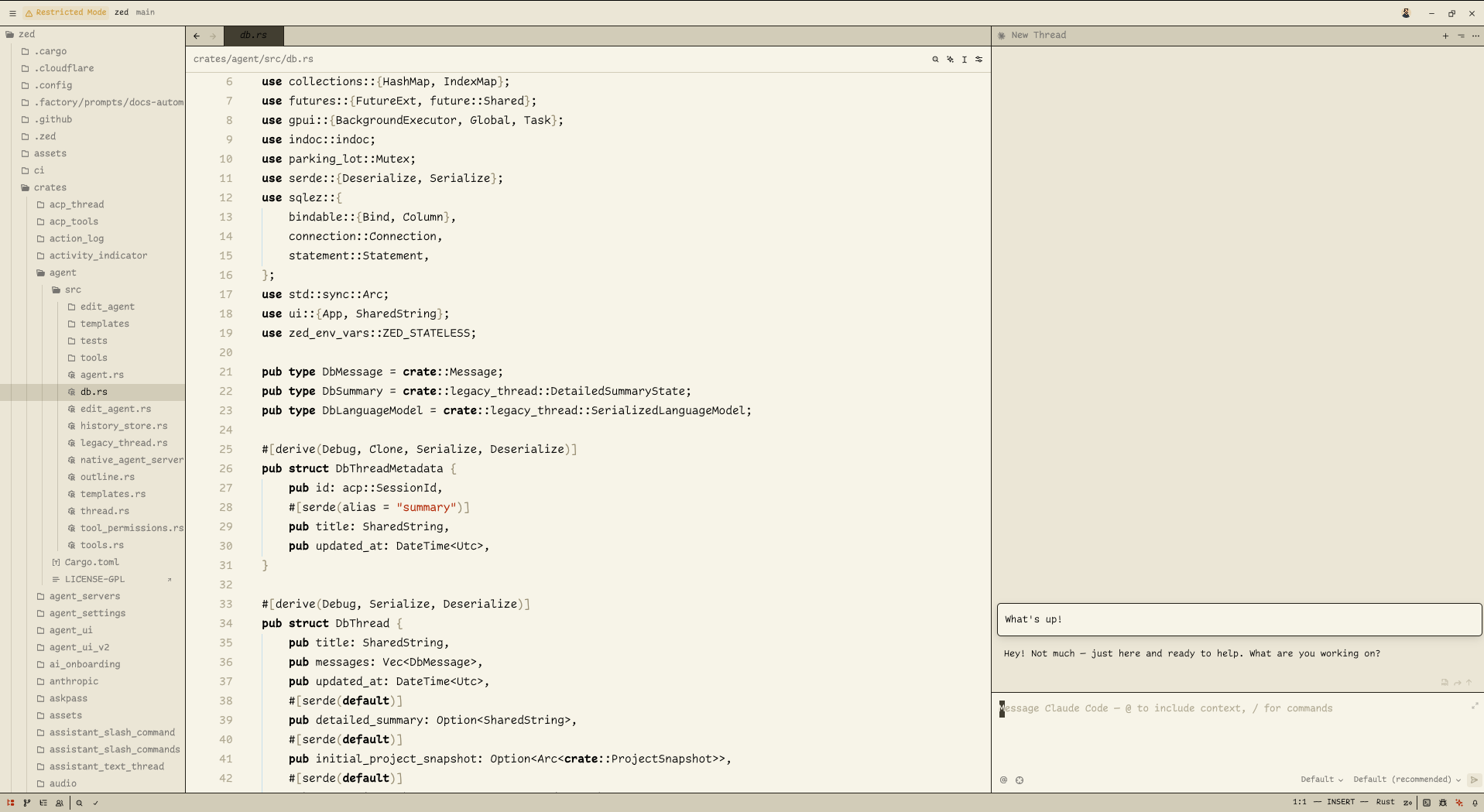
A monochrome palette with a single accent color for highlighting strings (dark red).
Sharp Solarized+
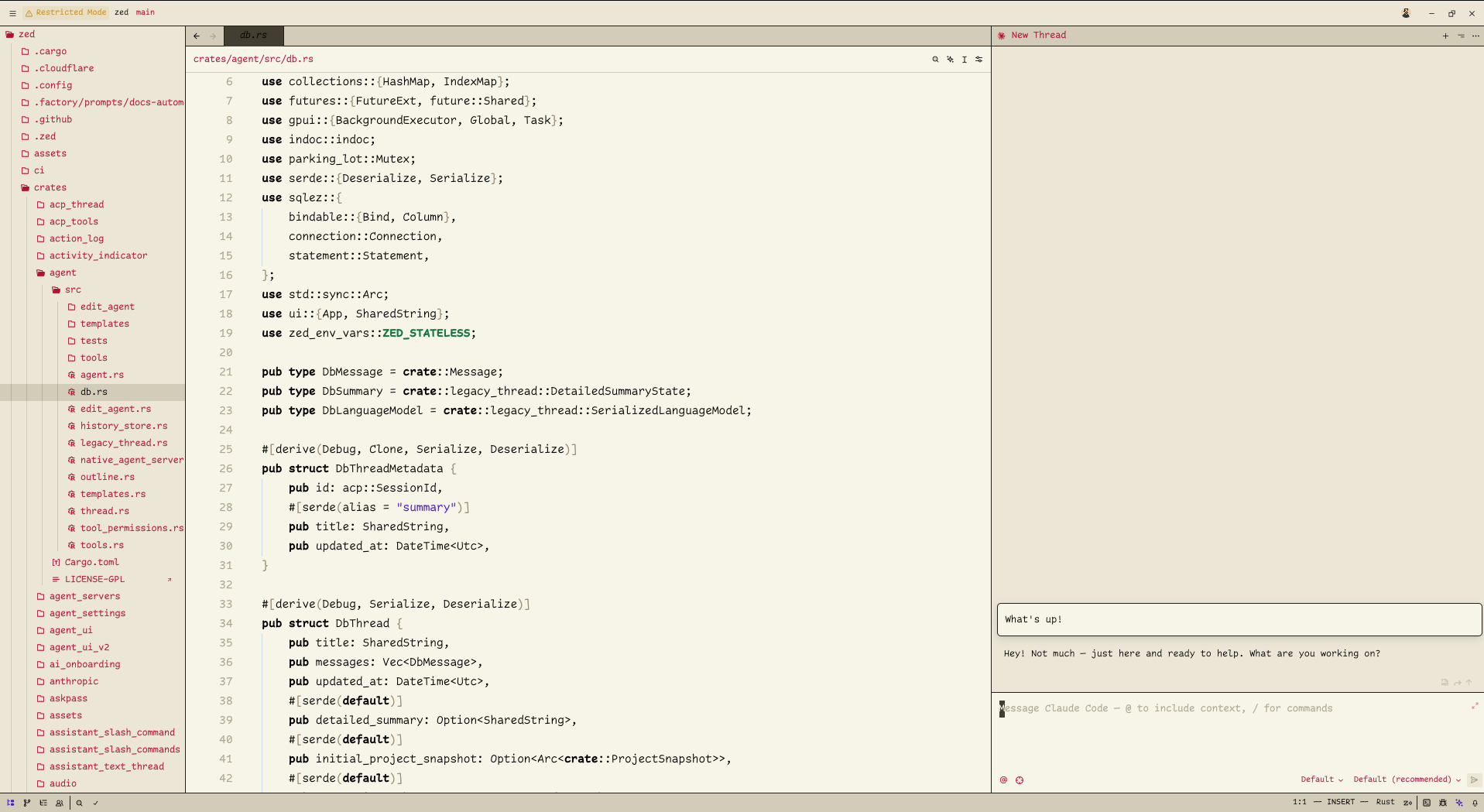
A three-color palette featuring distinct colors for:
- Strings (purple)
- Comments (magenta)
- Constants (green)
Installation
From Zed Extensions
- Open Zed
- Go to Extensions (Cmd+Shift+X)
- Search for "Sharp Solarized"
- Click Install
Manual Installation
Copy the theme file to your Zed themes directory:
cp themes/sharp-solarized.json ~/.config/zed/themes/Then select "Sharp Solarized" or "Sharp Solarized+" in your Zed settings.
Credits
Based on the VSCode themes:
- Solarized High Contrast Light by tinytinytinytiny
- Sharp Solarized by Josh Spicer
License
MIT