Sercali Theme for Zed
A Gilded Void theme family for Zed: deep neutral basalts with Gold, Teal, and Malachite accents.




Screenshots
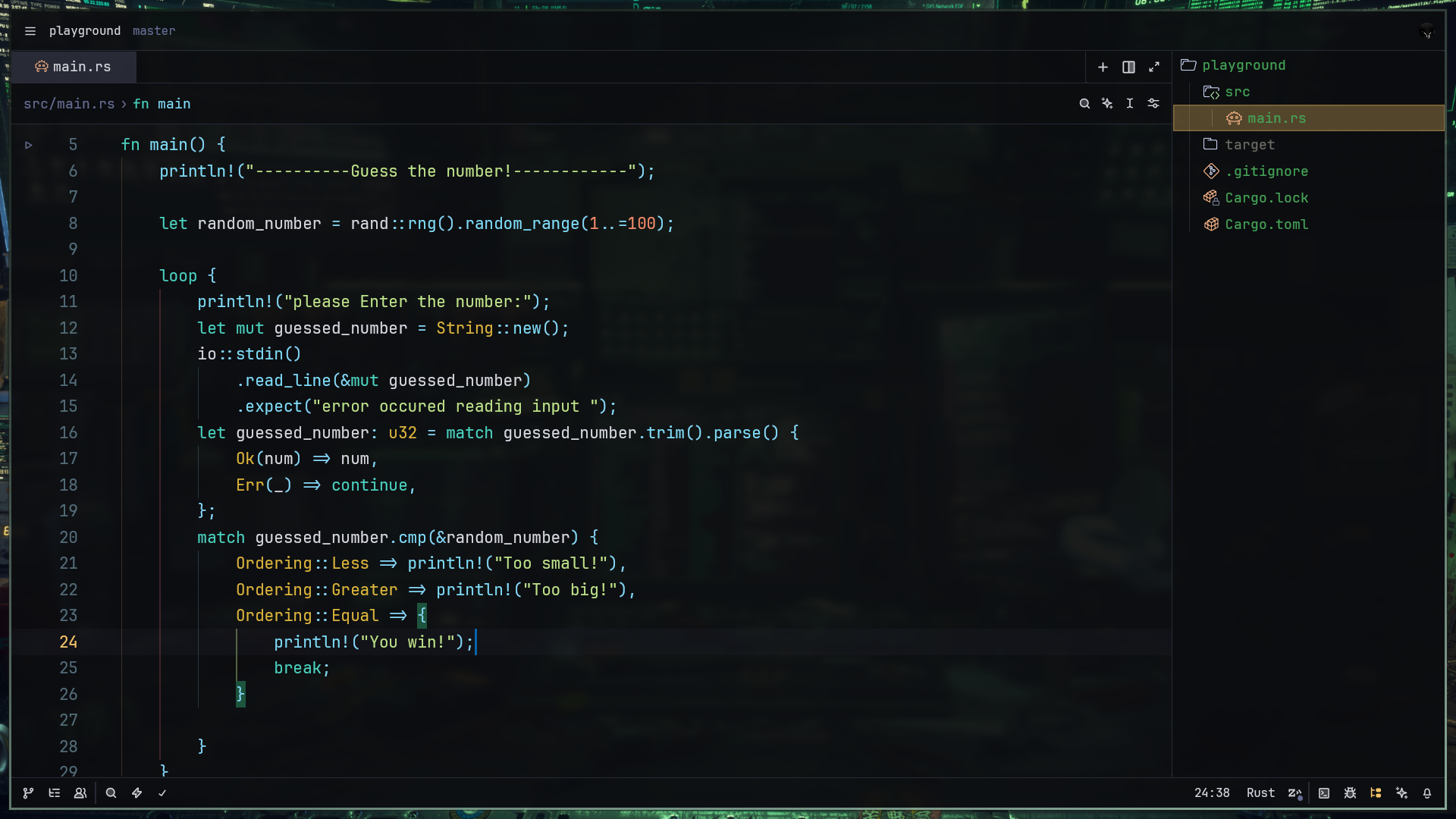
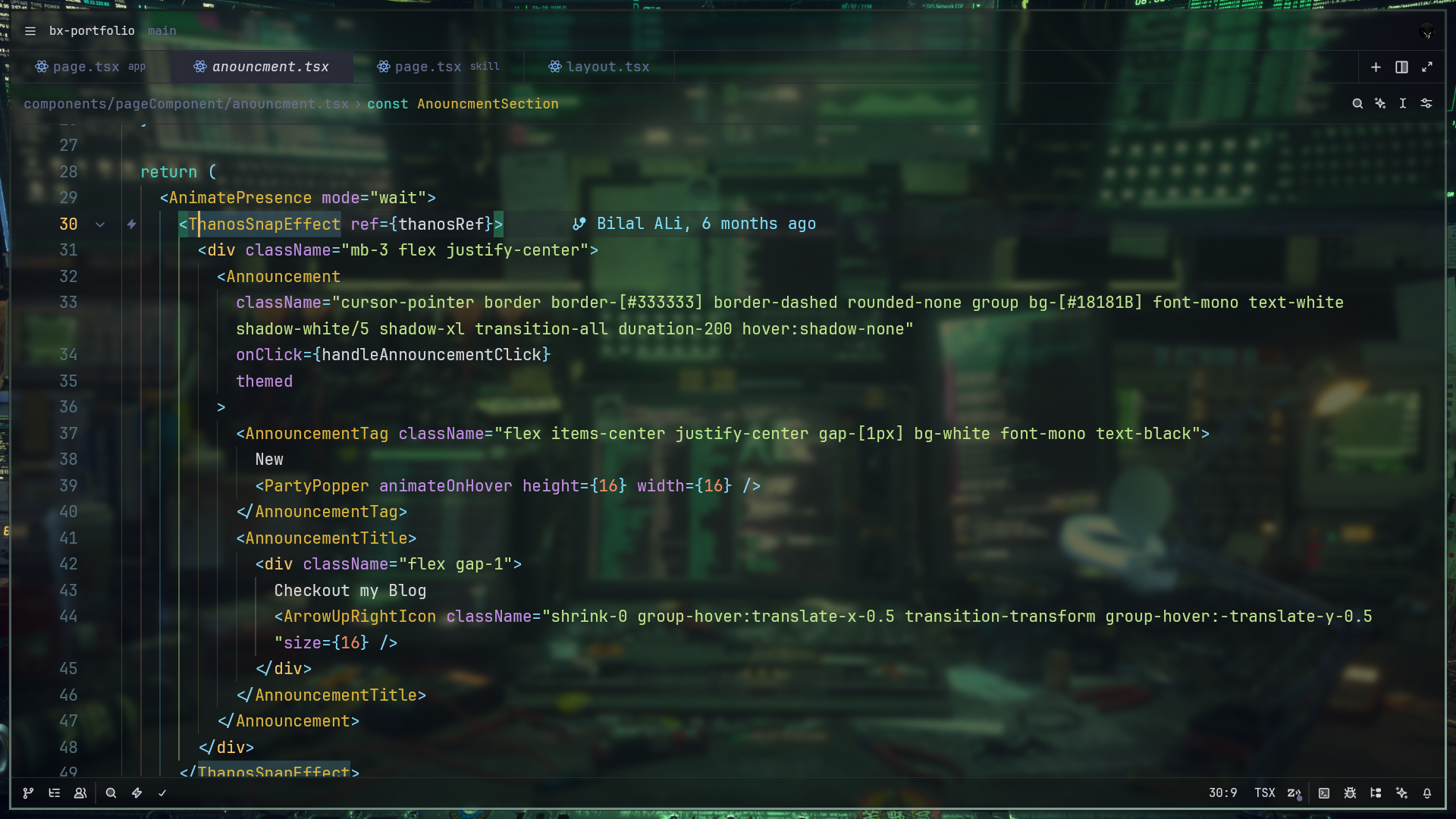
Variants
- Sercali Dark (High Blur) Transparent background for stronger blur effects while floating surfaces stay readable.
- Sercali Dark (Soft Blur) Subtle 90% opacity background for depth without heavy transparency.
- Sercali Dark (Opaque) Solid Deep Basalt for maximum focus and contrast.
- Sercali Light (Opaque) Warm paper-like light mode with an ancient-tech tone.
Palette (Dark)
| Element | Color | Hex |
|---|---|---|
| Background | Deep Basalt | #0b0c0f |
| Tags | Vesper Gold | #ffcb6b |
| Keywords | Vibrant Teal | #4bd6c3 |
| Strings | Malachite | #c3e88d |
| Attributes | Lavender | #c792ea |
| Functions | Azure | #82e2ff |
Installation
Install from Zed Extensions
- Open Zed.
- Run
cmd+shift+p. - Choose
zed: extensions. - Search for
Sercaliand install. - Select a Sercali variant from the theme picker.