seoul256-zed
A port of seoul256 theme to Zed
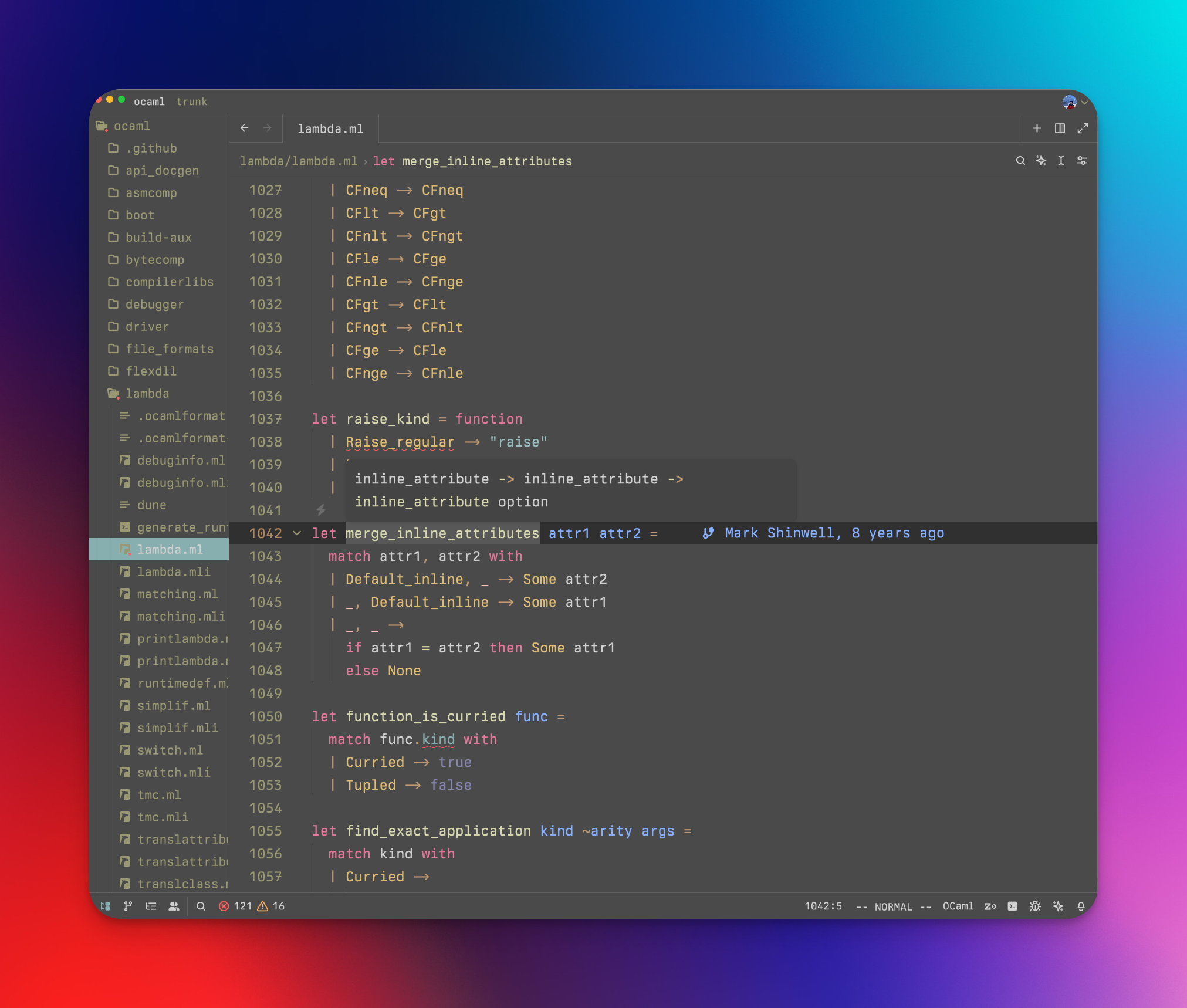
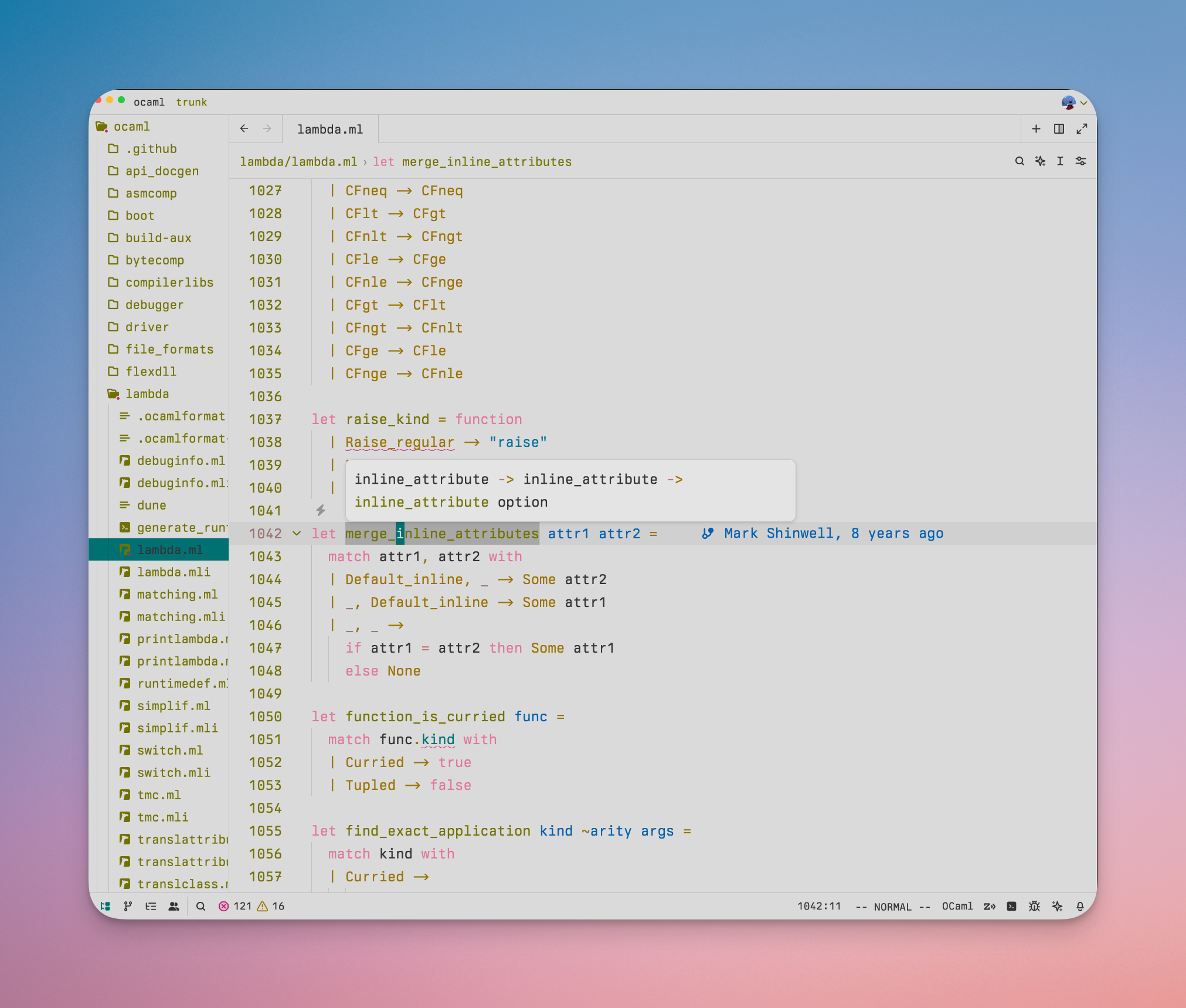
Light
Installation
- Open the Extensions pane with
⌘+⇧+X - Search "seoul256" and install the extension
⌘+kfollowed by⌘+tto open the Theme selector- Enter "seoul256" to search for the theme and enable it
A port of the seoul256 color scheme
// Load settings, retrying a few timesfn load_config(path: &str) -> Result<Config, Error> {let retries = 3;let text = fs::read_to_string(path)?;let name = "settings.json";Ok(Config { text, retries, name })}