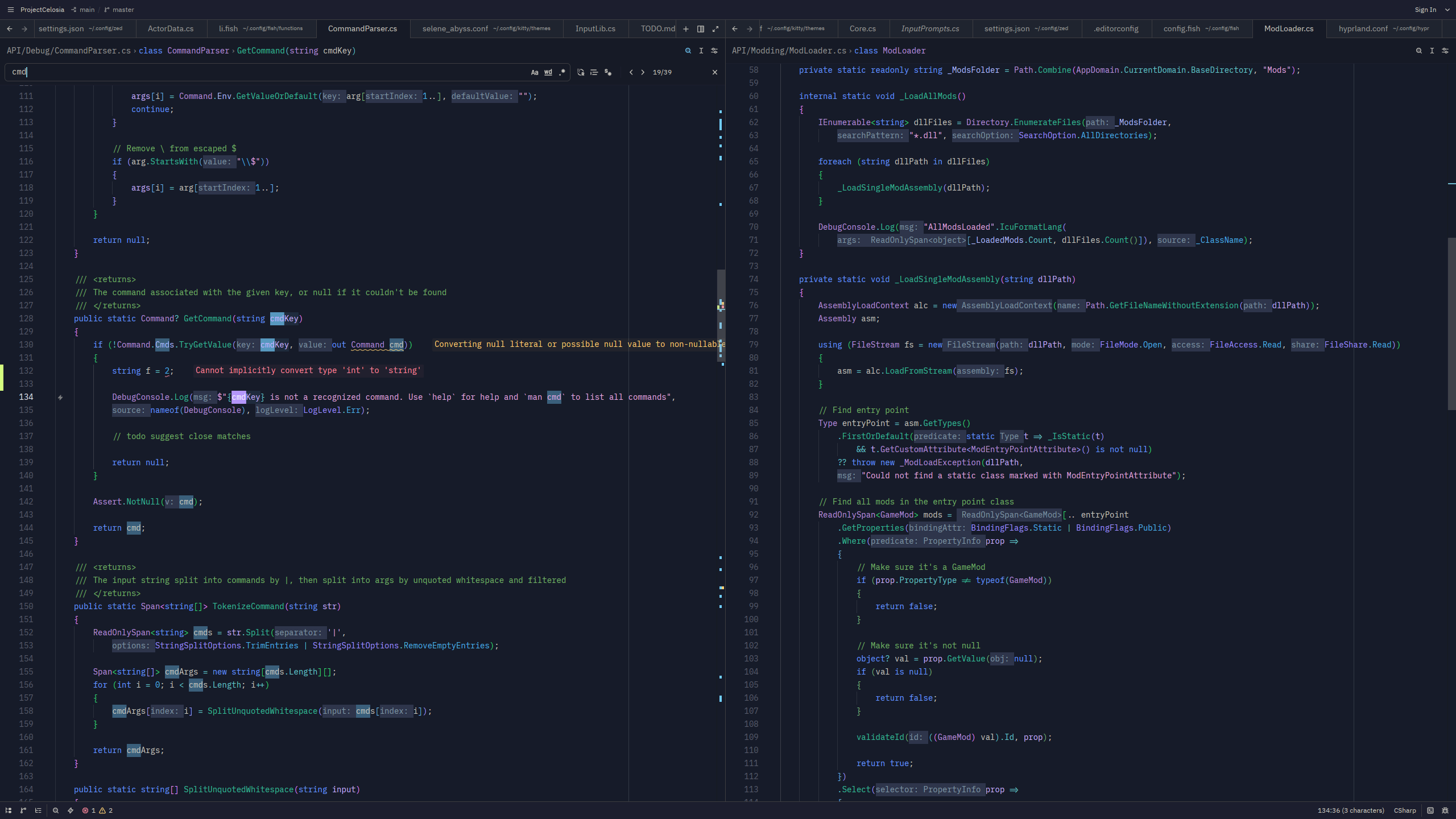
Selene Abyss
Theme for Zed
Installation:
- Clone this repository
- Open Zed
- Go to Extensions (Ctrl/Cmd-Shift-X by default)
- Click "Install Dev Extension"
- Select the cloned directory
Semantic tokens:
For more advanced syntax highlighting, I recommend adding the following to your settings.json:
"semantic_tokens": "combined",

"global_lsp_settings": {
    "semantic_token_rules": [
        {
            "token_type": "operatorOverloaded",
            "style": ["function"],
        },
        {
            "token_type": "parameter",
            "style": ["emphasis"],
        },
        {
            "token_type": "field",
            "style": ["property"],
        },
        {
            "token_type": "property",
            "style": ["operator"],
        },
        {
            "token_type": "constant",
            "style": ["constant"],
        },
        {
            "token_type": "macro",
            "style": ["variable.special"],
        },
        {
            "token_type": "event",
            "style": ["string.special"],
        },
    ],
},
You can find Selene Abyss for various other programs here