RetroPC for Zed
Amber CRT theme for Zed, inspired by the Omarchy RetroPC theme.
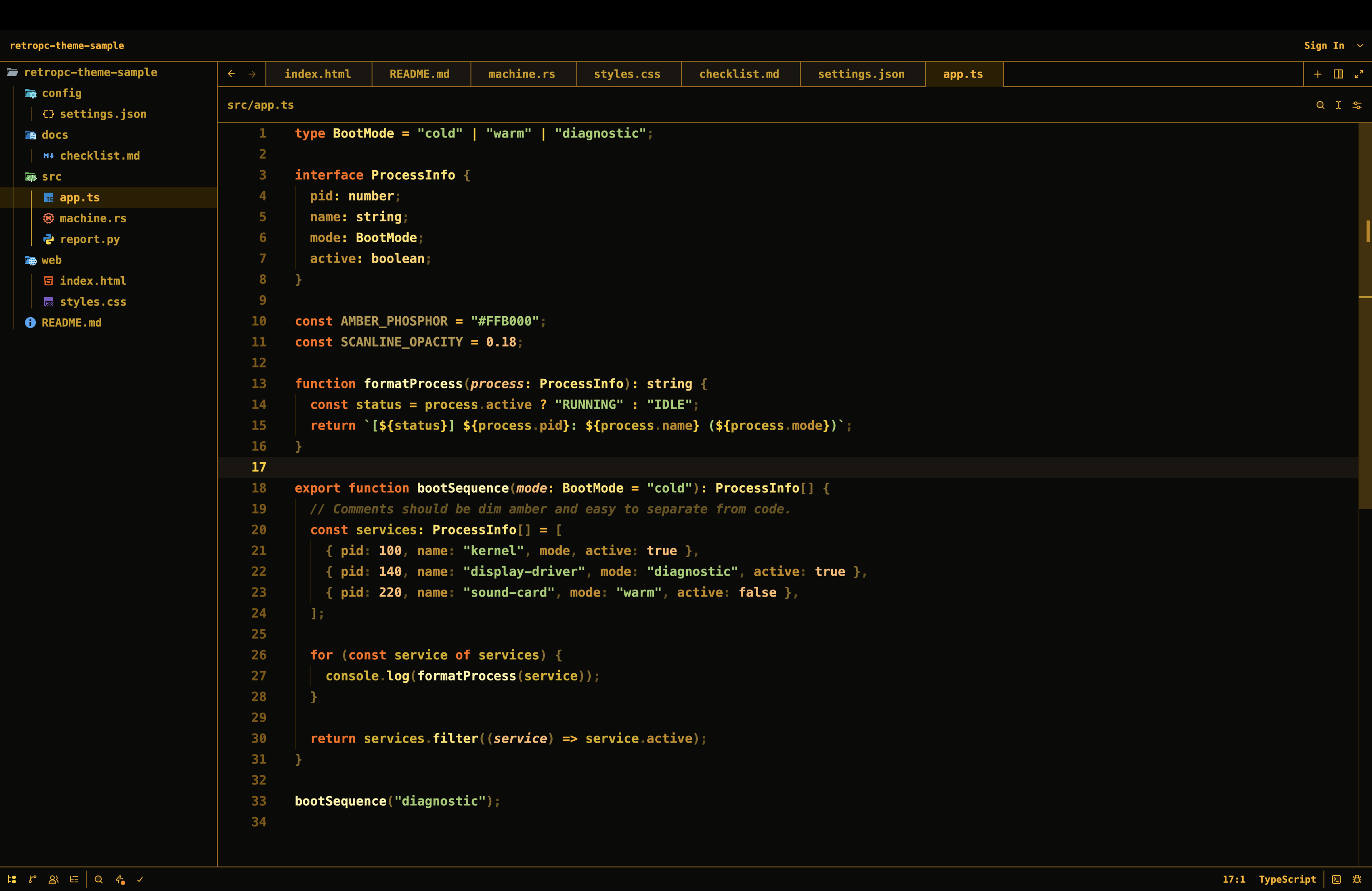
Install
From Zed:
- Open the command palette.
- Run
zed: install dev extension. - Select this repository folder.
- Run
theme selector: toggle. - Choose
RetroPC.
Matching Font
Zed themes cannot set editor fonts or background images directly. To match the
upstream theme more closely, install Bm437 IBM XGA-AI 12x23 and add settings
like:
{
  "buffer_font_family": "Bm437 IBM XGA-AI 12x23",
  "terminal": {
    "font_family": "Bm437 IBM XGA-AI 12x23",
    "minimum_contrast": 0
  }
}
Source
Palette and terminal colors are ported from rondilley/omarchy-retropc-theme.
License
GPL-3.0, matching the upstream source theme.