ratveteinn
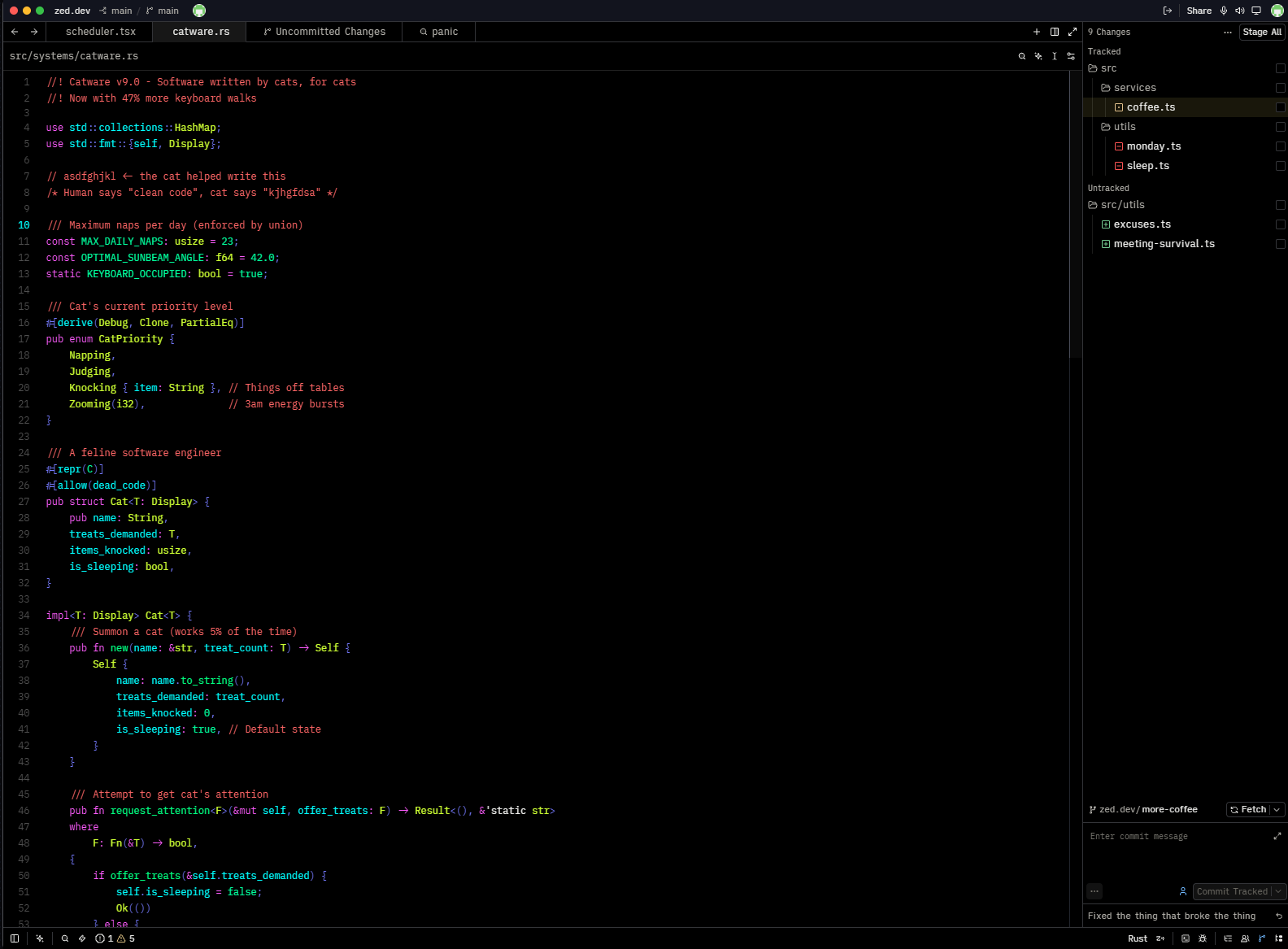
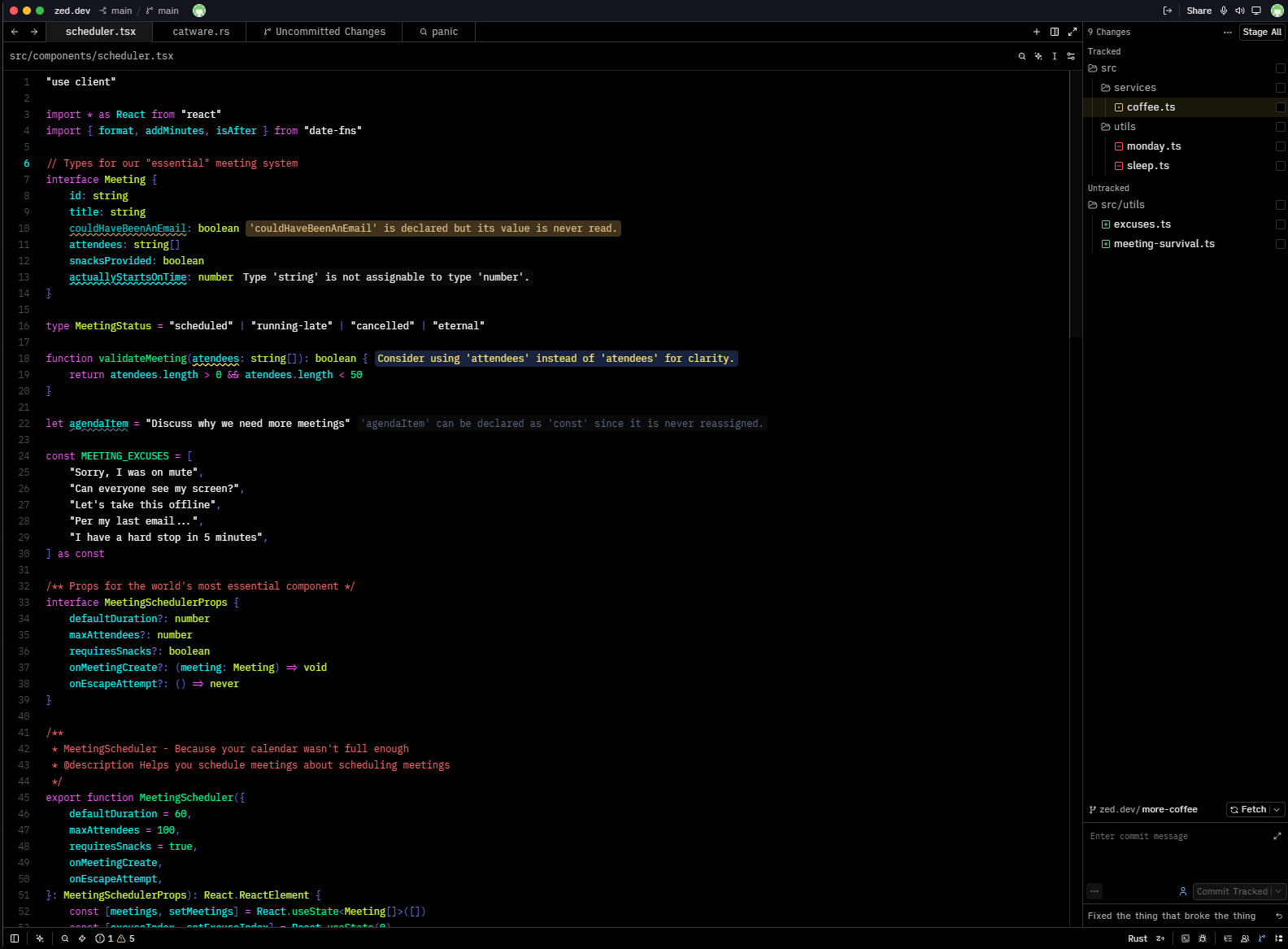
A high-contrast dark theme for Zed, built around deep blacks, bright syntax colors, and extremely clear visual hierarchy.
Themes
ratveteinn
The original theme, with maximum contrast for prominent syntax elements.
ratveteinn azure
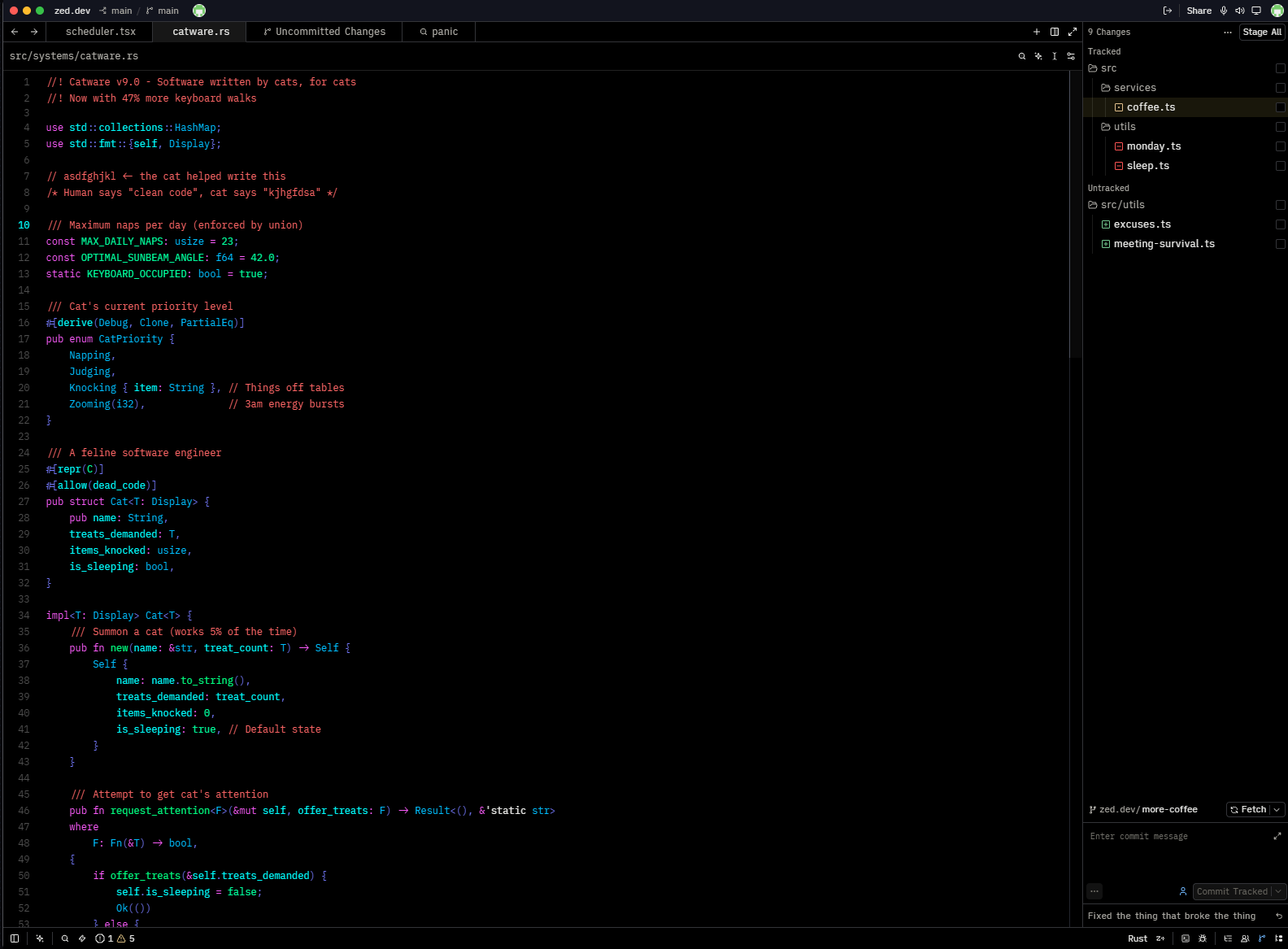
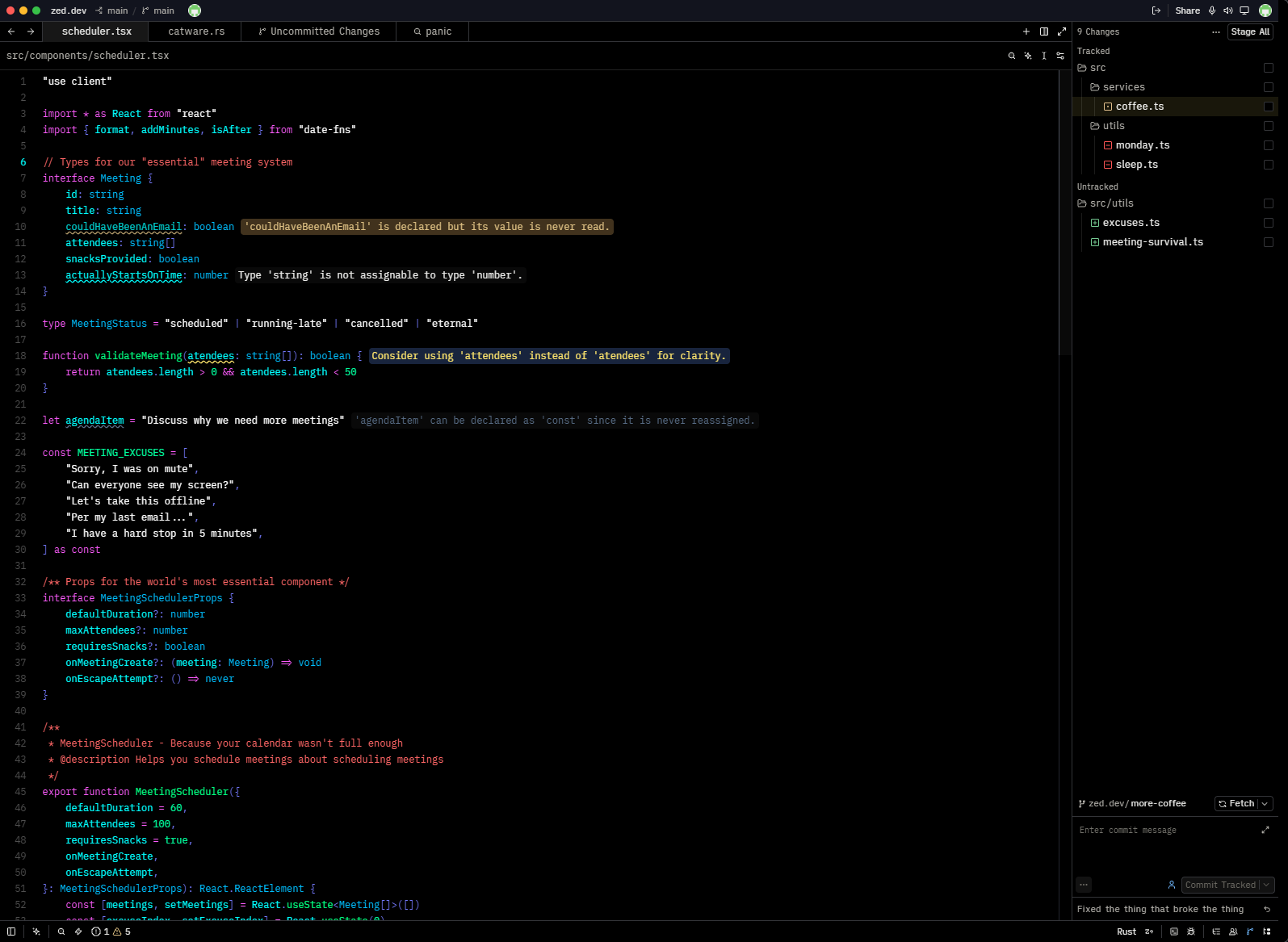
A slightly softer variant that de-emphasizees types, enums, namespaces, and variants.
Installation
Install ratveteinn from the Zed Extensions marketplace:
- Open Zed.
- Open the Extensions page.
- Search for
ratveteinn. - Click Install.
- Select either
ratveteinnorratveteinn Azurefrom the theme selector.
Development
To install the theme locally:
- Clone this repository.
- In Zed, open the Extensions page.
- Click Install Dev Extension.
- Select the root directory of this repository.
License
MIT