Pycharm Modern Themes
Themes for Zed inspired by PyCharm's Modern themes color scheme.
Themes
Dark Stealth — A sleek dark theme inspired by PyCharm's Dark theme with darker UI and terminal colors
Preview
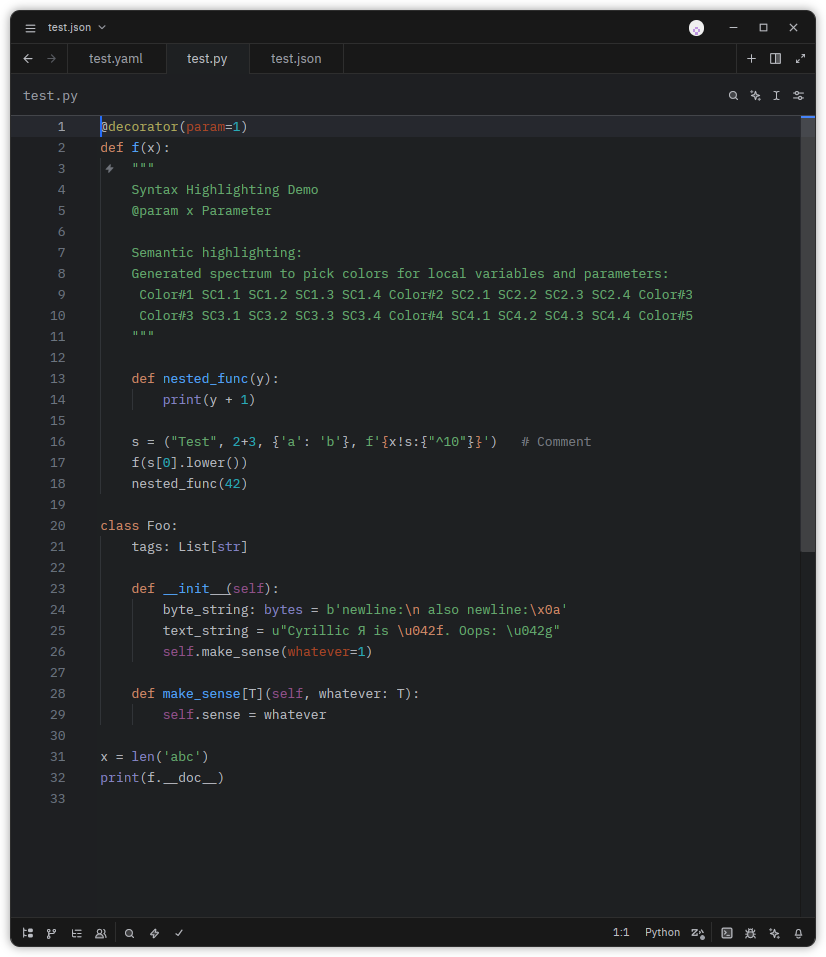
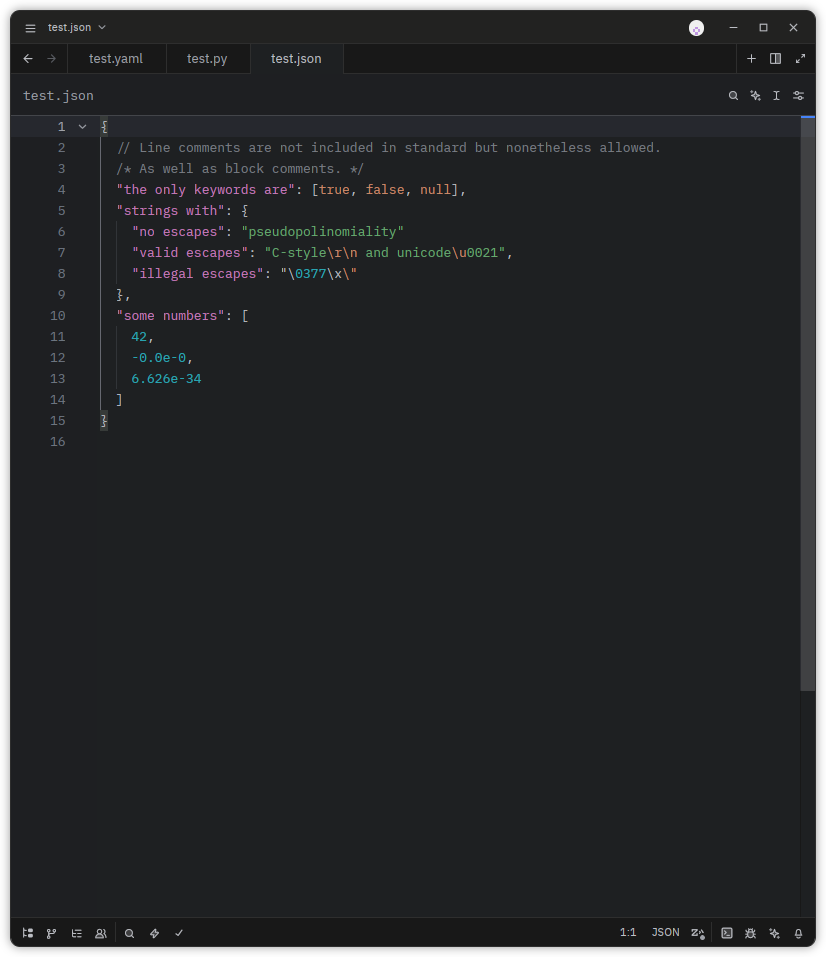
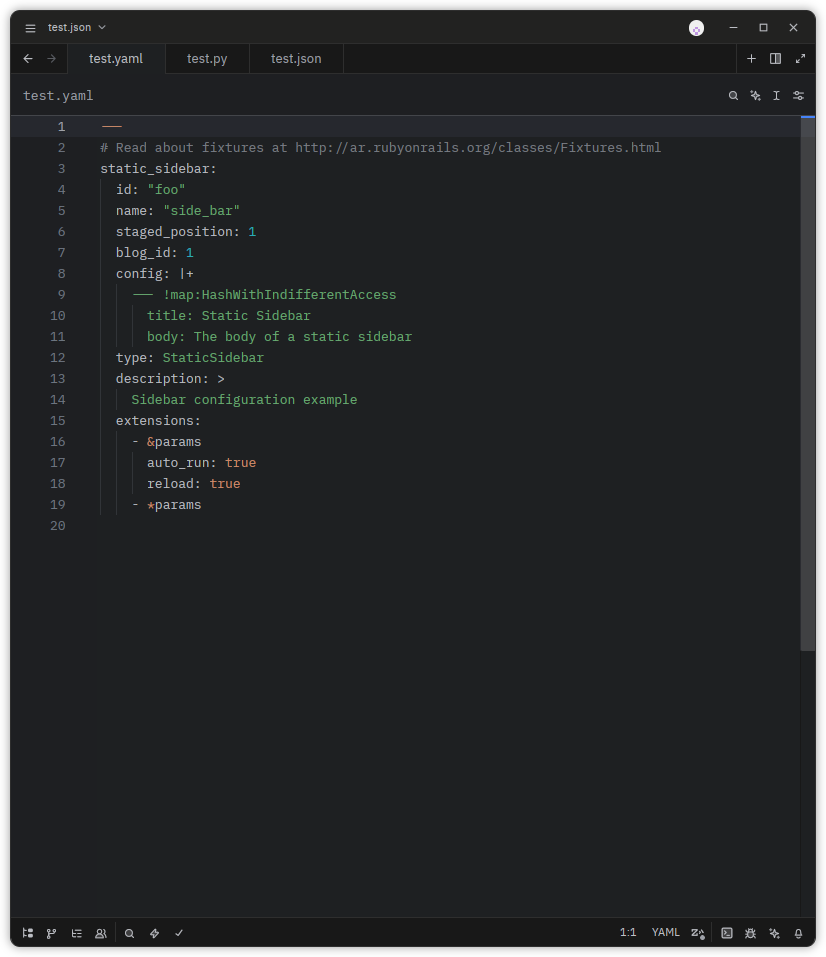
From Zed
- Open Zed
- Press
Cmd+Shift+X(macOS) orCtrl+Shift+X(Linux) to open settings - Search for "PyCharm Modern Themes" in the extensions marketplace
- Click Install
Manual
- Clone this repository:
git clone https://github.com/injirez/zed-pycharm-modern-theme.git - Press
Cmd+Shift+X(macOS) orCtrl+Shift+X(Linux) to open settings - Click on Install Dev Extension
- Navigate to the cloned repository directory
- Click on Install Dev Extension
- Select the theme in settings