Polycarbonate Dark Theme
Turn Zed into a clean slab of dark glass.
Included Themes
- Polycarbonate sha1
- Polycarbonate Ayu Dark
- Polycarbonate Gruvbox Dark
- Polycarbonate One Dark
Preview
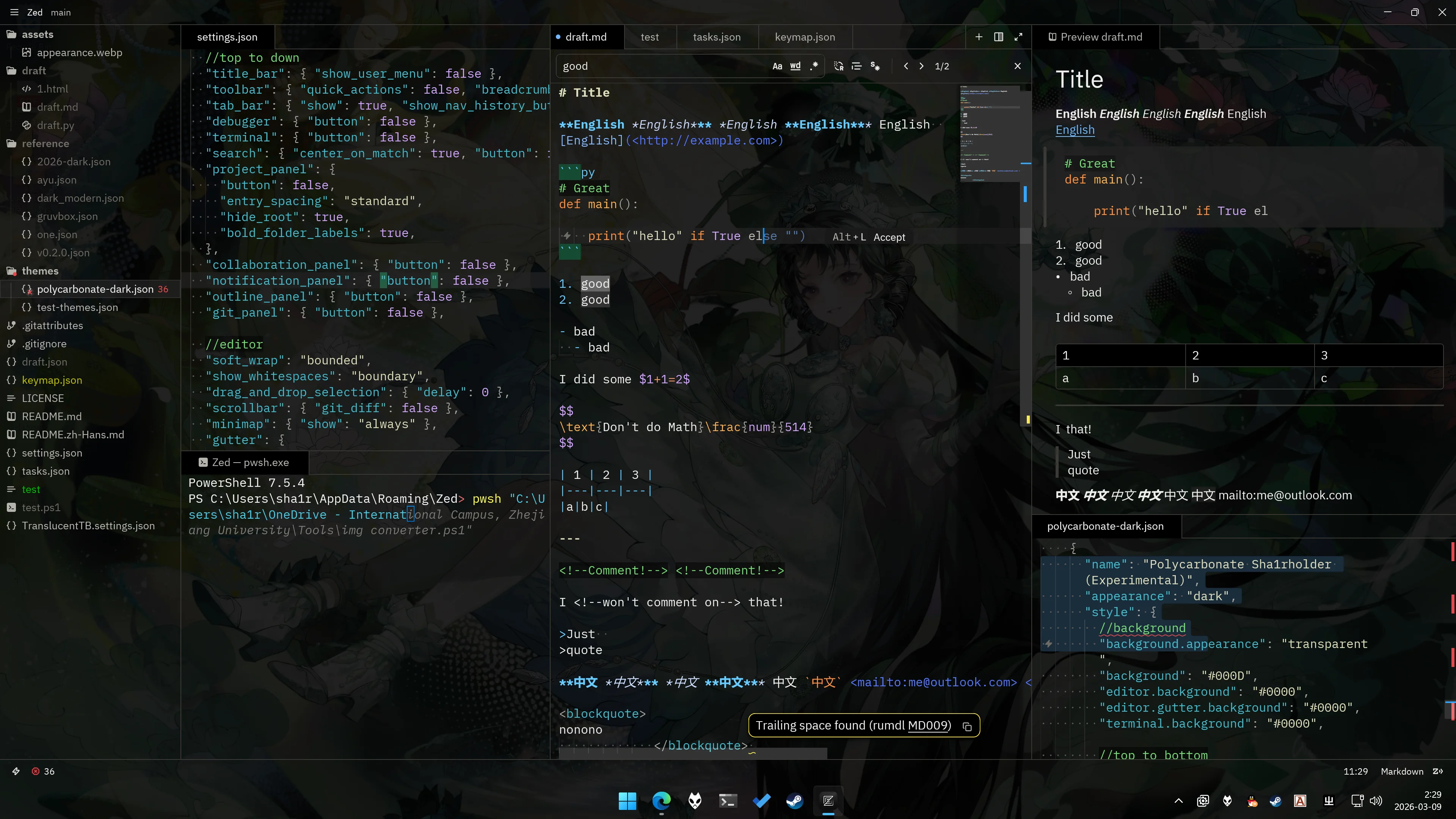
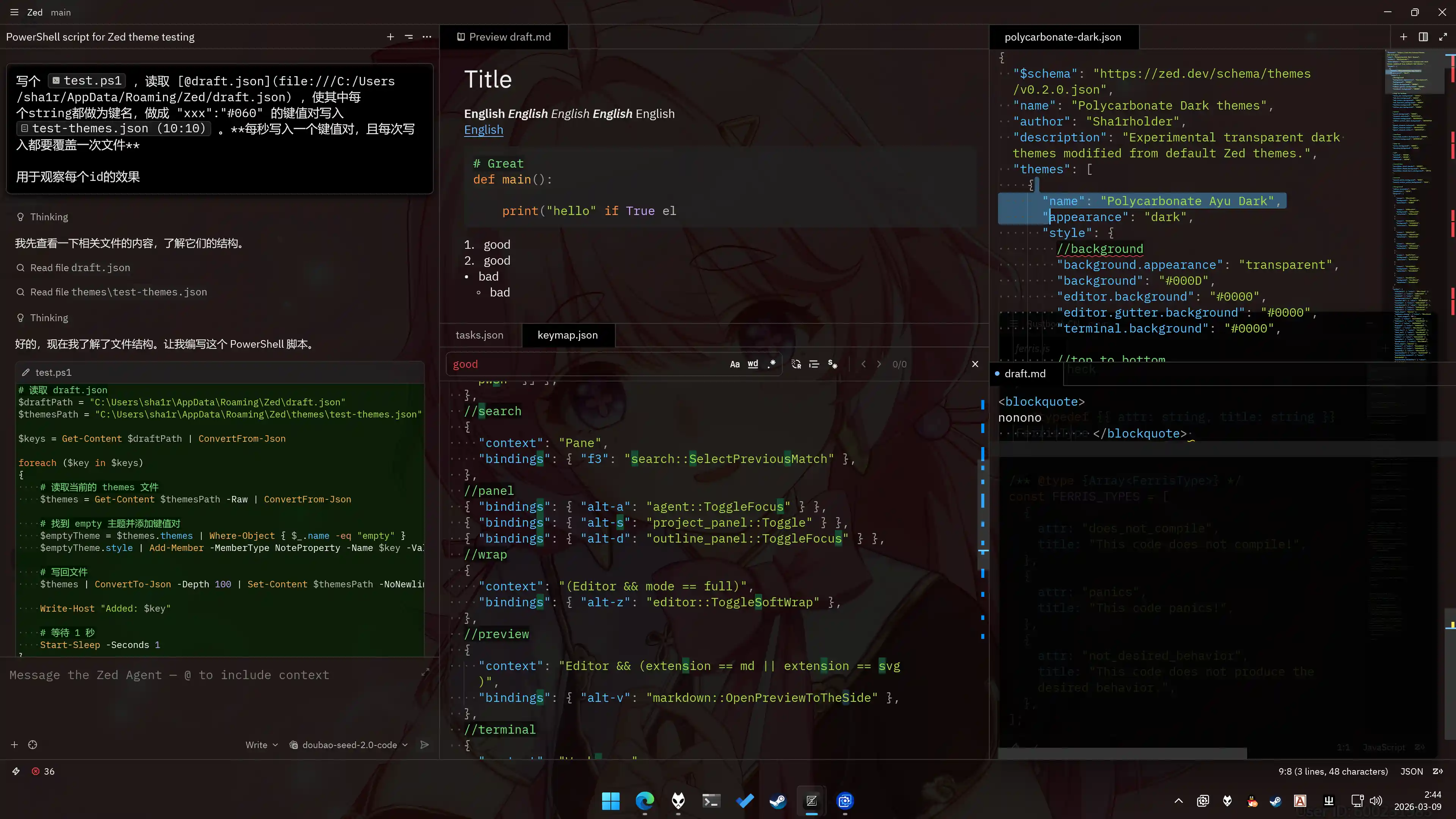
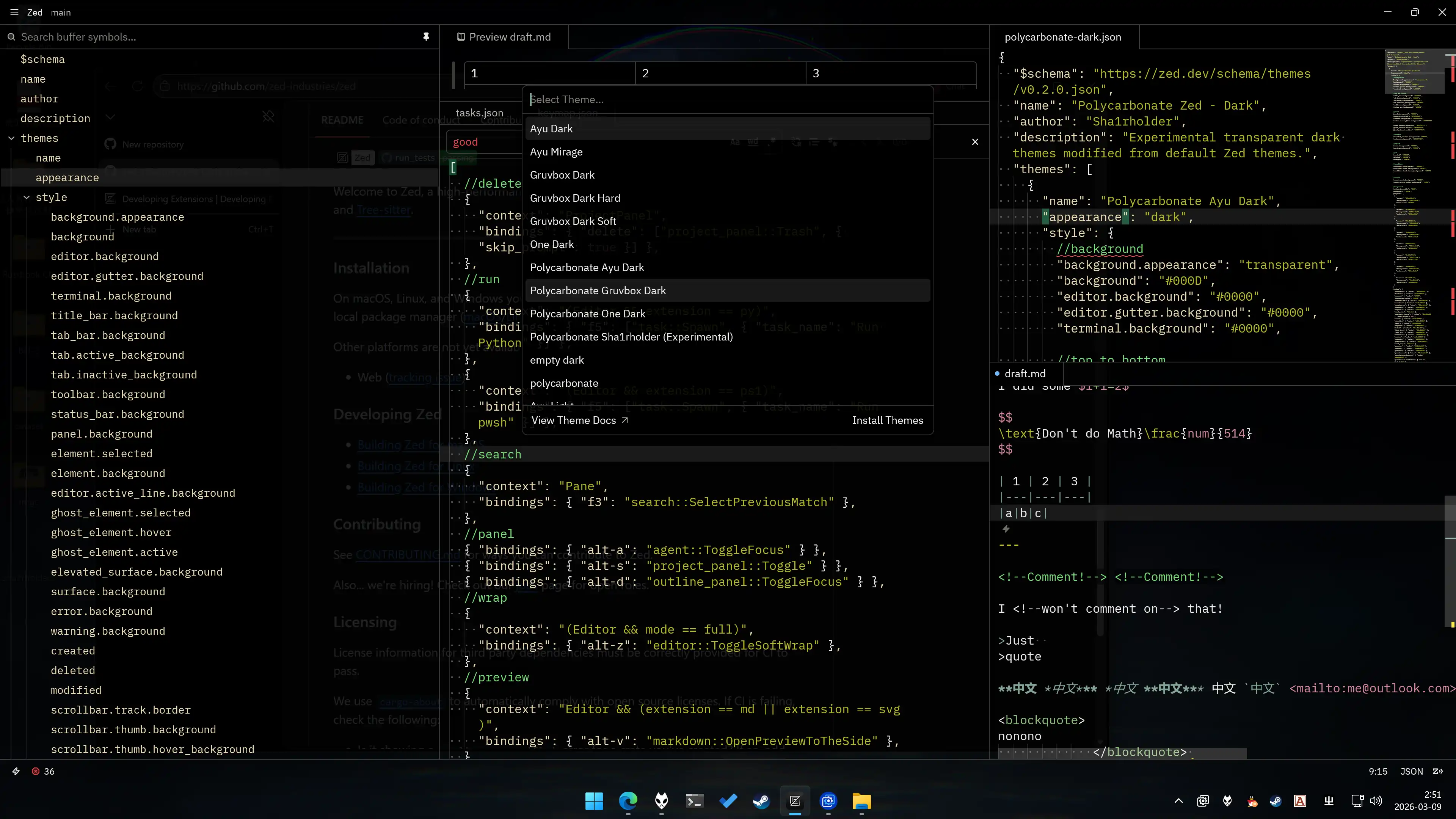
Installation
- Open the Zed extensions page
- Search for
Polycarbonate Dark - Click install
Using with TranslucentTB
When using it with TranslucentTB, it is recommended to set the accent to clear and the color to #000000DD. This will seamlessly blend Zed with the Windows taskbar, as shown in the preview.
Common Customizations
{
	"experimental.theme_overrides": {
		"background": "#110D", // Background color, defaults to #000D
		"title_bar.background": "#110D", // Top title bar background color, defaults to #000D
		"status_bar.background": "#110D", // Bottom status bar background color, defaults to #000D
		"tab.active_background": "#057", // Active tab background color, defaults to #000
		"search.match_background": "#333", // Search match background color, defaults to #333
		"search.active_match_background": "#666", // Active search match background color, defaults to #666
		"players": [
			{
				"selection": "#6AD8"
			}
		], // Selection area color
		"syntax": {
			"comment": {
				"color": "#7D7", // Comment foreground color
				"background_color": "#0001" // Comment background color
			}
		}
	}
}
Known Issues
Zed's current transparency implementation prevents this theme from displaying git gutter colors. https://github.com/zed-industries/zed/issues/55972
Under 10 bpc color depth, the Windows Multi Panel Overlay (MPO) function may encounter a graphics driver error that incorrectly calculates transparency. This bug causes the actual window transparency to be higher than the set transparency. In addition to Zed's native transparency settings, the VSCode skacekachna.win-opacity plugin, foobar2000, and TranslucentTB are all affected by this bug. If you think the default transparency of this plugin is too high, it is most likely due to this bug. The solution is to set the graphics card color depth output to 8 bpc.