Pelpsi Night
A dark theme for Zed — deep black backgrounds with a Dracula-inspired color palette.
Preview
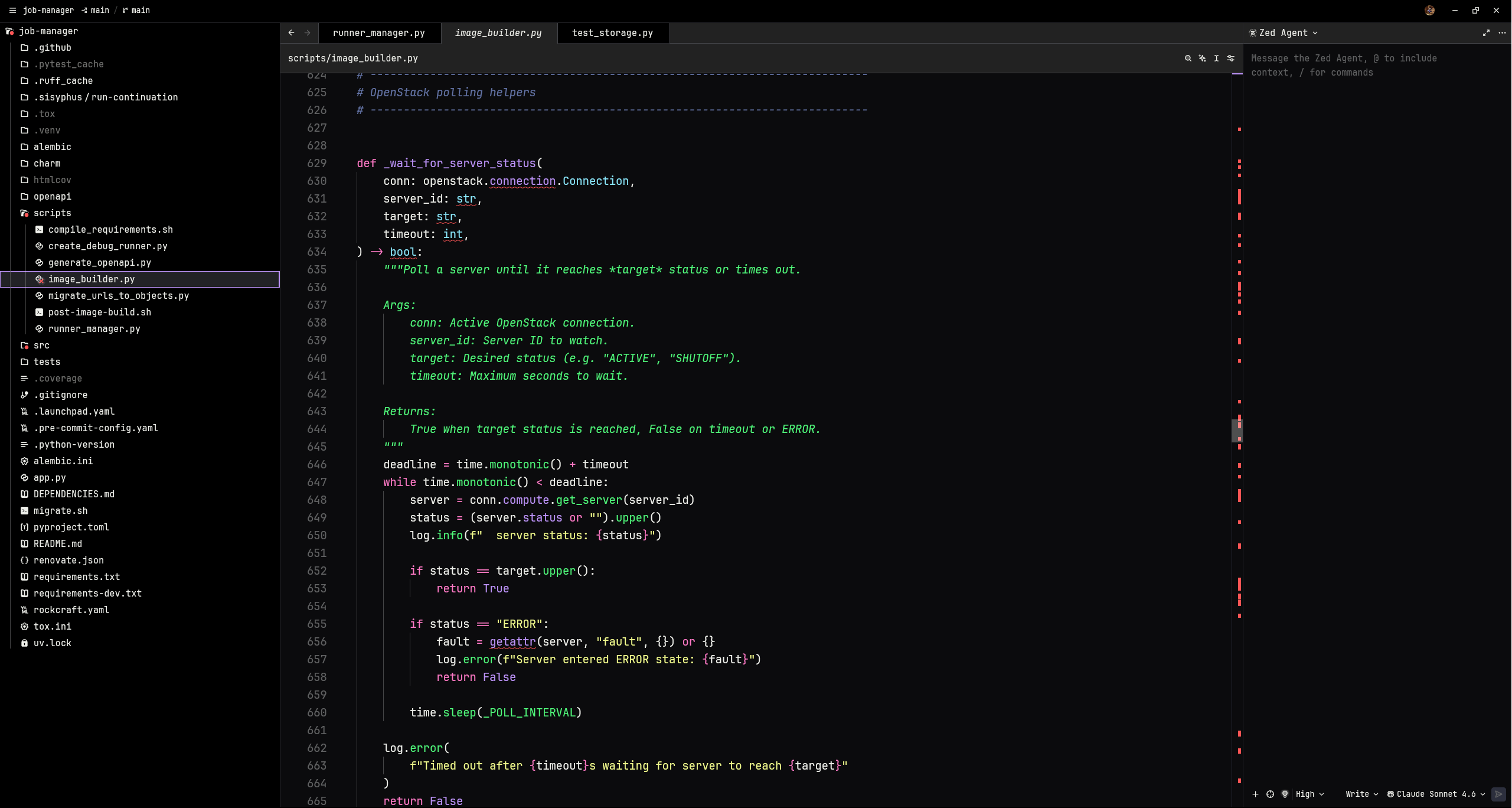
Pelpsi Night
Pelpsi Night - blurred
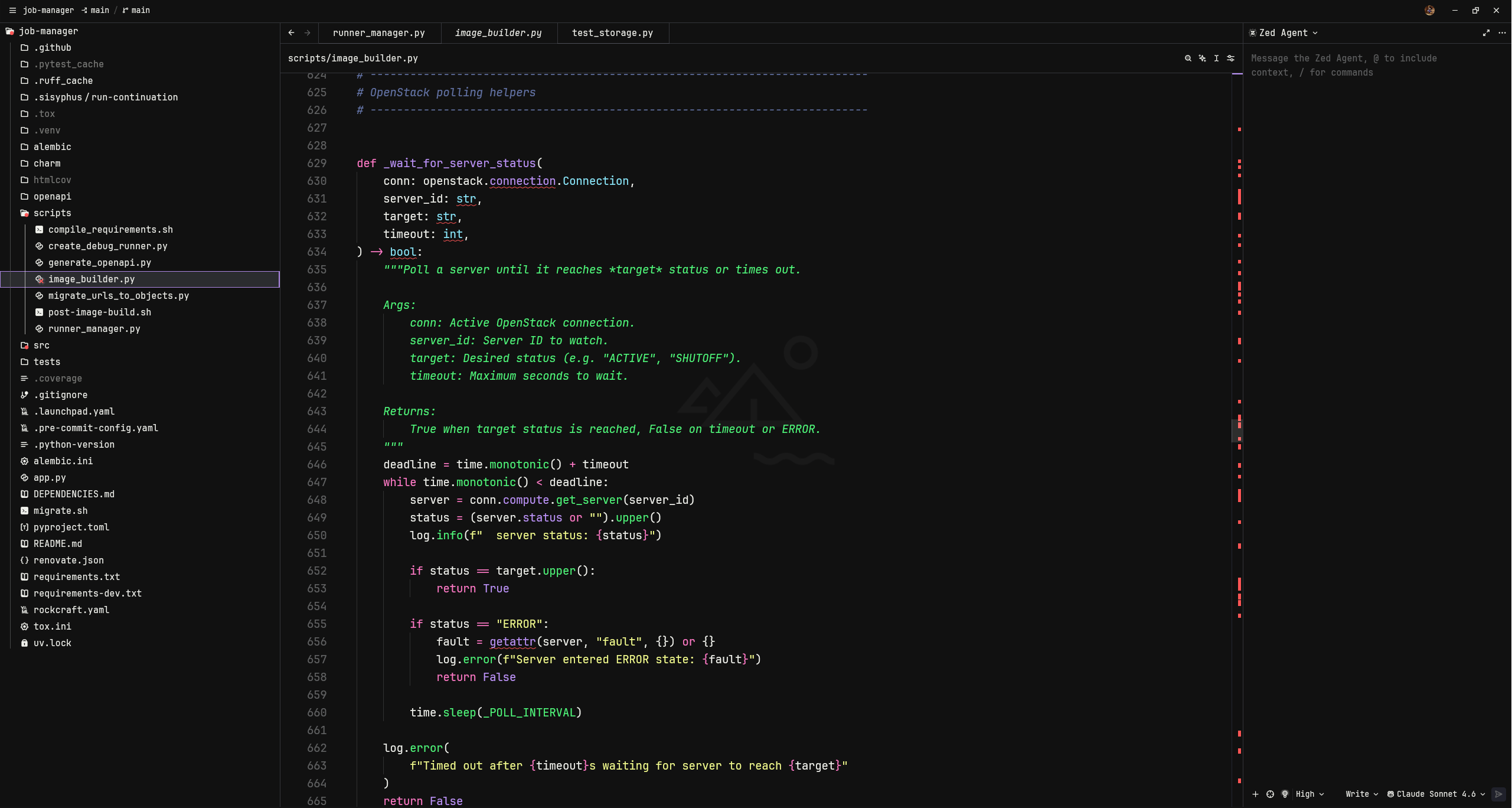
Two variants are included:
| Variant | Description |
|---|---|
| Pelpsi Night | Solid dark background |
| Pelpsi Night - blurred | Transparent background, designed for use with a blurred/acrylic window effect |
Color Palette
| Role | Color | Hex |
|---|---|---|
| 🟣 Purple — accent, cursor, functions |  |
#bd93f9 |
| 🩷 Pink — keywords, operators |  |
#ff79c6 |
| 🟡 Yellow — strings, labels, fields |  |
#f1fa8c |
| 🩵 Cyan — types, variable.special |  |
#8be9fd |
| 🟢 Green — constants, success, hints |  |
#50fa7b |
| 🔴 Red — errors, deleted, tags |  |
#ff5555 |
| 🔵 Comments |  |
#6272a4 |
| ⬛ Background |  |
#0b0b0d |
| ⬜ Foreground |  |
#eff0eb |
Installation
From the Zed Extension Marketplace
- Open Zed
- Press
cmd/ctrl + shift + pand run Extensions - Search for Pelpsi Night and install it
- Press
cmd/ctrl + shift + pand run Theme Selector to activate it
Manual
Clone this repo into your Zed extensions directory:
git clone https://github.com/simonepelosi/pelpsi-night \
  ~/.config/zed/extensions/pelpsi-night
Then restart Zed and select the theme via the Theme Selector.