Pearish
A warm, earthy theme for Zed with light and dark variants.
Screenshots
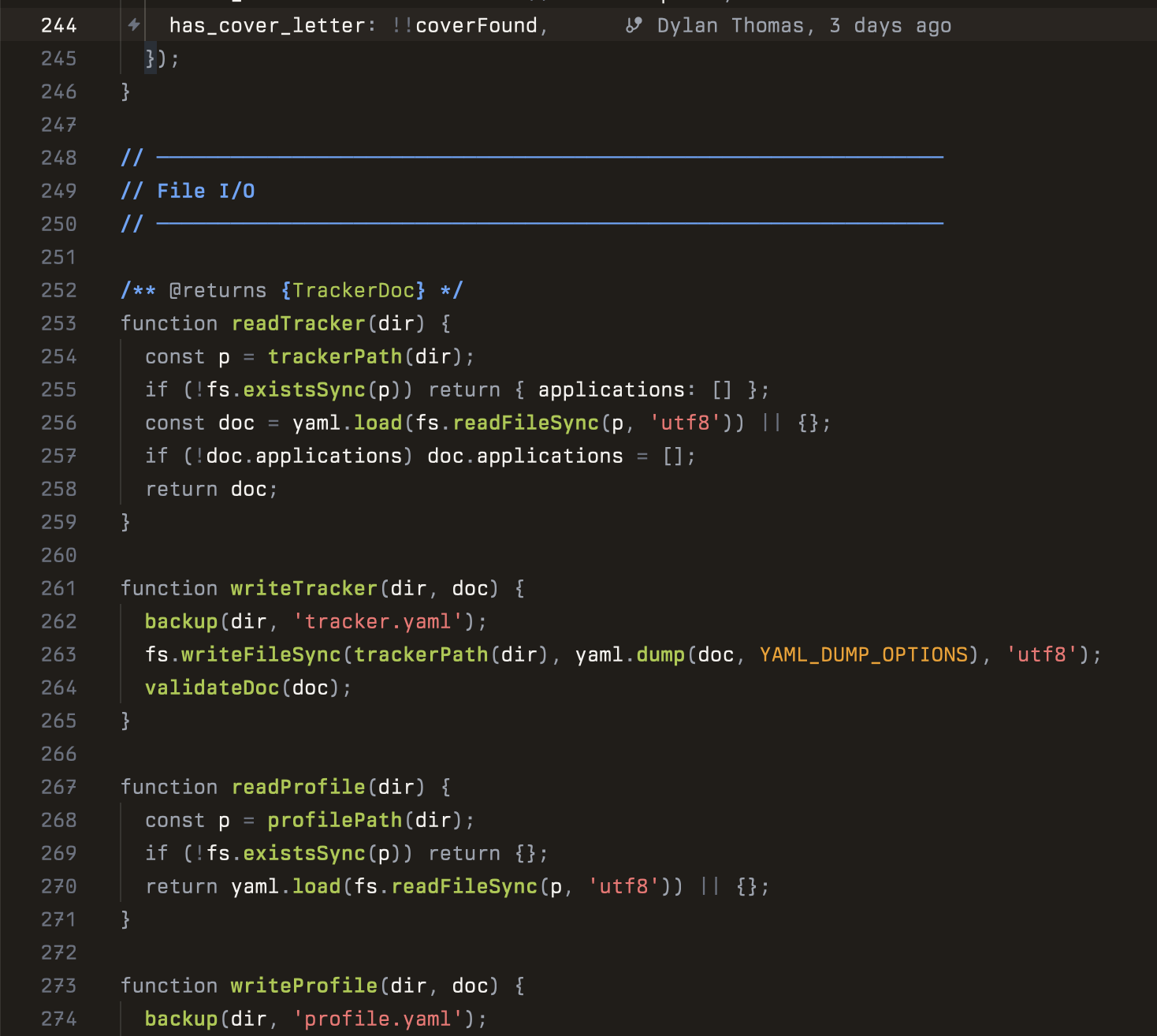
Pearish Dark
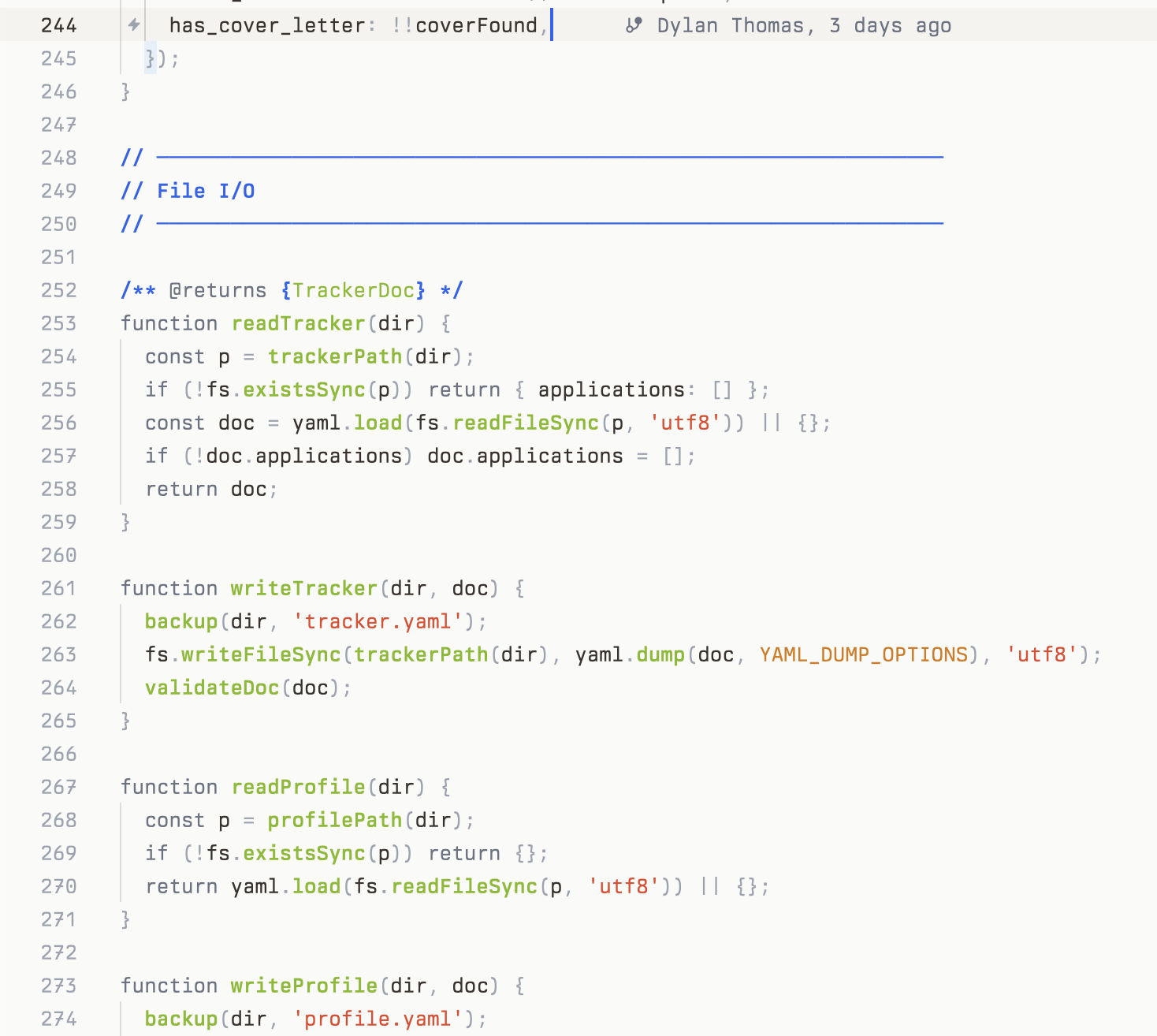
Pearish Light
Color Palette
Light

| Role | Color | Hex |
|---|---|---|
| Background | warm stone | #FAFAF9 |
| Text | dark bark | #39322D |
| Accent | pear green | #82B919 |
| Strings | ripe red | #E84327 |
| Comments | sky blue | #2563EB |
| Constants | amber | #D97706 |
| Attributes | grape | #9333EA |
| Links | teal | #0D9488 |
Dark

| Role | Color | Hex |
|---|---|---|
| Background | roast brown | #211D19 |
| Text | warm white | #F5F3F0 |
| Accent | pear green | #A8C940 |
| Strings | soft red | #F87171 |
| Comments | light blue | #60A5FA |
| Constants | amber | #F59E0B |
| Attributes | lavender | #A855F7 |
| Links | mint | #2DD4BF |
Install
- Open Zed
- Open the extensions panel (
cmd+shift+x) - Search for "Pearish"
- Click Install
- Select Pearish Light or Pearish Dark in your theme settings
Manual Install
Clone this repo into your Zed extensions directory:
git clone https://github.com/dvhthomas/pearish-theme \
  ~/.local/share/zed/extensions/installed/pearish-theme
Then restart Zed and select the theme.