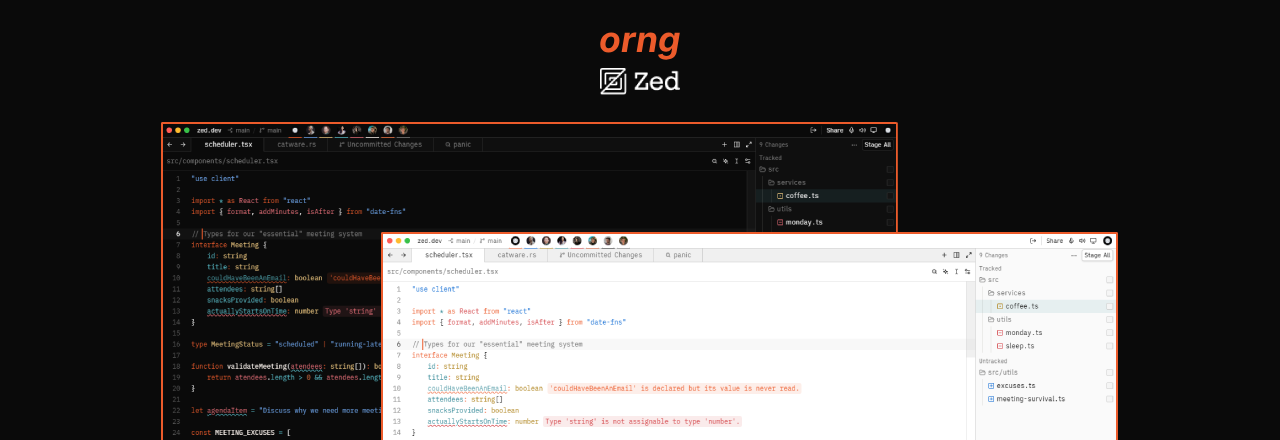
Orng
🍊 Your editor called — it wants more orange. Bold accents, crisp contrast, dark & light.
Overview • Preview • Install • License
Overview
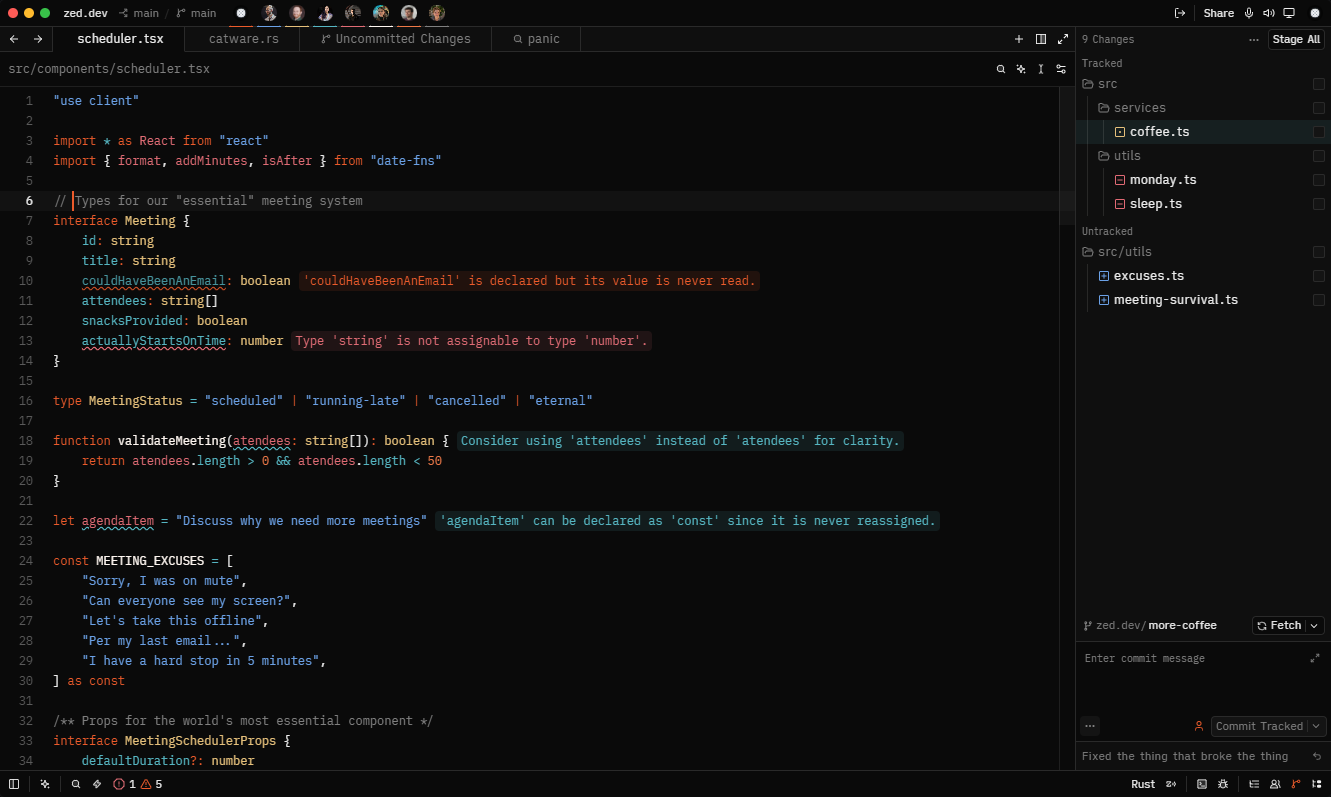
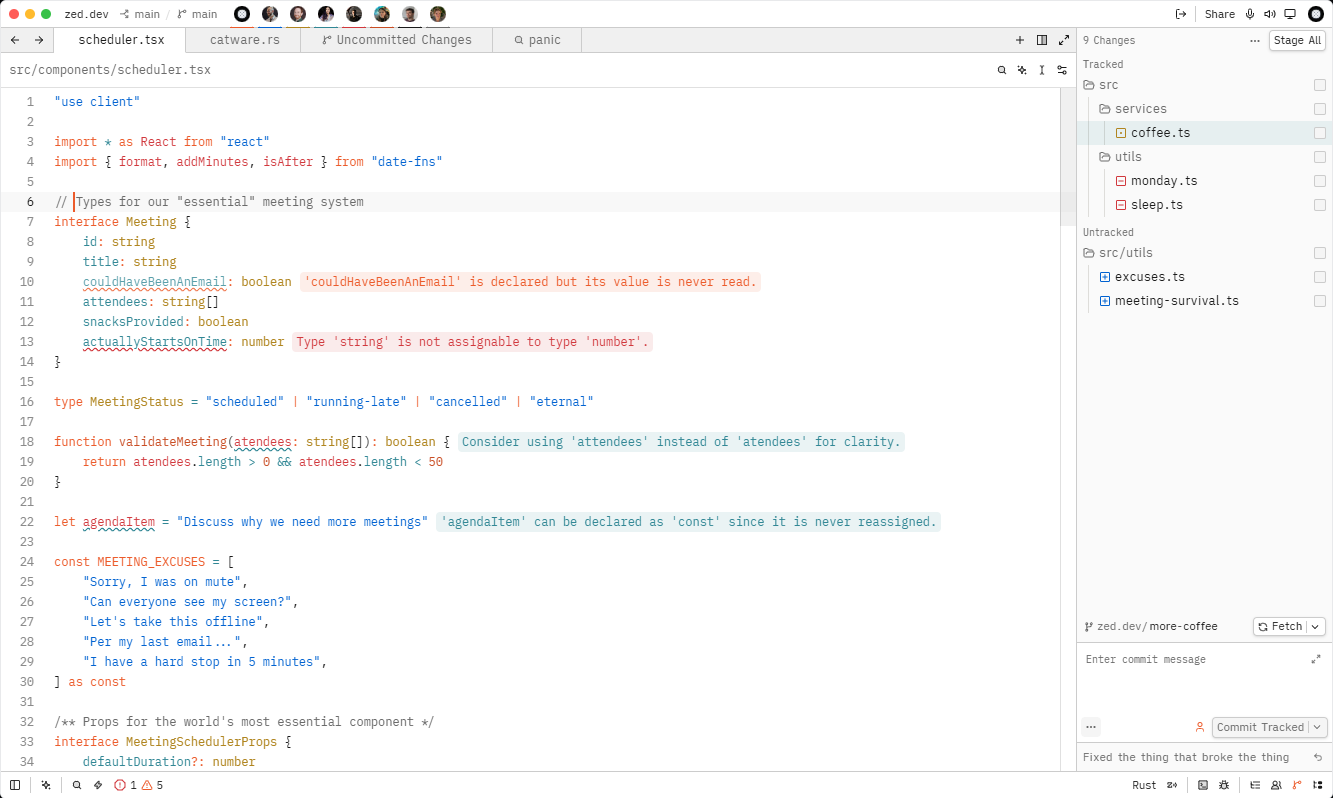
Orng is a minimal, high-contrast theme for Zed built around a bold orange accent. It ships in matching dark and light variants, designed to stay clean and distraction-free during long coding sessions.
Preview
Dark Theme
Light Theme
Install
Via Zed Extensions
- Open Zed
- Open the command palette Cmd+Shift+P / Ctrl+Shift+P
- Run
zed: extensions - Search for
orng-themeand click Install - Open the command palette again and run
theme selector: toggle - Select
Orng DarkorOrng Light
Manually
- Clone this repository into your Zed extensions directory
- Open the command palette and run
zed: install dev extension - Select the cloned folder
License
This project is under the MIT License.