Skip to content

Type to search extensions

Optima Theme

v0.0.1

A beautiful dark minimal theme for Zed editor

Updated 9 months ago
28k downloads 0 stars Repository ↗
zedext main
// Load settings, retrying a few times
fn load_config(path: &str) -> Result<Config, Error> {
let retries = 3;
let text = fs::read_to_string(path)?;
let name = "settings.json";
Ok(Config { text, retries, name })
}

Optima

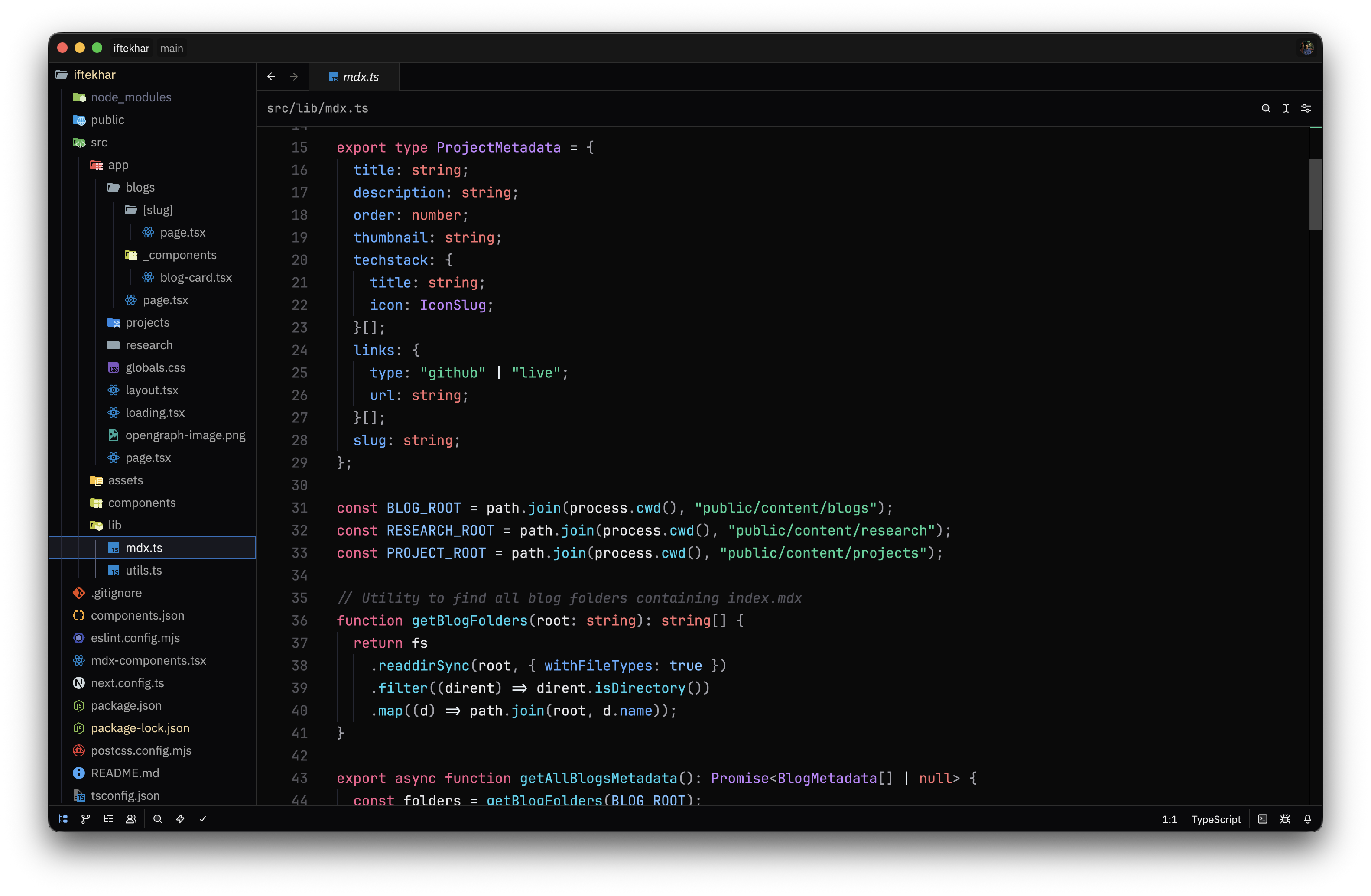
A dark minimal (opinionated) theme for Zed editor. Clean colors with a focus on readability and editor aesthetics.

Screenshots
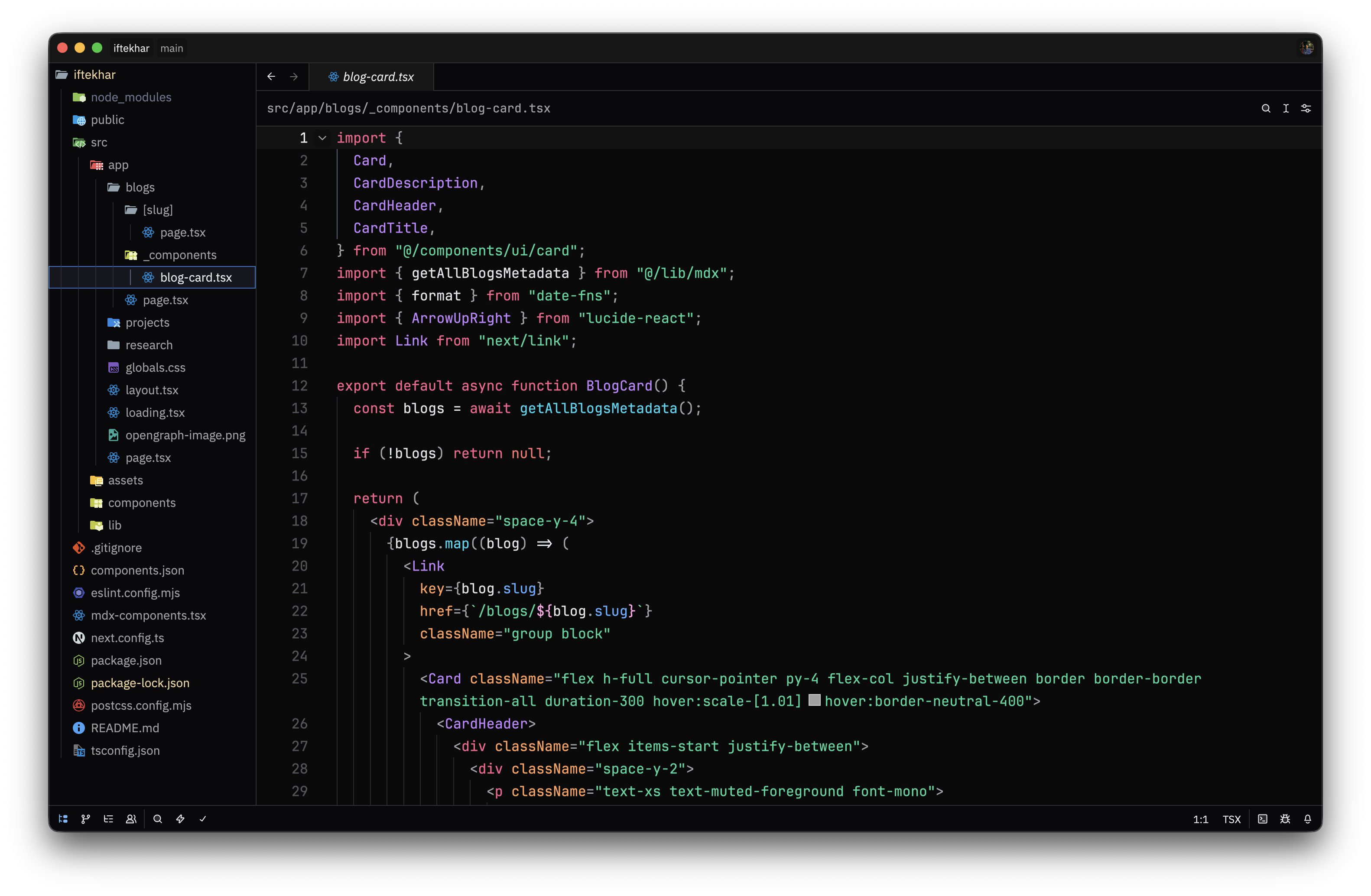
Optima Theme Example 1

Optima Theme Example 2

Installation

  1. Open Zed editor
  2. Go to Settings → Theme
  3. Search for "Optima"
  4. Select "Optima Dark" and apply

Theme Details

Name: Optima Dark
Appearance: Dark

The theme uses a carefully balanced color palette:

  • Background: Dark near-black with subtle variations
  • Text: Light gray for comfortable reading
  • Accents: Muted tones for UI elements and selections
  • Syntax highlighting: Complementary colors for different code elements

License

MIT License


Created for Zed editor

ZedExt An unofficial community project. Not affiliated with Zed Industries.

Data from Zed’s extension registry and GitHub · updated