One Dark Pro Monokai Darker
This project copied from @eser's vscode-one-dark-pro-monokai-darker project. I just integrated to Zed IDE.
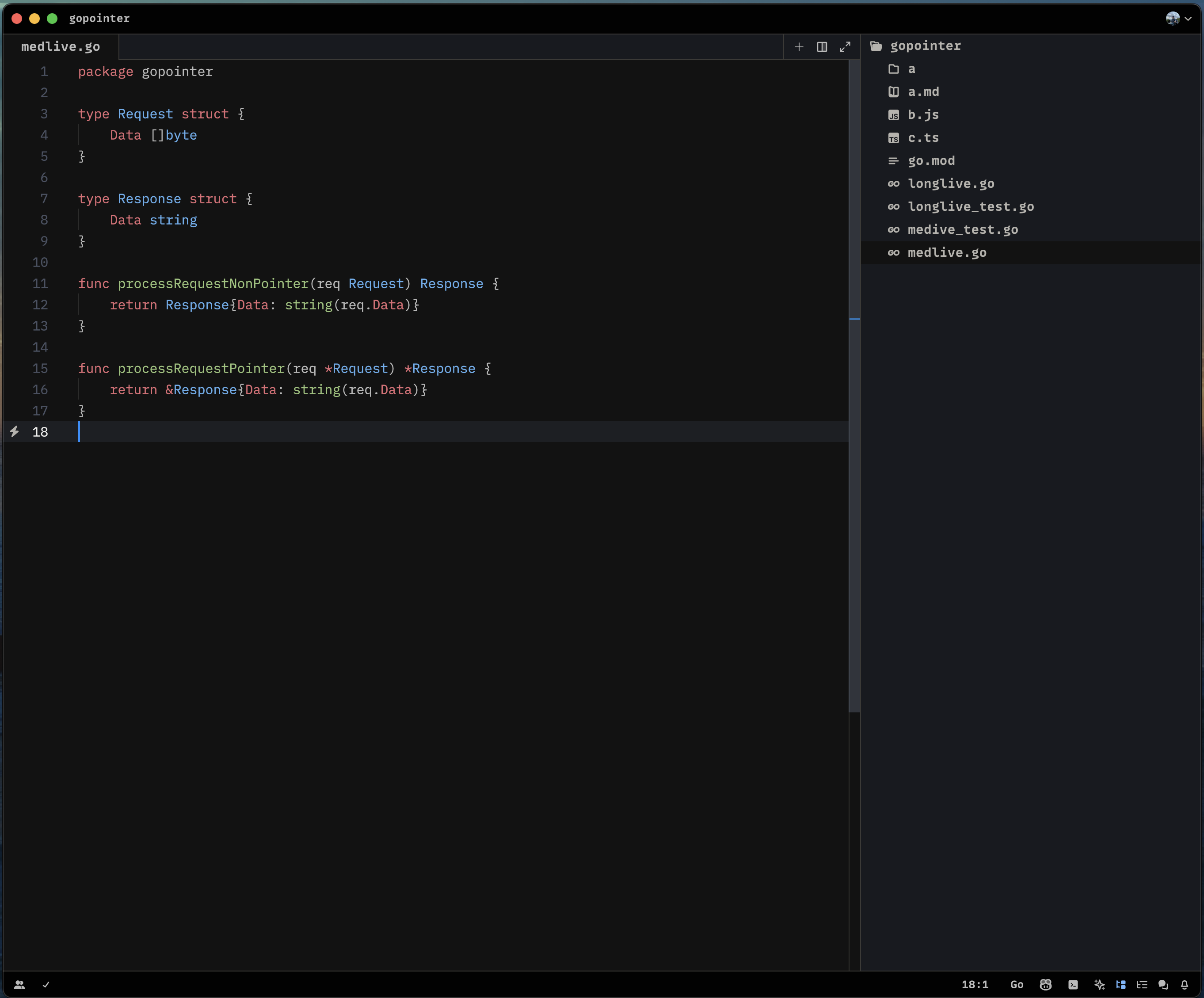
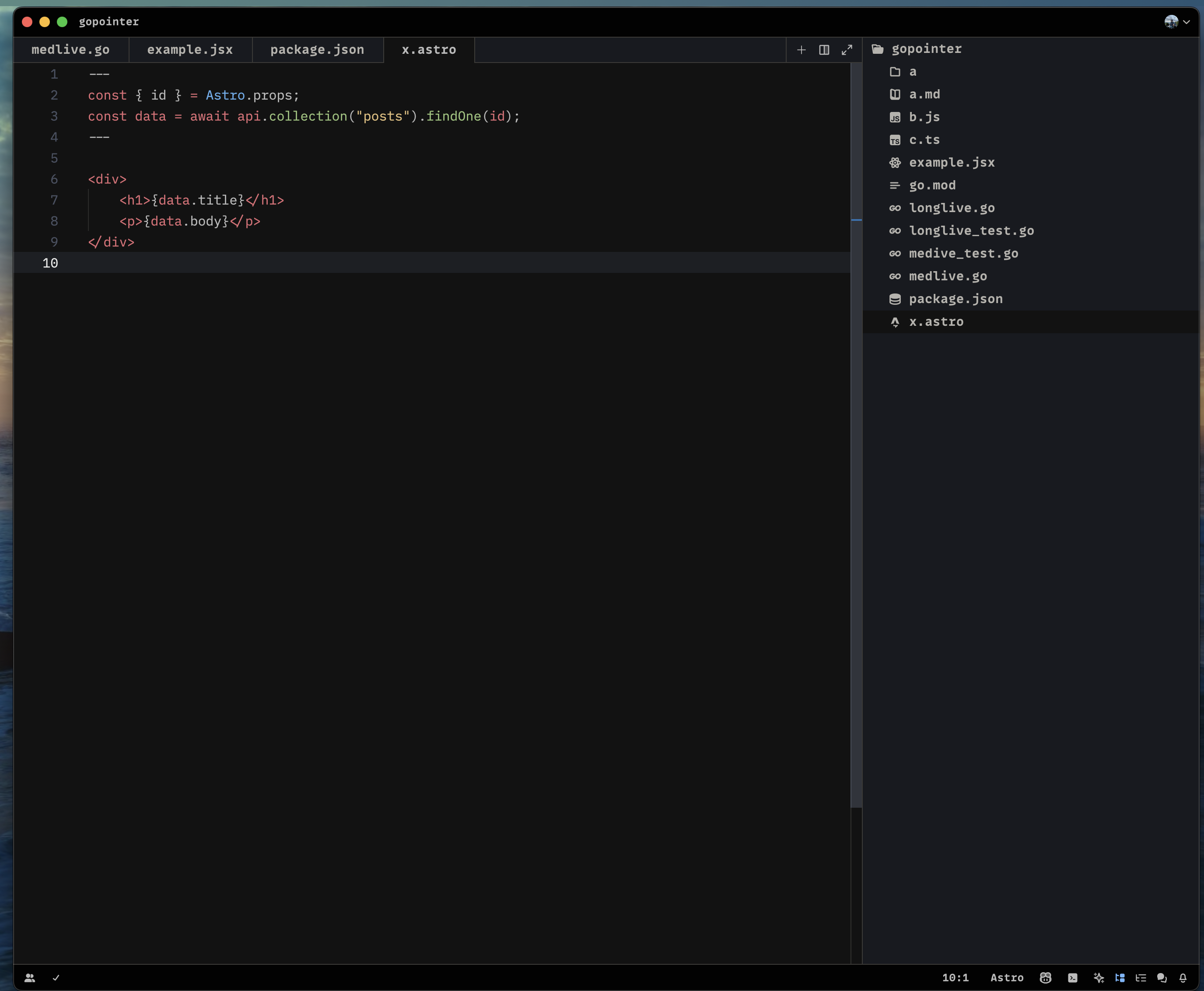
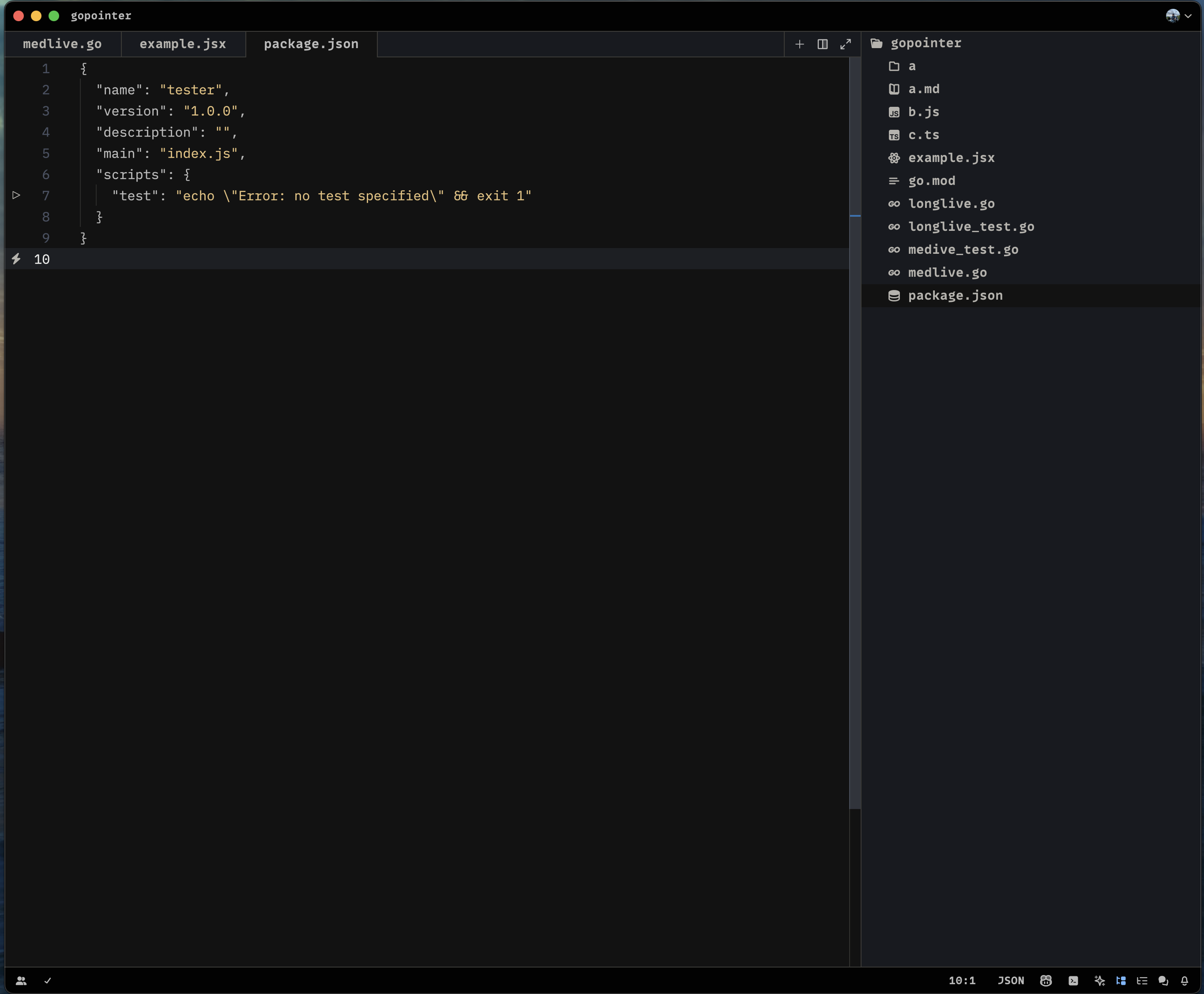
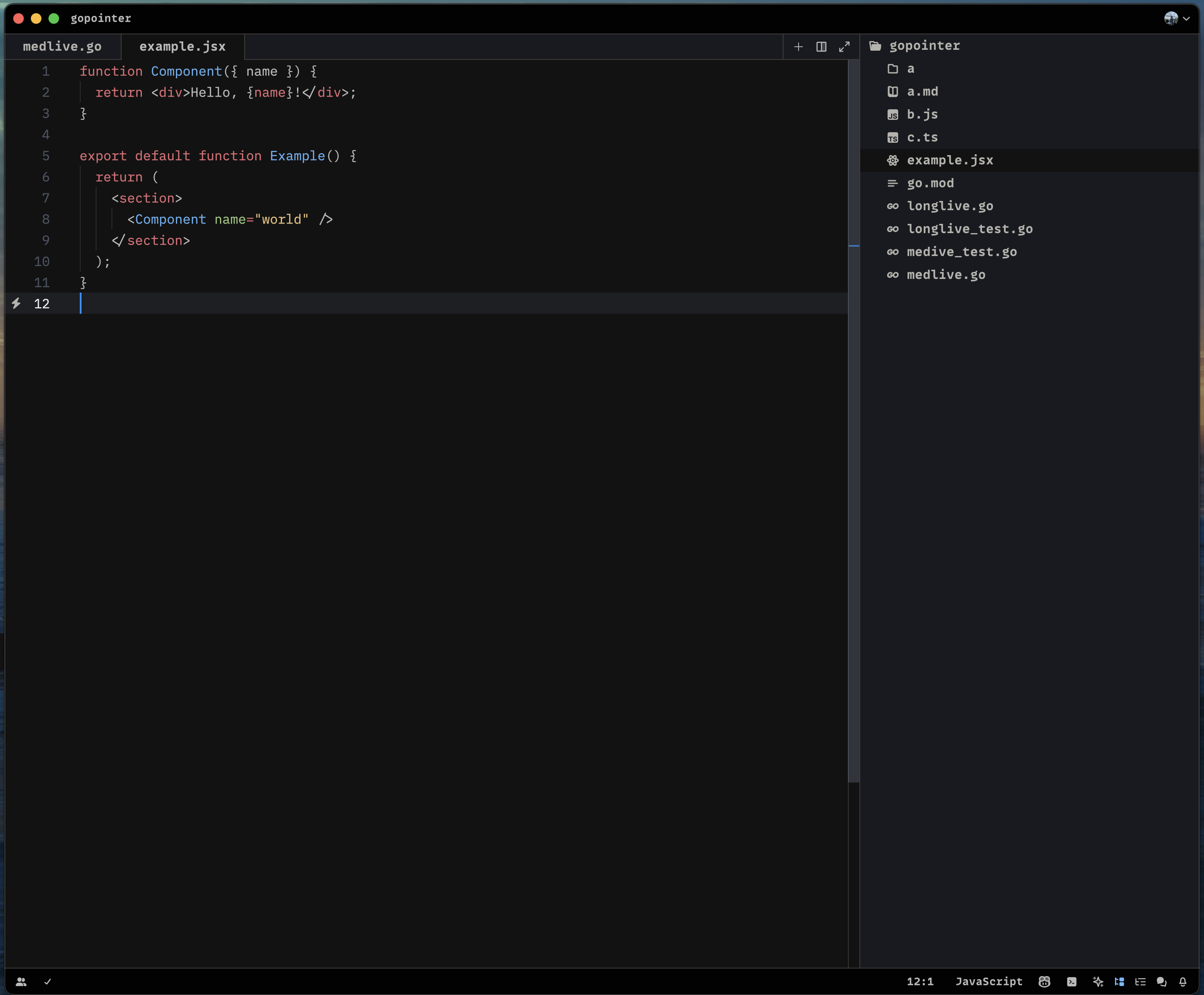
A darker variation of One Dark Pro theme for Zed, with Monokai code coloring.
Screenshots
Usage
Install via Zed Extensions
- Open Zed
- Use the command palette (
zed: extensions) or theZed > Extensionsmenu item to open the Extensions view. - Search for "One Dark Pro Monokai Darker Theme", then click
Install.
Install Manually
- Download the one-dark-pro-monokai-darker.json theme file.
- Put the theme file into your
~/.config/zed/themes/directory.
Activate the Theme
- Use
cmd-k cmd-t, the command palette (theme selector: toggle), or theZed > Settings... > Select Theme...menu item to open the theme selector. - Select the "One Dark Pro Monokai Darker Theme" theme.
Requirements
- Zed 0.14.0 or later
License
Apache 2.0, for further details, please see LICENSE file