Olive Green for Zed
Two nature-inspired themes for Zed:
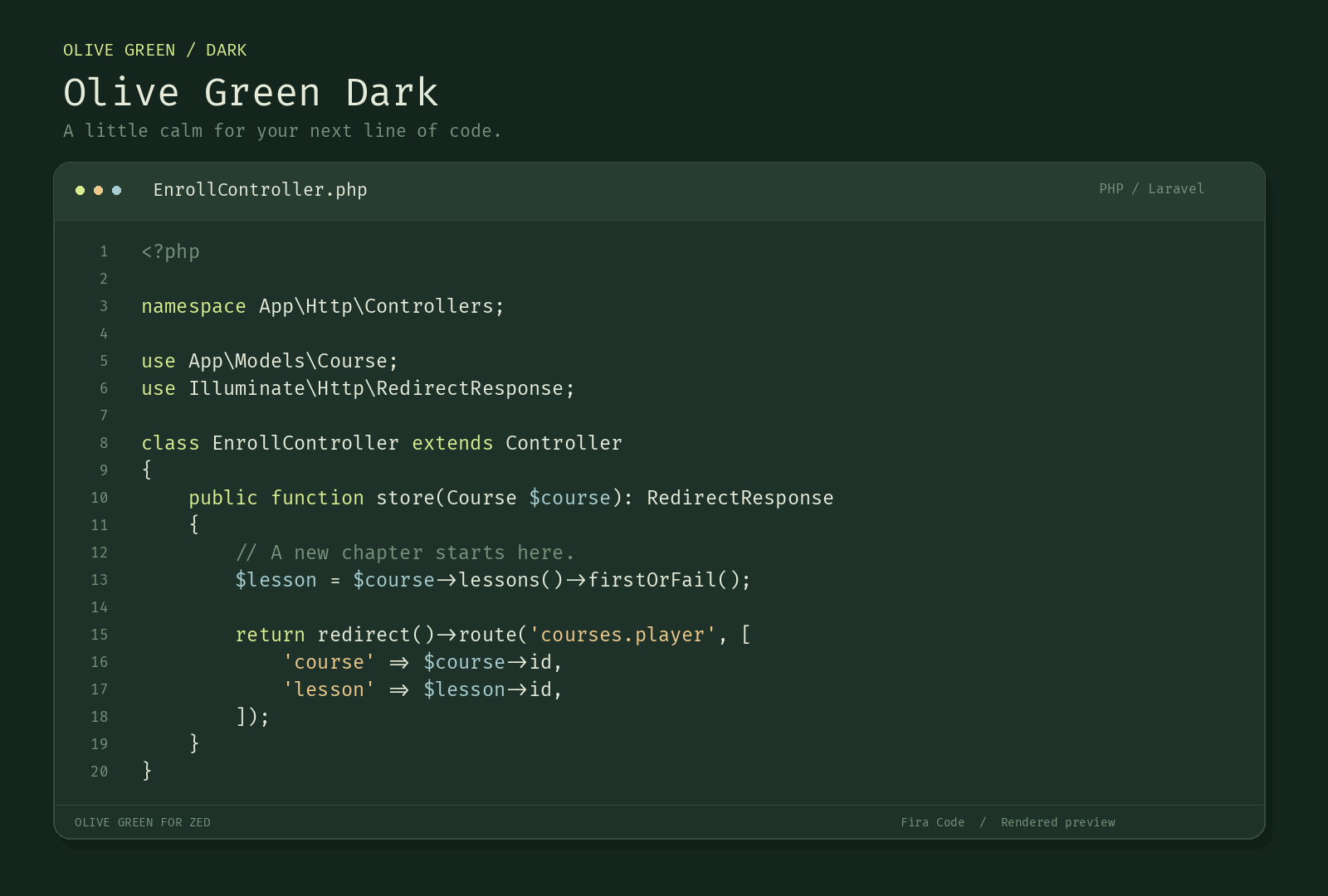
- Olive Green Dark — deep green backgrounds, soft ivory text, lime keywords, warm gold strings, and pale teal variables.
- Olive Green Light — warm ivory backgrounds, forest-green text, olive keywords, ochre strings, and deep teal variables.
Previews
Olive Green Dark
Olive Green Light
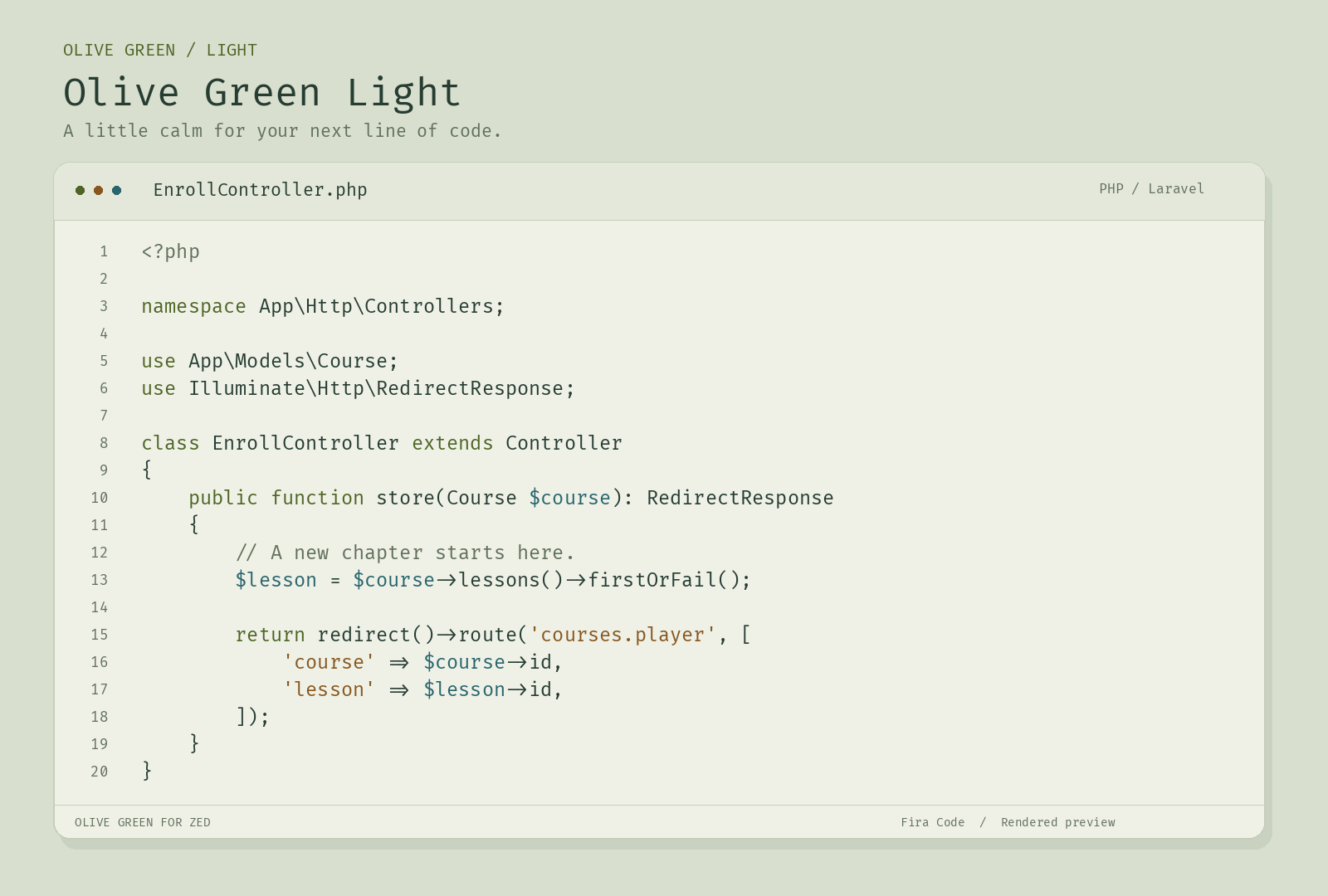
Rendered code previews using the theme palette and Fira Code. Zed’s interface and language highlighting may differ.
Install now
Copy themes/olive-green.json into ~/.config/zed/themes/, then restart Zed and select Olive Green Dark or Olive Green Light using theme selector: toggle.
Alternatively, clone this repository and run zed: install dev extension, selecting the repository directory.
Registry publication is pending. Once accepted, search for Olive Green in Zed Extensions.
Follow system appearance
Merge this into your Zed settings:
{
  "theme": {
    "mode": "system",
    "light": "Olive Green Light",
    "dark": "Olive Green Dark"
  }
}
Optional coding font
The extension changes colors only. Install Fira Code separately if needed and merge these settings to use programming ligatures:
{
  "buffer_font_family": "Fira Code",
  "buffer_font_size": 18,
  "buffer_font_weight": 400,
  "buffer_line_height": { "custom": 1.5 },
  "buffer_font_features": { "calt": true }
}
These settings affect the coding font, not the IDE interface font. Font size is a personal preference and depends on display scaling.