Oldbook theme



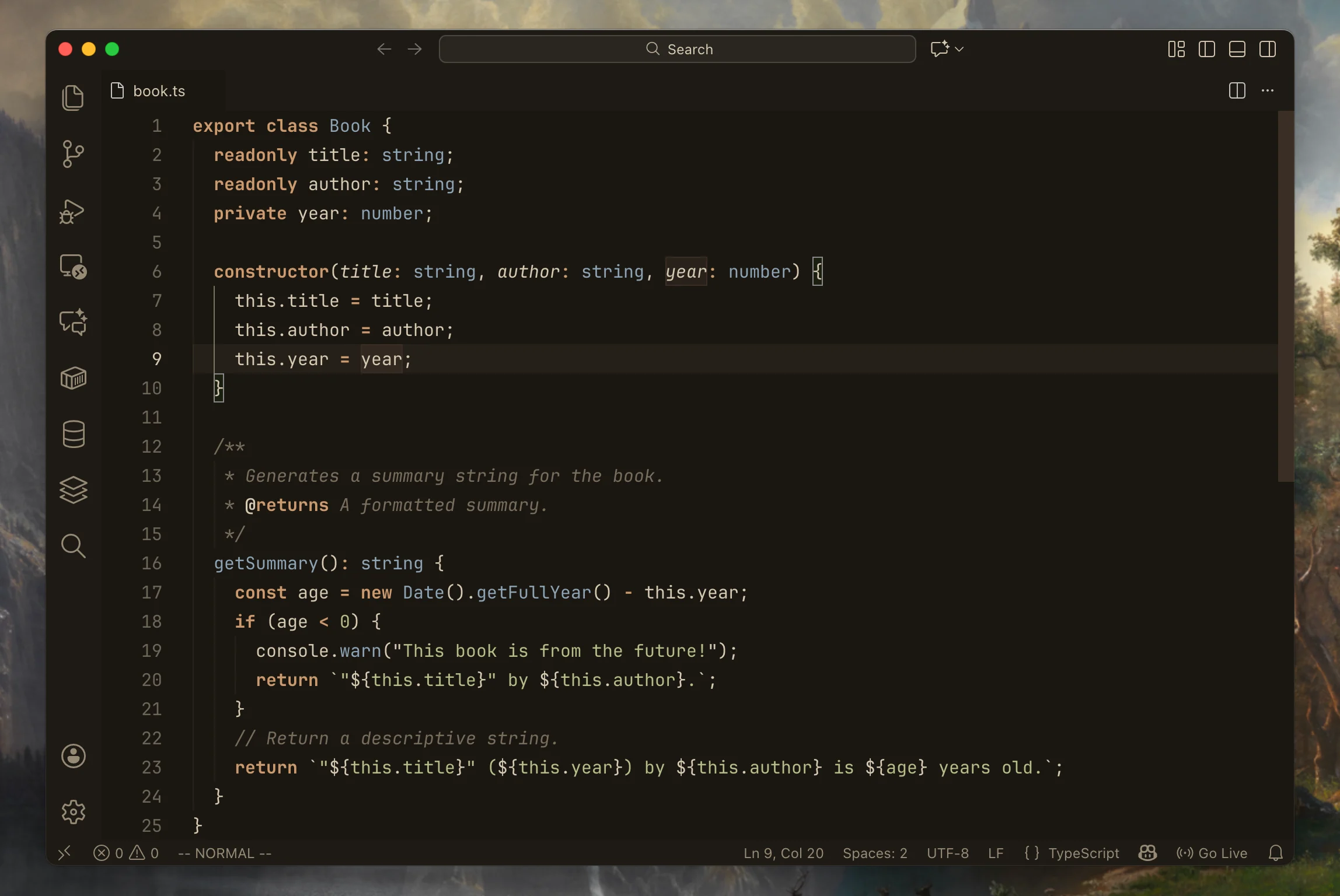
A colorscheme inspired by the feel of aged books. Minimal, soft, and readable. Now with a dark mode for VS Code!
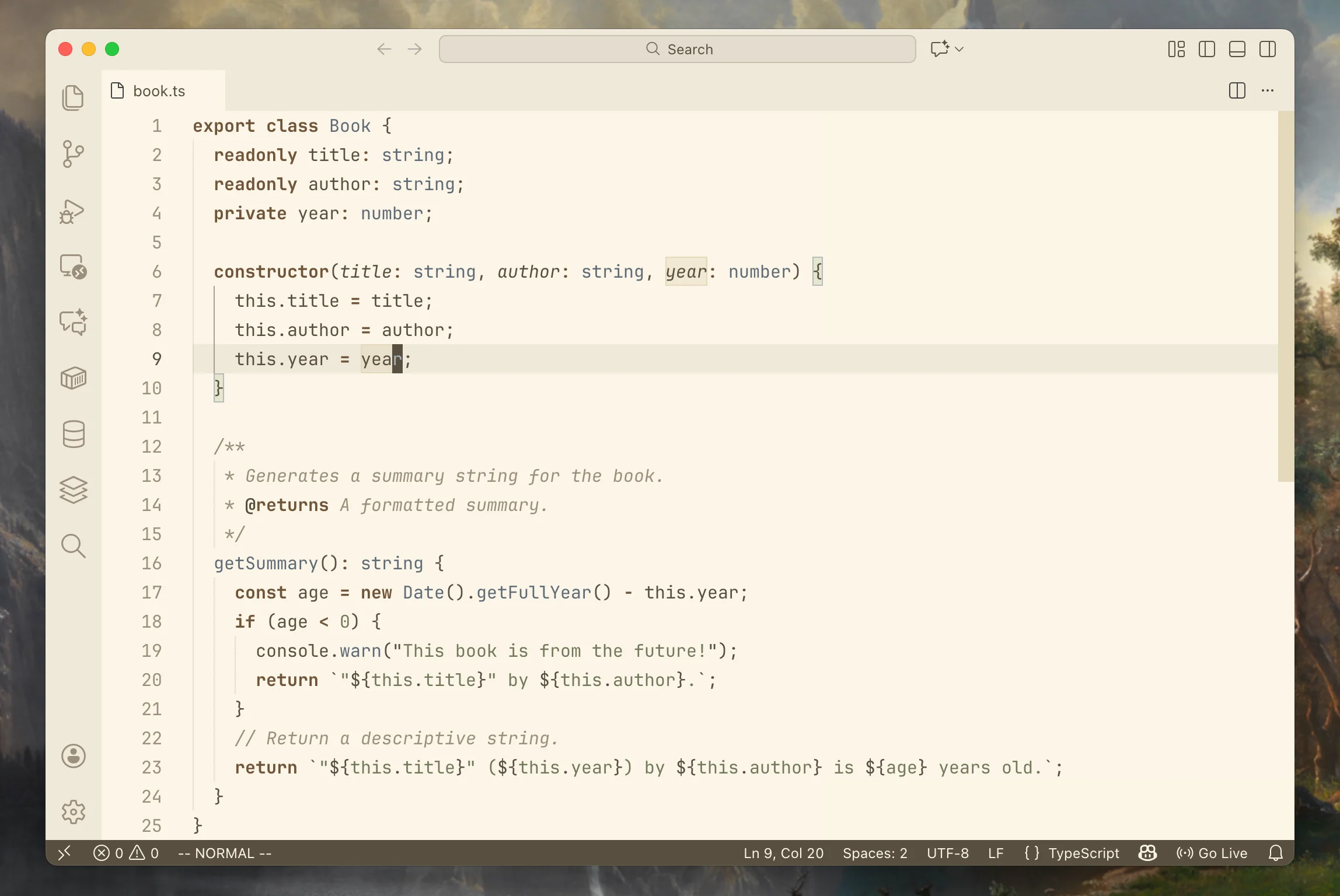
VS Code / Cursor / Antigravity
This theme is fully compatible with VS Code, Cursor, and Antigravity.
Light
Dark
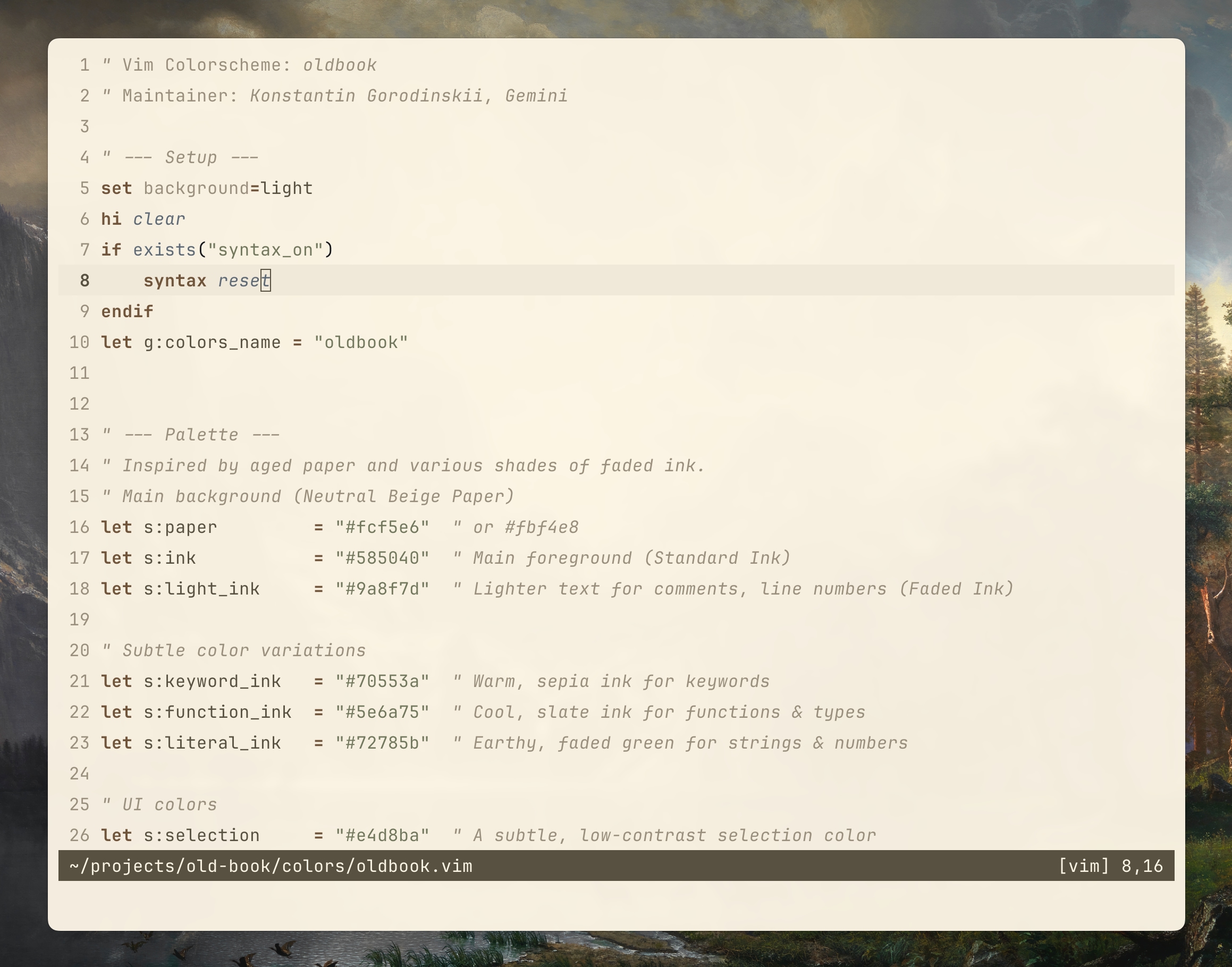
VIM / NVIM
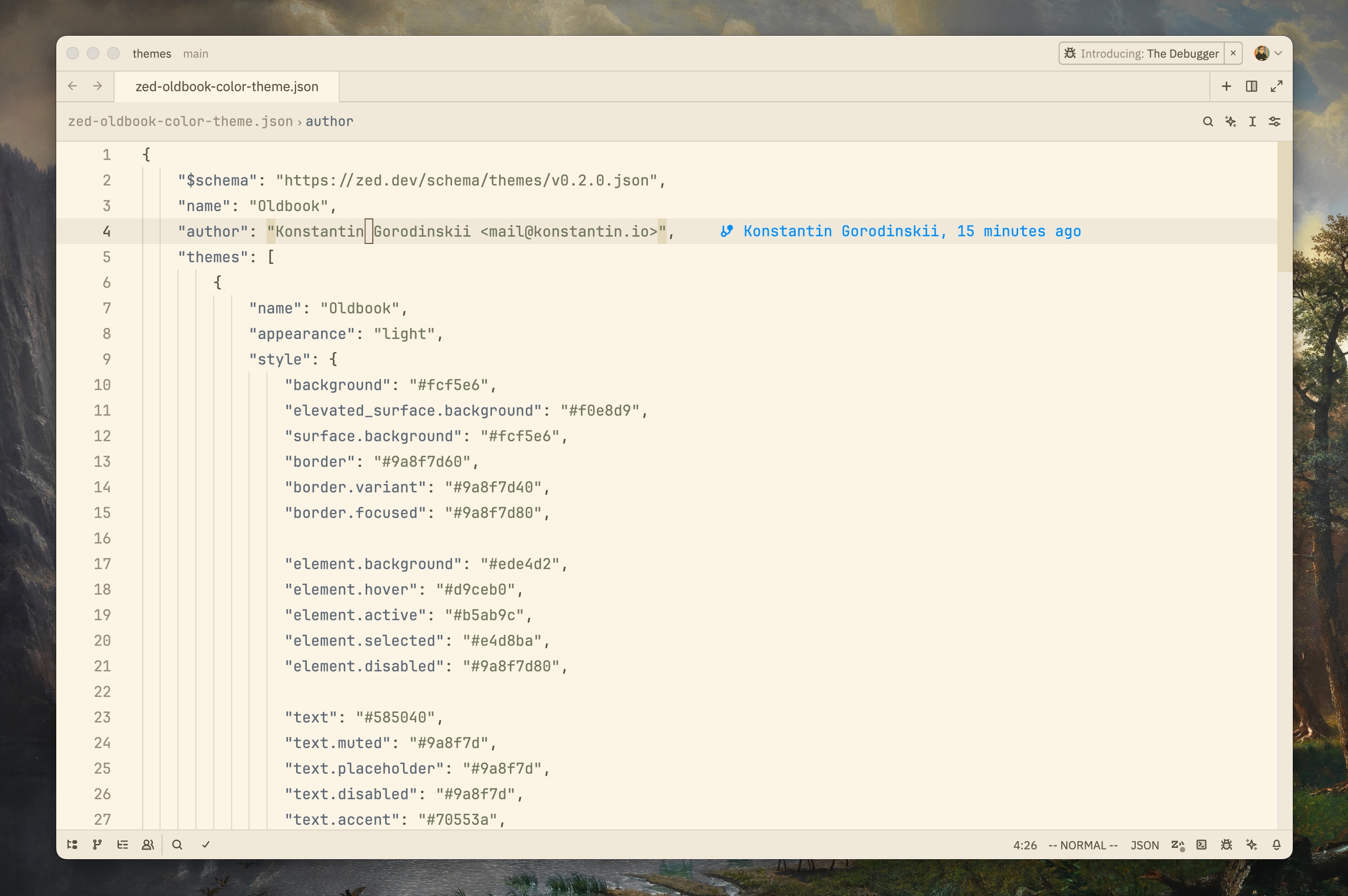
ZED
Installation
VIM / NVIM
You can install this theme using your favorite Vim plugin manager.
Vim-plug
Plug 'gko/oldbook-theme'Manual Installation
- Create the
colorsdirectory if it doesn't exist:- Vim:
mkdir -p ~/.vim/colors - Neovim:
mkdir -p ~/.config/nvim/colors
- Vim:
- Copy
colors/oldbook.viminto that directory.
Usage
To use the colorscheme, add the following line to your vimrc or init.vim:
set background=light

colorscheme oldbook
ZED
From extensions
- Open Zed.
- Open the command palette (Cmd+Shift+P) and enter zed: extensions.
- Search for the Old book extension and install.
- Enter theme selector: toggle in the command palette and select the Old book theme in the dropdown.
Manually
- Download oldbook-color-theme.json
- Put into
~/.config/zed/themes/
Contributing
Contributions are welcome! Please feel free to submit a Pull Request.
Thanks to @kmartin91 for the initial implementation of the dark mode.