Oddities: Uncommon Themes
Some themes for Zed with uncommon color combinations that I like.
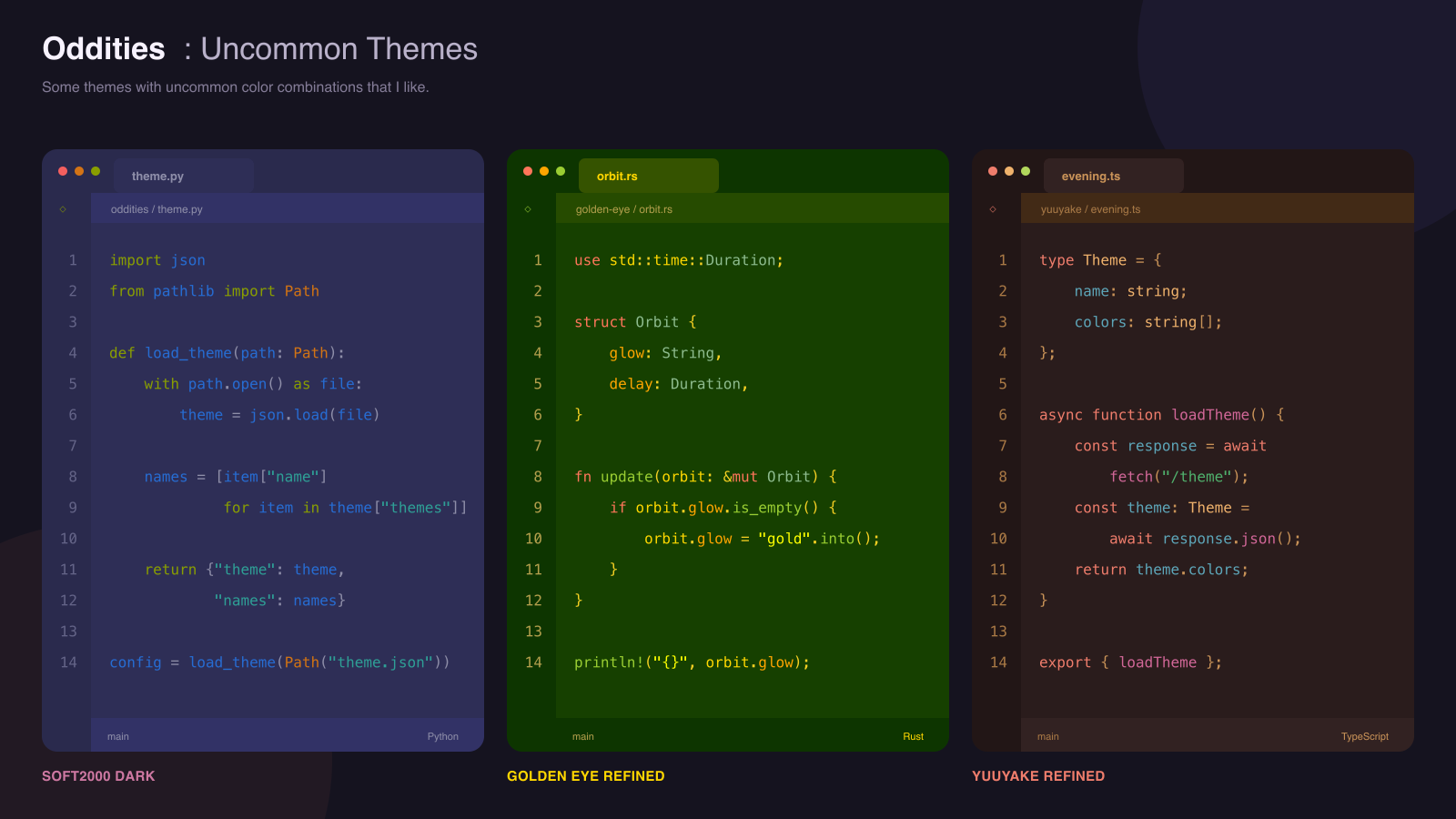
Included themes
- Soft2000 Light and Soft2000 Dark — Zed ports of the original Soft2000 themes, including their deliberately low contrast.
- Golden Eye Refined — a Zed port with small readability adjustments.
- Yuuyake Refined — a Zed port that uses normal text instead of the original theme's italic styling.
Install
- Open Zed's Extensions view (
zed: extensionsin the command palette). - Search for Oddities: Uncommon Themes.
- Install the extension, then select one of the included themes with
theme selector: toggle.
Until the extension is accepted into Zed's registry, clone this repository and use zed: install dev extension, selecting the repository directory.
Acknowledgements
These themes began as VS Code themes by their original creators:
- Soft2000 by jmatilai
- Golden Eye by Robert Meissner / ProphezAI
- Yuuyake Code by çiqvĕɳ tyoⱶĭnƺĕ
The Zed ports preserve each theme's identity while making targeted adjustments for Zed's interface and syntax scopes. Full upstream copyright and license notices are in NOTICE.md and licenses/.
License
The collection packaging and original port work are available under the MIT License. The adapted themes remain subject to their respective upstream MIT licenses in licenses/.