OC-2 Theme for Zed
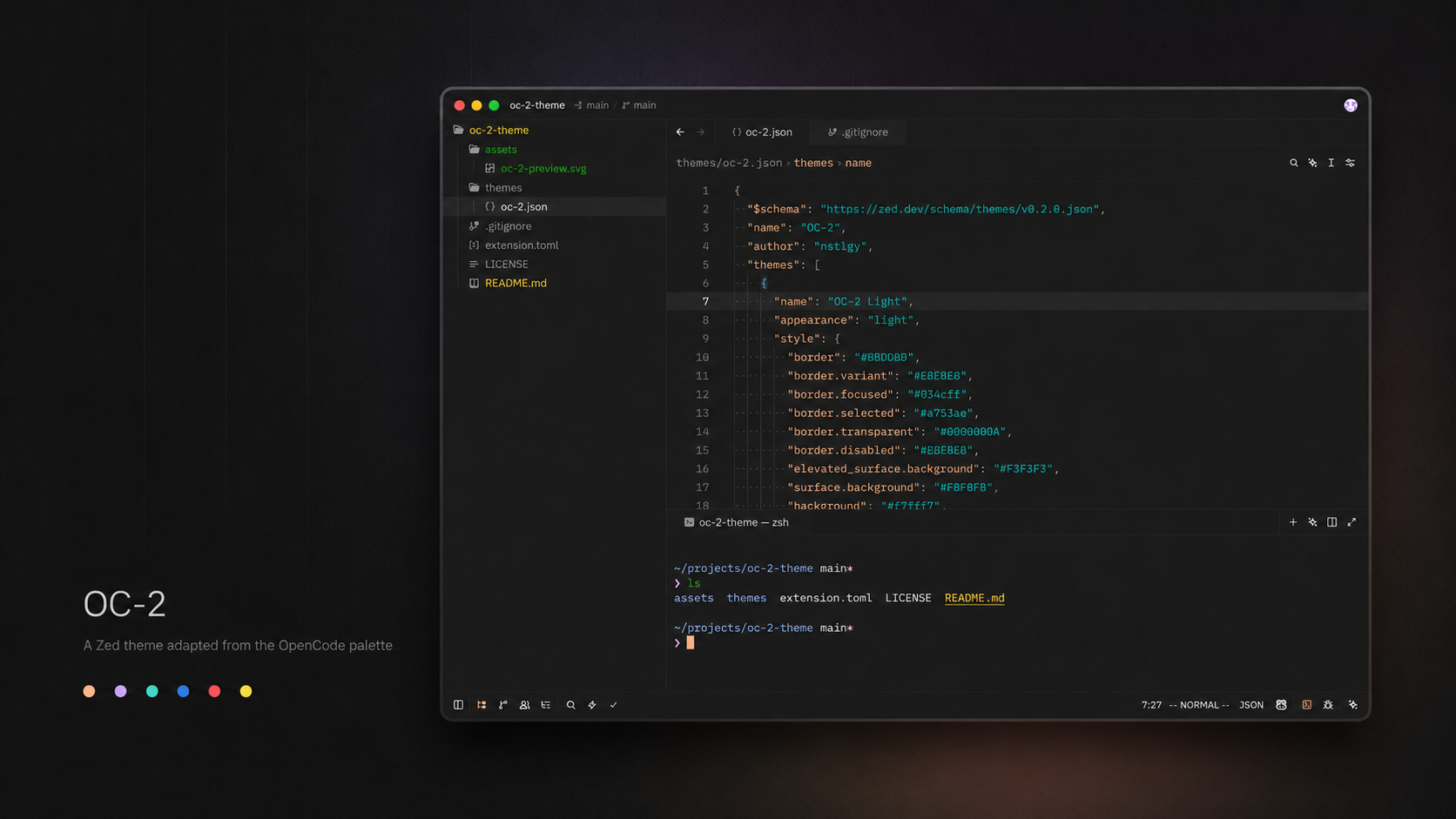
OC-2 is a warm, expressive theme for Zed, adapted from the original OpenCode OC-2 color palette. It pairs soft neutral surfaces with vivid syntax accents, keeping the editor calm without making code feel muted.


Variants
OC-2 DarkOC-2 Light
Palette
Install
Once published in the Zed extension registry, install it from Zed's Extensions view by searching for OC-2 Theme.
For local development or manual testing:
- Clone this repository.
- Open Zed.
- Run
zed: install dev extensionfrom the command palette. - Select this repository directory.
- Choose
OC-2 DarkorOC-2 Lightfrom the theme picker.
Manual Theme File
You can also copy the theme JSON directly into Zed's user themes directory:
mkdir -p ~/.config/zed/themes
cp themes/oc-2.json ~/.config/zed/themes/oc-2.json
Then reload Zed and select one of the OC-2 themes.
Credits
The original OC-2 theme and color palette were created by OpenCode. This repository is an unofficial Zed editor adaptation by nstlgy.
License
MIT