zed-nsis-extension
NSIS language support for the Zed editor.


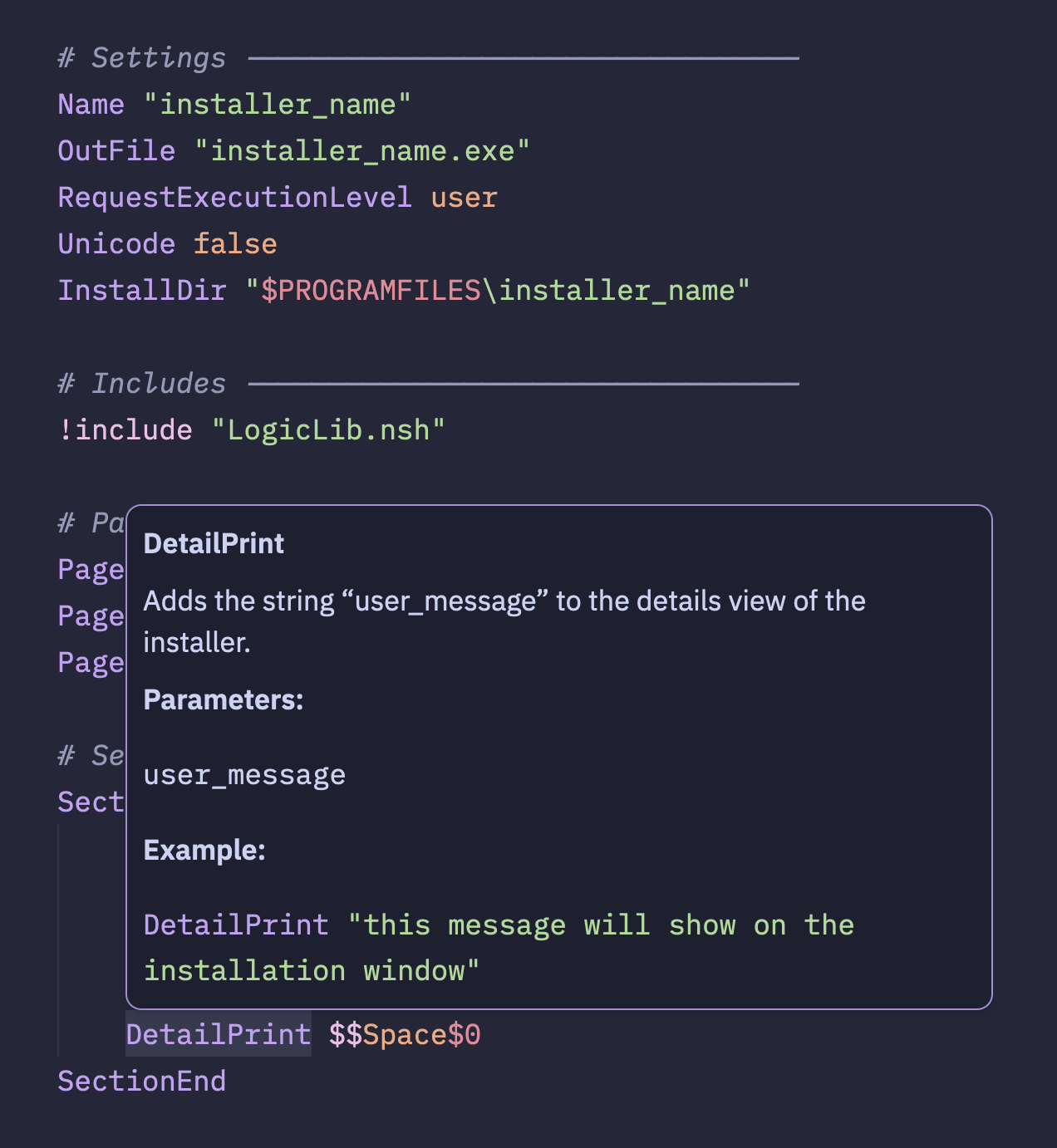
Features
- Syntax highlighting of NSIS files
- Formatting via the
ardentformatter - Code completions
- Diagnostics mode
- Go to definition
Installation
Manual Installation
Until this extension is published to the Zed extension registry, you can install it manually as a dev extension:
Clone the repository:
git clone https://github.com/idleberg/zed-nsis-extension.git nsisOpen Zed
Open the command palette (Cmd+Shift+P)
Search for "zed: install dev extension"
Select the cloned
nsisdirectory
Zed will build the extension from source and install it. The extension will persist across restarts but won't auto-update — pull the latest changes and reinstall to update.
Extension Registry
Once published, you can install from the Zed extension registry:
- Open Zed
- Open the command palette (Cmd+Shift+P)
- Search for "zed: extensions"
- Search for "NSIS" and install
Language Server
This extension uses nsis-lsp for diagnostics, completions and go-to-definition. If nsis-lsp is already on your $PATH, that binary is used as-is. Otherwise, the extension downloads the latest release from GitHub automatically.
Once downloaded, the binary is reused for the rest of the Zed session — it only checks for a newer release the next time the extension is loaded (e.g. after restarting Zed or reloading the extension).
Configuration
Add the following to your Zed settings.json to enable format on save:
{
	"languages": {
		"NSIS": {
			"format_on_save": "language_server"
		}
	}
}
Formatting Options
The formatter respects Zed's built-in editor settings for the NSIS language:
| Setting | Type | Default | Description |
|---|---|---|---|
hard_tabs |
bool |
true |
Indent with tabs instead of spaces |
tab_size |
int |
2 |
Spaces per indent level (when not using tabs) |
Example with custom settings:
{
	"languages": {
		"NSIS": {
			"format_on_save": "language_server",
			"hard_tabs": false,
			"tab_size": 4
		}
	}
}
License
This work is licensed under the Apache License, Version 2.0 or The MIT License.