Verdant Garden
A nature-inspired dark/light theme for Zed with full semantic token support.
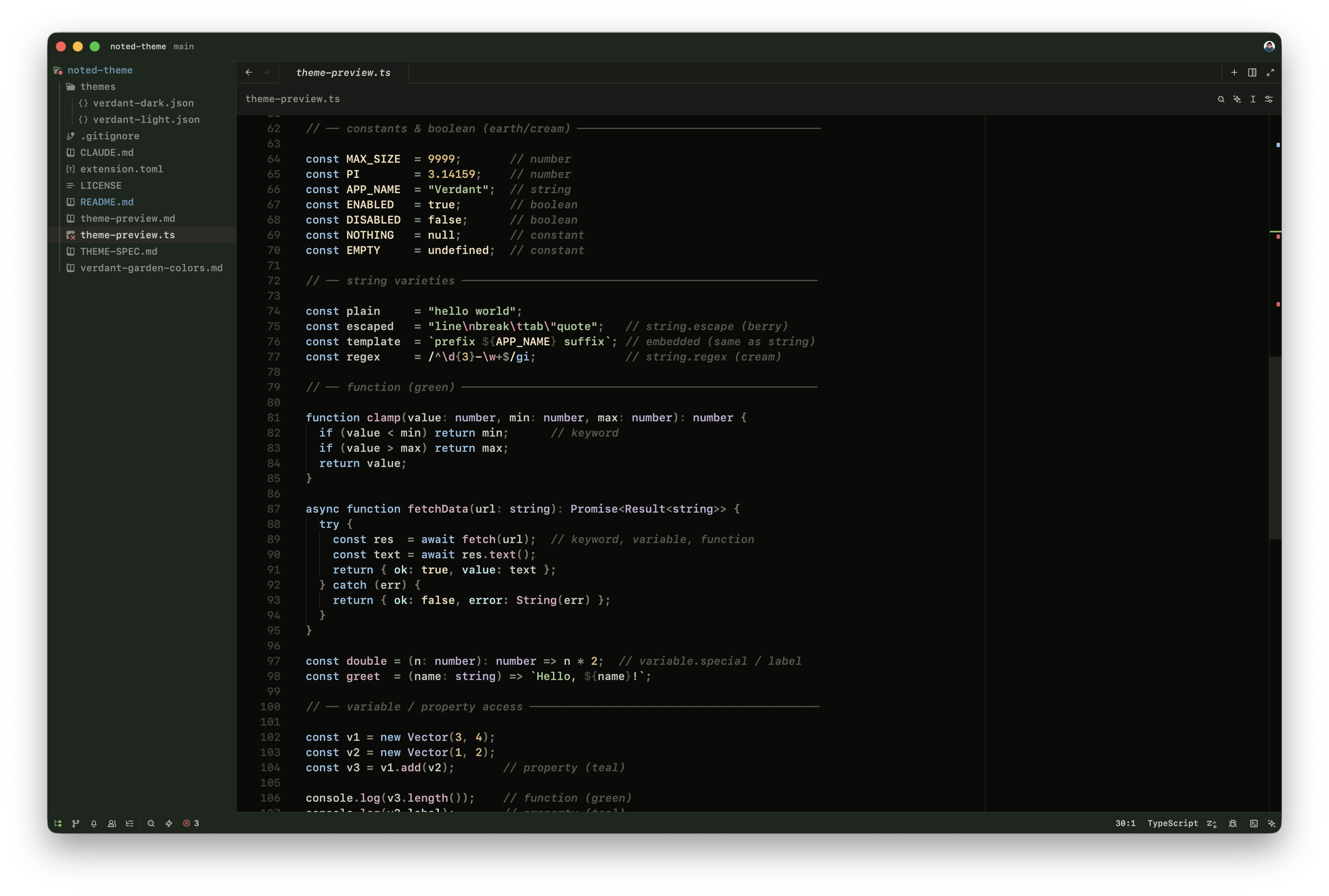
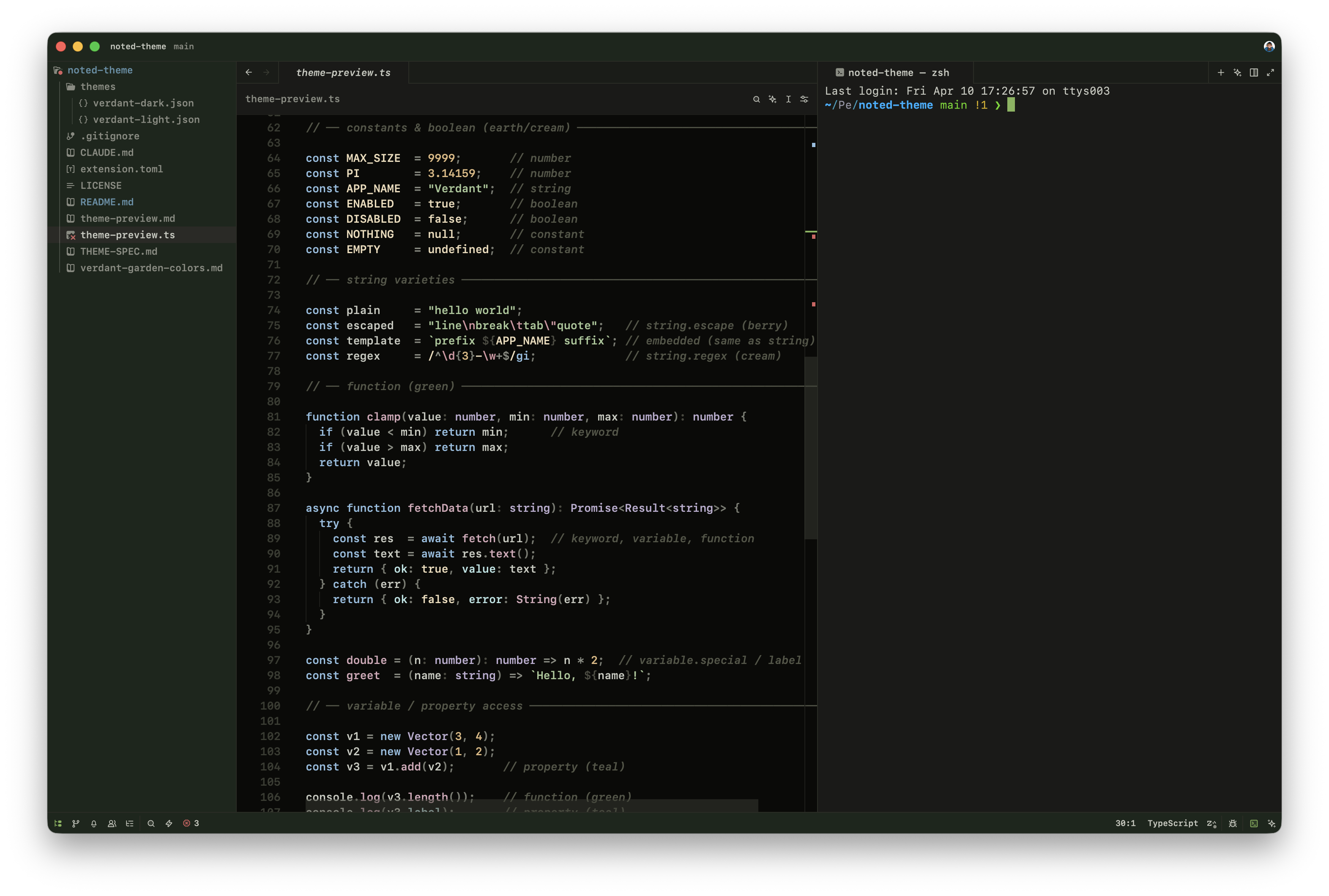
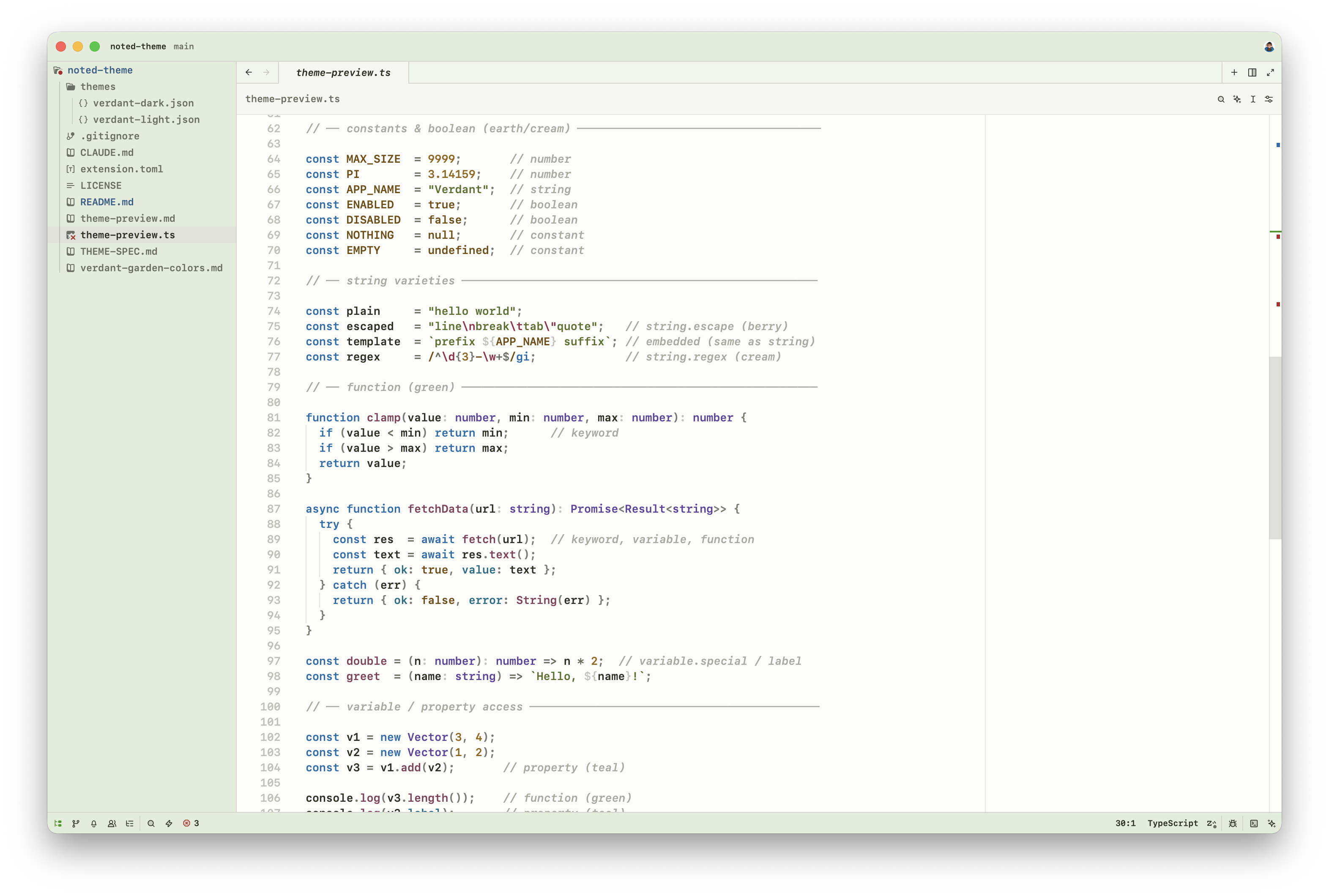
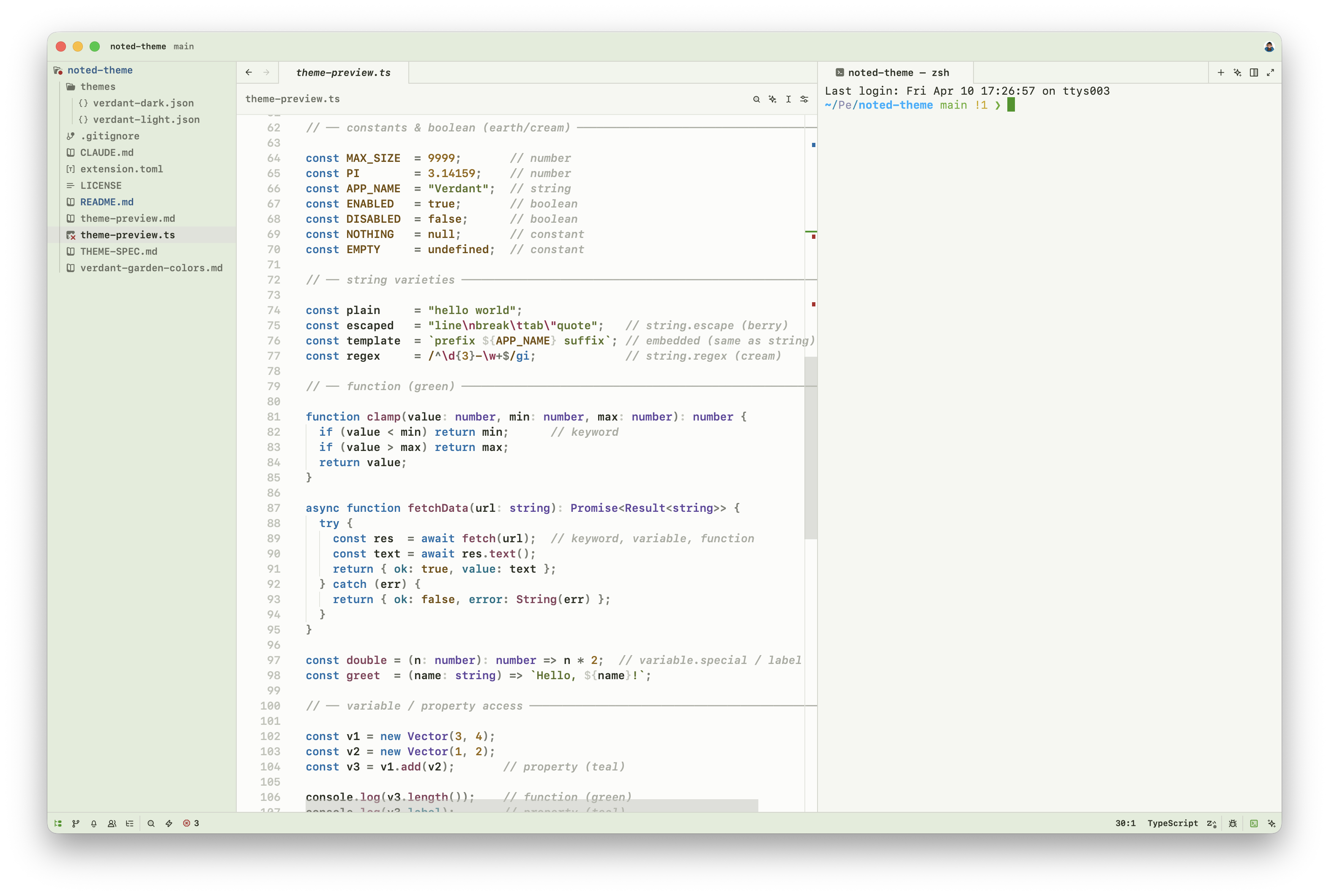
Built around a hand-crafted palette of greens, teals, earthy tones, and soft berry accents — designed for both comfortable long-form reading and rich code highlighting.
Dark
Light
Palette
Nine named color families, each used semantically:
| Family | Used for |
|---|---|
| Green | Headings, accents, UI chrome |
| Sky | Keywords |
| Teal | Properties, links |
| Lavender | Types, enums, constructors |
| Berry | Attributes, escape sequences, callouts |
| Sage / Olive | Strings |
| Earth | Numbers, labels |
| Amber | Inline code |
| Stone | Comments, punctuation, body text |
Semantic tokens
Verdant Garden styles the full set of Zed semantic token types:
keyword function type string number constant variable property operator comment comment.doc attribute tag enum constructor variant label embedded regex punctuation and more — including Markdown-specific tokens for headings, links, wikilinks, tags, callouts, checkboxes, math, and frontmatter.
Installation
From Zed Extensions
Open Zed → Extensions → search Noted Theme → Install
Dev mode
git clone https://github.com/sergeevav/noted-themeIn Zed: Cmd+Shift+P → zed: install dev extension → select the cloned folder.
License
MIT