zed-hct-theme-maker
zed-hct-theme-maker is, surprisingly, a tool to make Zed themes with the HCT color space.
The below themes were all generated from the same file.
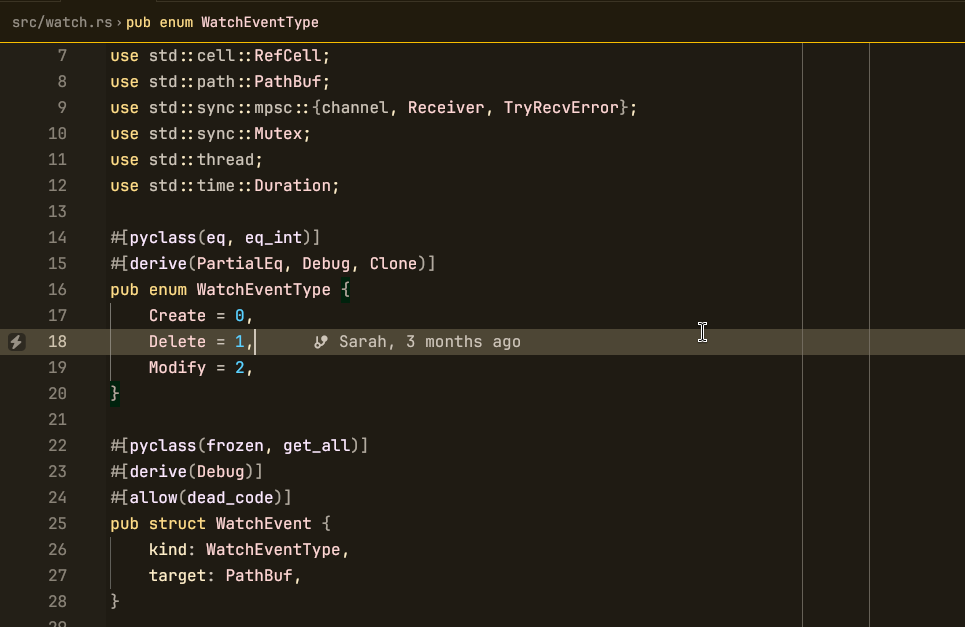 Not Material Dark Yellow opened on
wakapi-anyide
Not Material Dark Yellow opened on
wakapi-anyide
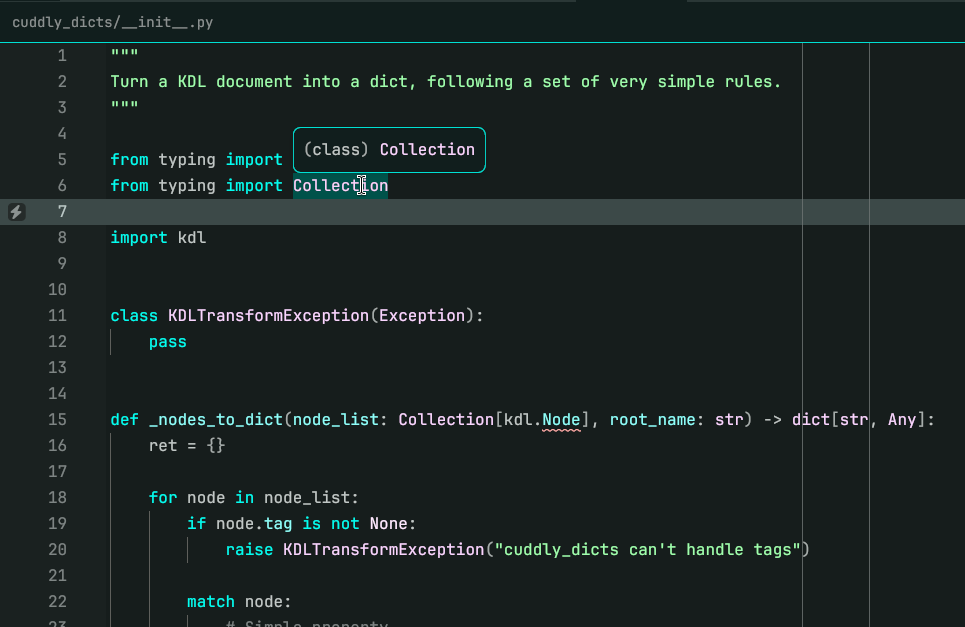 Not Material Dark Cyan opened on
cuddly-dicts
Not Material Dark Cyan opened on
cuddly-dicts
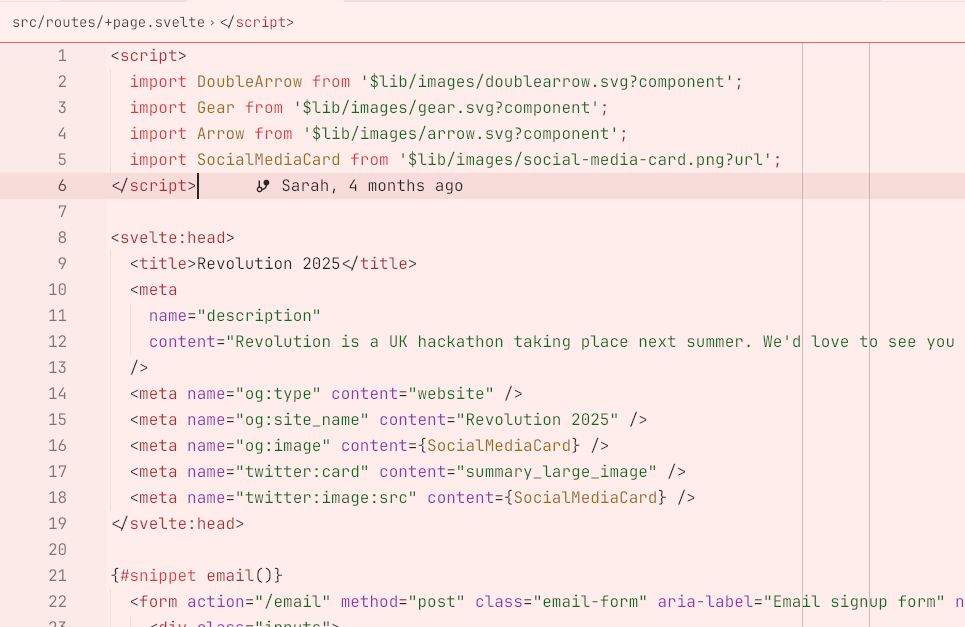 Not Material Light Red opened on
the Revolution website
Not Material Light Red opened on
the Revolution website
Note
You can install this repository as an extension to get these themes.
What's HCT?
HCT stands for hue, chroma and tone.
- Hue is which color it is.
- Chroma is how saturated it is.
- Tone is how light/dark it is.
Write your own themes
First, learn KDL. It'll take you, like, 5 minutes.
Next, write your theme metadata:
version 1
name "my theme"
author "me :D"
Then, you can write theme variants:
variant "my theme dark" {
  appearance "dark"

  style {
    editor.foreground h=0 c=90 t=95
    editor.background h=0 c=90 t=5
    // .. and so on
  }
}
You can also use tokens, for reusability:
token "primary" h=0 c=90

variant "my theme dark" {
  appearance "dark"

  style {
    editor.foreground apply="primary" t=95
    editor.background apply="primary" t=5
  }
}
Finally, you can also use layers for maximum composability.
token "primary" h=0 c=90

layer "dark-tones" {
  token "fg" t=95
  token "bg" t=5
}

layer "light-tones" {
  token "fg" t=5
  token "bg" t=95
}

layer "theme" {
  style {
    // Tokens are applied in order, overriding eachother, like CSS
    // classes. Properties set on the color override any tokens.
    editor.foreground apply="primary fg"
    editor.background apply="primary bg"
  }
}

variant "my theme dark" {
  appearance "dark"
  layer "dark-tones"
  layer "theme"
}

variant "my theme light" {
  appearance "light"
  layer "light-tones"
  layer "theme"
}
Compile your theme with:
python3 -m zed_hct_theme_maker compile mytheme.kdlOr, live-preview your theme:
python3 -m zed_hct_theme_maker experimental-patch-settings \
    mytheme.kdl \
    /path/to/settings.json \
    "My Theme Variant"
Example themes
See material.kdl for a pastel-themed example with multiple variants
that combine layers. To customise it, change the "custom" layer
and uncomment the variants at the very bottom.