Noir & Blanc Theme for Zed
Overview
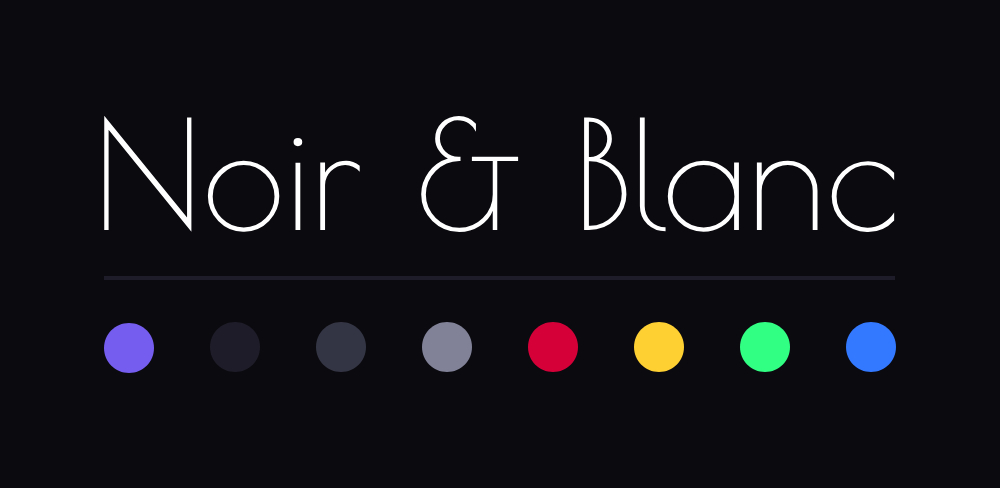
Noir & Blanc is a minimalist theme for Zed with a focus on readability and careful color usage. The theme comes in two variants:
- Blanc: A clean light theme with dark text on white background
- Noir: A sleek dark theme with white text on black background
Both themes use a signature purple accent color to highlight important elements while maintaining a monochromatic base.
Features
- Clean, distraction-free interface
- Strong contrast for improved readability
- Thoughtful syntax highlighting
- Consistent color usage across UI elements
- Beautiful purple accents (#755DEF) that tie the experience together
Installation
To install the Noir & Blanc theme:
Navigate to your Zed themes directory:
~/.config/zed/themes/Place the
noir-and-blanc.jsonfile in this directory.Restart Zed or reload themes.
Select either
BlancorNoirfrom the theme selector.
Additional Customization
You can customize the theme by adding additional overrides to the experimental.theme_overrides object. Zed will live-reload when you save your settings, making it easy to experiment with different color combinations.
For a full list of customizable properties, check the Zed themes documentation or refer to the theme file structure.