Neutral Theme
A clean, minimal theme for the Zed editor featuring a neutral color palette.
Description
Neutral Theme is designed to provide a distraction-free coding experience with a carefully selected color palette that reduces eye strain while maintaining good readability. The theme uses neutral grays with thoughtful accent colors based on Tailwind's color palettes.
Features
- Dark theme with a neutral color palette
- Clean, minimal design
- Carefully selected syntax highlighting colors
- Terminal colors optimized for readability
- Based on Tailwind Color Palettes
Screenshots
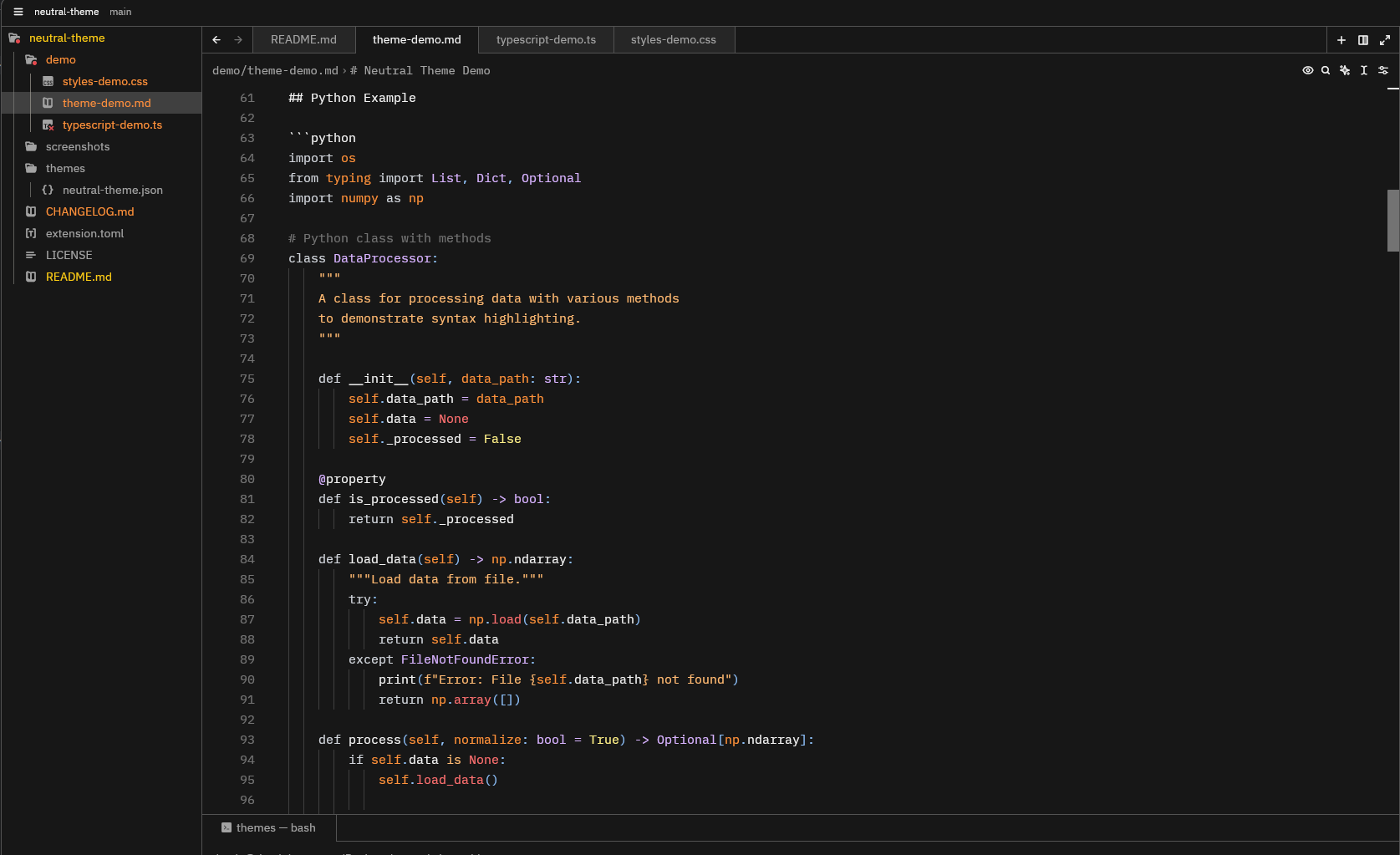
Multi-language Demo
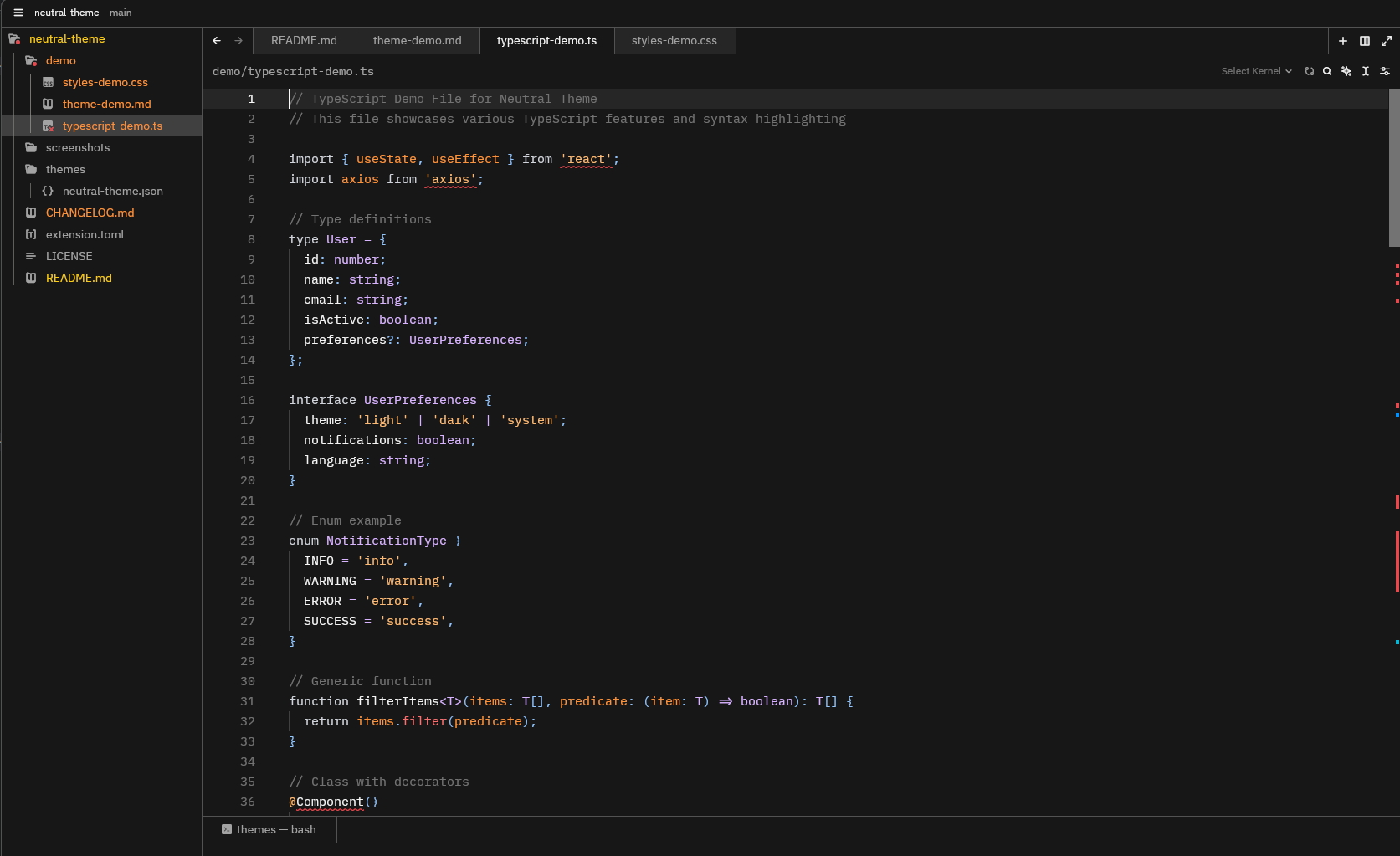
TypeScript with React
CSS Styling
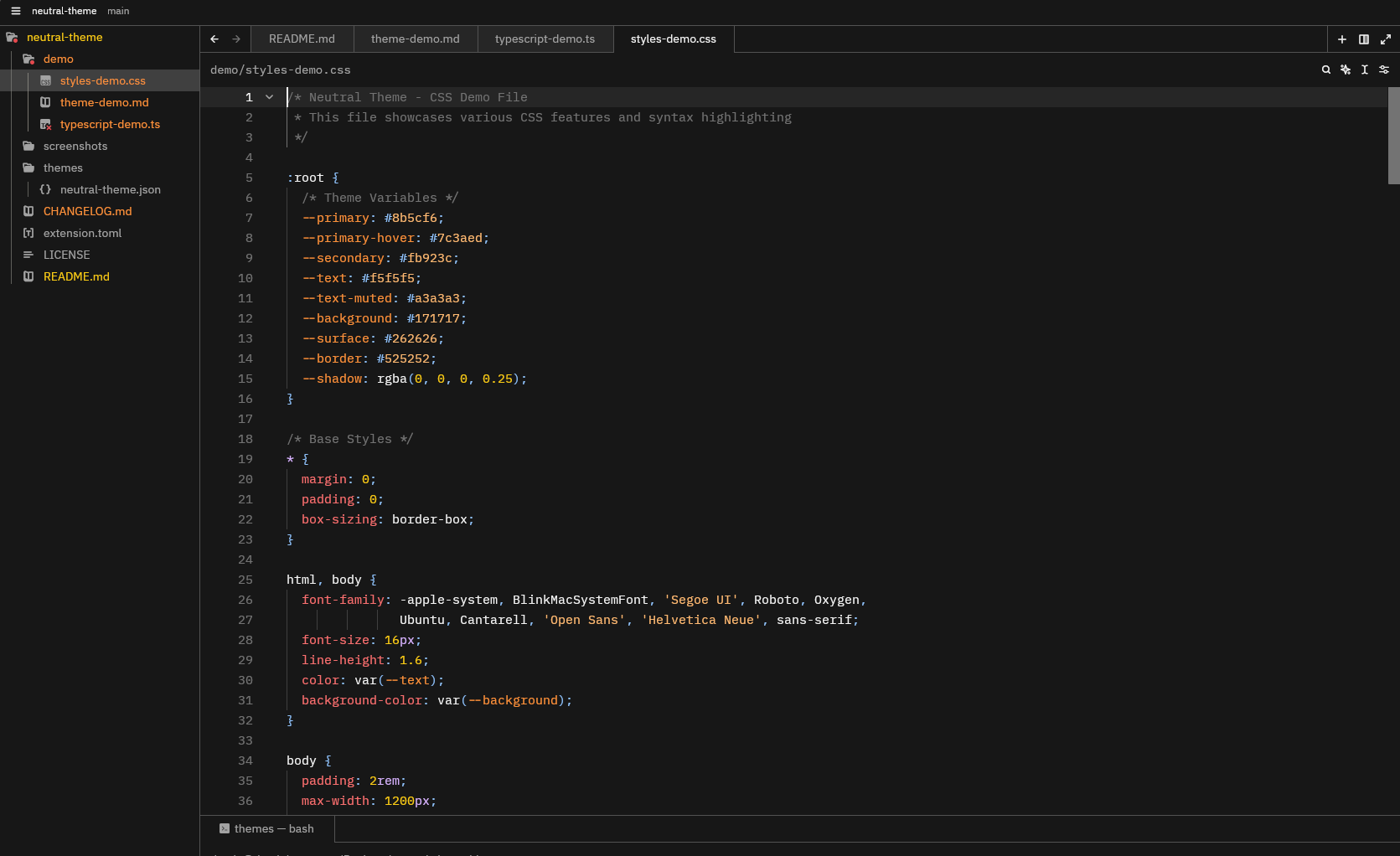
Note: Screenshots showcase the theme applied to the demo files included in this repository. The demos include a variety of programming languages and syntax features to highlight the theme's appearance.
Installation
From Zed Extensions
- Open Zed
- Press
Cmd+Shift+P(macOS) orCtrl+Shift+P(Windows/Linux) to open the command palette - Type "Extensions" and select "Extensions: Open"
- Search for "Neutral Theme"
- Click "Install"
Manual Installation
- Clone this repository:
git clone https://github.com/dustinbturner/neutral-theme.git - Copy the theme files to your Zed extensions directory:
- macOS:
~/.config/zed/extensions/ - Windows:
%APPDATA%\Zed\extensions\ - Linux:
~/.config/zed/extensions/
- macOS:
Activation
- Open Zed
- Press
Cmd+Shift+P(macOS) orCtrl+Shift+P(Windows/Linux) to open the command palette - Type "Theme" and select "Settings: Change Theme"
- Select "Neutral Theme" from the list
Customization
You can customize this theme by modifying the themes/neutral-theme.json file. Refer to the Zed Themes documentation for more information on theme customization.
Demo Files
This repository includes demo files in the demo directory that showcase the theme's syntax highlighting across multiple programming languages:
- JavaScript with React
- TypeScript with React hooks
- Python with NumPy
- Rust with async/await
- HTML/CSS
- Standalone CSS with modern features
- JSON
- SQL
These files are useful for testing the theme or taking screenshots to showcase its appearance. You can find all demo files in the demo/ directory:
theme-demo.md- A comprehensive showcase with multiple languagestypescript-demo.ts- TypeScript features and syntaxstyles-demo.css- Modern CSS features and styling
Credits
Created by Dustin Turner. Modified for Tailwind Color Palettes.
License
MIT
Changelog
See the CHANGELOG.md file for details on version updates and changes.
Feedback and Contributions
Feedback and contributions are welcome! Please feel free to submit issues or pull requests to the GitHub repository.