Monochrome Amber Zed Theme
A theme for Zed with a mostly-monochrome palette and warm amber accents, available in dark and light variants (Monochrome Amber Dark and Monochrome Amber Light). Adapted by Yusef Karim from the original Monochromator theme(s) by Josias Beem.
The font shown in the screenshots is Hack.
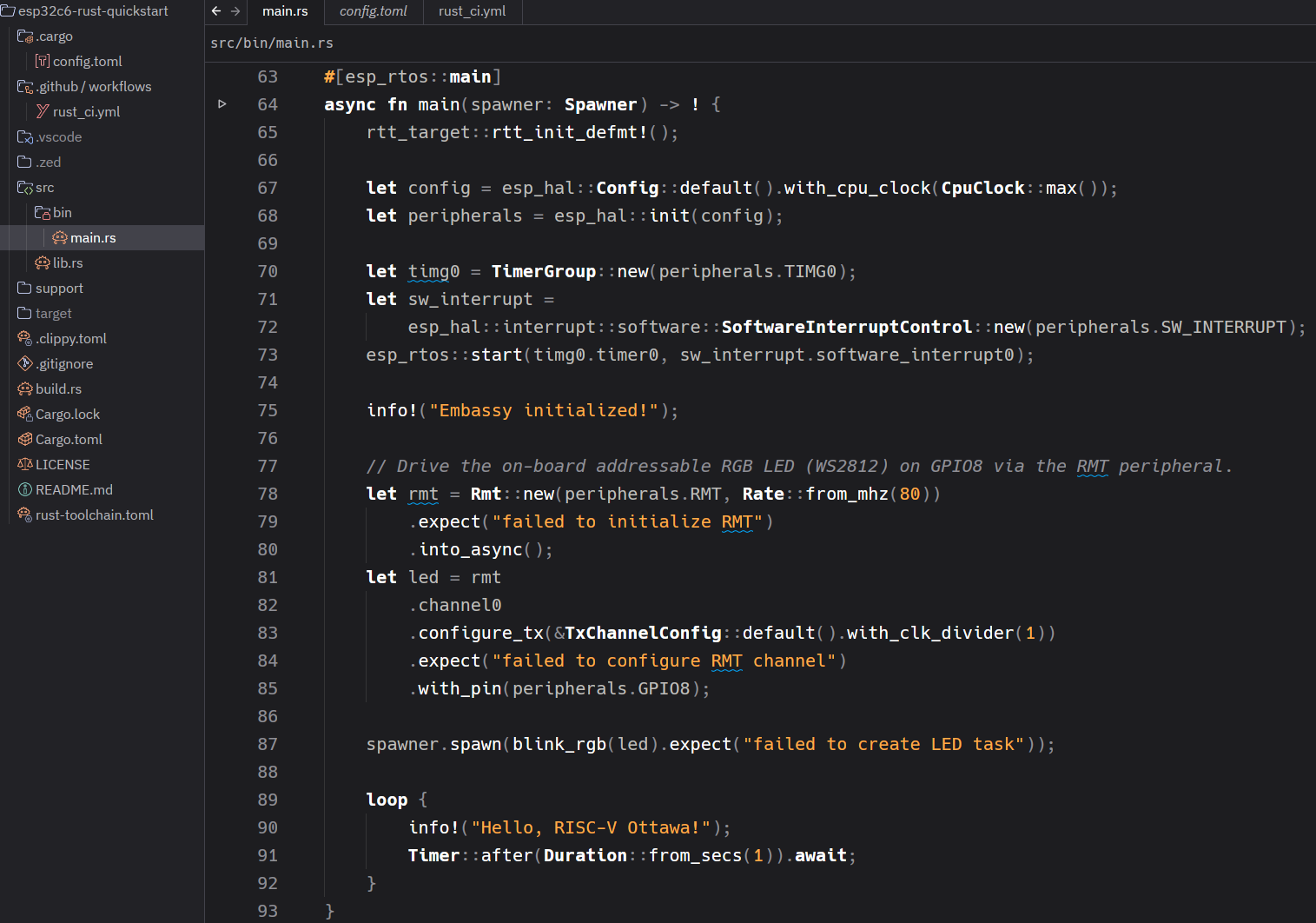
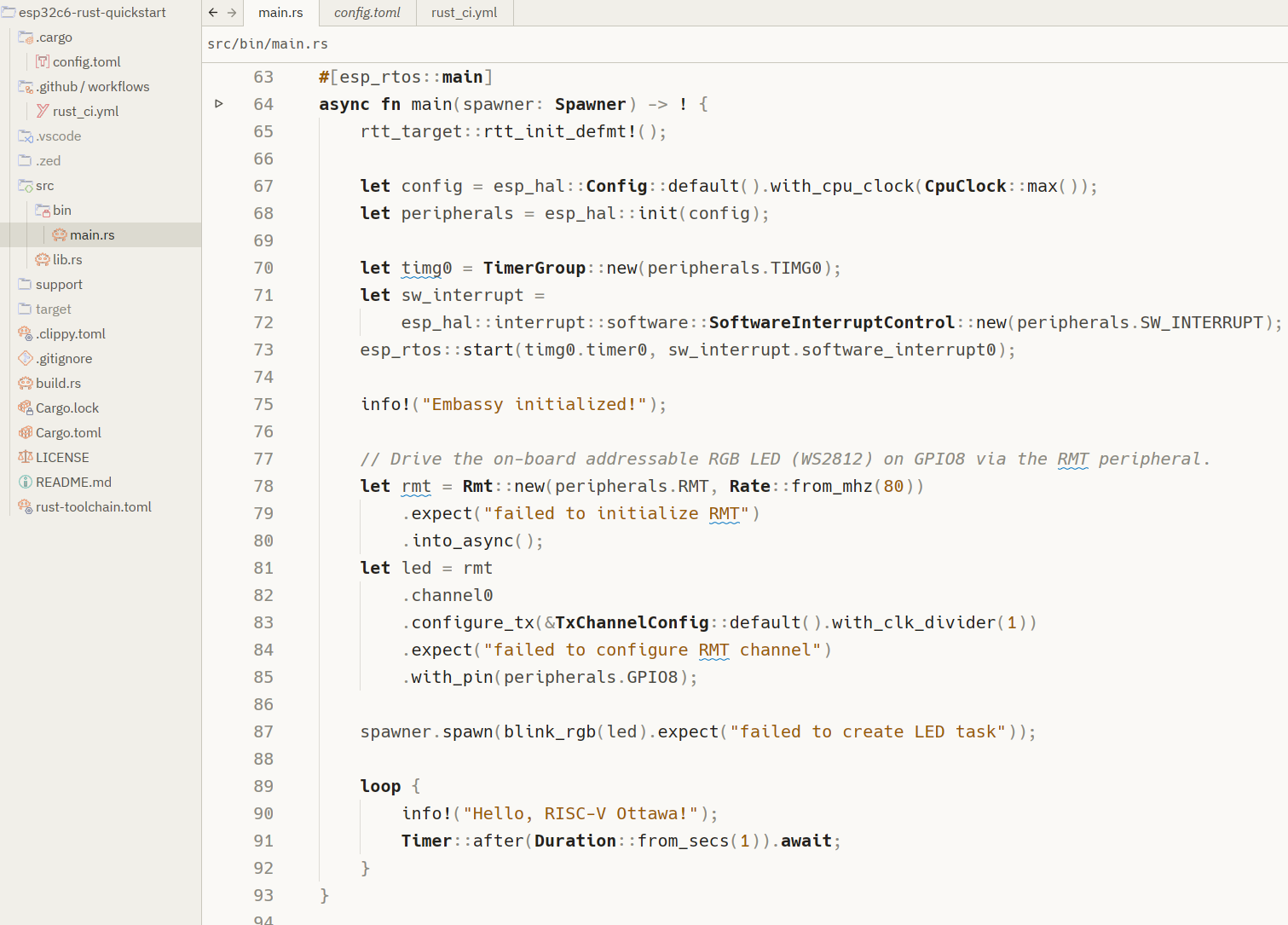
Install
Once published, open the command palette in Zed, run zed: extensions, search
for Monochrome Amber, and install. Then select it via
theme selector: toggle.
Develop locally
To try it before publishing, run zed: install dev extension from the command
palette and point it at this directory. Zed will load the theme directly.
Publishing as an official Zed extension
Extensions live in the zed-industries/extensions
registry. To submit:
- Push this directory to its own public GitHub repository.
- Fork
zed-industries/extensionsand clone your fork. - Add your repo as a git submodule under
extensions/:git submodule add https://github.com/yusefkarim/zed-monochrome-amber \ extensions/monochrome-amber-theme - Add an entry to the top-level
extensions.toml:[monochrome-amber-theme] submodule = "extensions/monochrome-amber-theme" version = "0.1.0" - Run
pnpm sort-extensionsto keepextensions.tomland.gitmodulesordered. - Open a pull request. Once merged, the extension is built automatically and appears in Zed's extension registry for anyone to install.
Bump version in both extension.toml and the registry's extensions.toml
whenever you publish an update.