Monobrut
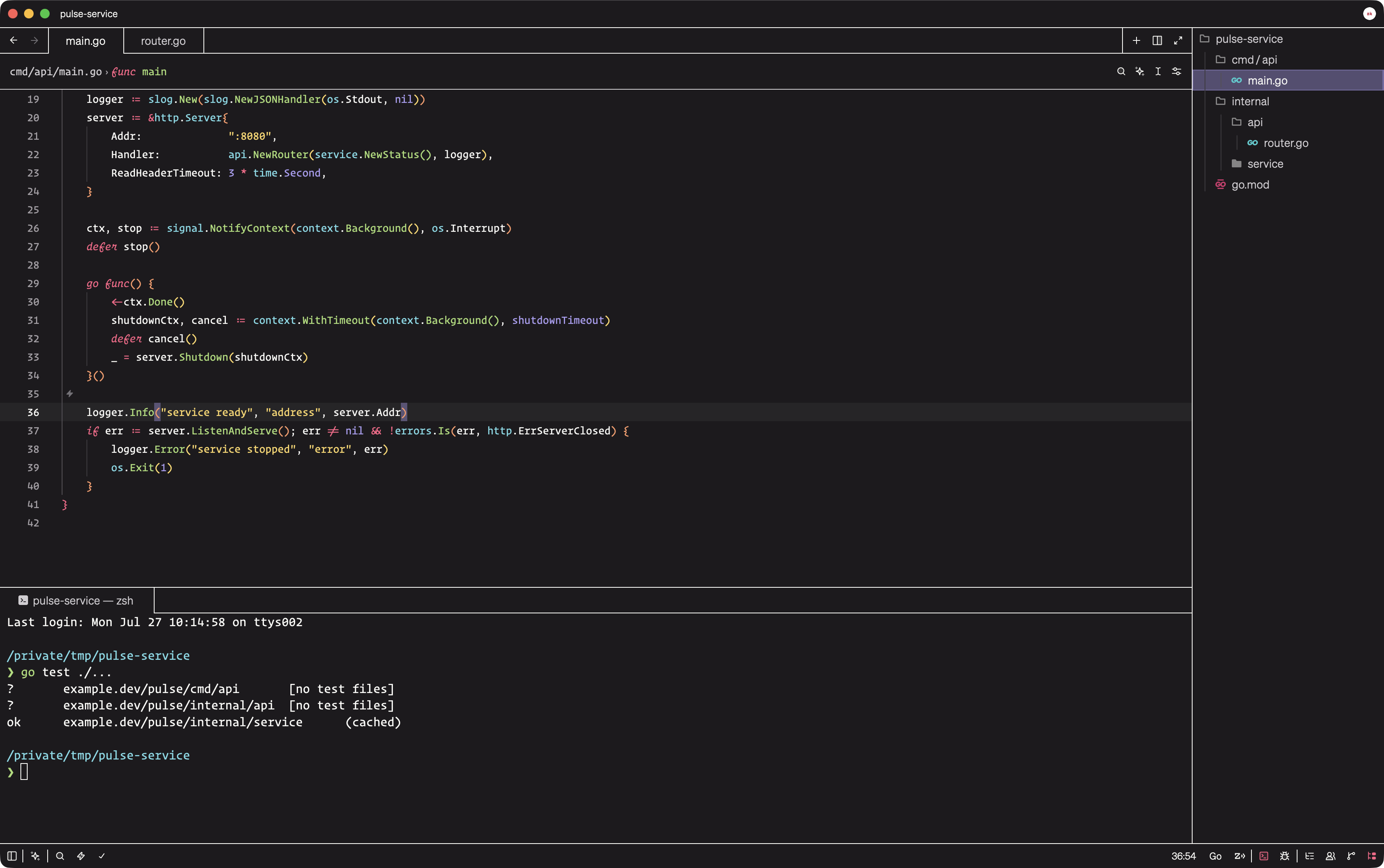
A dark, high-contrast brutalist theme for Zed with unified surfaces, crisp borders, and expressive signal colors.
Default: Warm, balanced signal colors on a deep black field.
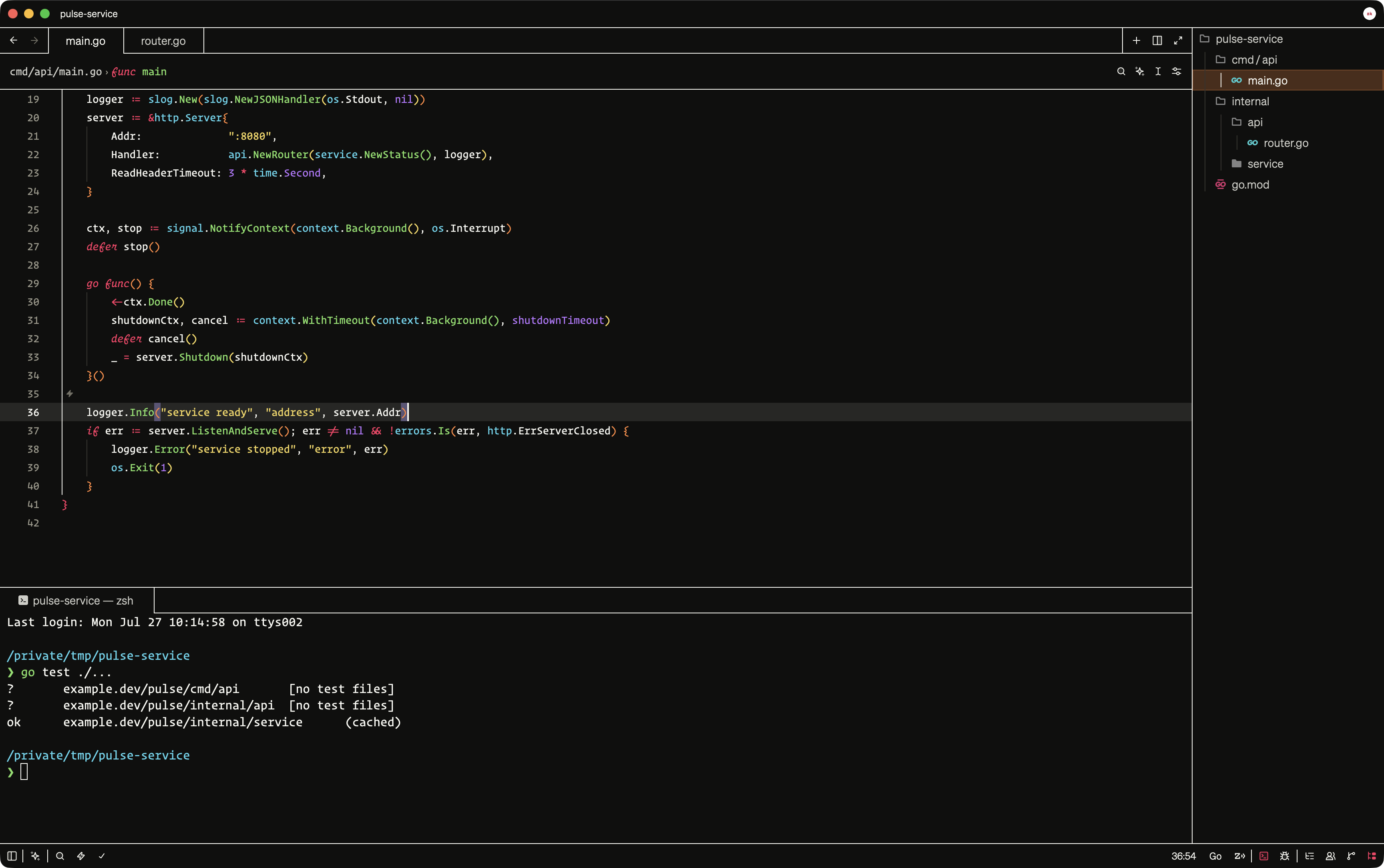
Breuer: Hard brutalism: one concrete-black field, uncompromising white structure, rust active states, and exposed signal colors. Named for brutalist architect Marcel Breuer.
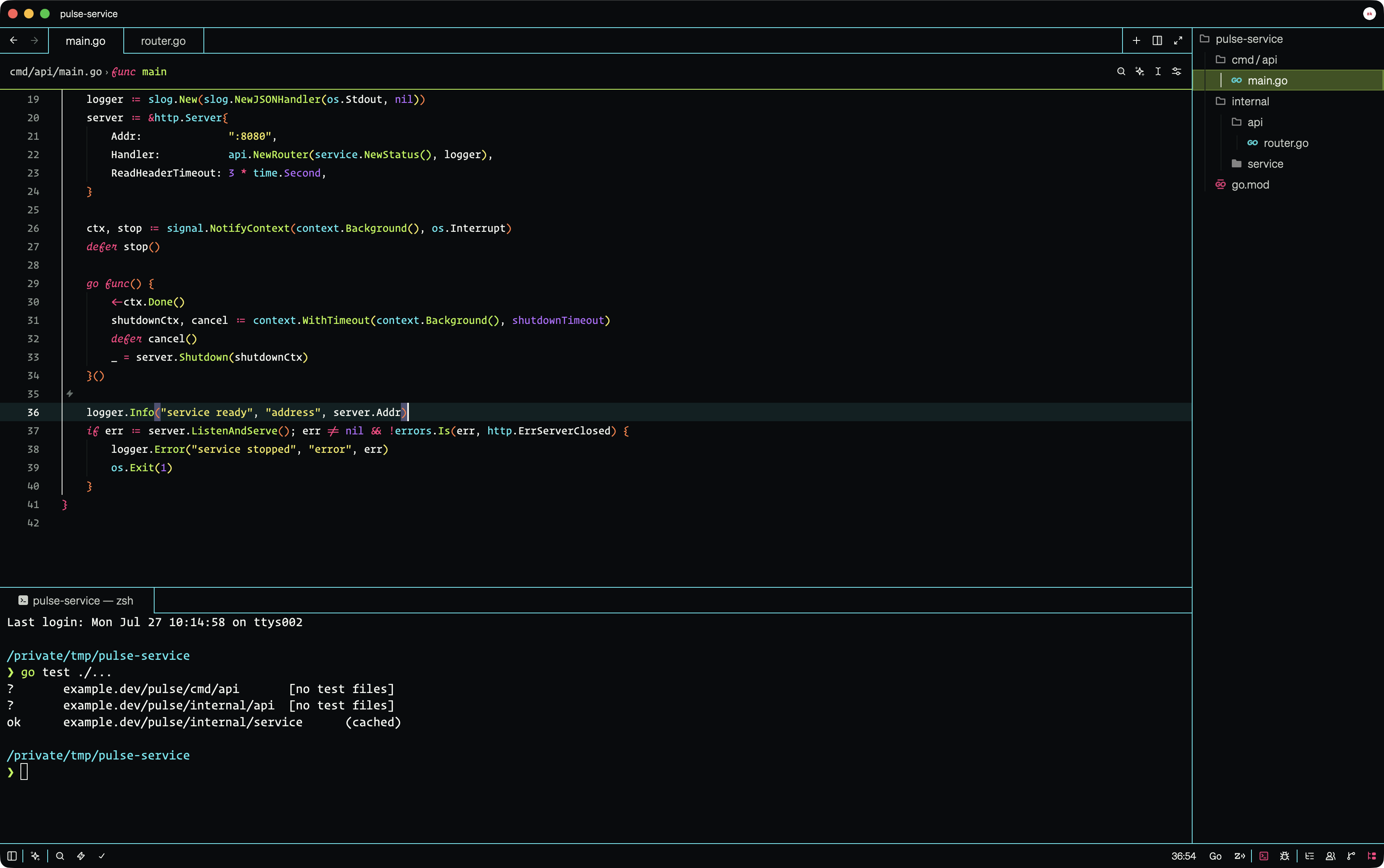
Säure: Cold cyberpunk structure with cyan borders, acid-green interaction states, and a near-black field.
Installation
- Open Zed Extensions with
ctrl-shift-x. - Search for Monobrut and install it.
- Open the theme selector with
cmd-k cmd-ton macOS orctrl-k ctrl-ton Linux and Windows. - Select Monobrut.
To try the development version, clone this repository and run zed: install dev extension from Zed's command palette, then select the cloned directory.
Development
The theme lives in themes/monobrut.json and follows Zed's theme schema.