Mdias OLED for Zed
A pure-black, OLED-friendly Zed theme inspired by vaporwave. Marine teal primary, vibrant green-cyan accents, hot pink highlights, soft gray text. A Zed port of opencode-vaporware-oled-theme so the two editors share the same color vocabulary.
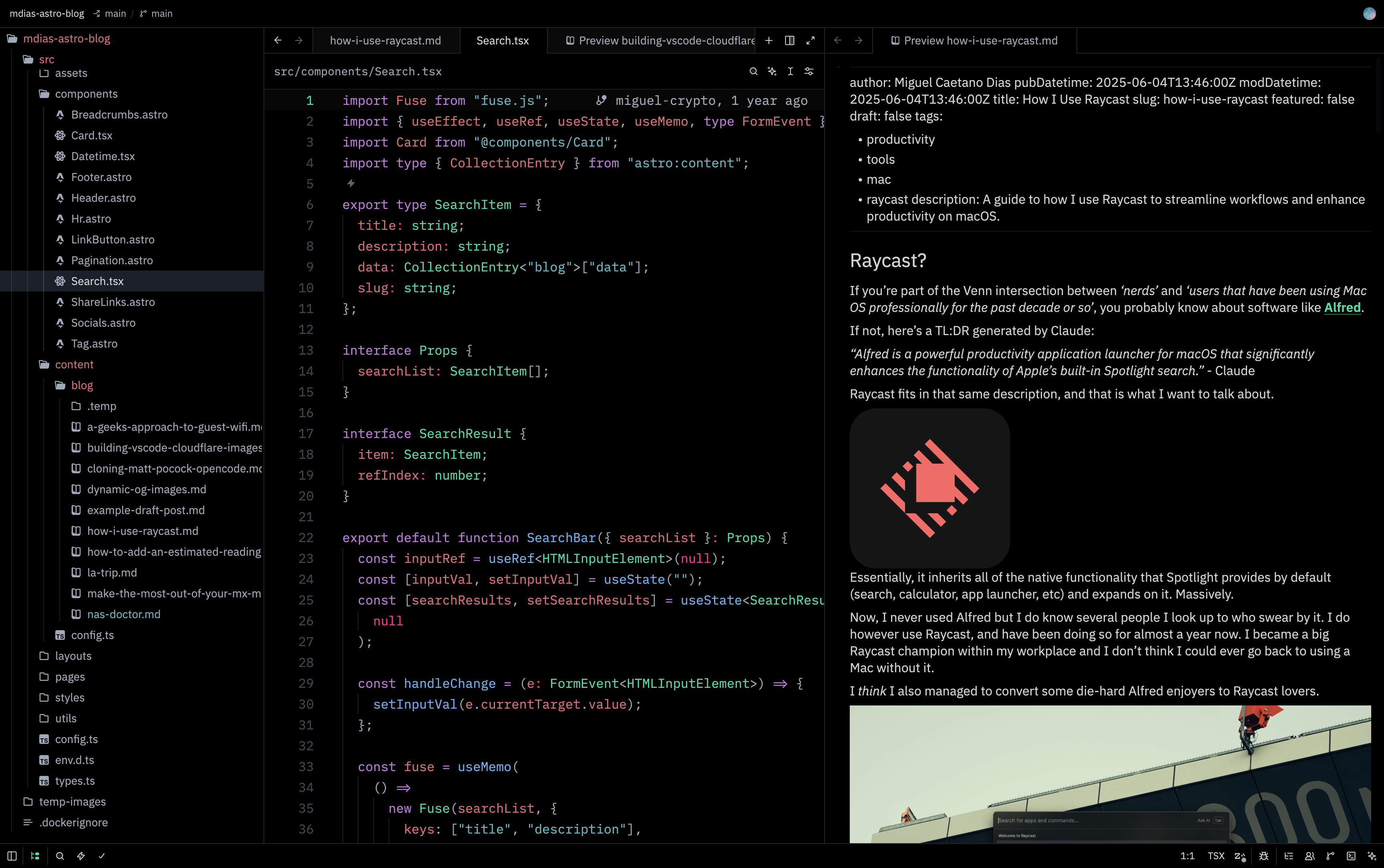
Markdown side-by-side
Source on the left, rendered preview on the right. Hot pink headings, italic emphasis, marine teal code spans.
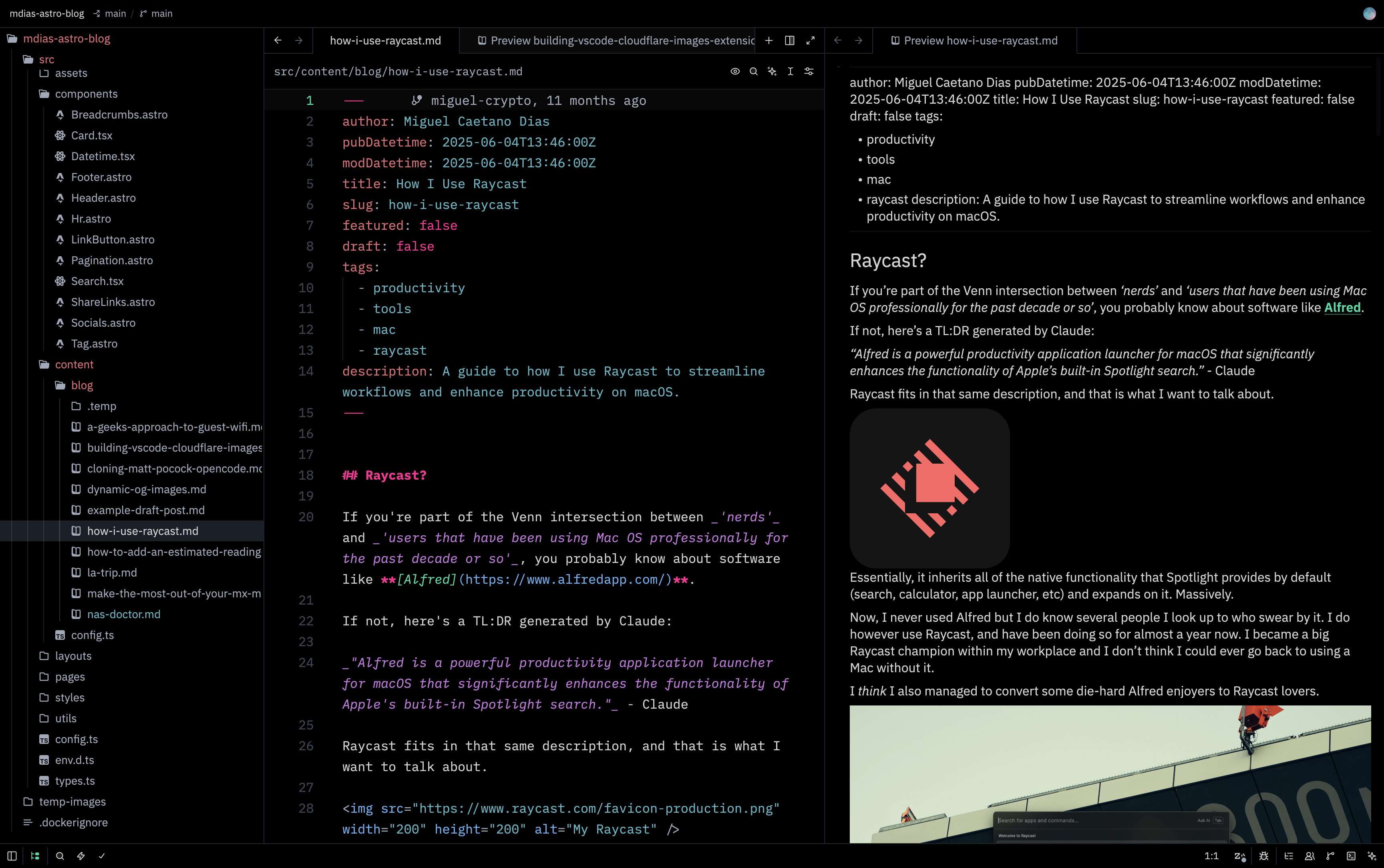
Palette
| Role | Color | Hex |
|---|---|---|
| Background | OLED black | #000000 |
| Foreground | Soft gray | #d4d4d4 |
| Primary (strings, success, diff added) | Marine teal | #56b6c2 |
| Accent (types, links, info, active line number) | Vibrant green-cyan | #00d9a0 |
| Highlight (warnings, modifications, numbers, headings) | Hot pink | #ff2094 |
| Comments, muted text | Gray | #5c6370 |
| Keywords, operators | Magenta | #c678dd |
| Functions, tags, attributes | Blue | #61afef |
| Properties, variables, errors, diff removed | Soft red | #e06c75 |
The hot pink is the signature. It appears anywhere Zed flags something worth your attention: search matches, git-modified files, numbers and booleans in code, markdown headings, warnings, the version-control modified marker. Comments render in italic gray for a vaporwave feel.
Installation
Via the Zed extension marketplace
cmd-shift-x to open the extensions panel and search for Mdias OLED.
Direct install (development)
Clone this repo:
git clone https://github.com/mcdays94/zed-vaporware-oled-theme.git
cd zed-vaporware-oled-theme
Symlink the theme into your Zed user themes directory:
mkdir -p ~/.config/zed/themes
ln -s "$(pwd)/themes/mdias-oled.json" ~/.config/zed/themes/mdias-oled.json
Pick it with
cmd-k cmd-tand choose Mdias OLED, or set it in~/.config/zed/settings.json:{ "theme": { "mode": "dark", "dark": "Mdias OLED" } }
Zed reloads themes on save, so any edits to themes/mdias-oled.json show up instantly.
Companion theme
The Zed counterpart to mcdays94/opencode-vaporware-oled-theme. Same palette, same vibe. Run them together for a consistent look across your terminal AI workflow (opencode) and your editor (Zed).
Inspiration
Vaporwave aesthetics. Neon cyans and hot pinks against pure OLED black. Late-night coding vibes.
License
MIT