Mantle Theme for Zed
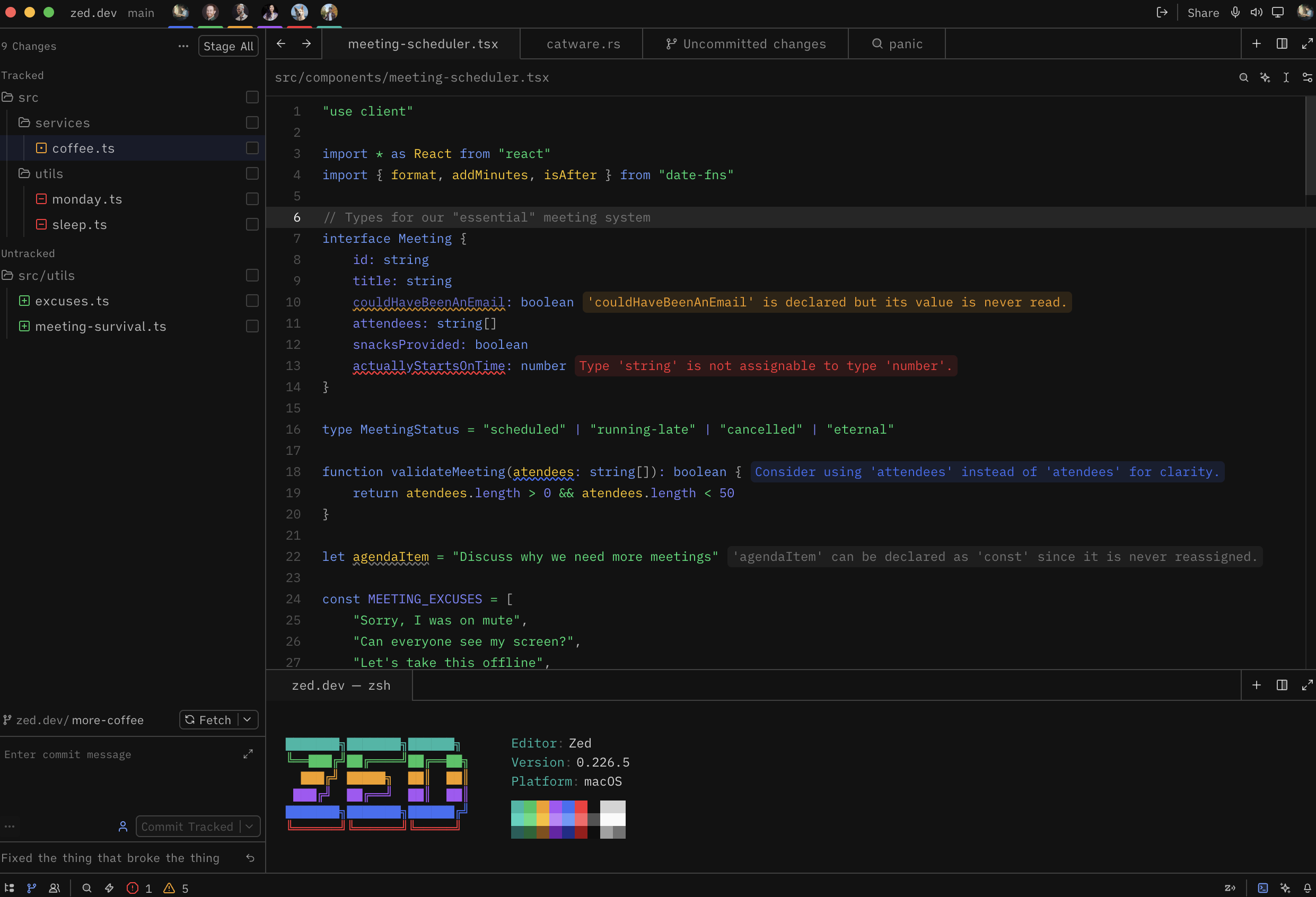
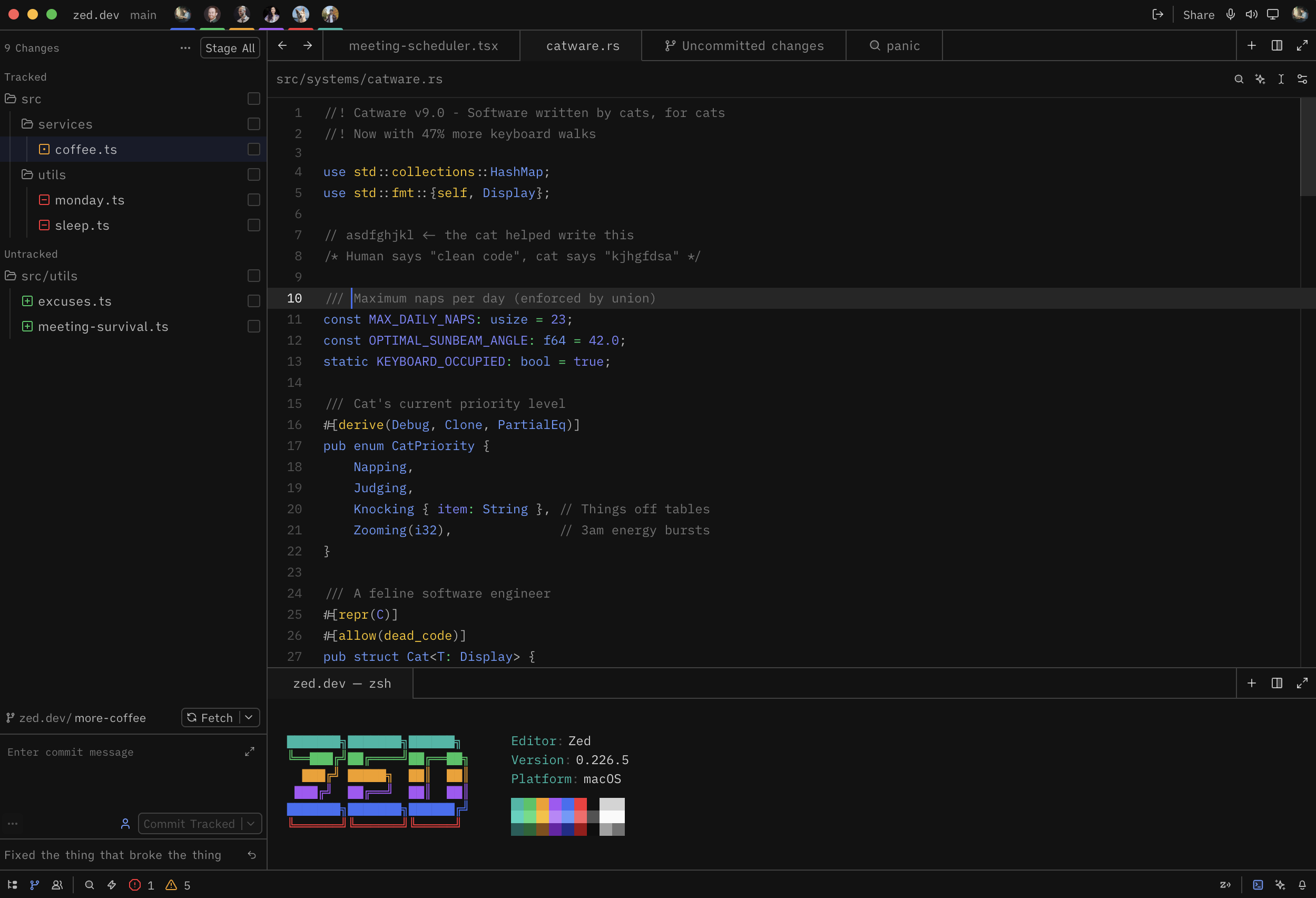
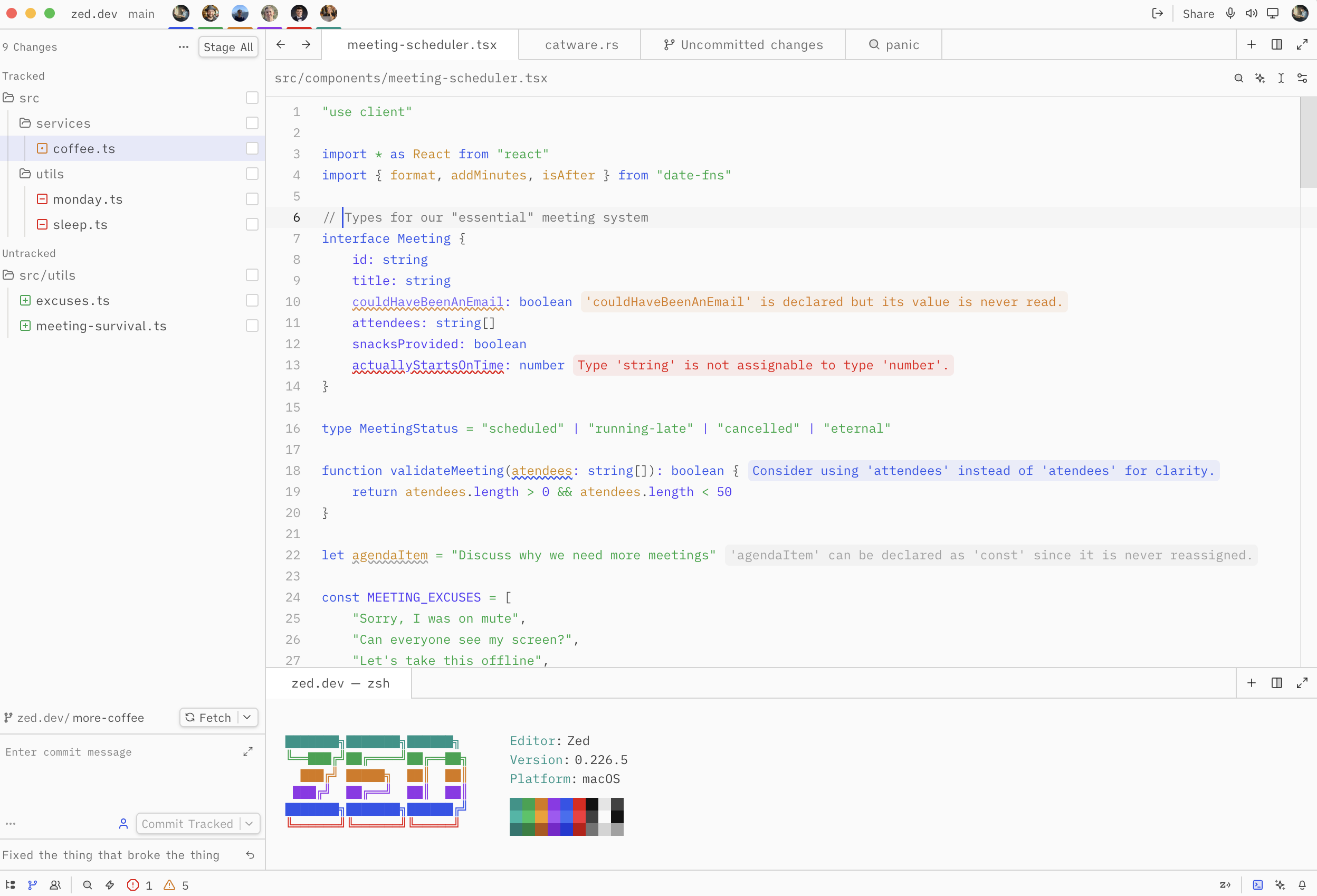
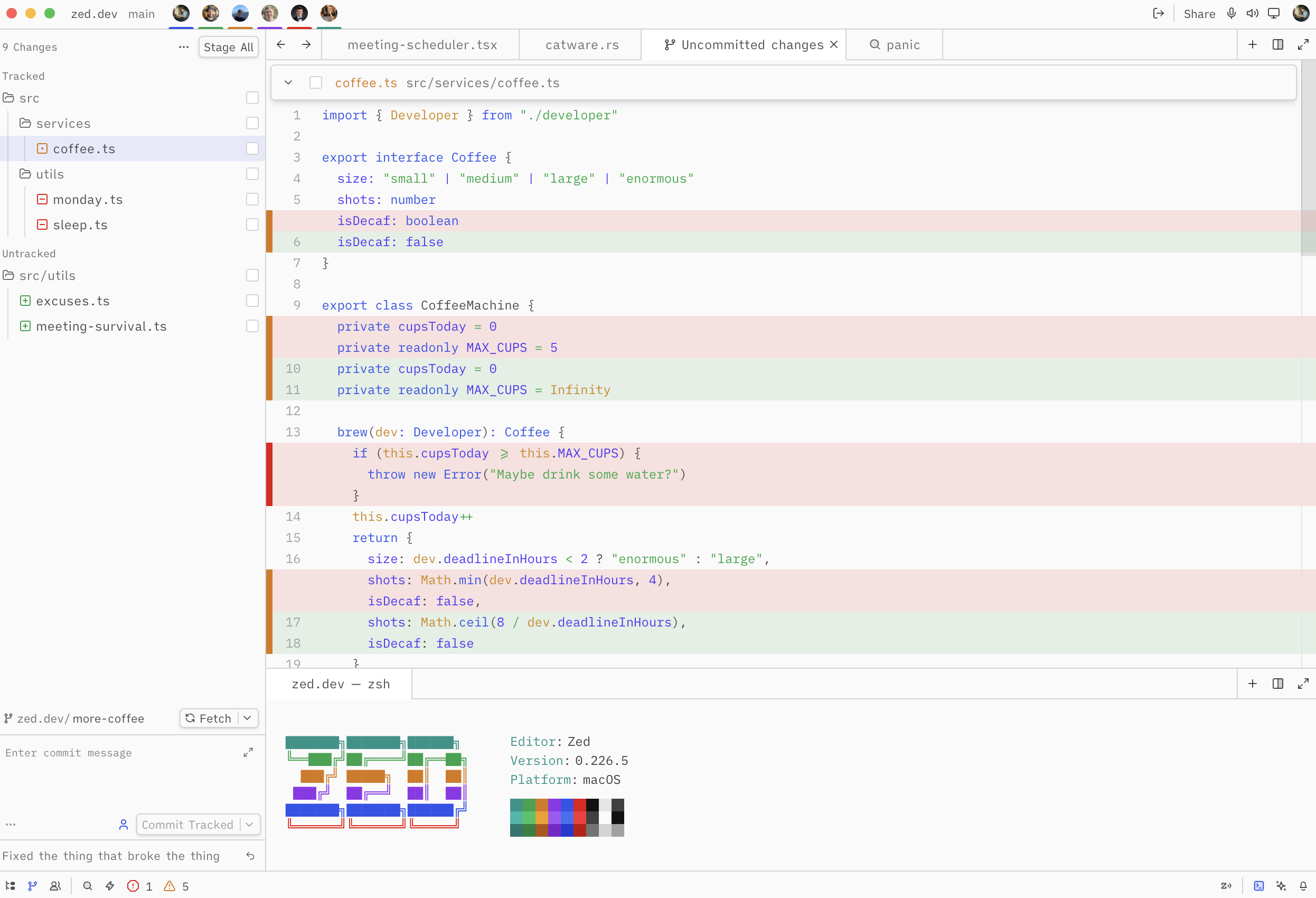
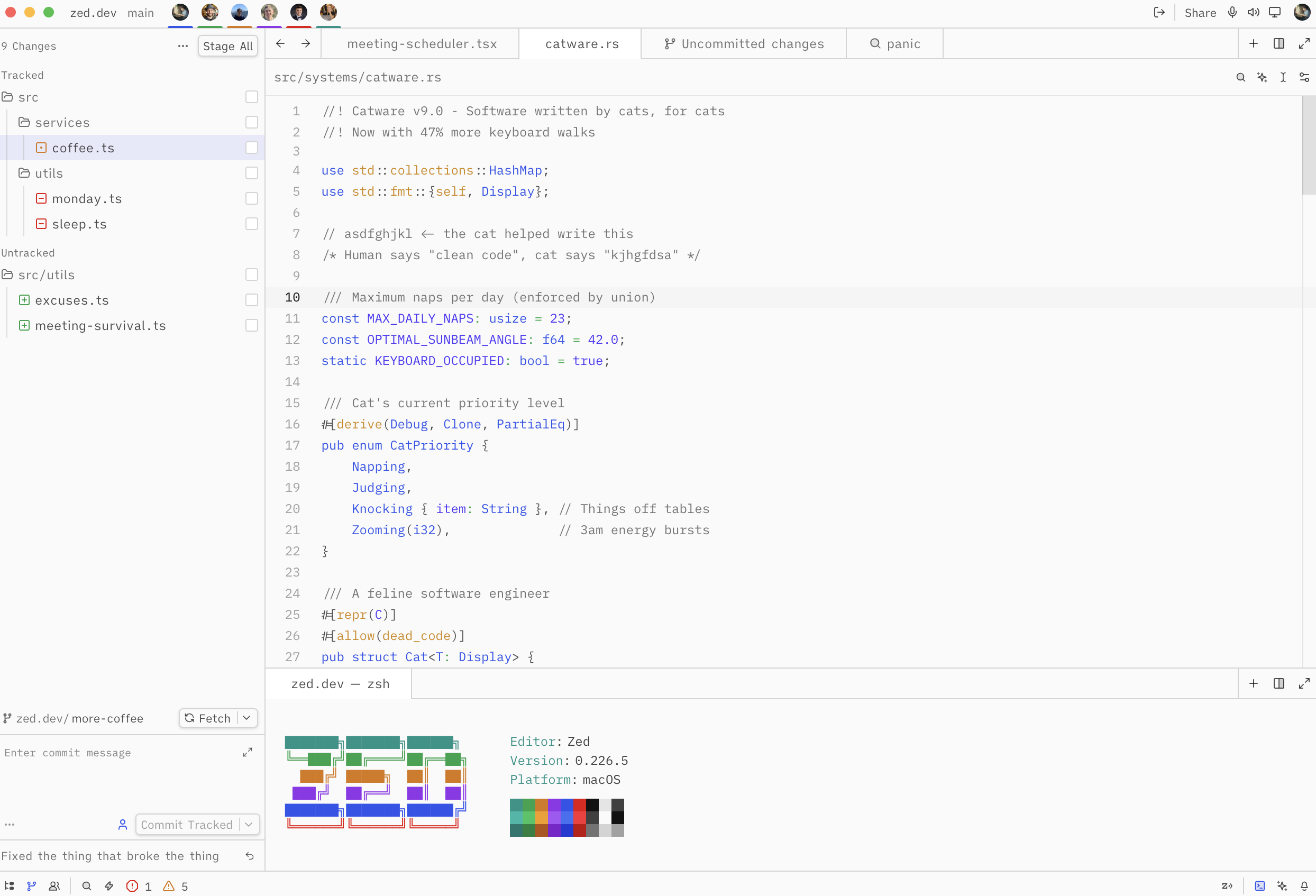
A dark and light theme for Zed based on ngrok's Mantle design system. Features the full Mantle color palette with syntax highlighting matched to Mantle's Prism.js code block tokens.
Screenshots
Dark
Light
Installation
- Open Zed
- Go to Extensions (
cmd+shift+x) - Search for "Mantle"
- Click Install
Variants
- Mantle Dark — deep neutral backgrounds with vibrant syntax colors
- Mantle Light — clean white surfaces with rich, readable tones
Color Palette
| Role | Dark | Light |
|---|---|---|
| Background | #121212 |
#fafafa |
| Surface | #171717 |
#ffffff |
| Accent | #699afc |
#2e54eb |
| Strings | #05df72 |
#00a63e |
| Keywords | #699afc |
#2e54eb |
| Constants | #7c86ff |
#4f39f6 |
| Variables | #fdc700 |
#d08700 |
| Comments | #737373 |
#737373 |