MacVim Classic Theme
Ports of MacVim's default colorscheme (static/macvim.vim) to other editors.
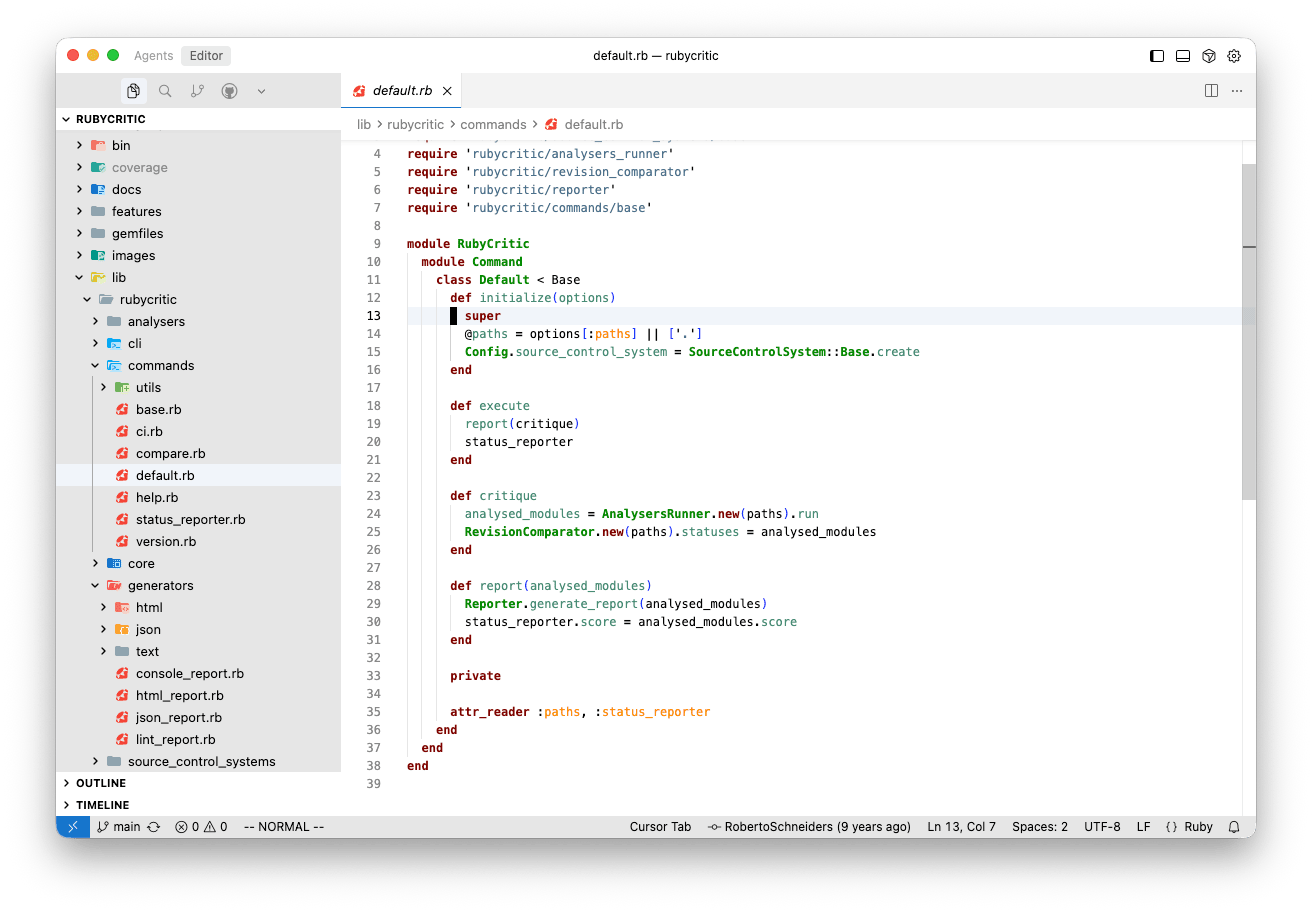
| Editor | Folder | Variants |
|---|---|---|
| VS Code | vscode/ |
MacVim Classic Dark / Light |
| Zed | zed/ |
MacVim Dark / Light |
VS Code
Install "MacVim Classic" from the VS Code Marketplace. Packaging and publishing run from the vscode/ folder, see vscode/PUBLISHING.md.
Zed
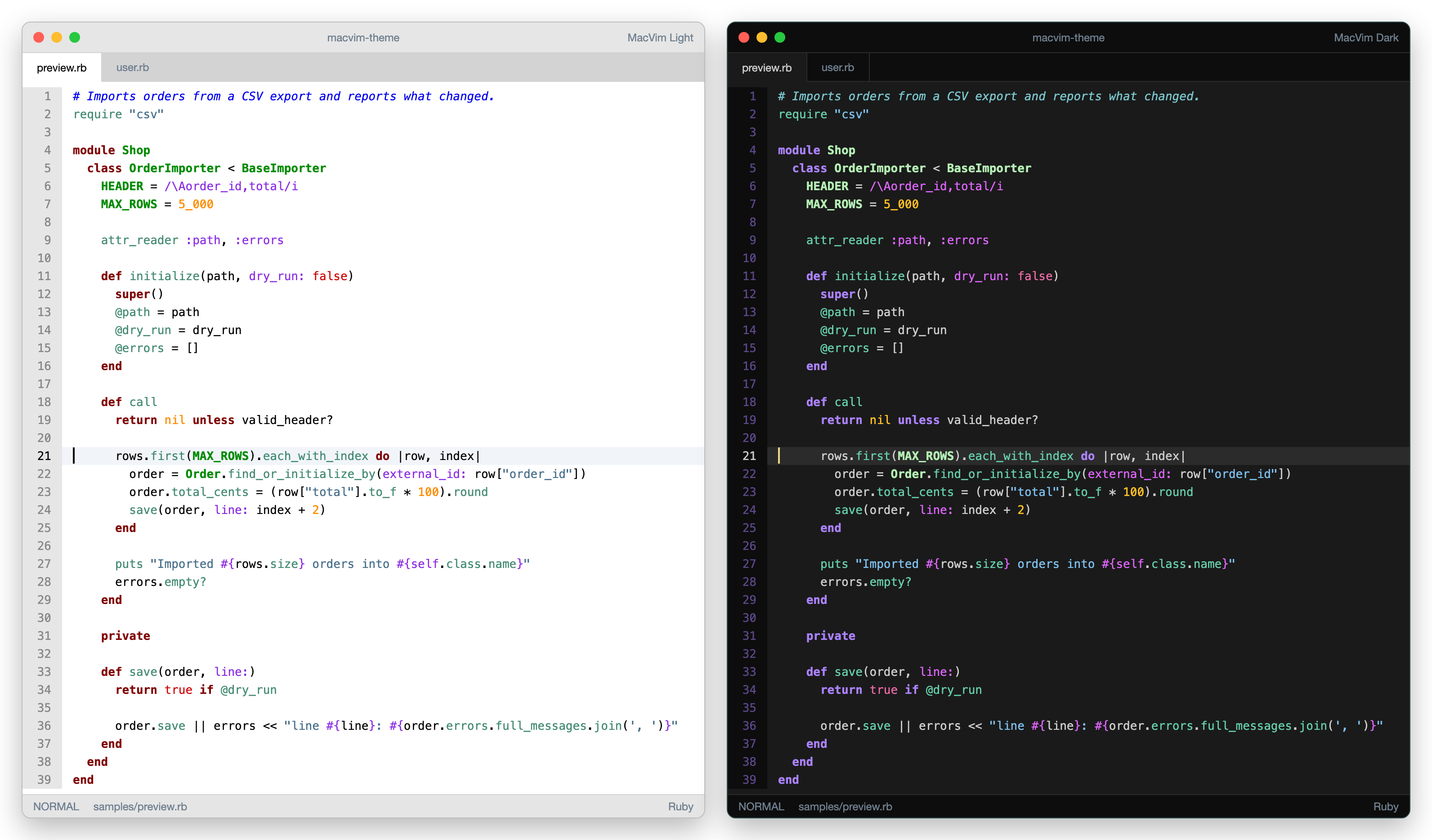
The theme lives in zed/themes/macvim.json. To use it locally, link it into Zed's themes folder:
mkdir -p ~/.config/zed/themes
ln -s "$PWD/zed/themes/macvim.json" ~/.config/zed/themes/macvim.json
Then pick "MacVim Light" or "MacVim Dark" from theme selector: toggle.
The JSON is generated. Edit the palette in scripts/zed/generate.rb and run:
ruby scripts/zed/generate.rbThen refresh the preview image (static/zed.png, rendered from the theme with headless Google Chrome):
ruby scripts/zed/preview.rb- MacVim Light follows
macvim.vimexactly (background=light). - MacVim Dark keeps the same hue families as the original dark variant, but uses brighter X11 shades so text is readable (the original uses Grey50 text, SkyBlue4 strings and DeepPink4 booleans on Grey10).
| Group | Original dark | MacVim Dark (Zed) |
|---|---|---|
| Normal | #7f7f7f Grey50 |
#cccccc Grey80 |
| Comment | #7ac5cd CadetBlue3 |
#7ac5cd CadetBlue3 |
| String | #4a708b SkyBlue4 |
#7ec0ee SkyBlue2 |
| Statement | #9b30ff Purple1 |
#ab82ff MediumPurple1 |
| Type | #008b8b Cyan4 |
#b4eeb4 DarkSeaGreen2 |
| Constant | #ffc125 Goldenrod1 |
#ffc125 Goldenrod1 |
| Boolean | #8b0a50 DeepPink4 |
#ee6aa7 HotPink2 |
| Identifier | #458b74 Aquamarine4 |
#66cdaa Aquamarine3 |
| PreProc | #1874cd DodgerBlue3 |
#1e90ff DodgerBlue1 |
| Special | #8a2be2 BlueViolet |
#e066ff MediumOrchid1 |
| Visual | #72f7ff |
#104e8b DodgerBlue4 |
License
MIT License, see LICENSE.