Little League
A quiet theme with harmonious colors. Three variants: Dark, Darker, and Light.
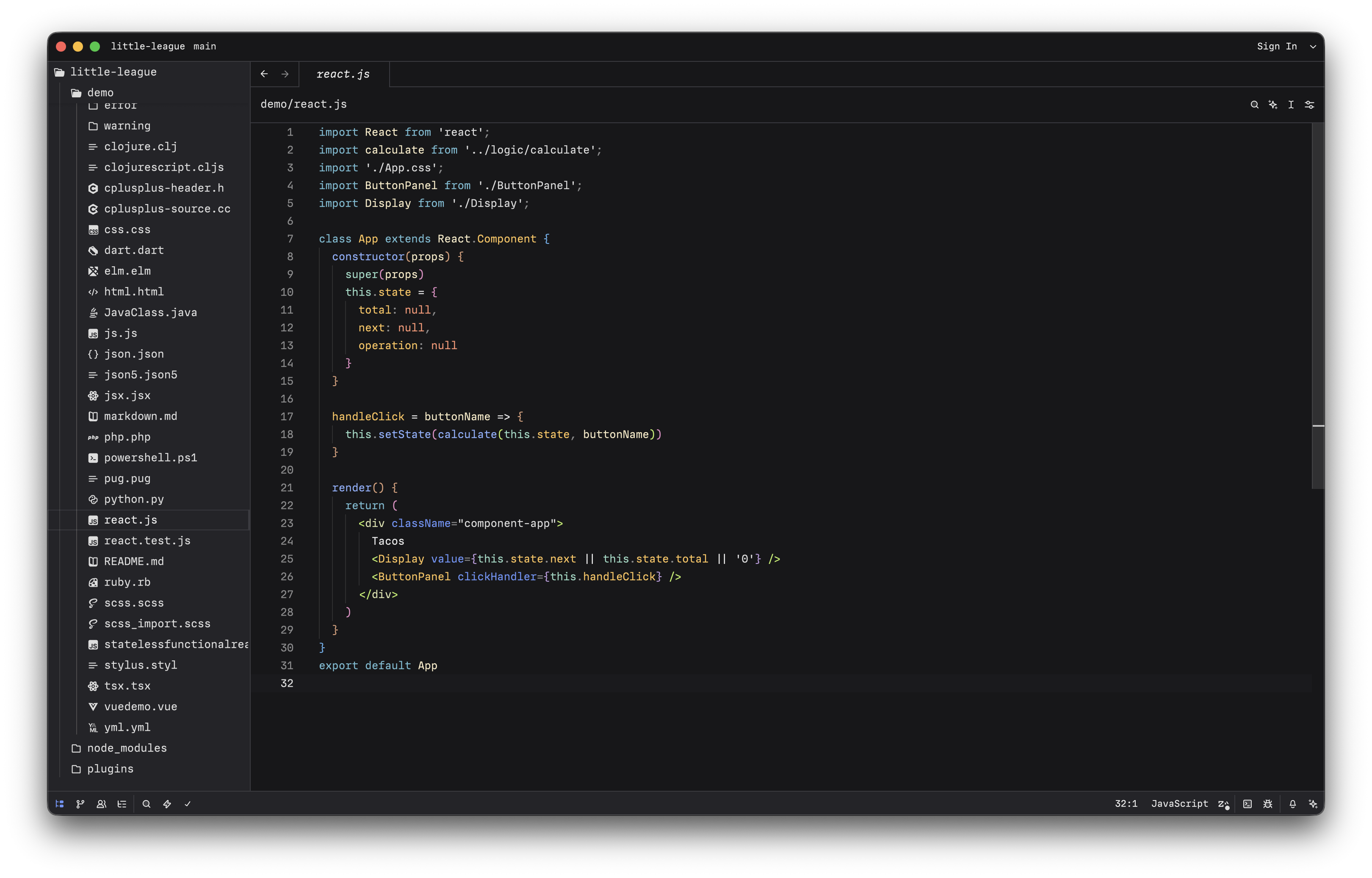
Available for:
- VS Code — full editor theme with syntax highlighting
- Zed — full editor theme with syntax highlighting
- iTerm — terminal color scheme
- Ghostty — terminal color scheme
Installation
VS Code
Search for "Little League" in the Extensions panel, or install from the Marketplace.
Zed
Install from the Zed extension store, or for development: open the command palette and run "zed: install dev extension" pointing to targets/zed/.
iTerm
Import from targets/iterm/ — drag any .itermcolors file into iTerm's color preferences.
Ghostty
Copy theme files to Ghostty's config directory:
cp targets/ghostty/* ~/.config/ghostty/themes/Then set theme = "Little League Dark" in your Ghostty config.
Development
Design tokens are stored in OKLCH color space using the DTCG specification, and compiled to all target formats via Terrazzo.
npm install
npm run build       # Build all targets
npm run test        # Build and verify outputs match committed snapshots
npm run watch       # Rebuild on token changes
See CLAUDE.md for detailed architecture documentation.
License
MIT