
Legendary Dark
A dark editor theme for VS Code and Zed, combining Andromeda's deep UI feel with vivid SynthWave '84-inspired syntax colors.


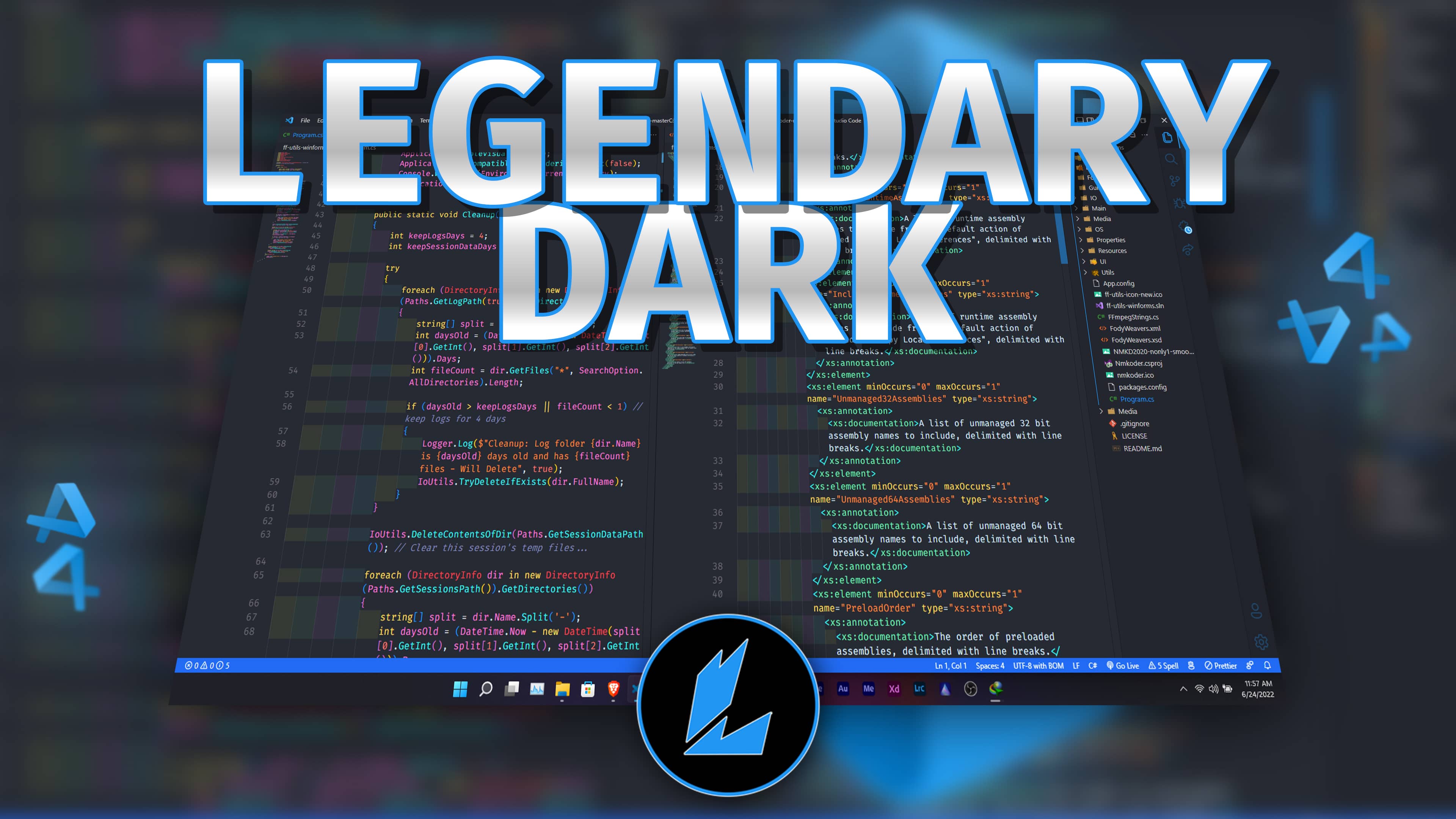
VS Code
Install Legendary Dark from the Visual Studio Marketplace, or install it from the command line:
code --install-extension LlewellynPaintsil.legendary-darkThen open the theme picker and select Legendary Dark.
VS Code's built-in bracket pair colorization and indentation guides pair well with this theme.
Zed
Zed support lives in the zed/ folder. The Zed extension ID is legendary-dark-theme.
Until the Zed Extension Gallery submission is merged, install it as a dev extension:
- Open Zed.
- Open the command palette.
- Run
zed: install dev extension. - Select this repository's
zed/folder, not the repository root. - Open the theme selector and choose
Legendary Dark.
You can also install the theme file manually by copying zed/themes/legendary-dark.json to your Zed themes directory:
- Windows:
%USERPROFILE%\AppData\Roaming\Zed\themes\ - macOS/Linux:
~/.config/zed/themes/
Restart Zed if the theme does not appear immediately.
Repository Layout
zed/                                           Zed theme extension
zed/extension.toml                             Zed extension manifest
zed/themes/legendary-dark.json                 Zed theme
vscode/themes/Legendary Dark-color-theme.json  VS Code theme
images/                                        Logo and screenshot
Publishing
Zed registry submission details are in ZED_PUBLISHING.md.