Landroid Theme
Landroid is a theme for Zed and NvChad (Neovim), available in 6 color variants across light and dark modes.
Inspired by the space-themed Easter egg game from Android 17 (Cinnamon Bun).
Highlights
- HelmLab GenSpace Engine: Color tokens are computed using the HelmLab GenSpace (v0.11.1) perceptual color space, ensuring smooth, naturally balanced palettes without gamut distortion.
- APCA Contrast Compliance: Strictly satisfies the APCA contrast standard (APCA-W3 0.98G). All 66 token pairs pass perceptual contrast thresholds across every theme variant.
- 6 Variations:
Dark MainDark SoftDark ContrastLight MainLight SoftLight Contrast
Gallery
Dark Themes
Dark Main
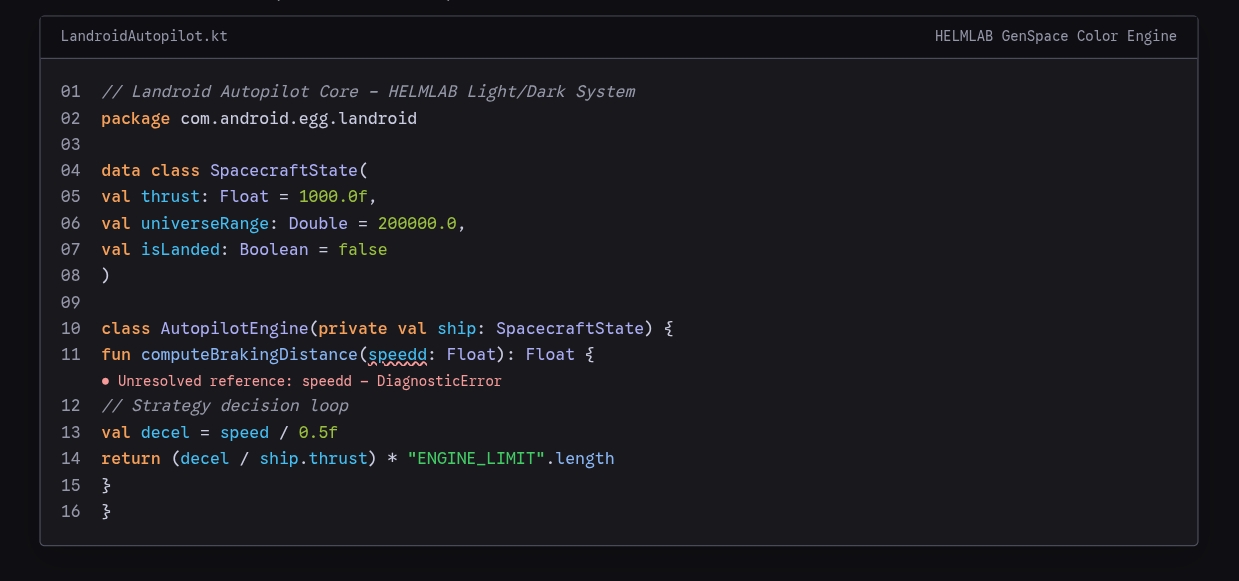
Dark Soft
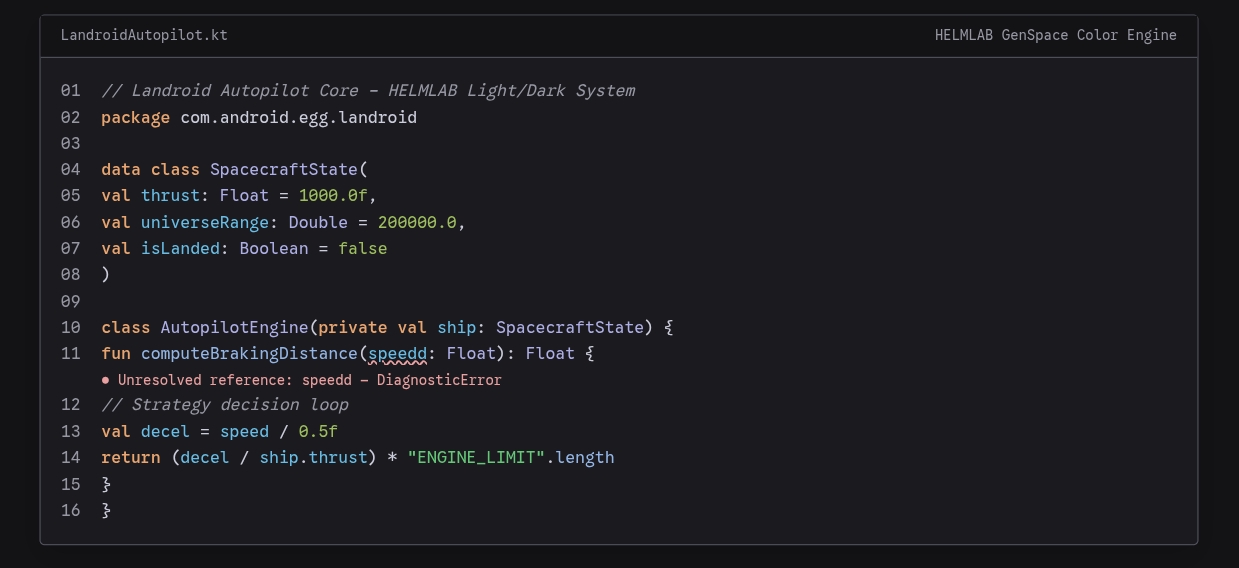
Dark Contrast
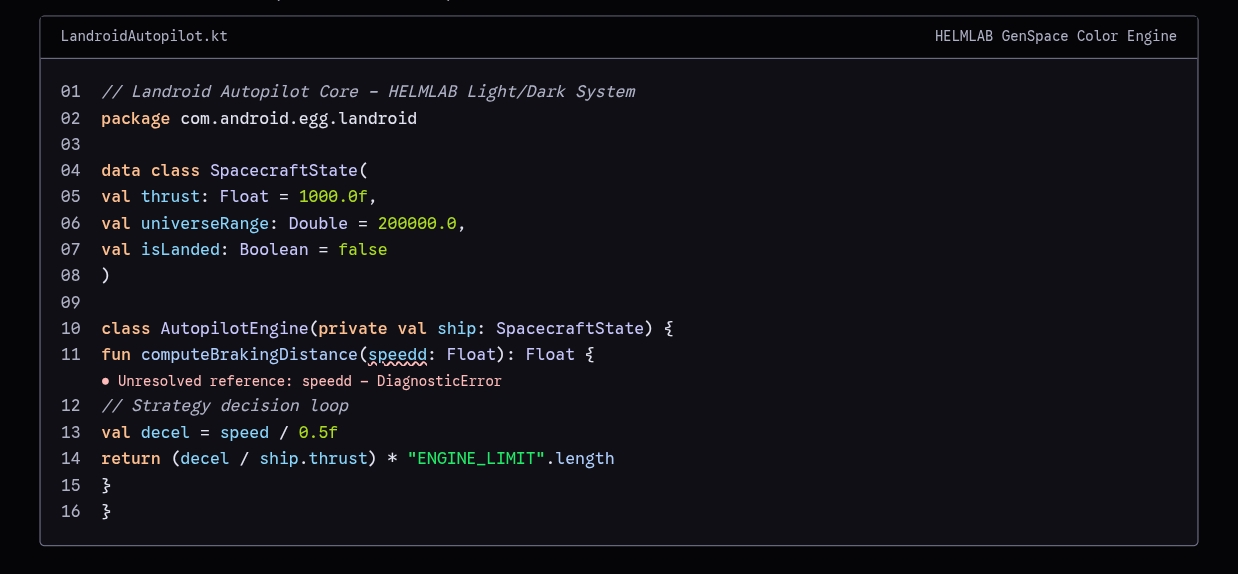
Light Themes
Light Main
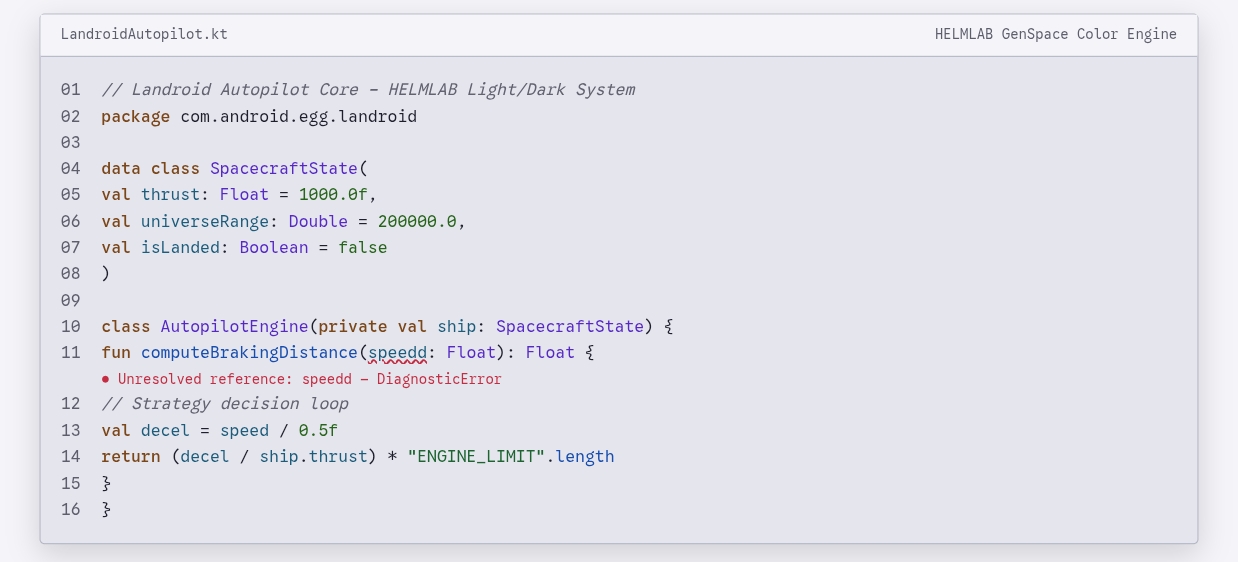
Light Soft
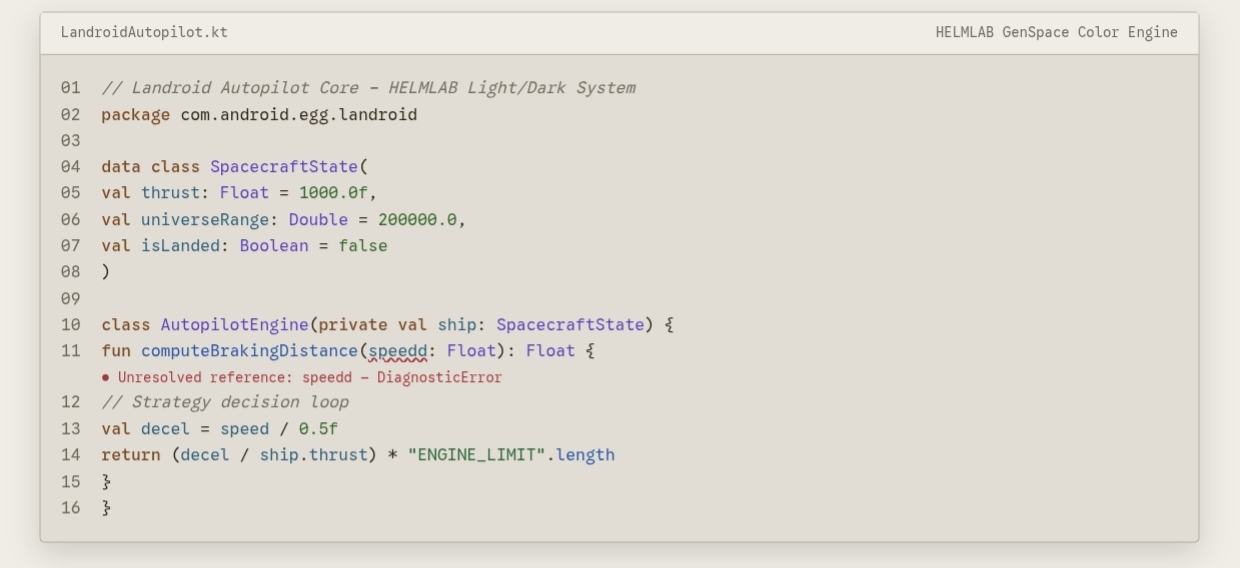
Light Contrast
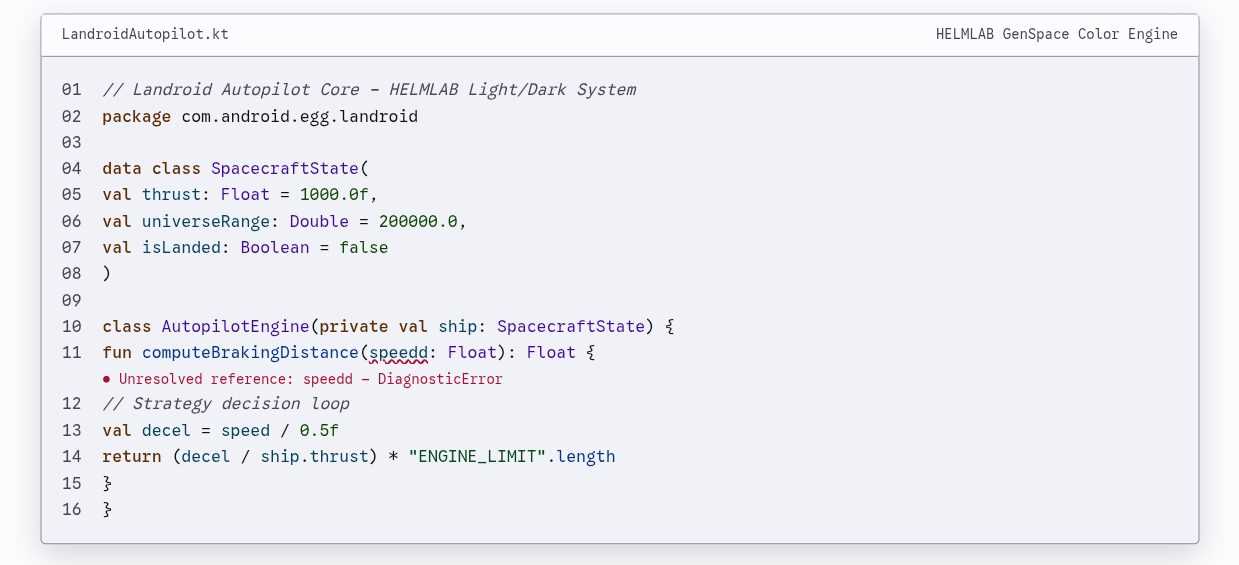
Installation
Zed
- Copy
zed/themes/landroid-helmlab.jsonto your Zed themes directory:- Linux / macOS:
~/.config/zed/themes/ - Windows:
%USERPROFILE%\AppData\Roaming\Zed\themes\
- Linux / macOS:
- Select your desired variant via the theme selector (
Ctrl+K Ctrl+T/Cmd+K Cmd+T).
NvChad
- Copy the
.luatheme files fromnvchad/to~/.config/nvim/lua/themes/. - Set your active theme in
~/.config/nvim/lua/chadrc.lua:M.ui = { theme = "landroid_helmlab_dark", } - Open the NvChad theme switcher (
<leader>th) or restart Neovim.