Kanagawa for Zed
Four Zed themes from the Kanagawa palette, based on Hokusai's Great Wave off Kanagawa.
Themes
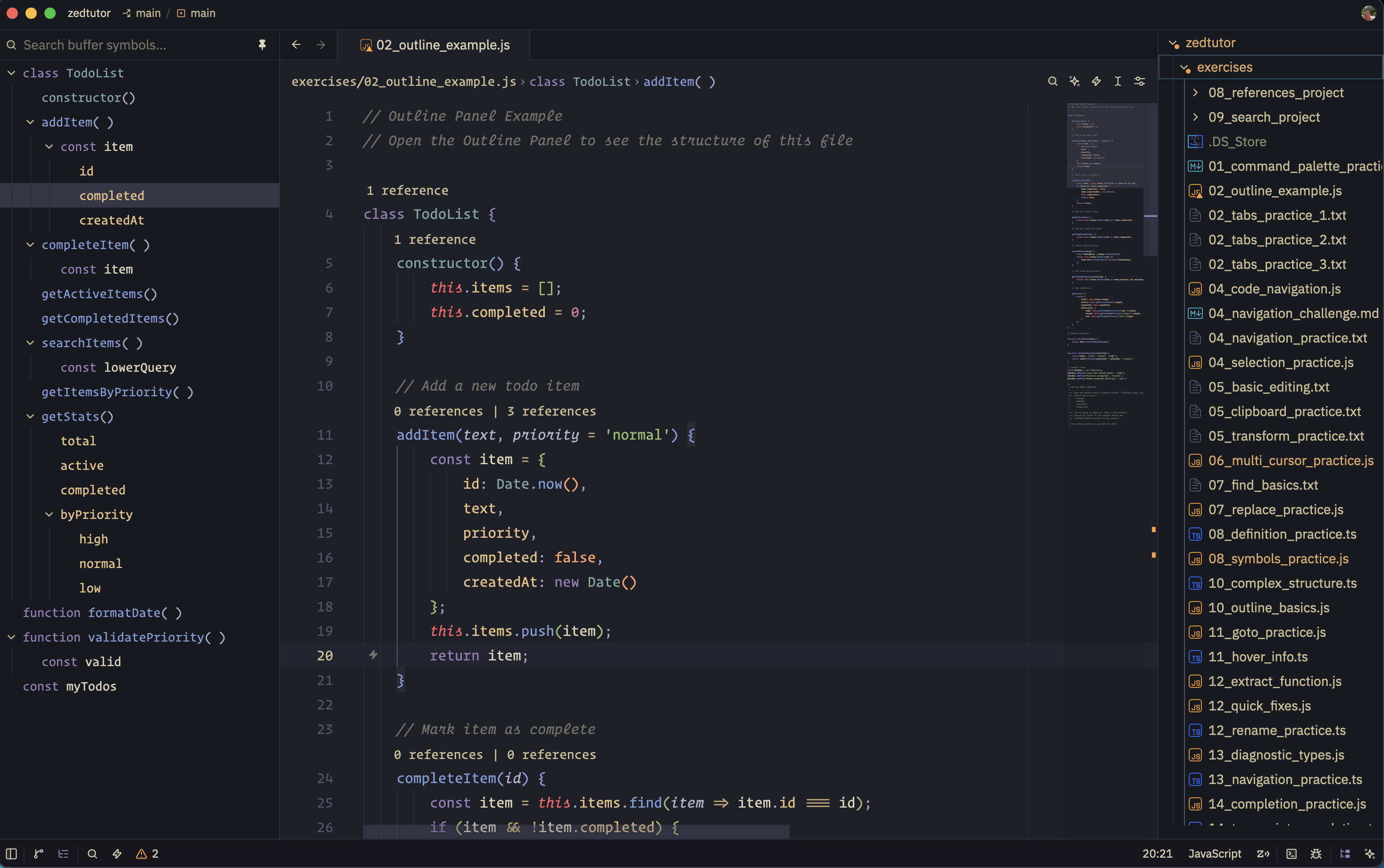
Wave
Dark. The original Kanagawa look: sumi-ink #1F1F28, fuji-white text, violet keywords, crystal-blue functions, spring-green strings. Use this as the default dark theme.
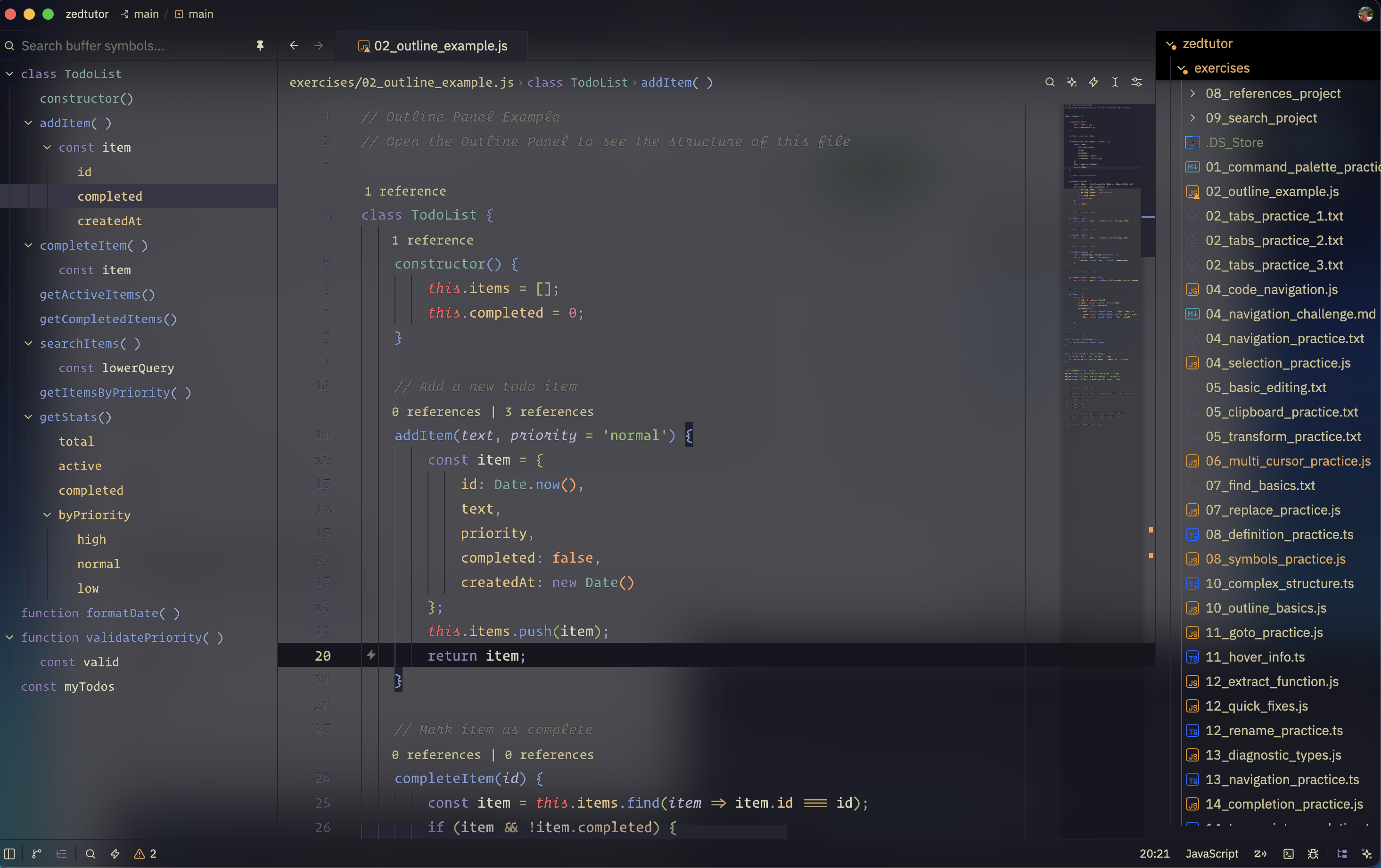
Wave Blur
Same syntax as Wave, but chrome is transparent with background.appearance: blurred. Needs a compositor that actually blurs (Hyprland, macOS). Popovers stay solid so menus stay readable.
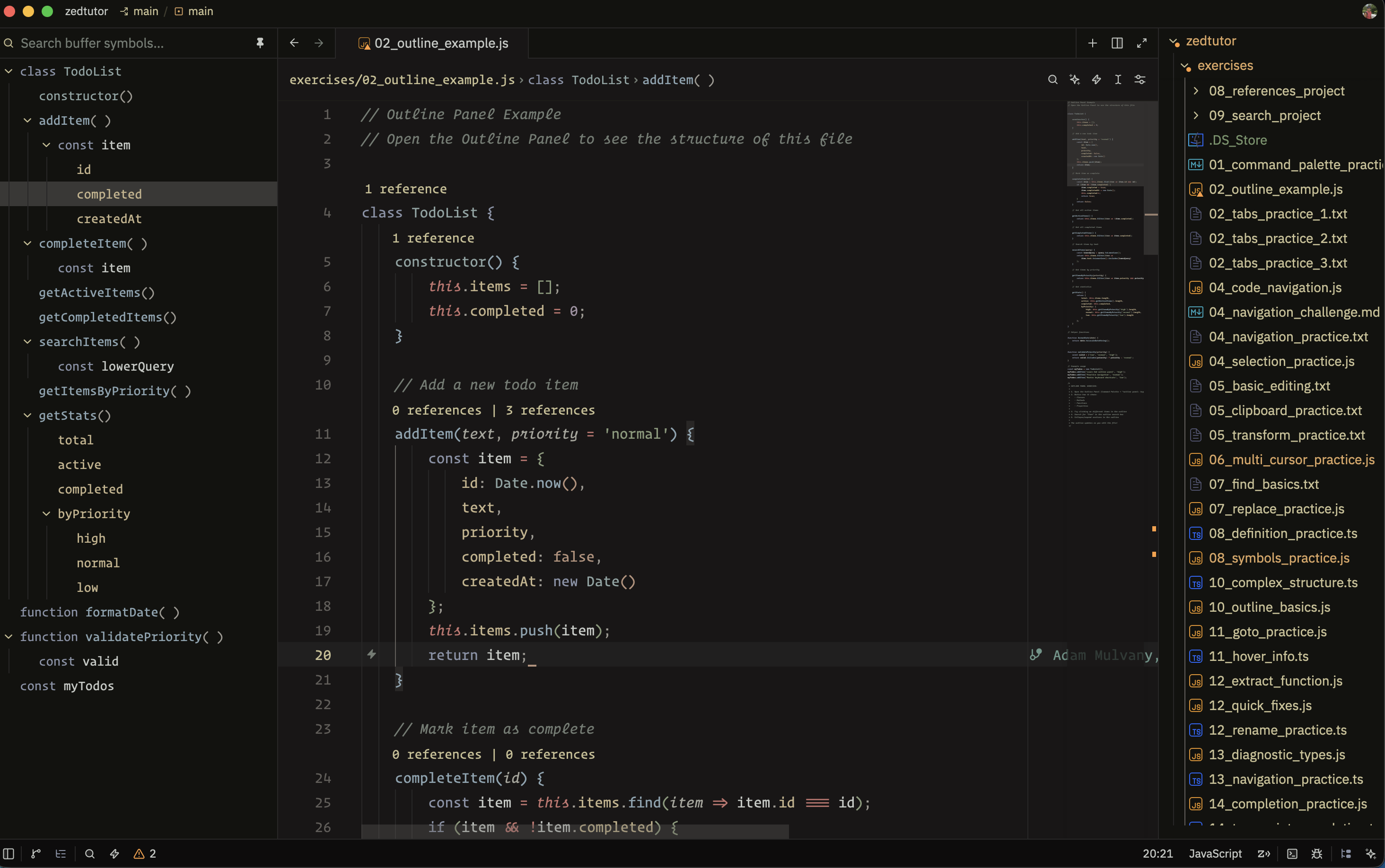
Dragon
Darker and warmer than Wave (#181616), with lower saturation. Same syntax roles, quieter colors. Built for long sessions.
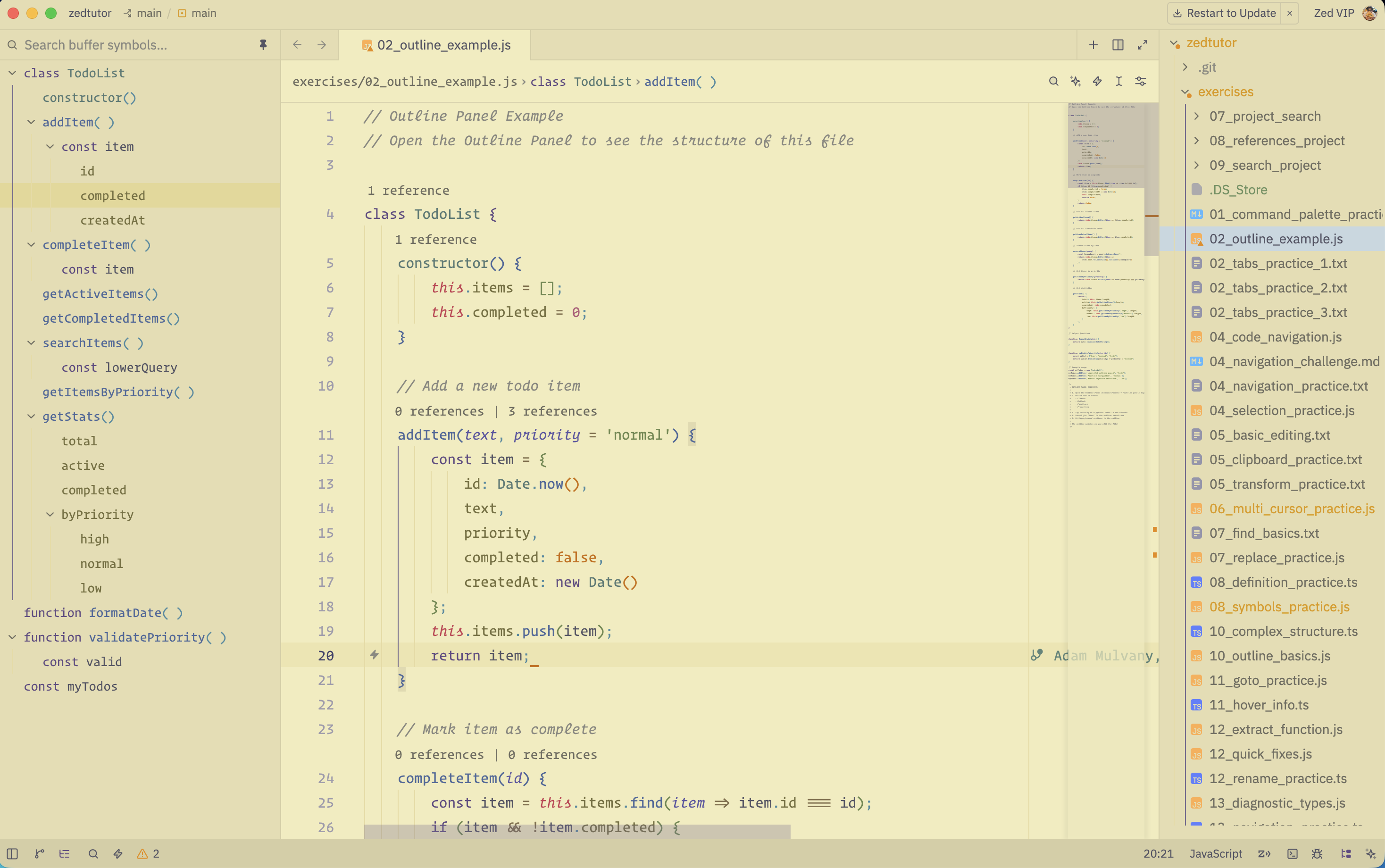
Lotus
Light only. Warm parchment (#f2ecbc) with ink-violet keywords and muted gold chrome. Set it as your light theme; dark mode will not use it.
"theme": {
  "mode": "system",
  "light": "Kanagawa Lotus",
  "dark": "Kanagawa Dragon"
}
Install
- Command Palette →
zed: extensions - Search
Kanagawa
While developing: Extensions → Install Dev Extension → this folder.
Activate
Command Palette → theme selector: toggle → Kanagawa Wave, Kanagawa Wave Blur, Kanagawa Dragon, or Kanagawa Lotus.