IDX Theme for Zed
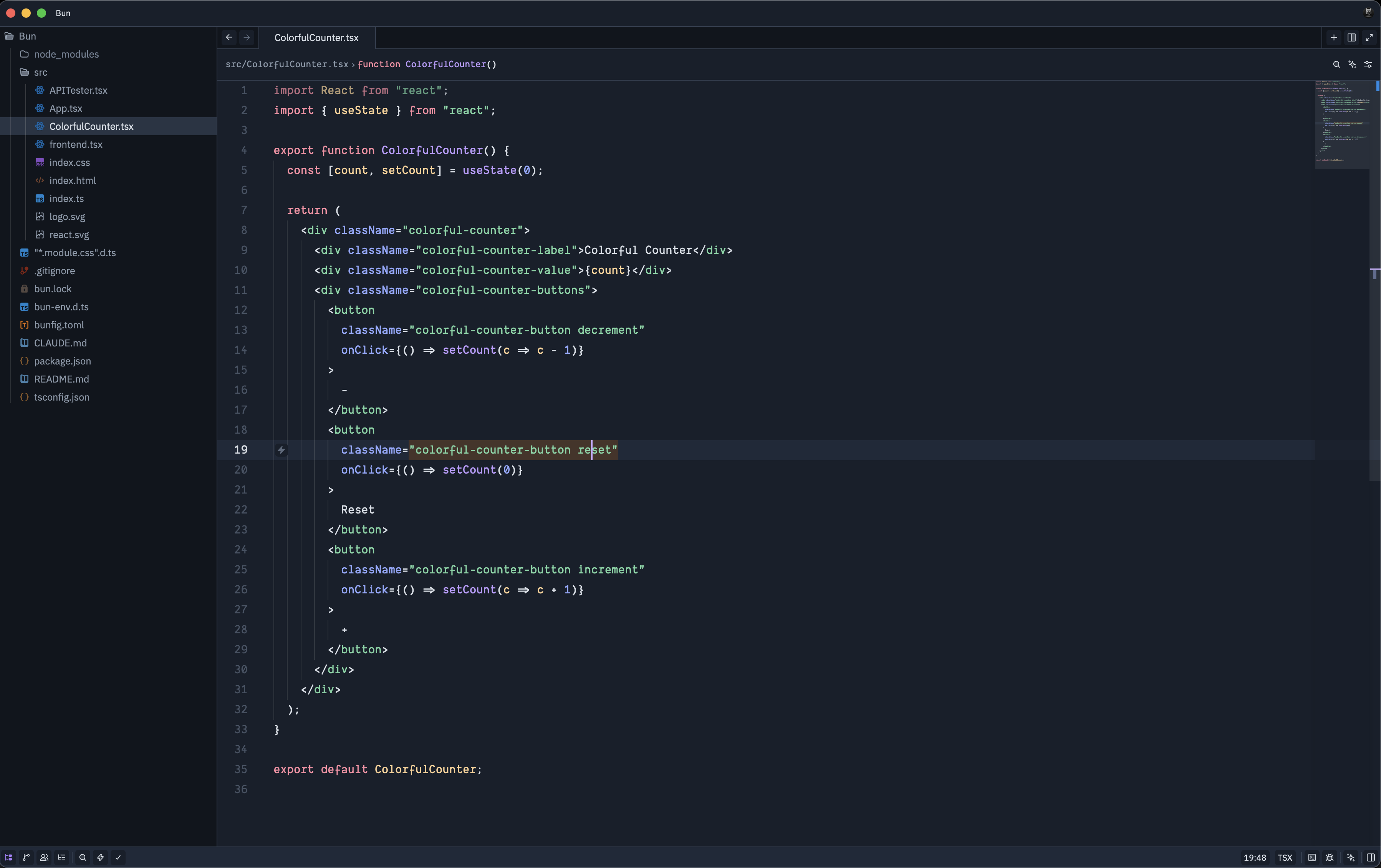
A set of themes for the Zed editor inspired by Google's Project IDX online editor.
This extension provides three variants:
- IDX Dark – rich, contrasty dark theme for everyday coding
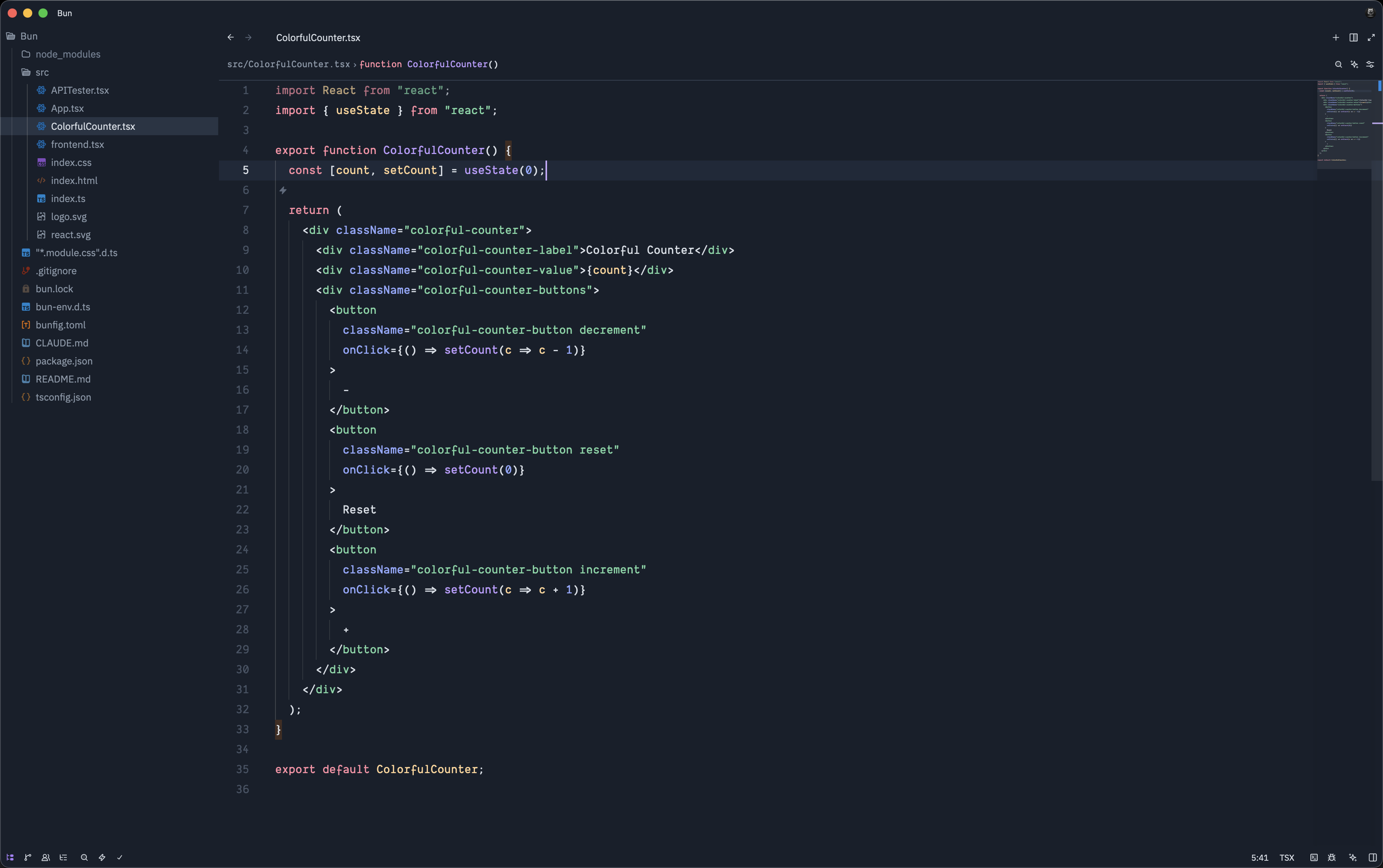
- IDX Dark Flat – a flatter dark variant with reduced elevation
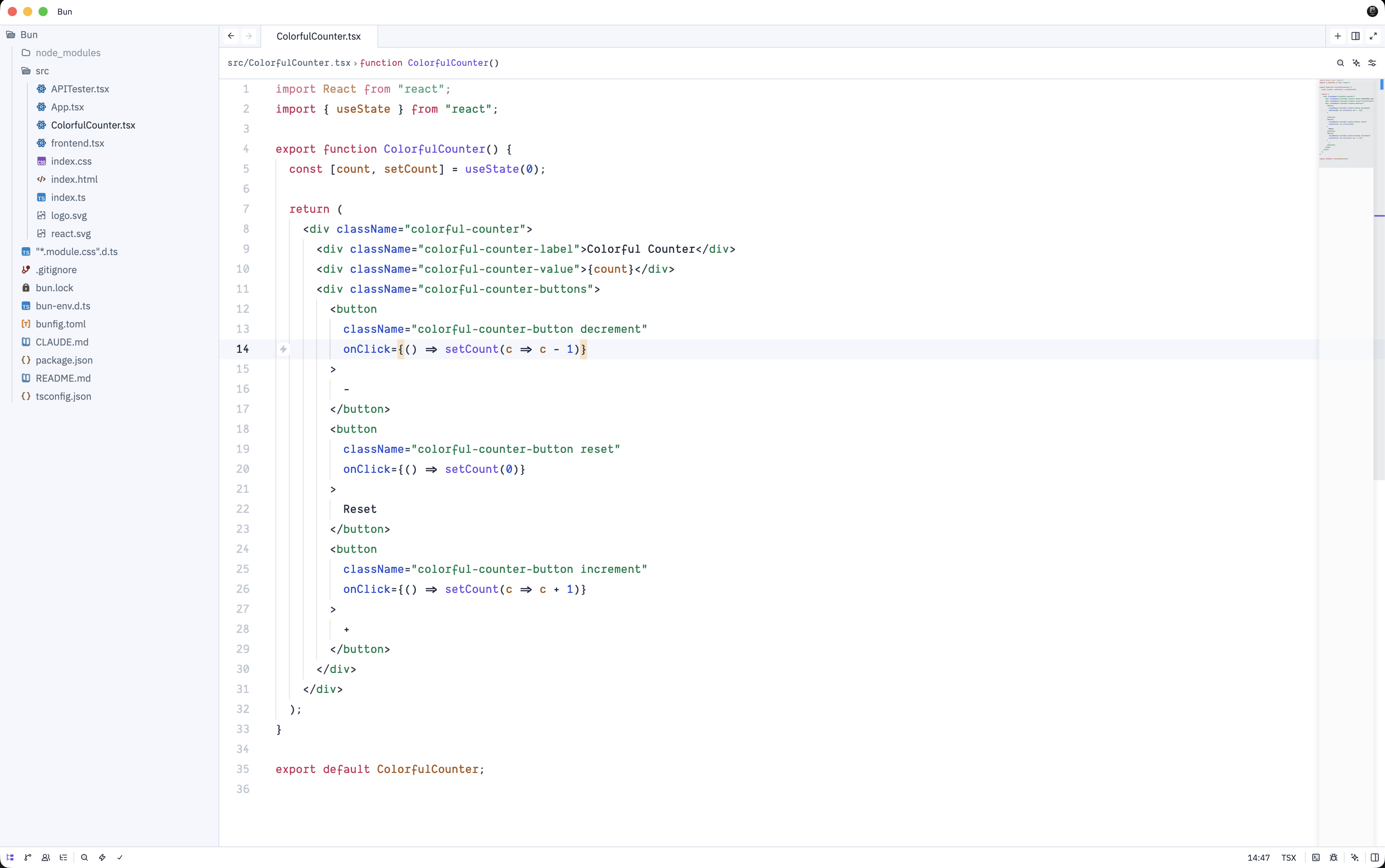
- IDX Light – a clean, bright theme suited for well‑lit environments
Screenshots
IDX Dark
IDX Dark Flat
IDX Light
Installation
Once this extension is available on the Zed extension marketplace:
- Open Zed.
- Go to Extensions.
- Search for "IDX Theme".
- Click Install.
For manual installs from source, clone this repository into your Zed extensions directory and restart Zed.
Usage
After installing the extension:
- Open Zed Settings.
- Navigate to Themes.
- Select one of the available themes:
IDX DarkIDX Dark FlatIDX Light
Switch between them based on your ambient lighting or personal preference.
Changelog
For a history of changes and releases, see CHANGELOG.md.
License
This theme is open source. See the repository for licensing details.