

Herzha Themes — generates ready-to-install theme files for your favorite apps from a set of handcrafted source palettes. One palette, many apps, no manual porting.
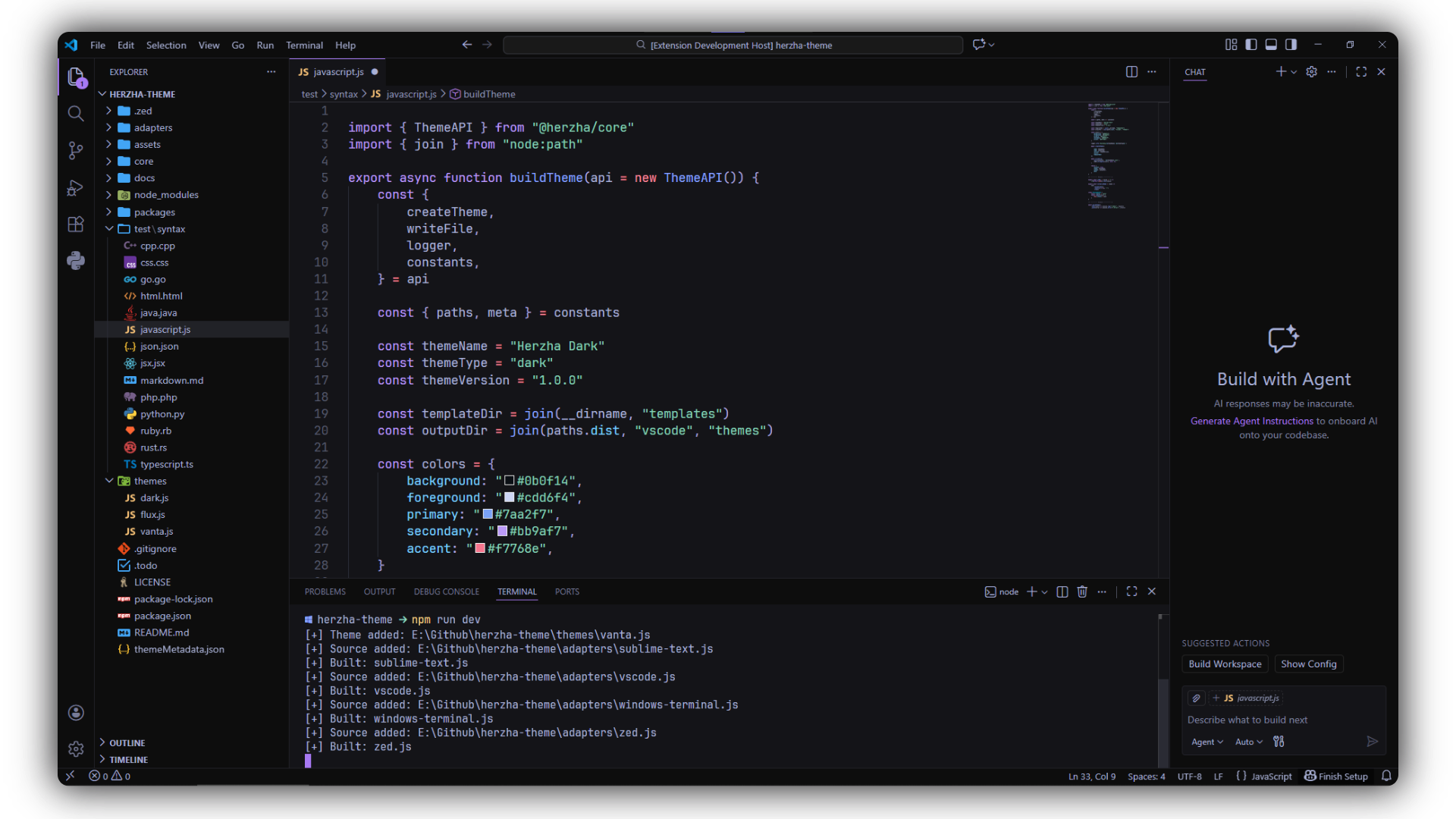
✨ Features
- 🎨 15+ handcrafted color palettes, from muted and moody to neon and high-contrast
- 🖥️ One palette, many editors — themes are generated per adapter, not hand-maintained per app
- 🧩 A palette → resolver → adapter pipeline, so color logic, derived values, and per-app output are each their own concern
- ⚡ A dev workflow that watches your files and rebuilds only what changed
- 📦 One command builds every palette for every adapter
🚀 Getting Started
Requirements
- Node.js 18 or later
- npm (or your package manager of choice)
1. Clone the repository
git clone https://github.com/madhanmaaz/herzha-theme.git
cd herzha-theme
2. Install dependencies
npm install3. Choose your workflow
👀 Preview palettes
List every palette's name and a ColorKit preview link, without building anything:
npm run view🛠️ Development mode
Builds once, then watches src/palettes/, src/resolvers/, and src/adapters/ and rebuilds automatically on change:
npm run dev📦 Build themes
Generate the final theme files for every palette × adapter combination:
npm run buildSkip each adapter's dev-only plugin() step (no live-write into an editor's local config folder) with:
npm run build -- --no-plugin🧹 Clean generated themes
Remove everything previously generated under packages/*/themes:
npm run cleanup🎨 Palettes
Herzha currently includes the following palettes:
| Palette | Preview |
|---|---|
| Herzha Arcade | ColorKit |
| Herzha Azure | ColorKit |
| Herzha Dark | ColorKit |
| Herzha Ember | ColorKit |
| Herzha Flux | ColorKit |
| Herzha Iron | ColorKit |
| Herzha Lush | ColorKit |
| Herzha Moss | ColorKit |
| Herzha Neon | ColorKit |
| Herzha Punk | ColorKit |
| Herzha Sakura | ColorKit |
| Herzha Static | ColorKit |
| Herzha Toxic | ColorKit |
| Herzha Twilight | ColorKit |
| Herzha Ultra | ColorKit |
| Herzha Vanta | ColorKit |
| Herzha Void | ColorKit |
New palettes get their preview link the same way — run npm run view and it's printed for you.
🧩 Theme System
Herzha turns a small palette into a full theme through three stages, each its own file, each its own concern:
Palette (raw colors, metadata)
    ⬇
Resolver (fills in derived fields: foregrounds, borders, shadows...)
    ⬇
Adapter (renders to one editor/tool's file format)
    ⬇
Generated Theme
A palette can also patch the pipeline at two extra points — once after the resolver runs (themeOverrides / themeOverridesForApp), and once after an adapter renders its output (adapterOutputOverrides) — without needing a new resolver or adapter just for a one-off tweak.
Read the full guide → docs/creating-a-theme.md
🤝 Contributing
Want to add a new Herzha palette, or support for another editor?
- Fork the repository.
- Follow
docs/creating-a-theme.mdto add your palette, resolver, or adapter. - Run
npm run devand confirm it builds and looks right. - Run
npm run buildfor a final, non-watch build. - Open a pull request — a short note on what the palette/adapter is for helps review.
New palette ideas, and adapters for editors Herzha doesn't support yet, are both very welcome.
📄 License
This project is licensed under the MIT License — © Madhanmaaz