Haven
Haven is a comfort-focused theme collection for Zed, inspired by Dracula but shaped around a softer day-to-night editing experience.
Background
This started as a personal customization of the Dracula themes I found in Zed. As I kept adjusting colors, contrast, editor surfaces, active states, and syntax tones, the goal shifted from "another Dracula variant" to a theme collection focused on visual comfort.
During that process I started using a light theme again during the day. That made me look for palettes that felt comfortable in both light and dark environments, instead of treating the light theme as an afterthought. The name Haven comes from that direction: a set of themes meant to feel like a visual refuge while coding.
Included Themes
Haven RefinedHaven Refined LightHaven Teal Comfort SolidHaven Teal Comfort LightHaven Orange Comfort SolidHaven Orange Comfort LightHaven Warm DarkHaven Warm LightHaven Warm Dark SolidHaven Warm Light Solid
How It Differs From Dracula Variants
Haven keeps Dracula as an inspiration, but it is not intended to be a direct port of the original palette. The collection explores teal, orange, and warm variants across dark, light, and solid modes.
The main difference is the focus on comfort across a full day of use. Backgrounds, surfaces, selected states, line highlights, version-control colors, and muted text were tuned to reduce harsh contrast while keeping code readable.
Automatic Light And Dark Setup
Zed can follow your system appearance and switch between a light and dark Haven theme automatically:
{
  "theme": {
    "mode": "system",
    "light": "Haven Warm Light Solid",
    "dark": "Haven Warm Dark Solid"
  }
}
After that, configure your operating system to change appearance automatically:
- macOS: open
System Settings > Appearanceand chooseAuto. macOS switches between light and dark based on the time of day. - Windows: Windows does not provide a built-in sunrise/sunset appearance schedule. You can switch manually in
Settings > Personalization > Colors, use Task Scheduler, or use a dedicated tool such as Auto Dark Mode. - Linux GNOME/Ubuntu: GNOME provides light and dark style selection in
Settings > Appearance, but scheduling usually depends on your desktop setup. For automatic sunrise/sunset switching, GNOME users commonly use the Night Theme Switcher extension or a small scheduled script.
Screenshots
Haven Refined
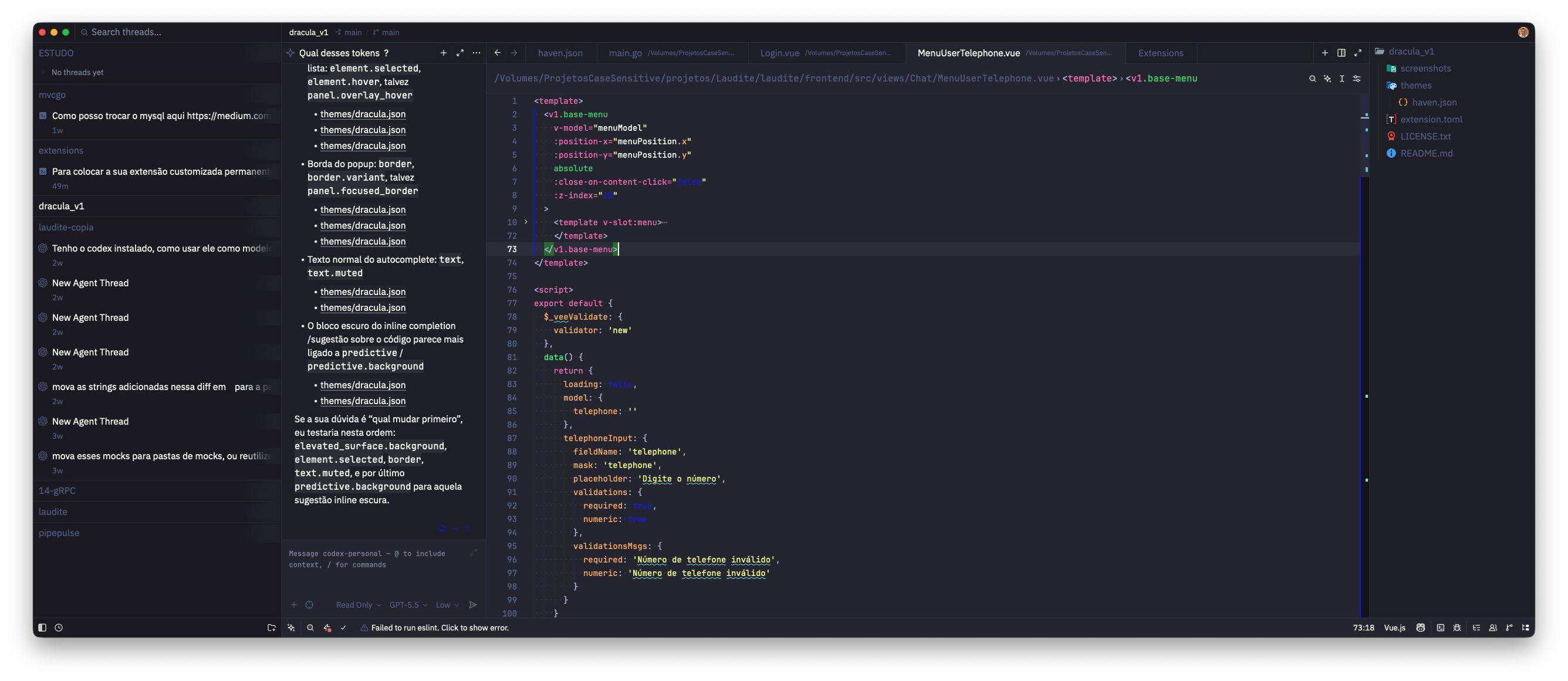
Haven Refined Light
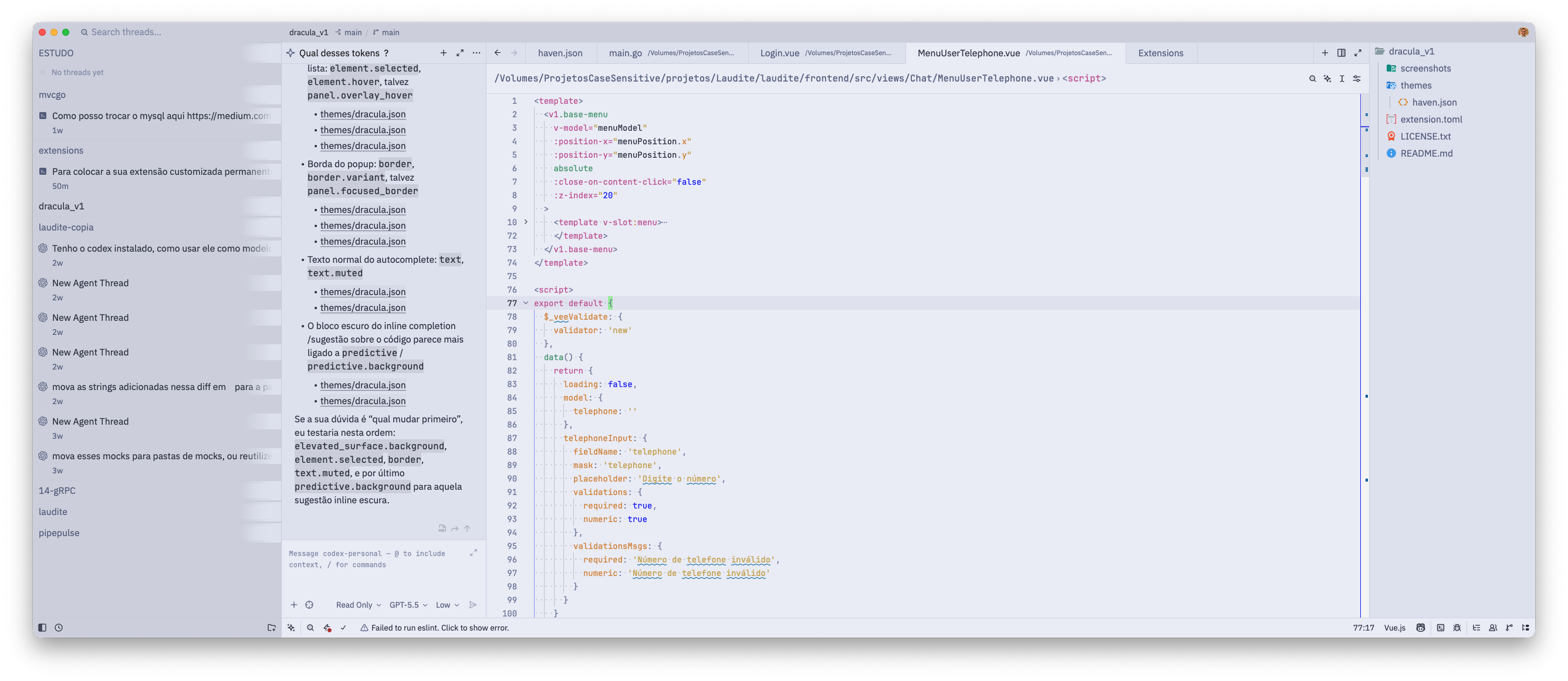
Haven Teal Comfort Solid
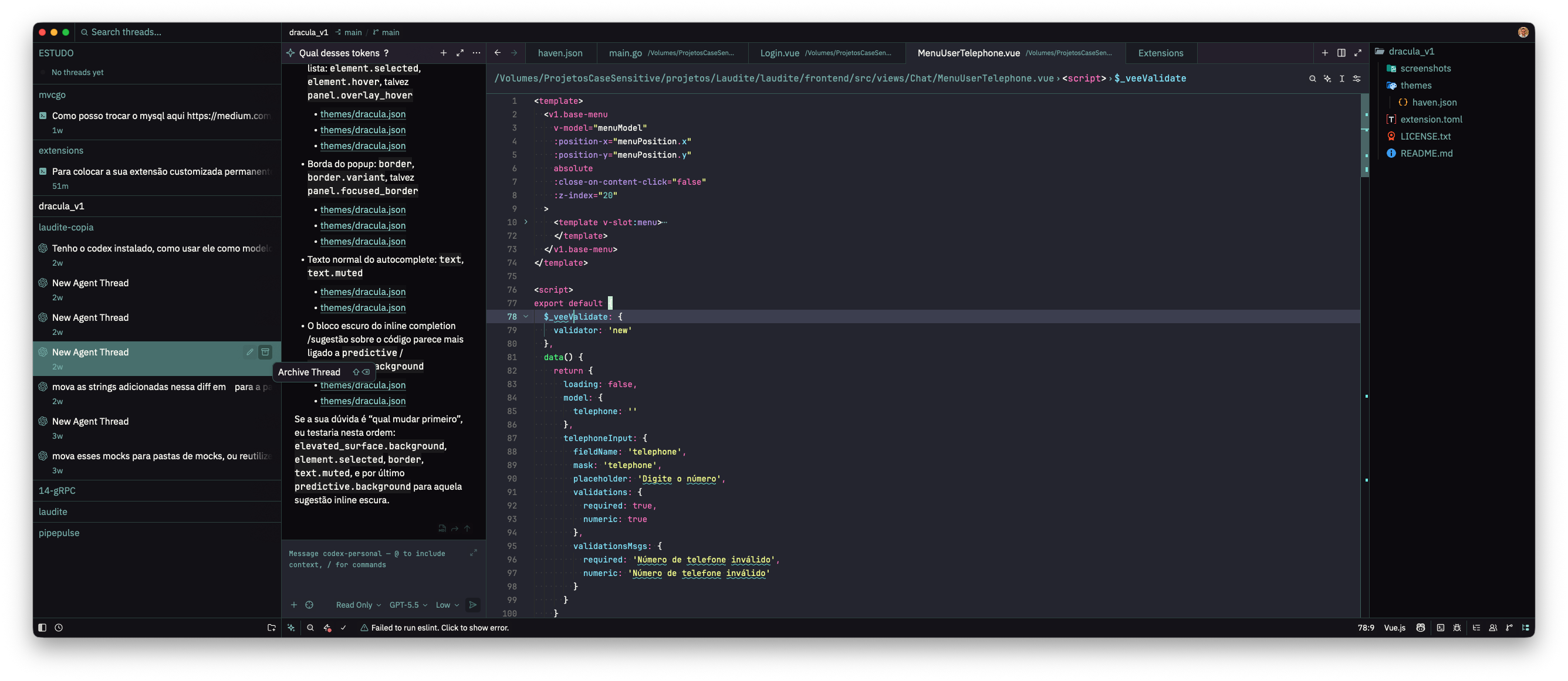
Haven Teal Comfort Light
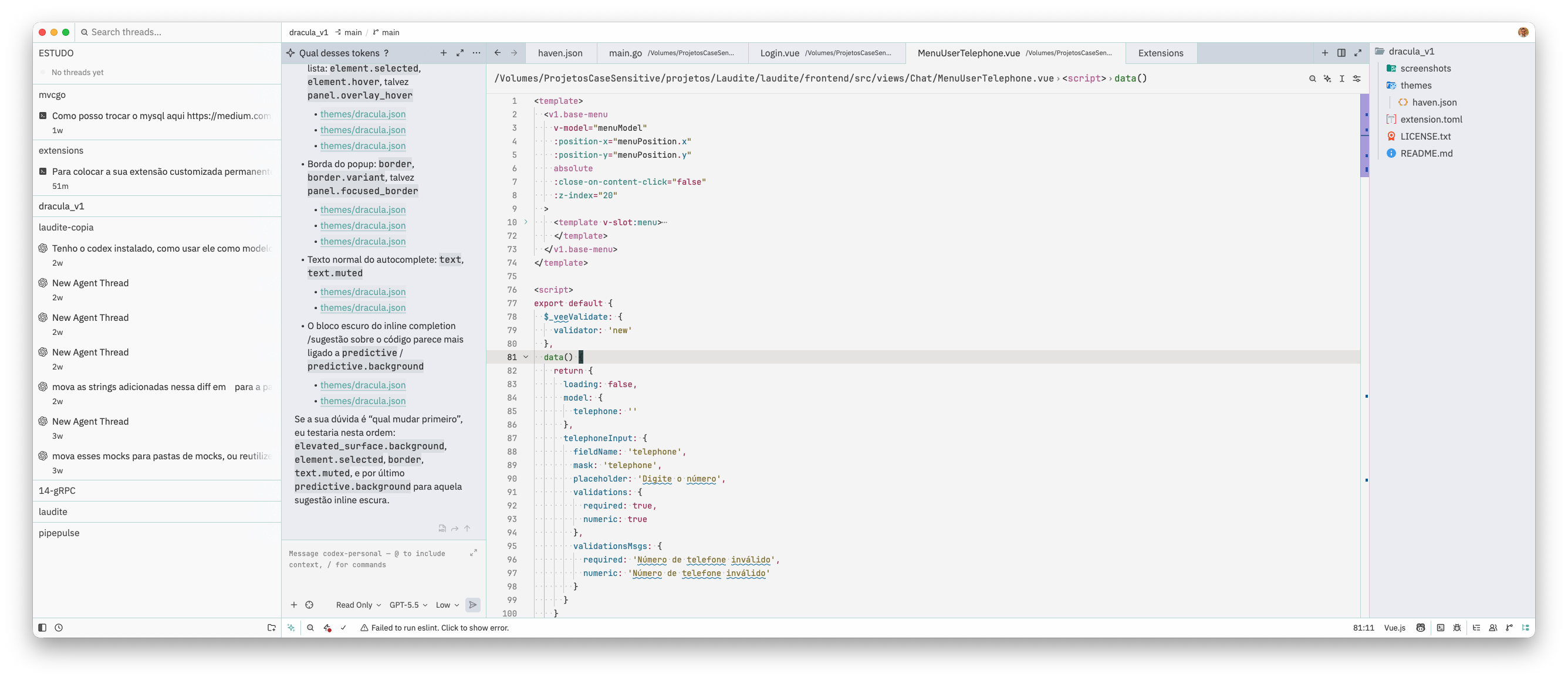
Haven Orange Comfort Solid
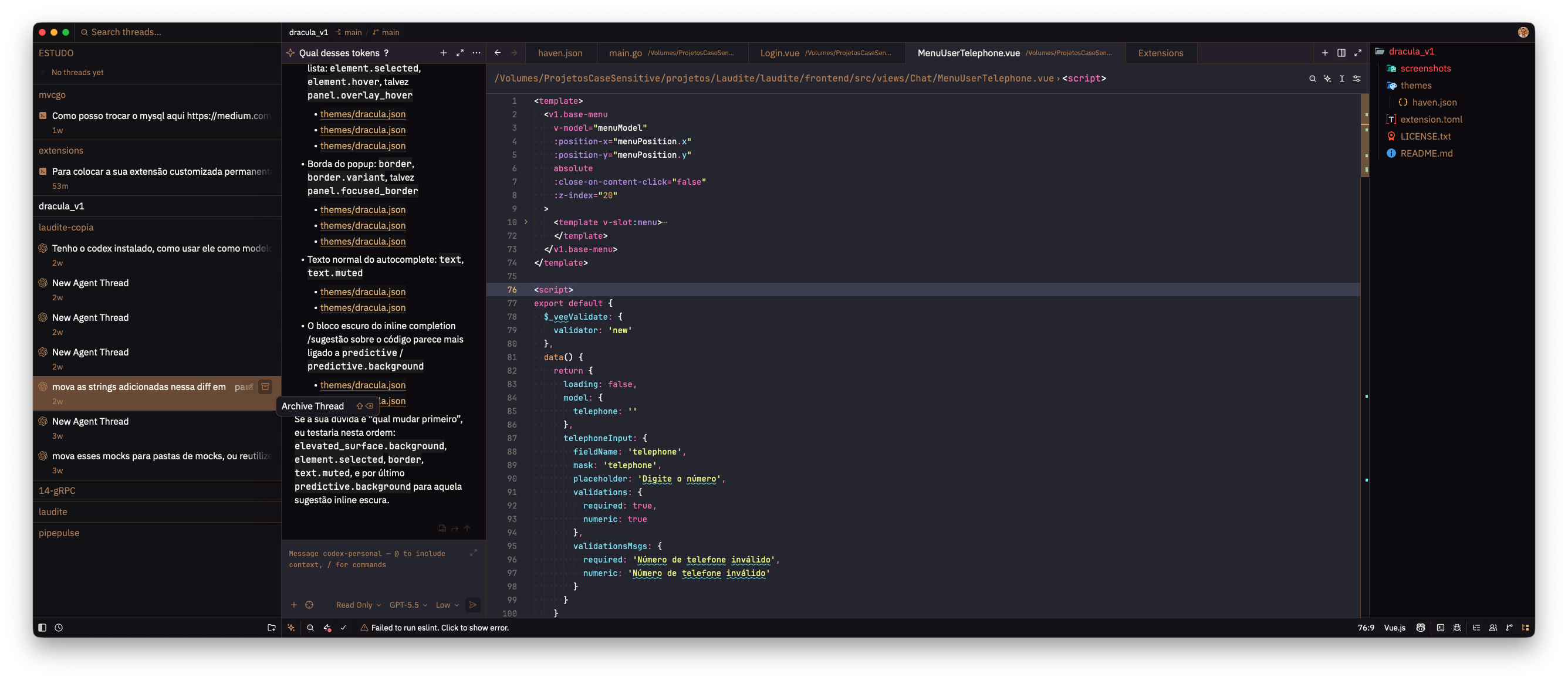
Haven Orange Comfort Light
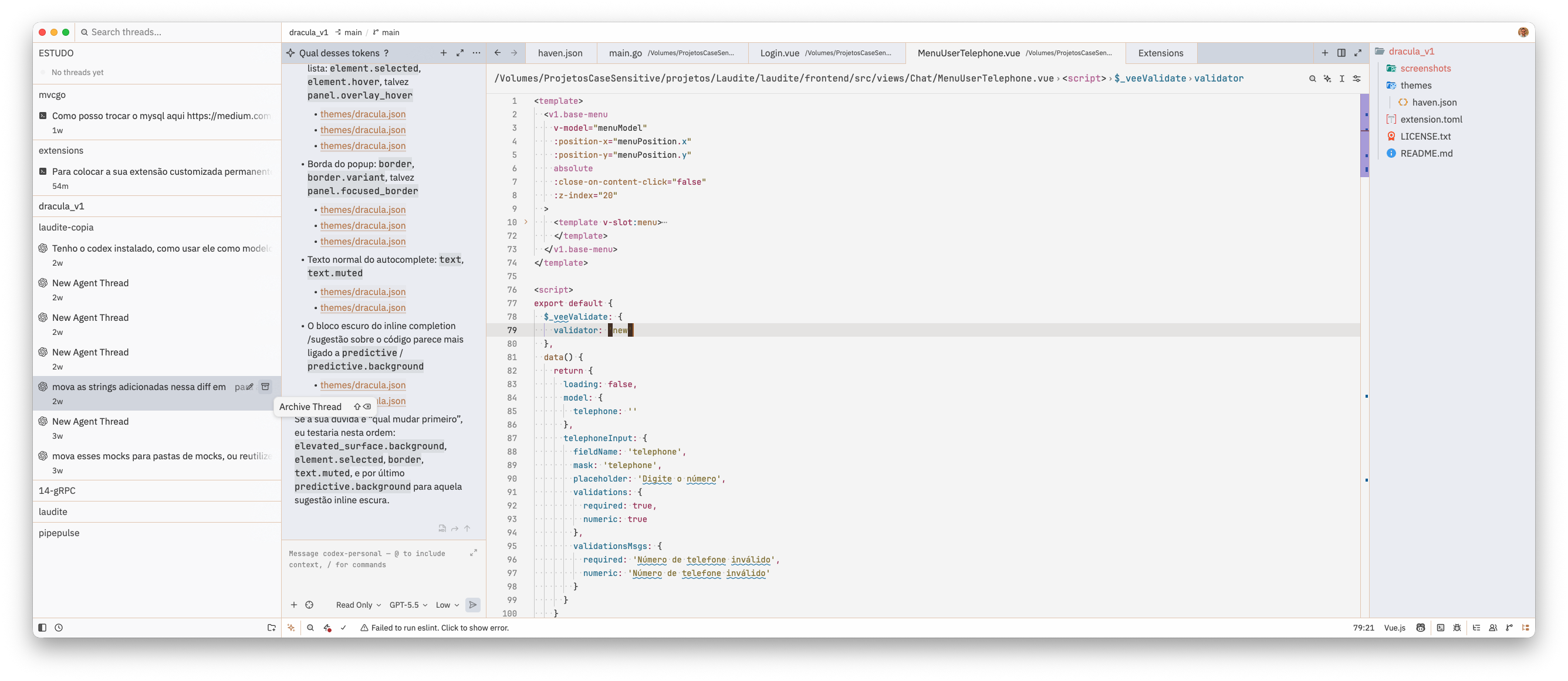
Haven Warm Dark
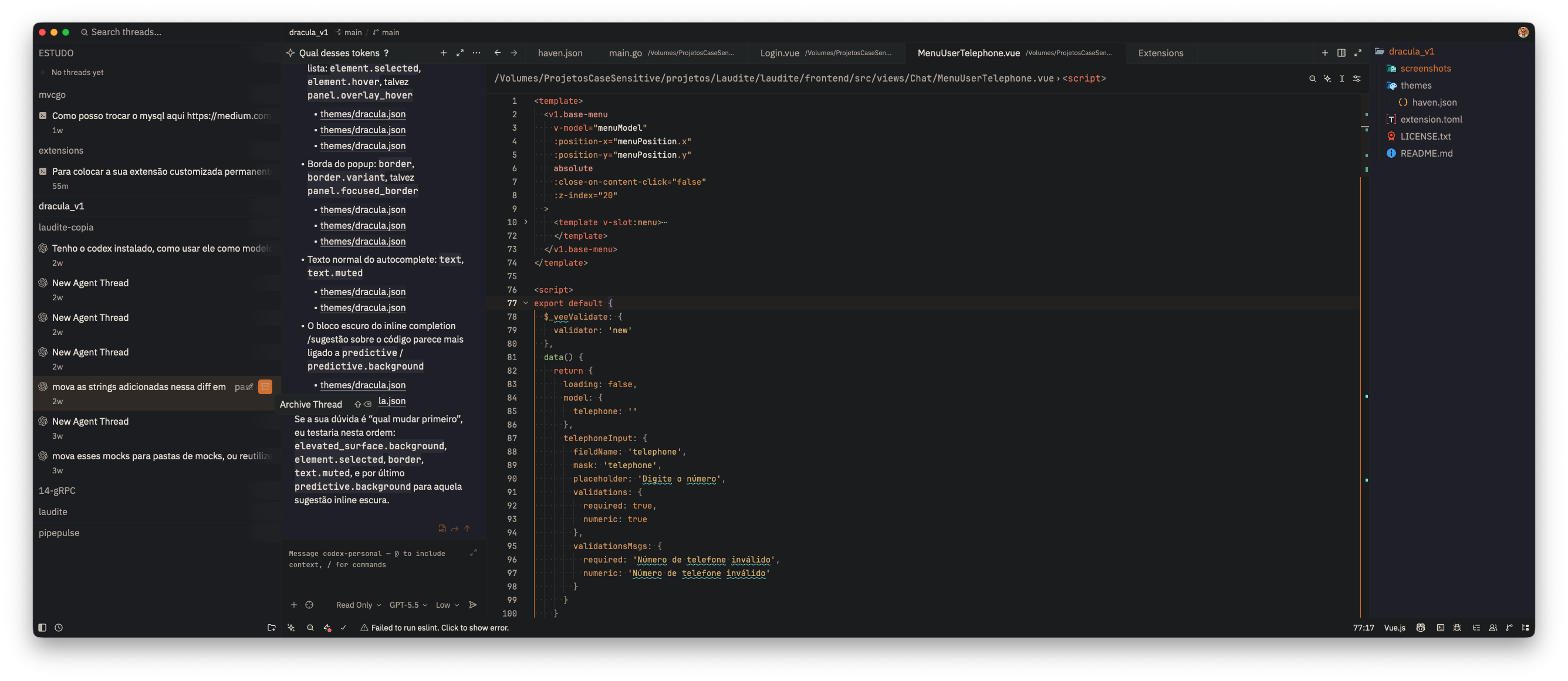
Haven Warm Light
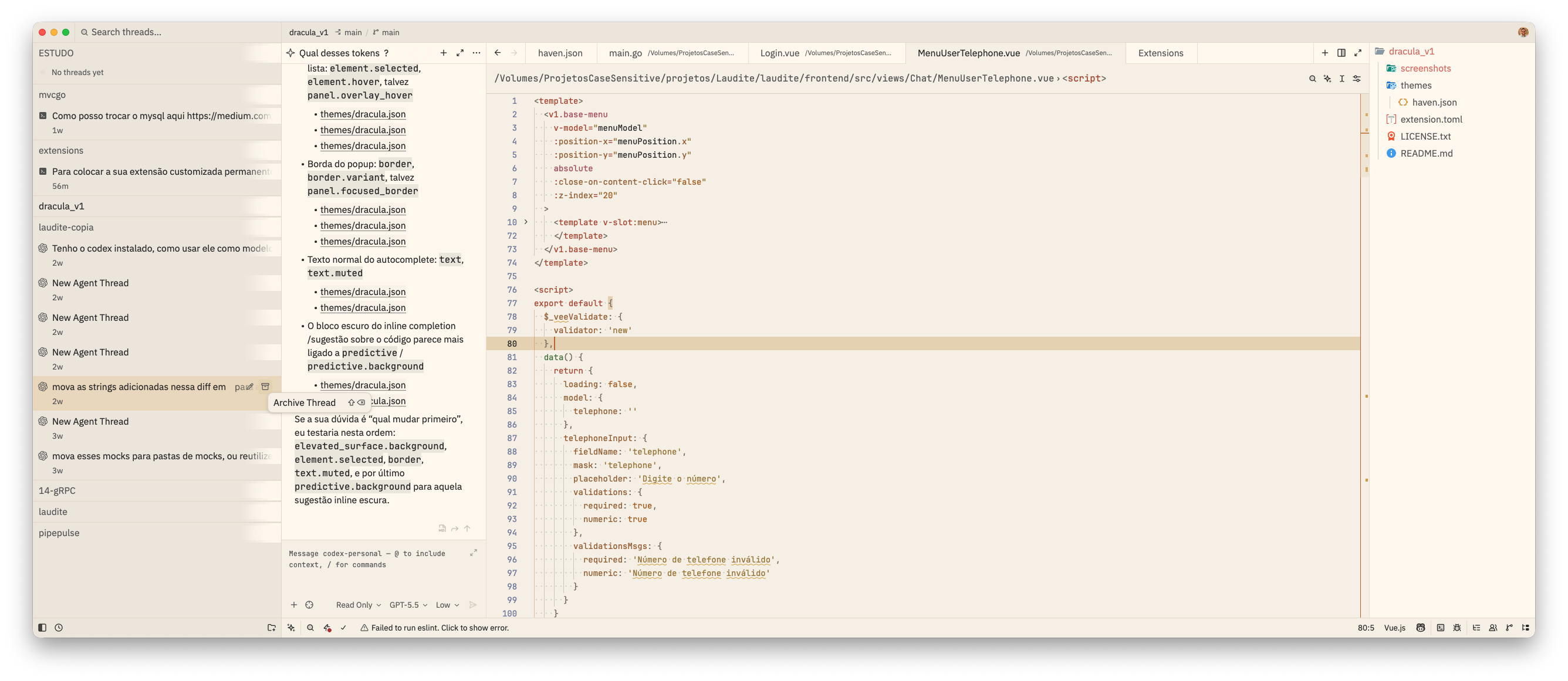
Haven Warm Dark Solid
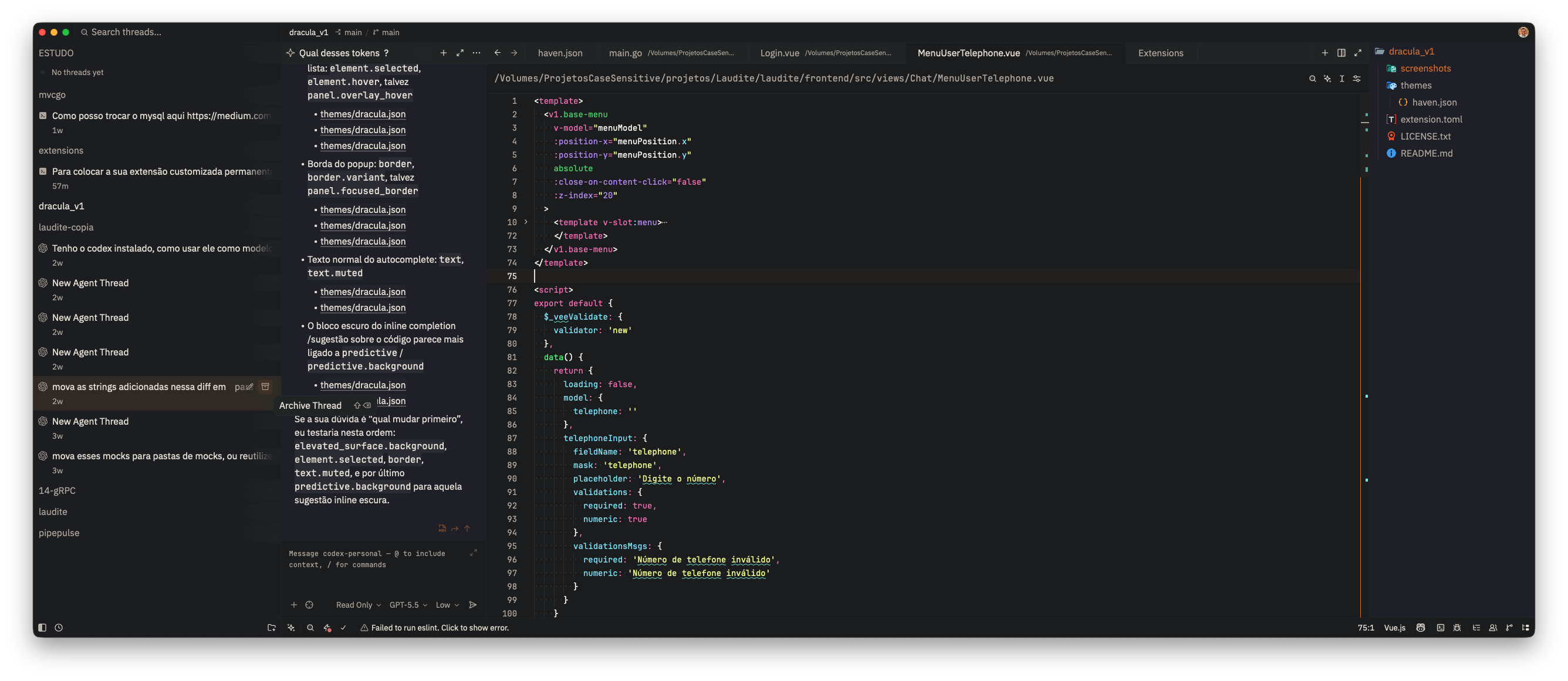
Haven Warm Light Solid
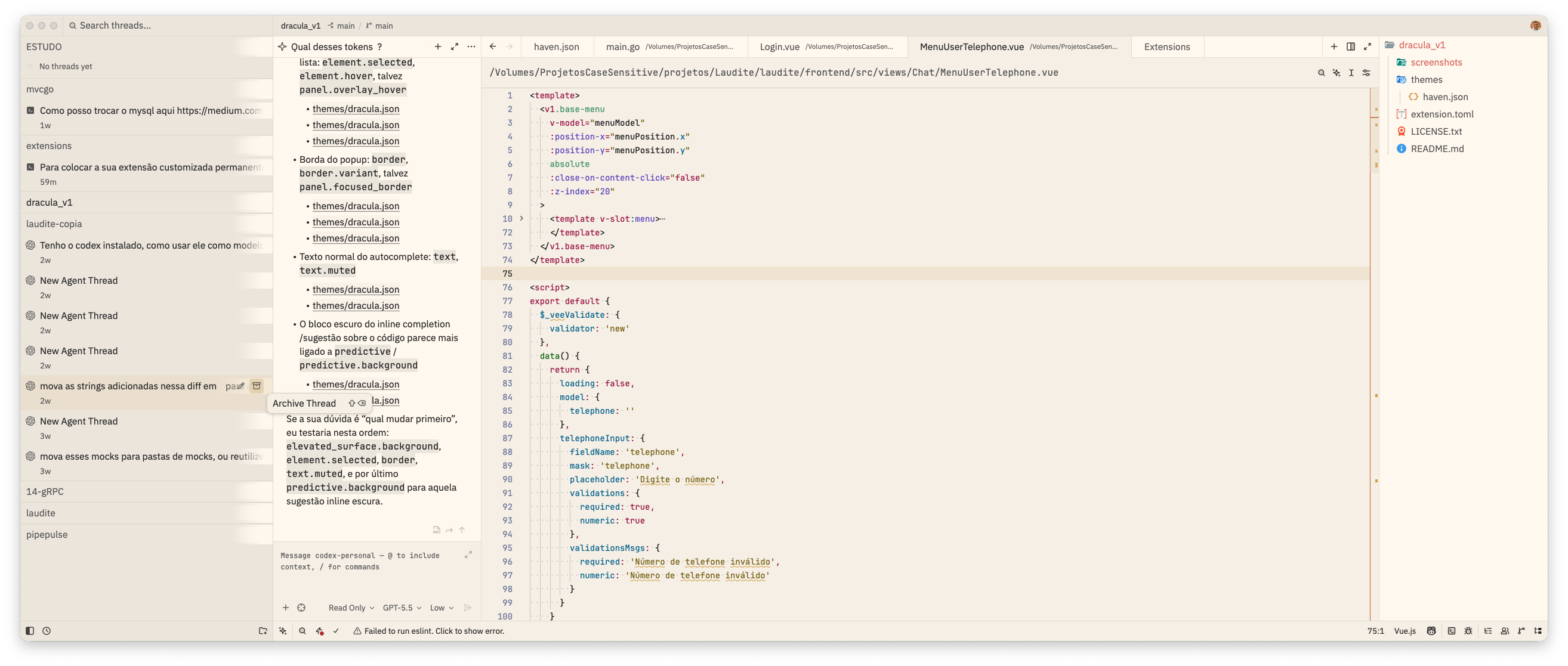
Contents
extension.toml: extension metadatathemes/haven.json: theme definitionsscreenshots/: theme screenshots
Author
Gerson Dantas