
Halcyon Theme for Zed
A minimal, dark blue theme for Zed.
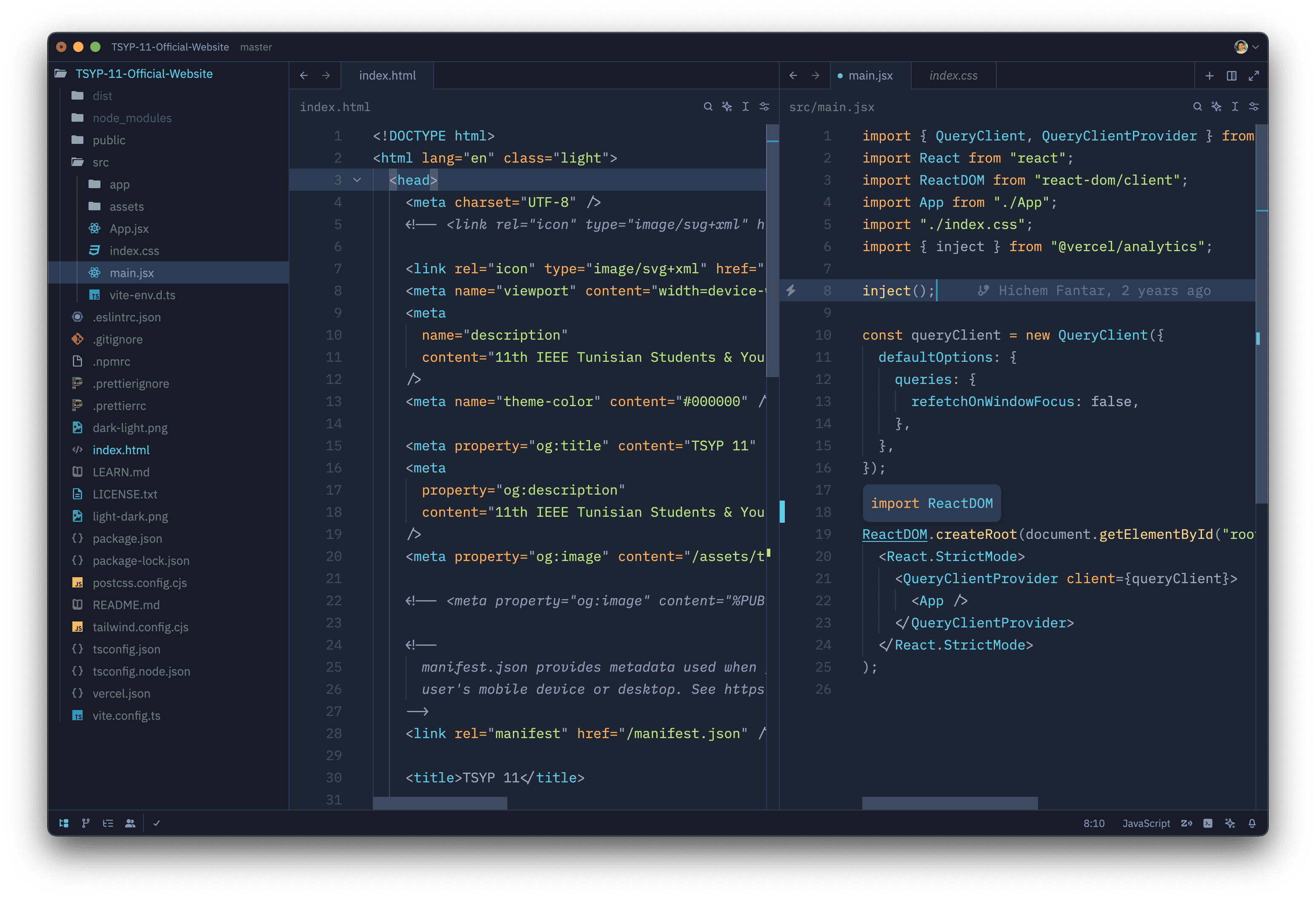
Installation via Zed
- Open Zed.
cmd+shift+pand select zed: extensions- Select Halcyon Theme and Install
- Select your Halcyon theme in the dropdown shown after hitting
cmd+k,cmd+t
Manual Installation
Read the Zed User Themes Guide
Color Reference
Syntax Colors
| Color | Usage |
|---|---|
| #c3a6ff | Keywords, constants, template literals |
| #ffd580 | Functions, classes, object literal keys |
| #ffae57 | Constants, operators |
| #bae67e | Strings, markdown headings |
| #5ccfe6 | Special keywords, classes, markdown code blocks |
| #a2aabc | Variables, property names, tags |
UI Colors
| Color | Usage |
|---|---|
| #171c28 | Workbench background |
| #1d2433 | Editor background |
| #2f3b54 | Highlight, widgets, panels |
| #6679a4 | Dividers, subtle UI elements |
| #8695b7 | Status bar text, buttons, etc |
| #d7dce2 | Active text, anything that should be white |
| #ffcc66 | Accent, list tree titles, badges, etc |
| #bae67e | Addition highlights |
| #ef6b73 | Deletion highlights, errors, warnings |
| #5ccfe6 | Modified highlights |
Theming Reference
Credits
Inspired by Halcyon, The VS Code theme