Hadal
A deep-sea inspired theme set for Zed, following light down through the ocean zones: Hadal Shallows, Hadal Deep, Hadal Twilight, and Hadal Midnight.
| Hadal Shallows | Hadal Deep | Hadal Twilight | Hadal Midnight |
|---|---|---|---|
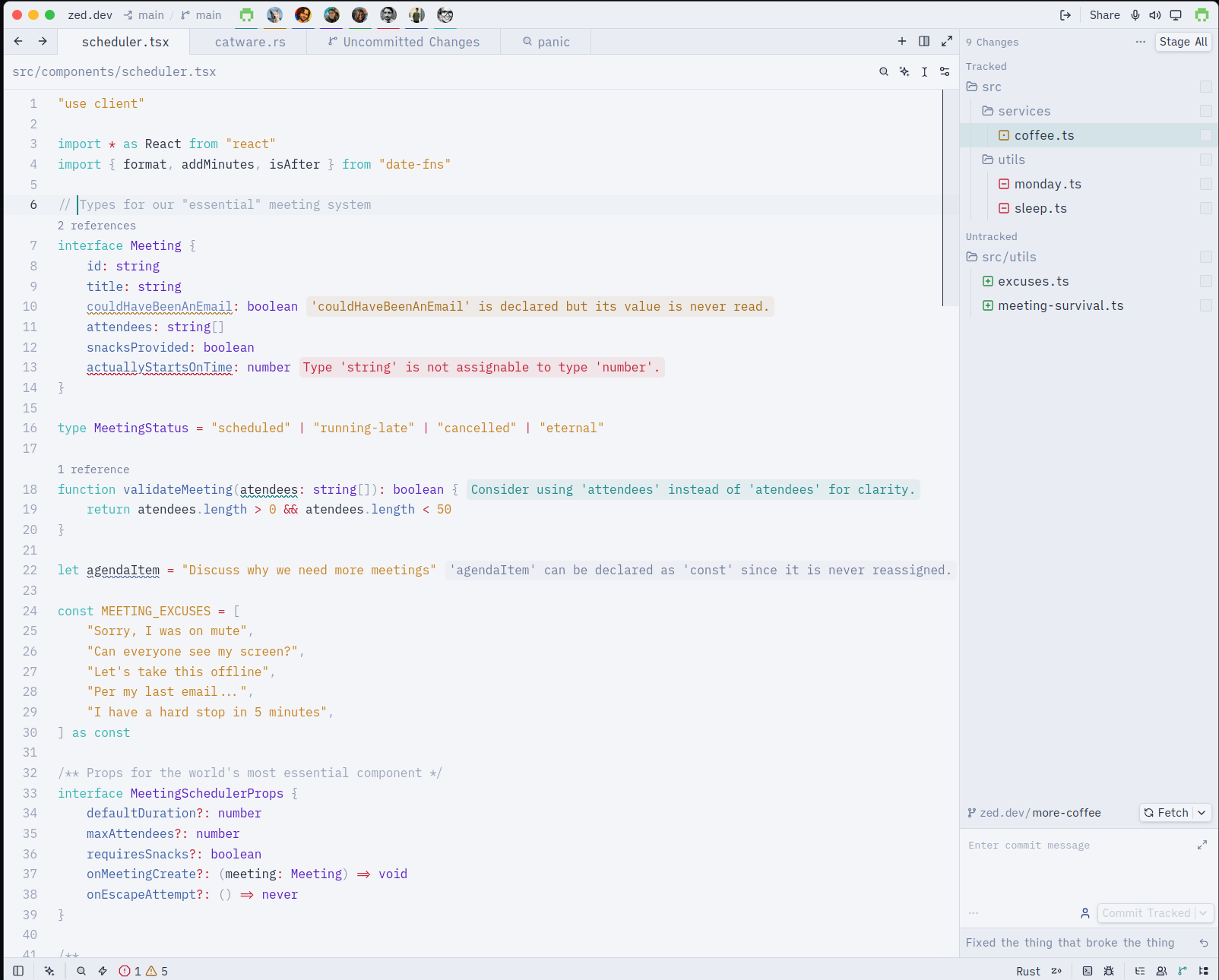 |
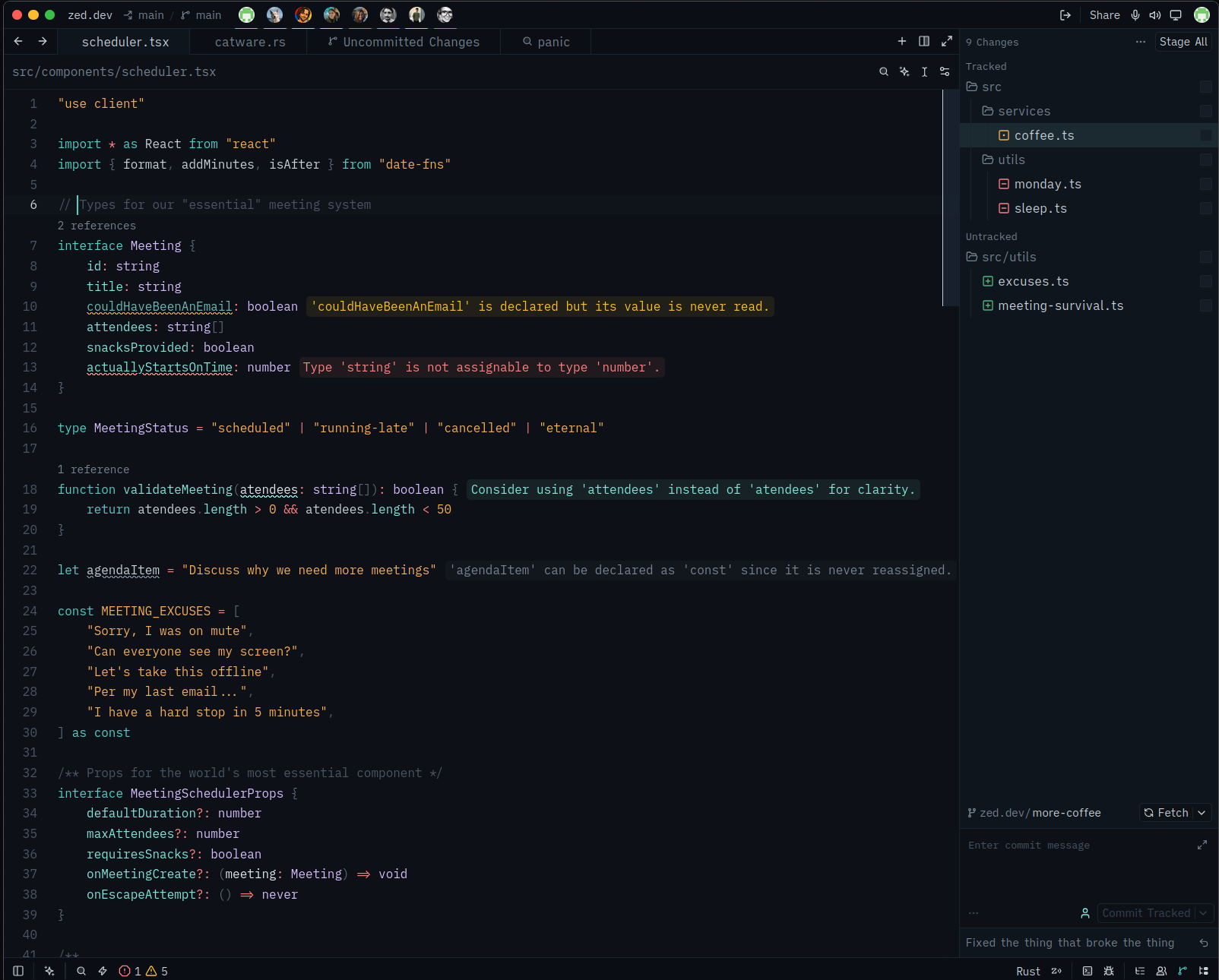 |
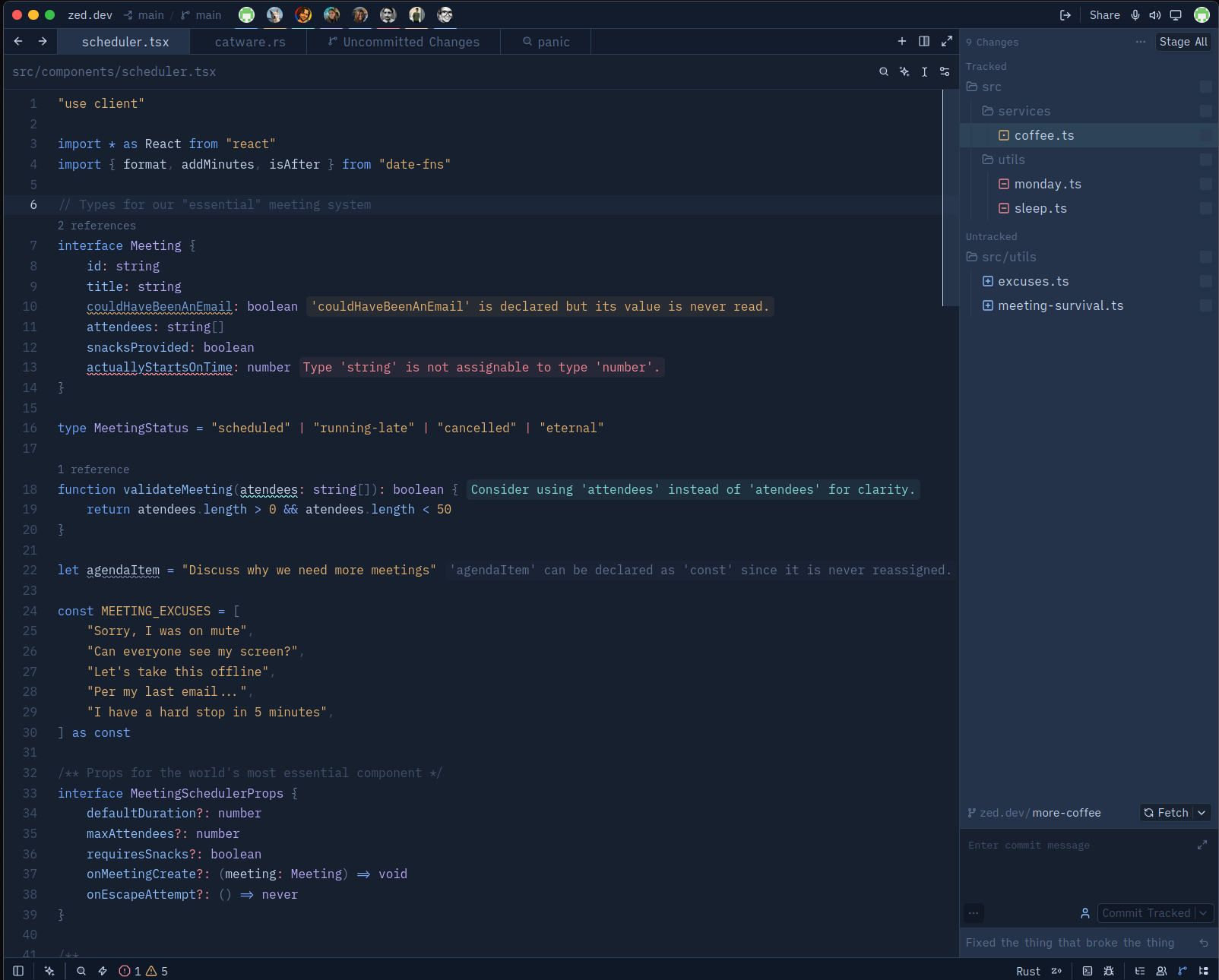 |
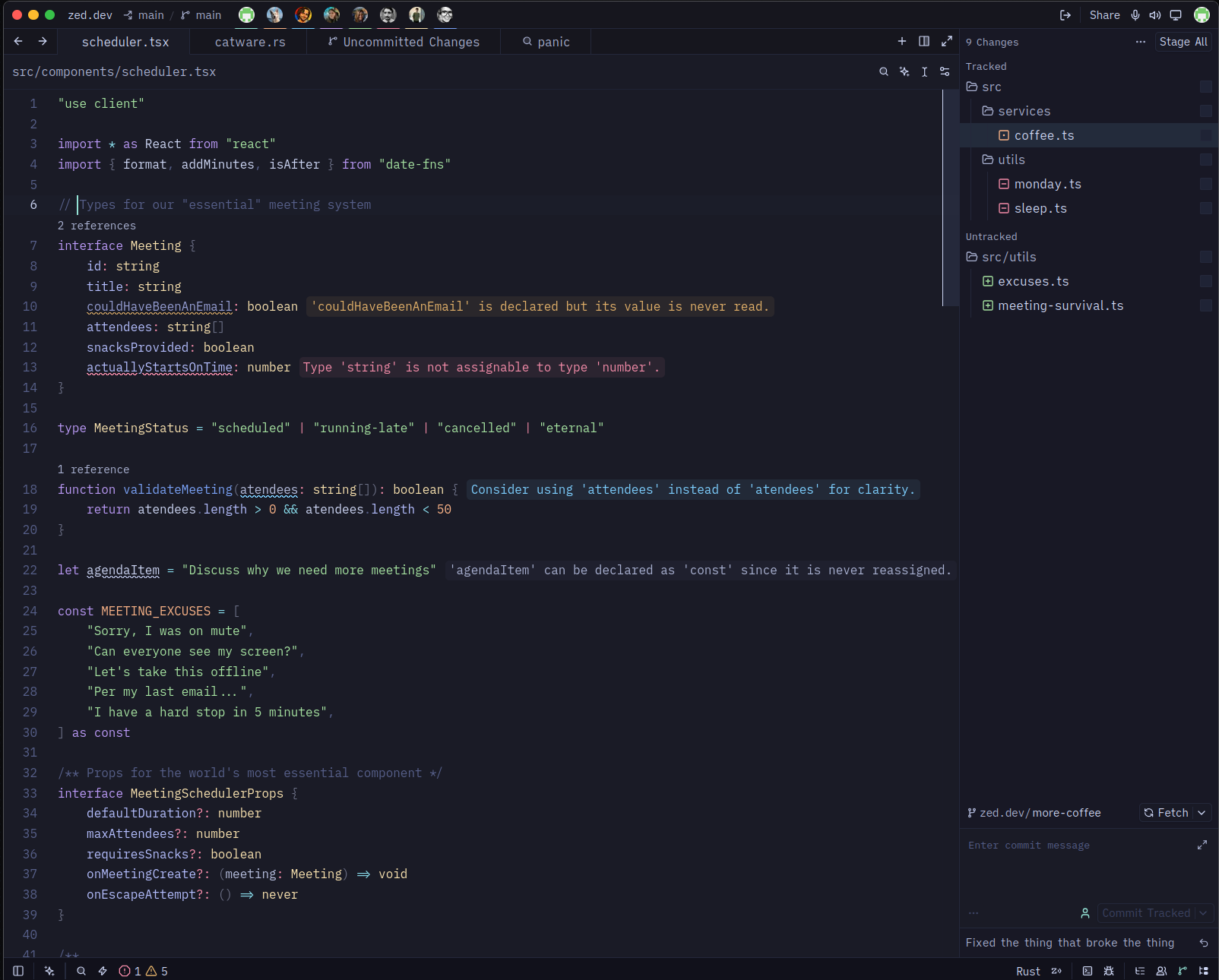 |

Features
- Four variants — Hadal Shallows, Deep, Twilight, and Midnight, 187 style keys each with full parity
- Twilight depth-filtering — warm hues dim with depth while blues stay vivid, after how water absorbs light
- 105 syntax captures — comprehensive coverage of all syntax elements
- 16 terminal ANSI colors — plus bright and dim variants for the integrated terminal
- 8 player colors — for collaboration cursors
- Vim mode support — complete color definitions for all vim modes
- Version control integration — conflict markers, diff colors, and status indicators
Install
From the Zed extension store
- Open Zed
CmdShiftP→ zed: extensions- Search for Hadal
- Click Install
As a dev extension
git clone https://github.com/maikel-479/hadal.git- In Zed:
CmdShiftP→ zed: install dev extension - Select the cloned directory
CmdShiftP→ theme selector: toggle → pick Hadal Deep
Switching
Cmd K Cmd T opens the theme selector, or Cmd Shift P →
theme selector: toggle.
To pin a variant, edit settings.json:
{
  "theme": "Hadal Deep"
}
Or set Twilight or Midnight instead:
{
  "theme": "Hadal Twilight"
}
License
Built by @maikel-479.