Glass



A liquid-glass theme for Zed — a transparent, frosted look that lets your desktop show through the editor, tree, and terminal as one continuous pane.
Ships two variants:
- Dark Glass — transparent dark glass (primary).
- Light Glass — transparent light glass.
Screenshots
| Dark Glass | Light Glass |
|---|---|
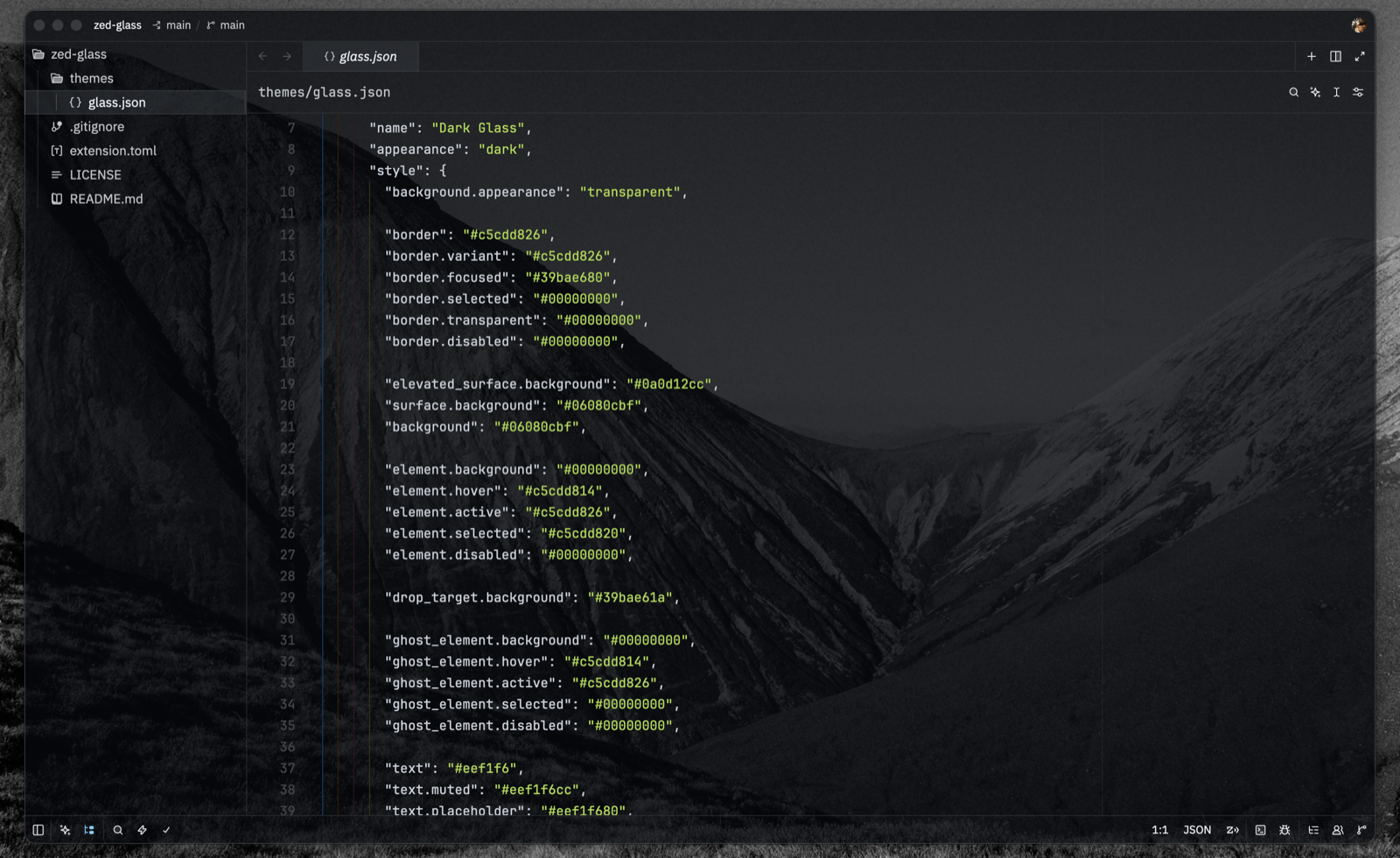 |
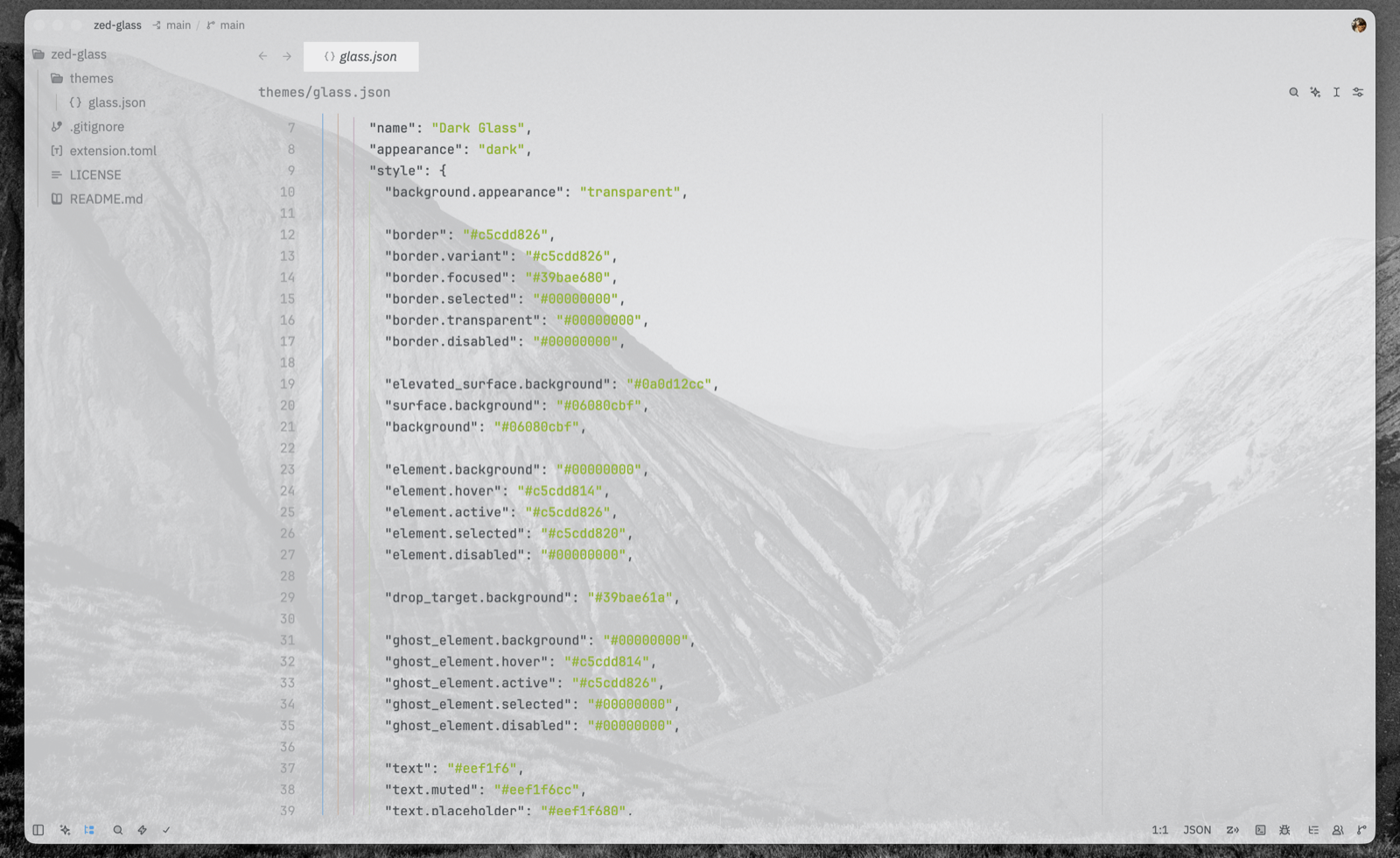 |
Note: transparency requires a transparent window background. This works over your desktop wallpaper; the effect is strongest over an even or lighter area.
How it works
The tint lives in a single window background; the editor, project panel, tabs, breadcrumbs, and terminal are all transparent and read through it. This keeps every surface the exact same tone — no seams, no double-darkened docks — and gives the file tree a real backdrop instead of bare wallpaper.
Transparency looks best over an even or lighter area of your wallpaper; glass over a very dark region will naturally read dark, since there is little for it to reveal.
Installation
From the Zed extension registry
Available in the Zed extension gallery.
Cmd+Shift+X → search Glass → Install. Then Cmd+K Cmd+T → Dark Glass / Light Glass.
As a dev extension (local)
Cmd+Shift+X → Install Dev Extension → select this repository's root. Zed picks up
themes/glass.json automatically.
Manual (theme file only)
mkdir -p ~/.config/zed/themes
cp themes/glass.json ~/.config/zed/themes/
Restart Zed and select the theme with Cmd+K Cmd+T.
Requirements
Transparency requires a transparent window background, which is set by the theme
(background.appearance: "transparent"). Changing that mode takes full effect only after
a complete restart of Zed (Cmd+Q), not a live theme reload.
Tuning transparency
The dark theme's tint is a single window background — background and
surface.background (#06080cbf, ~75%). Edit the last two hex digits (alpha) to make the
whole UI lighter or darker at once.
title_bar/status_barare painted over the desktop (not over content), so they are given the same color explicitly — keep them in sync when you change the alpha.- Other surfaces (
editor.background,panel.background,tab_bar,terminal.background) are transparent (#00000000) and show the shared background. panel.backgroundis kept transparent on purpose: Zed paints the project panel row by row, so a semi-transparent value produces seams between rows. The tree tone comes from the shared background instead — no seams.
Known Zed limitations
- Custom themes reload on restart; switching
background.appearancerequires a fullCmd+Q. - Zed does not yet support different transparency per panel (issue #9620) — opacity is uniform across the window.