GitHub Zed Themes
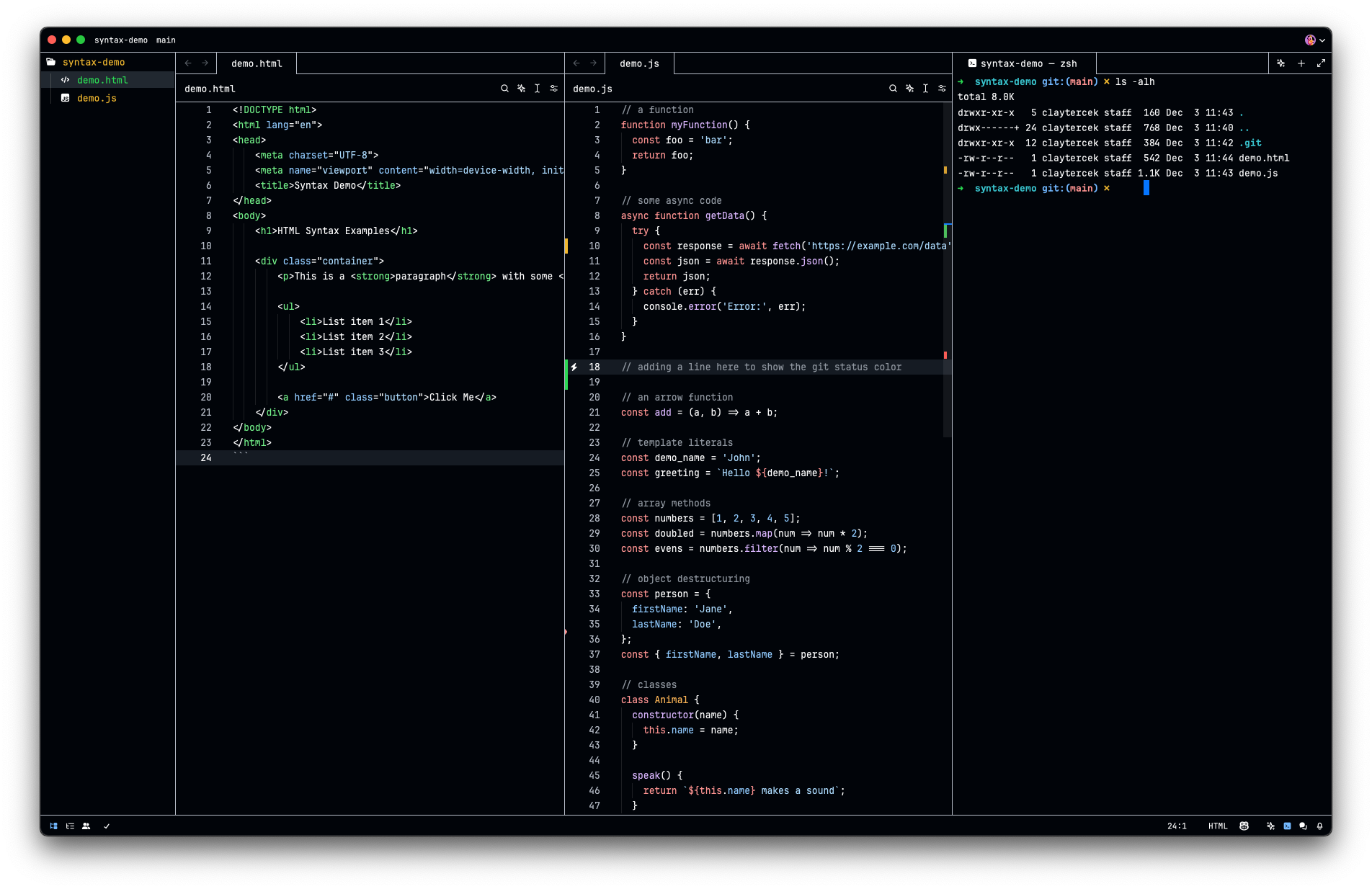
Project inspired on GitHub's VS Code theme. Generated from Primer's Primitives.
Light
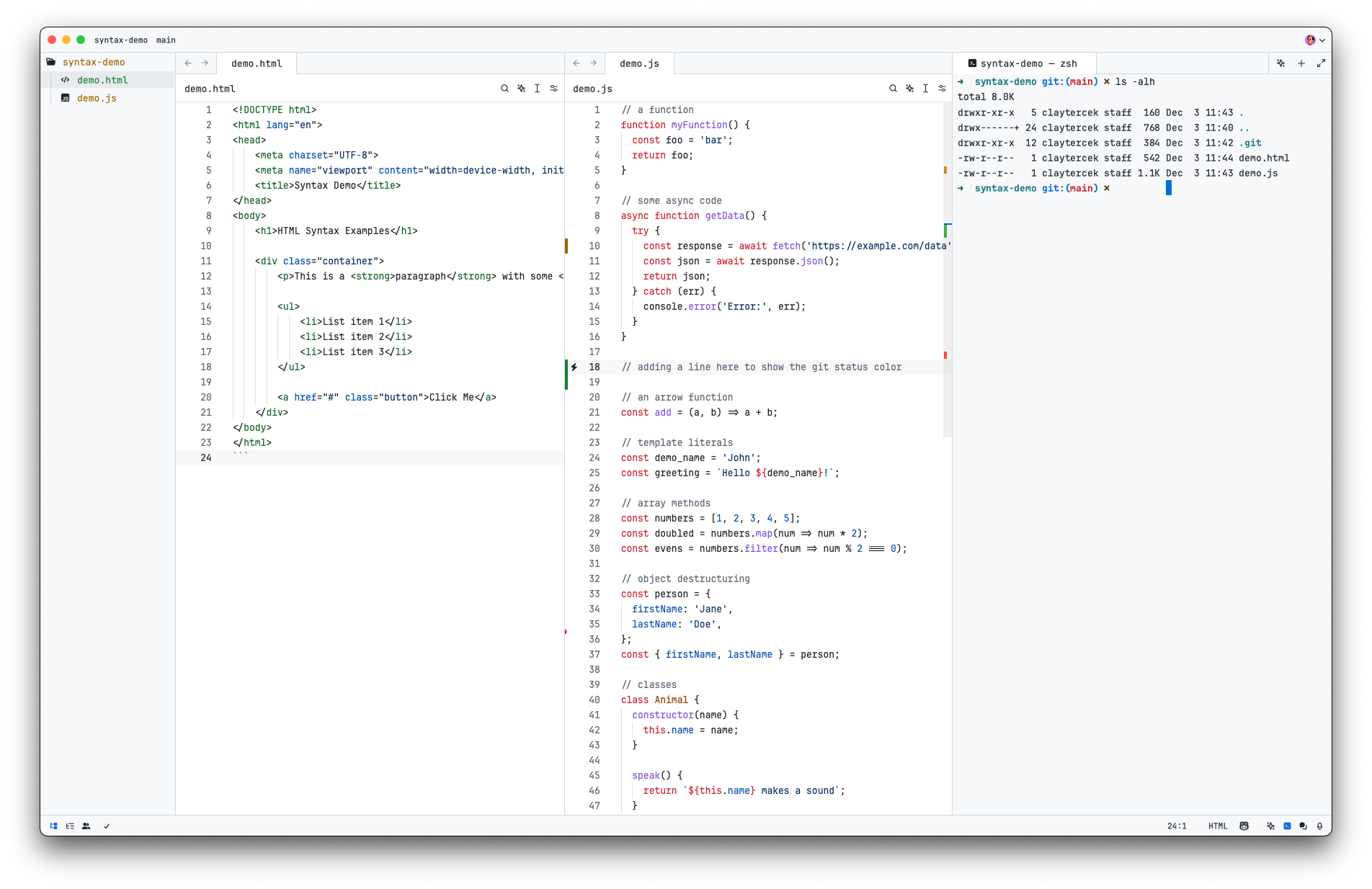
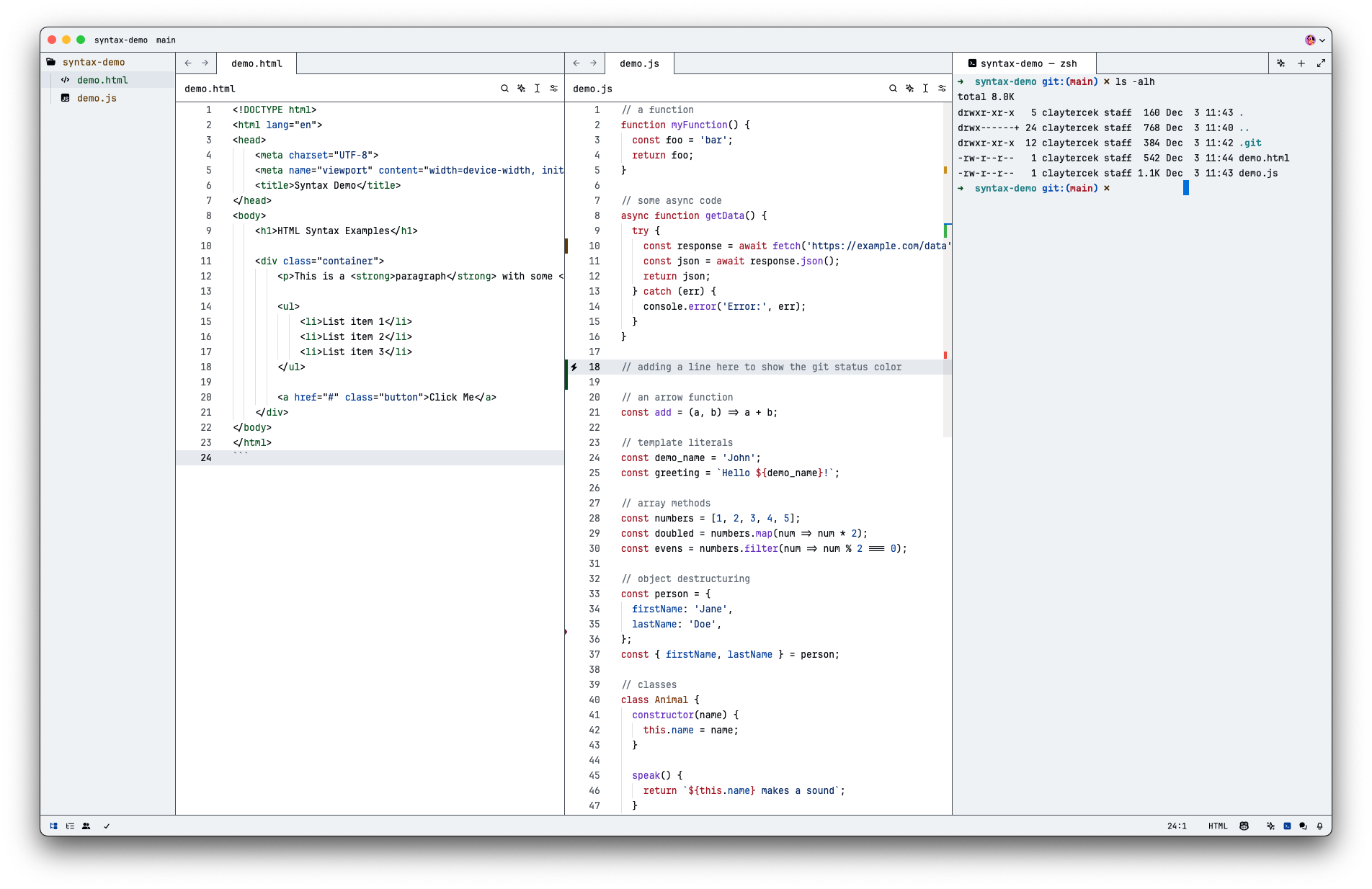
Light High Contrast
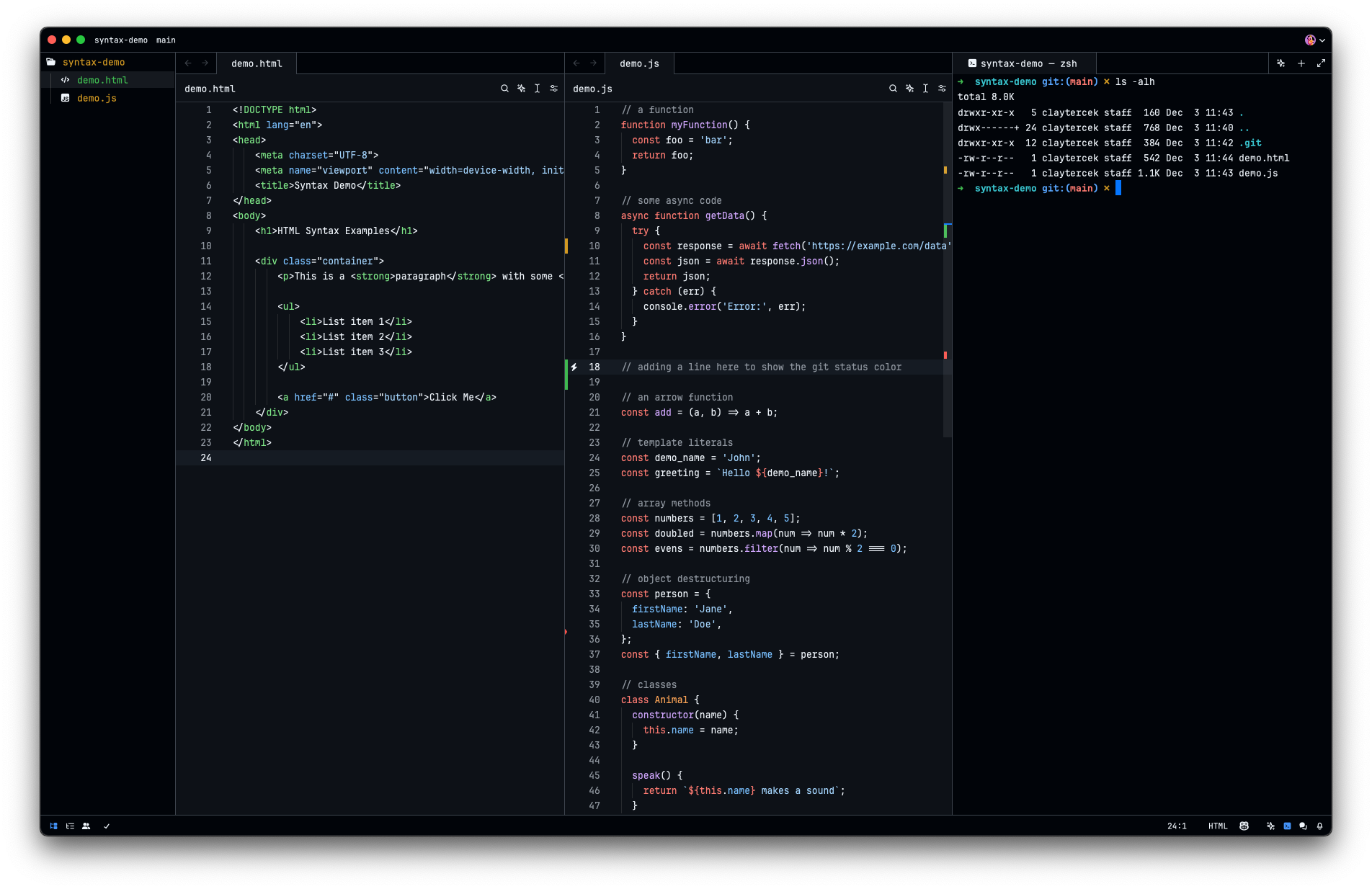
Dark
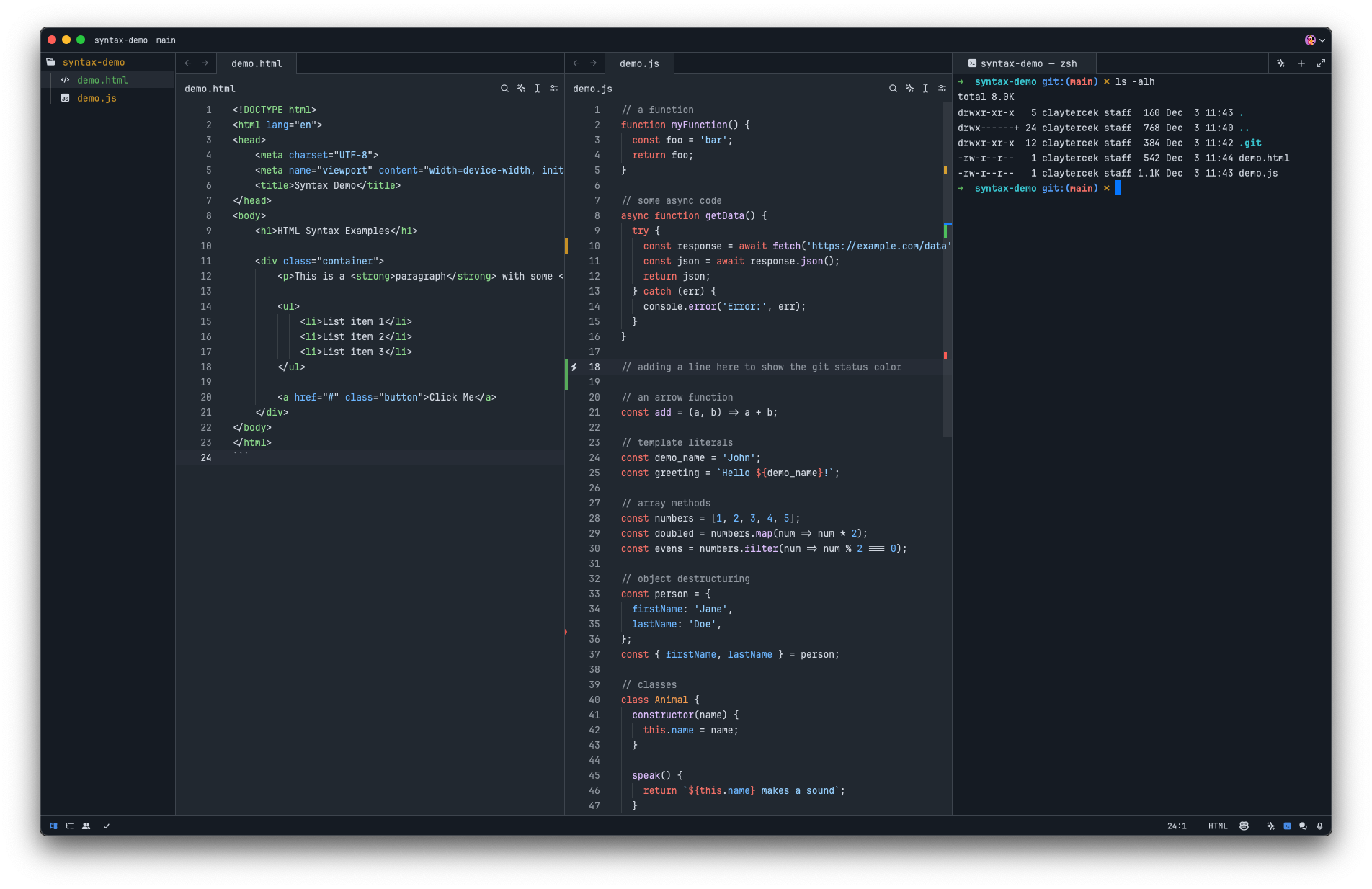
Dark Dimmed
Dark High Contrast
Installation
- Open
Command Palette - Select
zed: extensions - Search
GitHub Theme
Activate Theme
- Open
Command Palette - Select
theme selector: toggle - Search
GitHub LightorGitHub Dark
Contributing
Feel free to fork, make changes, and submit a pull request.
Development
npm install
npm run dev
Publishing new versions
- Update the version in
extension.toml - Run
npm run build - Commit and push your changes (make sure to push the built files in
themes/as well) - Follow the Zed publishing docs to publish the extension